








- Xandros Linux Walk-Through
- Xandros Linux Walk-Through – Continuing the Xandros Setup
- Xandros Linux Walk-Through – Setting Up Peripherals
- Xandros Linux Walk-Through – Making Xandros Windows-Like
- Xandros Linux Walk-Through – Xandros Windows
- Xandros Linux Walk-Through – Installing Windows Applications
- Xandros Linux Walk-Through – Securing Xandros
- Xandros Linux Walk-Through – Updating Xandros
- Xandros Linux Walk-Through – Permissions the Right Way
- Xandros Linux Walk-Through – Networking and File Systems the Xandros Way
- Xandros Linux Walk-Through – Accessing Network Resources
- Xandros Linux Walk-Through – The Full Xandros
- Xandros Linux Walk-Through – See More Slideshows Like This One
Xandros Linux Walk-Through
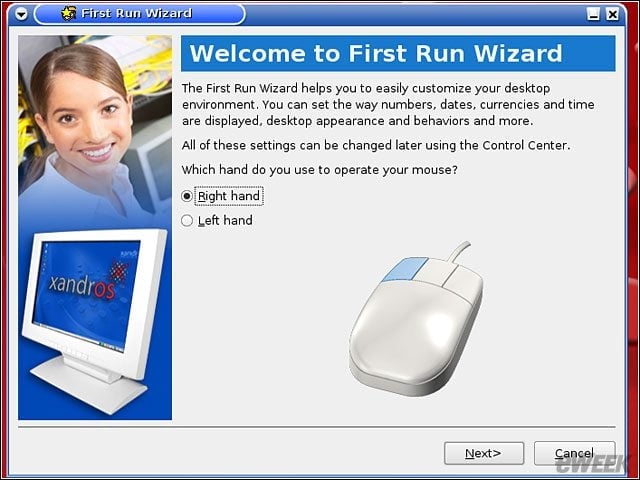
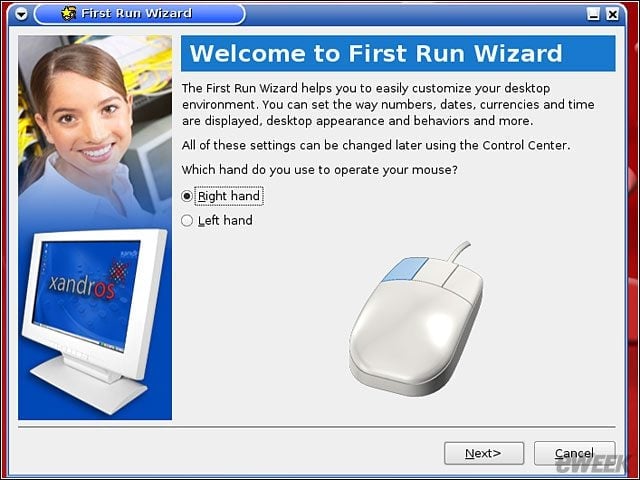
After telling Xandros to install, this is your first big decision on the setup. Easy enough for you?
Xandros Linux Walk-Through – Continuing the Xandros Setup
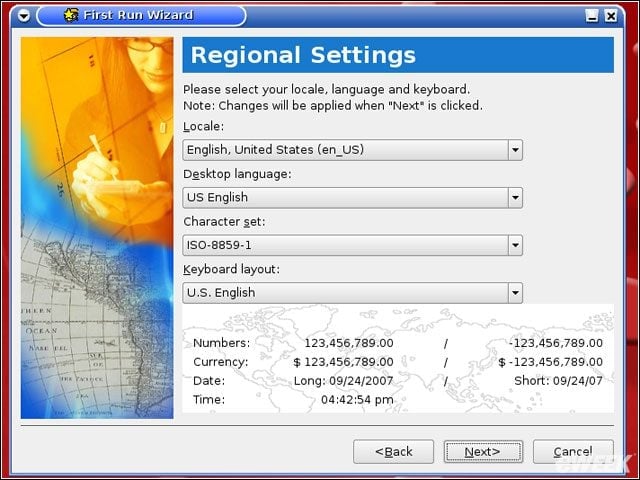
All of this basic setup runs automatically. Foul something up? You can always re-run the First Run Wizard.
Xandros Linux Walk-Through – Setting Up Peripherals
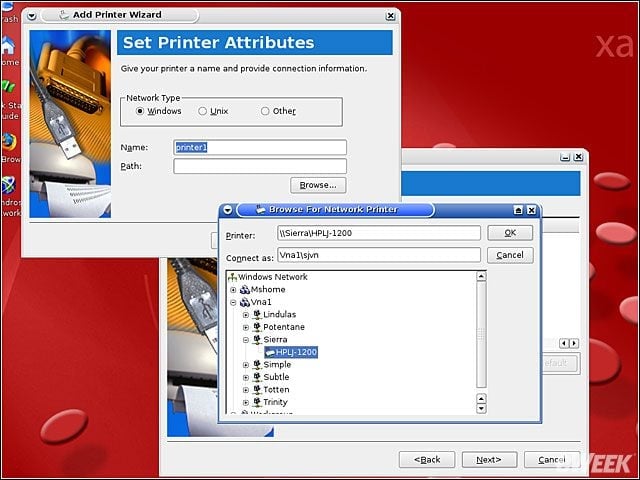
Setting up your peripherals, such as a printer, is also simple, even if, as in this case, its a network printer on a Windows server on a Windows network.
Xandros Linux Walk-Through – Making Xandros Windows-Like
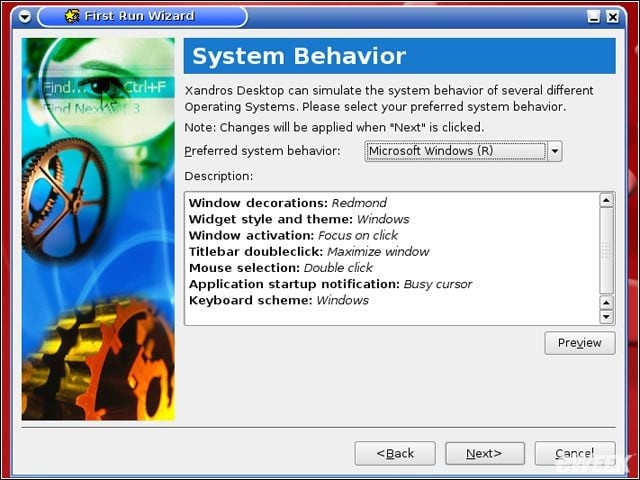
Making Xandros look and feel like Windows requires a simple one-step choice. On System Behavior choose Windows.
Xandros Linux Walk-Through – Xandros Windows
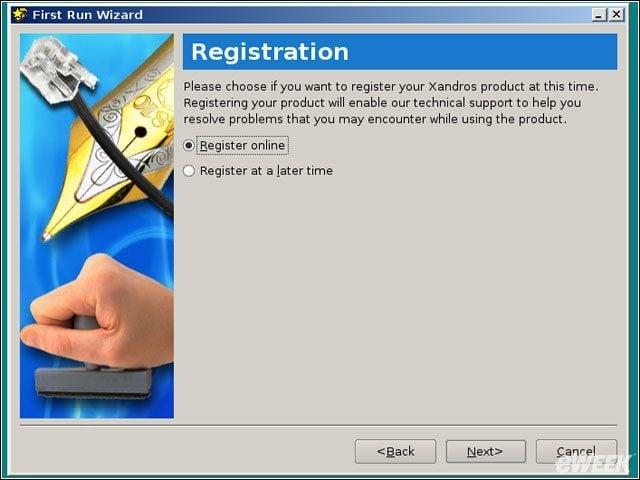
Ta-da, suddenly Xandros looks, and acts, a lot like Windows XP.
Xandros Linux Walk-Through – Installing Windows Applications
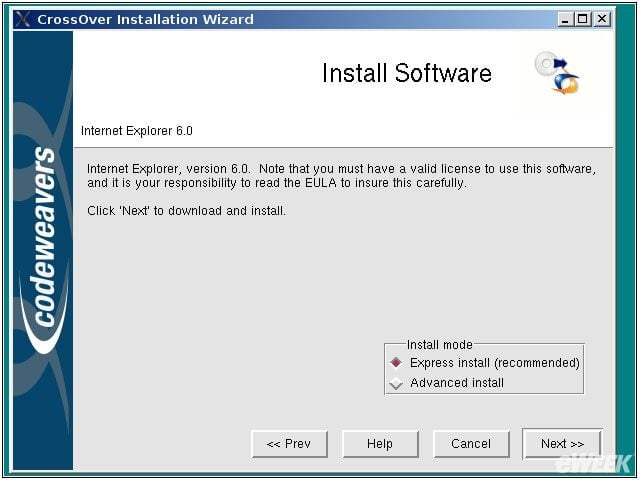
A little farther along, Ive placed the main bar on the top, where I like it, and Im getting ready to install Internet Explorer 6. Installing Windows applications with CrossOver is as easy as installing them in native XP.
Xandros Linux Walk-Through – Securing Xandros
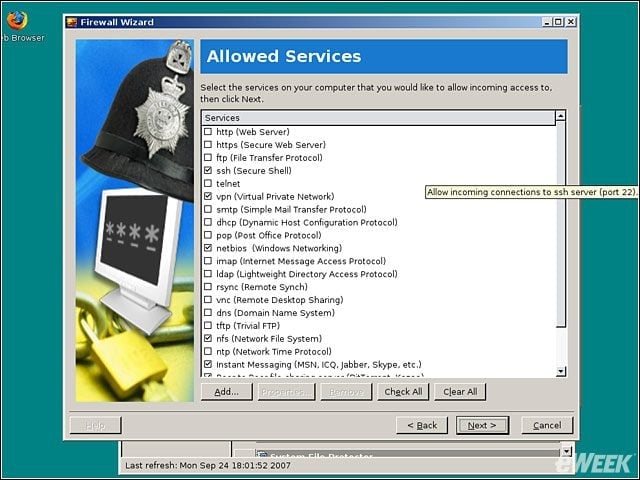
Besides having Linuxs built-in security, Xandros makes setting up firewalls easy. Dont know networking? Just go with the defaults, and youll be fine.
Xandros Linux Walk-Through – Updating Xandros
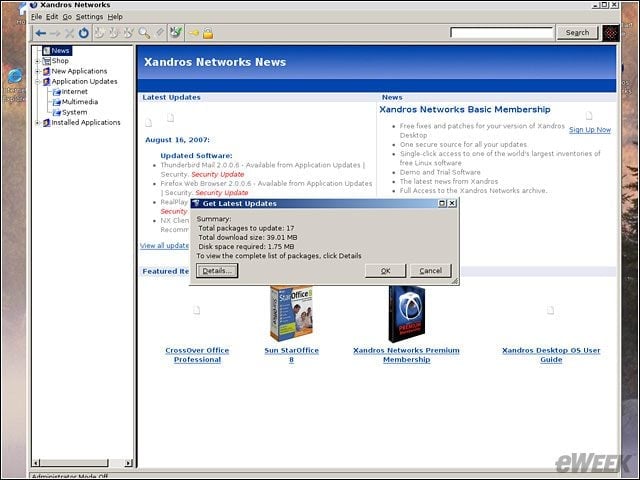
Updating Xandros is also easy, and unlike Microsoft, they never try to sneak an update in on you.
Xandros Linux Walk-Through – Permissions the Right Way
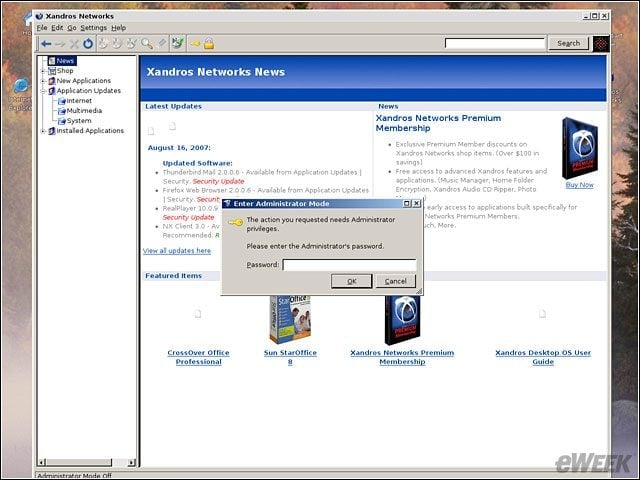
Unlike Vista, which seemingly wants your password and permission every time you want to wipe your nose, Xandros only asks you for your administrator password when youre making a significant change to your system.
Xandros Linux Walk-Through – Networking and File Systems the Xandros Way
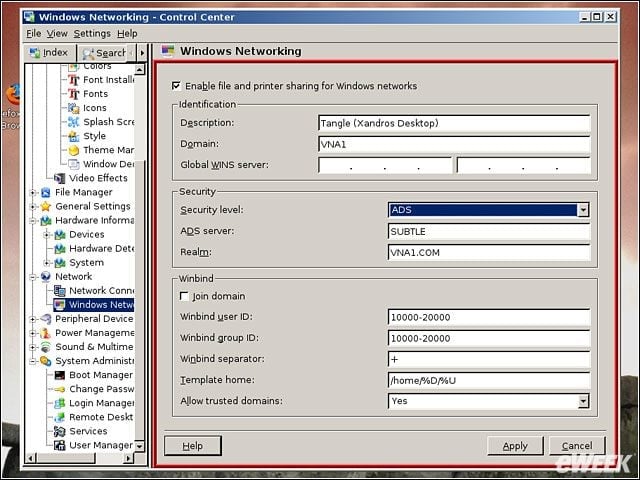
Yes, thats right, you can drop Xandros in a Windows Active Directory network and it works just fine. Try that with other Linuxes, or Vista for that matter.
Xandros Linux Walk-Through – Accessing Network Resources
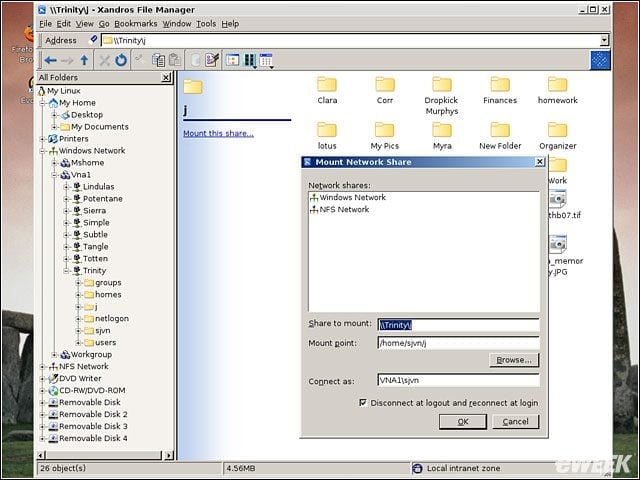
Notice all those file resource options? Windows servers, NFS servers, local drives, whatever, Xandros make getting to file systems easy no matter what theyre running on.
Xandros Linux Walk-Through – The Full Xandros
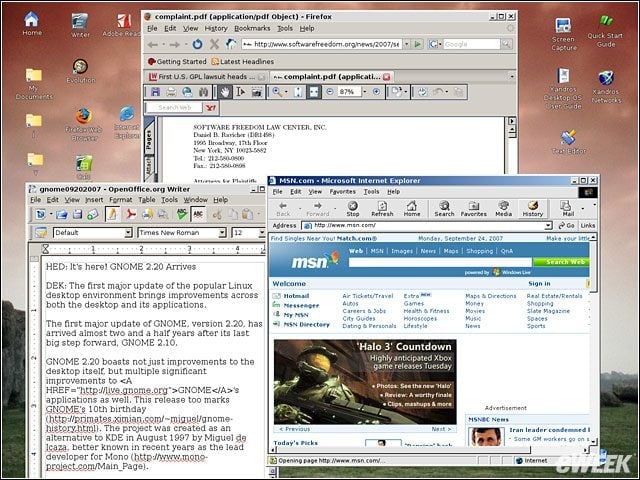
And here we are at my complete desktop. In the foreground, weve got Internet Explorer, OpenOffice with a document thats on an AD server and Firefox with Acrobat showing a PDF. Xandros isnt just ready for work. Its working.
Xandros Linux Walk-Through – See More Slideshows Like This One

- Ten Things Linux Needs to Make it Big(ger) in the Enterprise