








- Dropbox vs. Box: Which Cloud Storage Service Is Right for Your Business?
- Box Focuses on Strong Security
- Dropbox Fully Synchronizes Data Across All Devices
- Box Supports Most Mobile Platforms
- Dropbox: IT Control Over Users
- Box Enforces Data Access, Workflow Management Policies
- Dropbox: Look at the Integration With Other Apps
- Box Touts Project Management Features
- Dropbox Promises Reliable Data Recovery
- Box Pricing
- Dropbox Pricing
Dropbox vs. Box: Which Cloud Storage Service Is Right for Your Business?
By Don Reisinger
Box Focuses on Strong Security

Security is at the center of Box’s sales pitch. The company says that it uses 256-bit encryption and is HIPAA-compliant. The company enables customers to maintain audit trails and promises top-notch security in its data centers.
Dropbox Fully Synchronizes Data Across All Devices
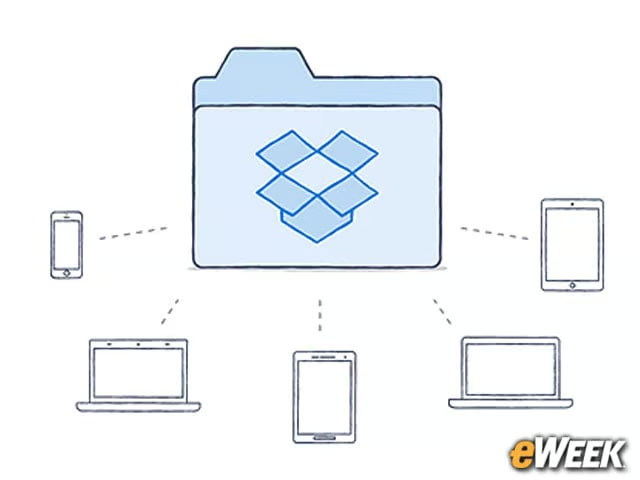
Data synchronization across device types is a critical component in online storage, according to Dropbox. That’s why the company’s storage service is accessible by not only PC desktops and laptops, but also on smartphones and tablets. Just about any mobile platform a company uses, including Android and iOS, will work with Dropbox.
Box Supports Most Mobile Platforms
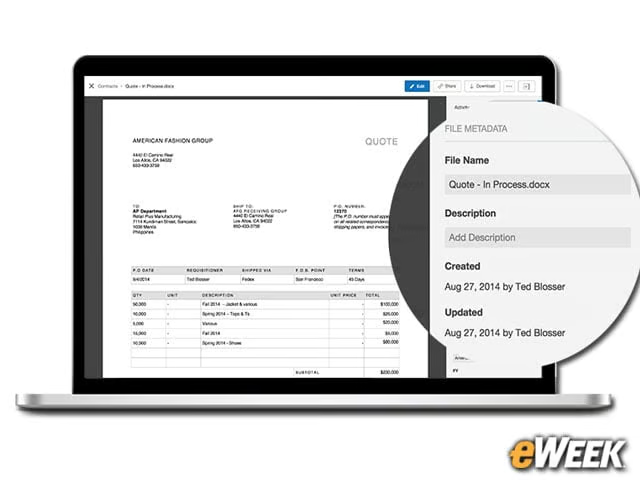
In a world where bring your own device (BYOD) reigns supreme, it’s imperative that any storage service comes with broad mobile app support. So Box has done just that. The service works across just about every mobile operating system platform, including Android and iOS, and anything that’s downloaded or uploaded from those platforms is synchronized with the standard desktop client.
Dropbox: IT Control Over Users

Dropbox for Business comes with a central hub for IT departments to monitor employees’ data access activities to ensure that they’re following company policies. The feature gives IT administrators access to audit logs to see what users are doing on the service, as well as the ability to remotely wipe devices if a product is lost or an employee leaves the company. IT also provides a sharing section to ensure personal and enterprise storage do not overlap.
Box Enforces Data Access, Workflow Management Policies
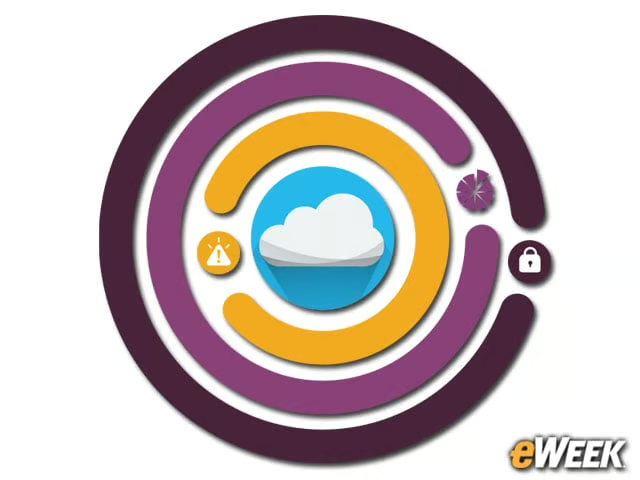
If policy and workflow management is important to an enterprise user, Box is a reliable option. The service has built-in rules that will flag confidential data and will only share certain content with designated users. Automated policies can also be run to ensure abnormal downloads of data are automatically flagged and IT is alerted. Best of all, the monitoring occurs in real time, so the IT side can react quickly to alerts.
Dropbox: Look at the Integration With Other Apps
Dropbox is all about integrating its service with other applications. In fact, 300,000 apps have Dropbox integration, including Yahoo Mail, Office and Cisco WebEx. The ways in which they integrate Dropbox are myriad, but in most cases, files stored in a Dropbox folder can be uploaded and downloaded from those third-party apps.
Box Touts Project Management Features

Project management is at the center of the Box experience. The feature allows a company to assign different projects to specific team members. From there, users in those teams can share files and collaborate on file production and modification while storing all of their data in a single place for access later. Box says its service is about more than cloud storage; it’s about keeping teams productive.
Dropbox Promises Reliable Data Recovery

Dropbox says that companies should never have an issue recovering data from its servers. So, if there’s been a disaster in the office and critical files need to be restored to a new computer, Dropbox says its service will be available 24/7 without a hiccup. That’s good to hear for companies that want reliable access to data whenever, wherever.
Box Pricing
Box offers a range of plans to customers, depending on their needs. The personal version for consumers is free, and a “starter” package for a small business goes for $5 per month. Business customers with a minimum of three users will pay $15 per month. One other perk with being a business customer is that Box offers unlimited storage, compared with 100GB of data storage on the starter package.
Dropbox Pricing
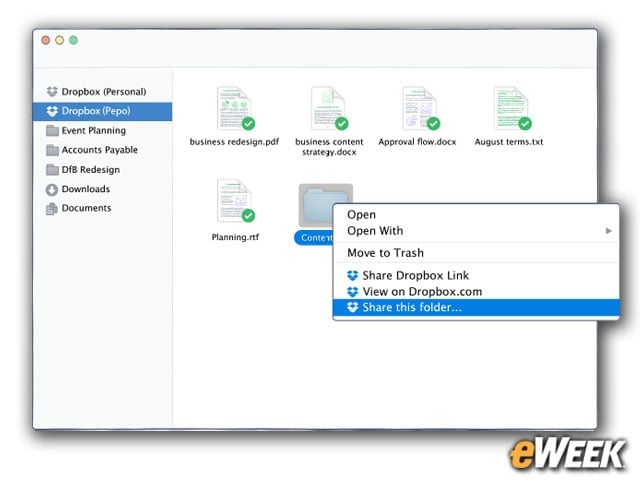
So how does Dropbox compare to Box on pricing? There isn’t much difference. Dropbox has a free version for consumers, but the company’s business option is available at $15 per user per month. The base business package covers five users and allocates 1TB of space per user. Dropbox can be downloaded to any number of devices without penalty.