







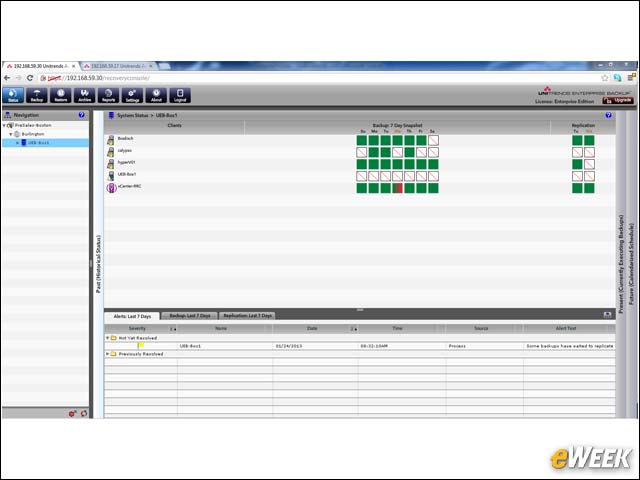
Tracking System Status
A dashboard-like interface offers an instantaneous view into the status of the backup system.
Backup Screen Dashboard
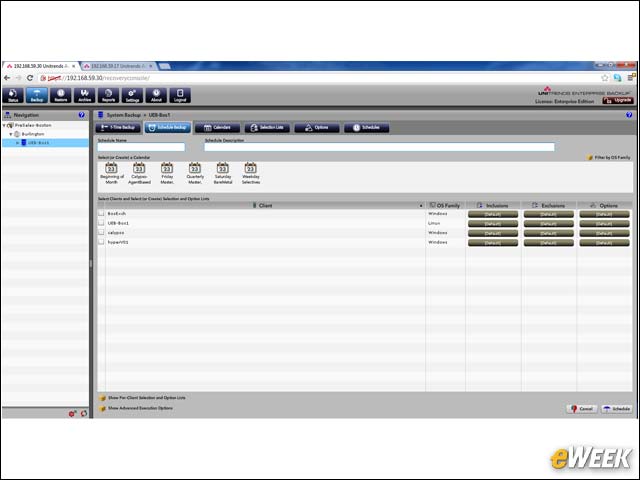
The dashboard-like interface theme extends to operations such as backups, restorations and other facets of the product.
System Settings Easy to Find
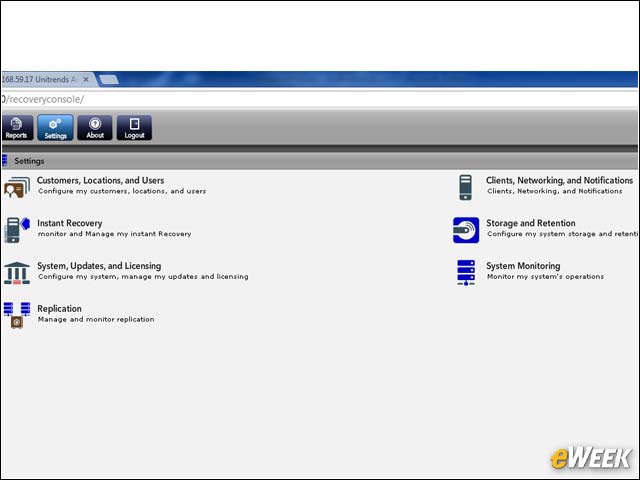
Basic settings are easy to find and drill down into, speeding up deployment and standardizing backup policies.
Setting up TCP/IP
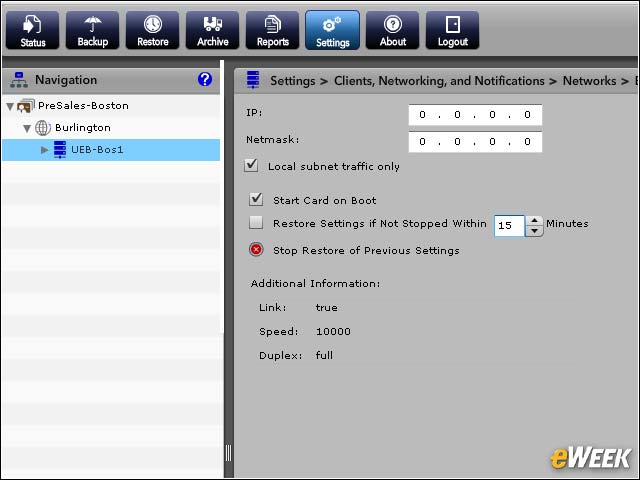
Unitrends Enterprise Backup works over TCP/IP networks, requiring little more than defining IP settings to enable the product to work across LANs, WANs and clouds.
Scheduling Backups
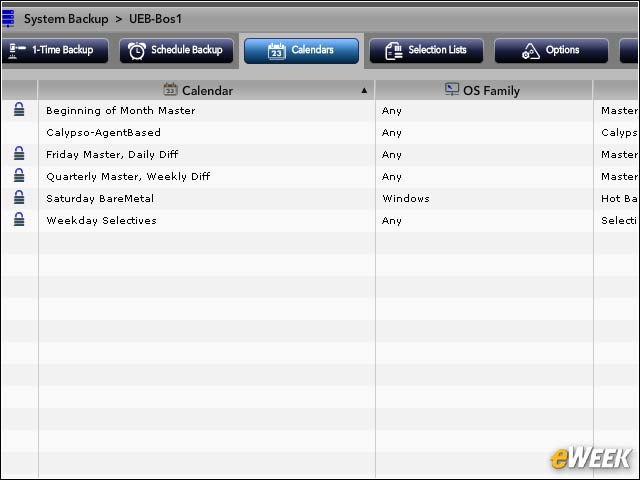
A handy backup calendar makes it simple to plan and monitor backups.
Point-and-Click Data Restoration
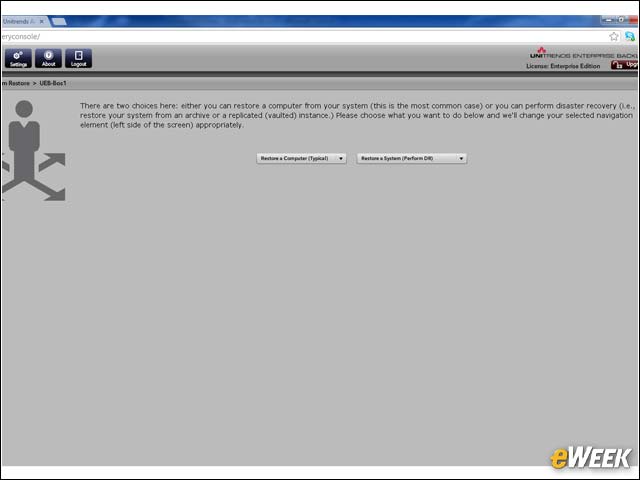
A restore wizard brings point-and-click simplicity to what is normally a complex process.
Disaster Recovery Module
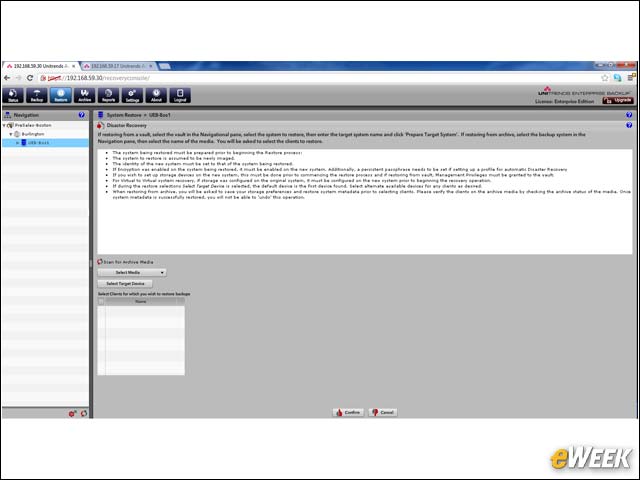
Restoring data after a disaster is further simplified, thanks to a disaster recovery module.
Unitrends Includes Reporting Features
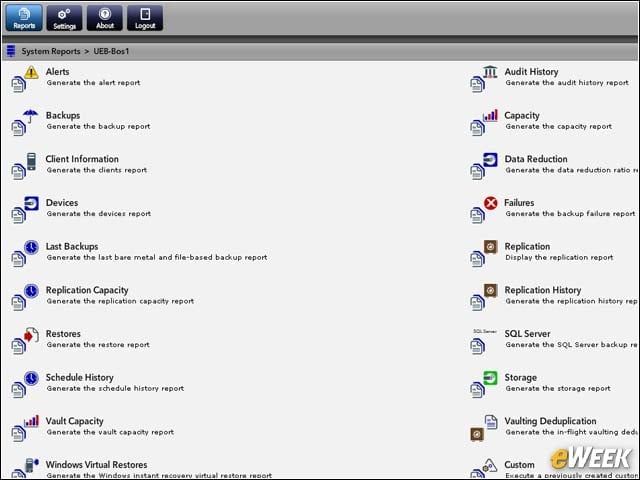
Extensive reporting features help to audit and verify backups, while also identifying new targets, problems and exceptions.
Browsing Backups
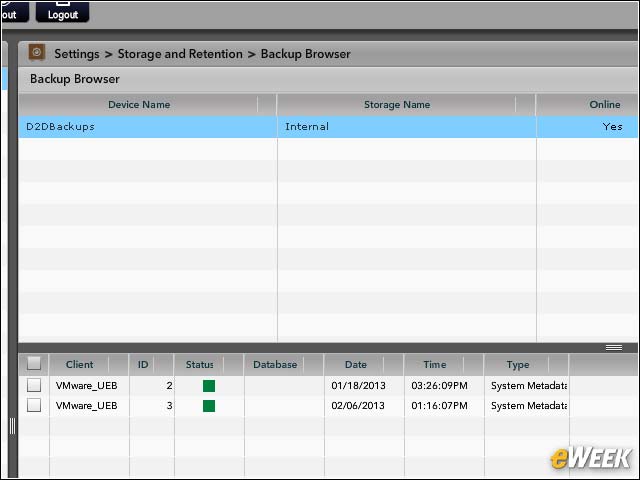
A backup browser makes it easy to locate backups and provides a pathway to quickly restore individual files, images or complete systems.
Backup Details
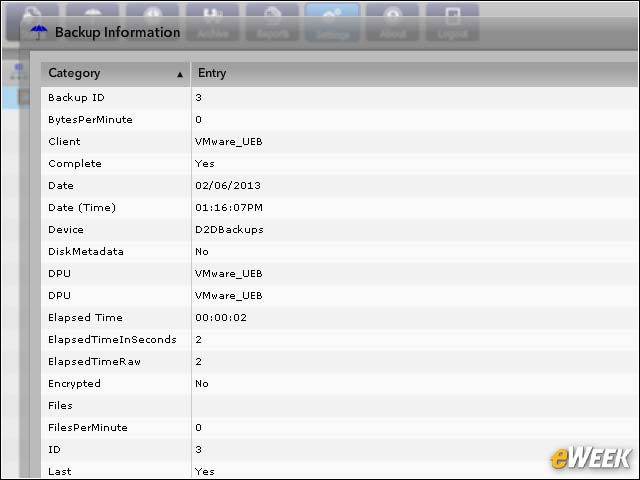
Detail screens provide all the relevant information about a backup.
Returning to Recovery Points
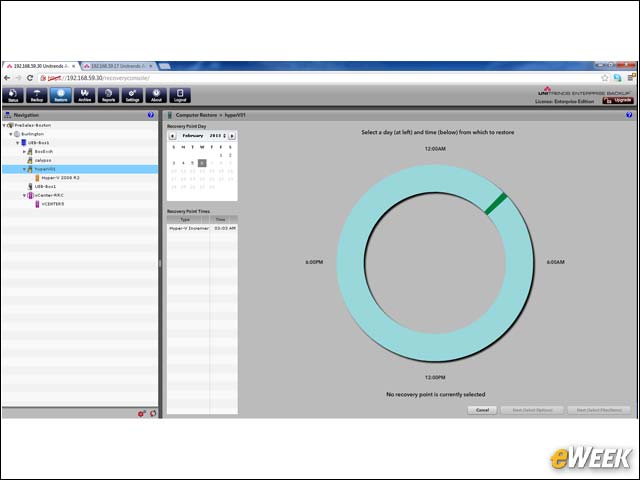
A graphical representation of backups makes it simple to find particular backup images and execute a recovery from that point in time.
Using Archives to Plan Backups
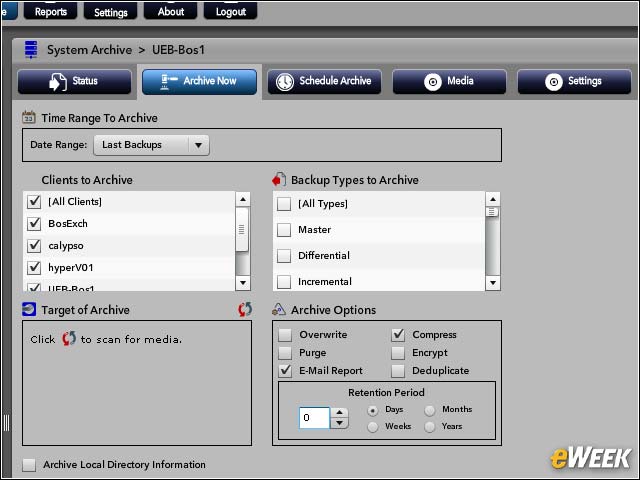
Multi-tier backups are supported using an archive methodology, which allows administrators to pick and choose how backups are performed, stored and executed.