







- vSphere 4 Puts VMware Well Ahead of Virtualization Pack
- Intel Prep
- Install ESX in Graphical Mode
- VMware ESX 4.0 Installed
- Add Host Wizard
- Create a Profile
- vNetwork Distributed Switch
- Enhanced VMotion Gets a Facelift
- Linked Mode
- Connect vCenter
- VMware vSphere 4 Welcome
- Install vSphere Host Update
- Performance Overview
- No Title
vSphere 4 Puts VMware Well Ahead of Virtualization Pack
by Cameron Sturdevant
Intel Prep
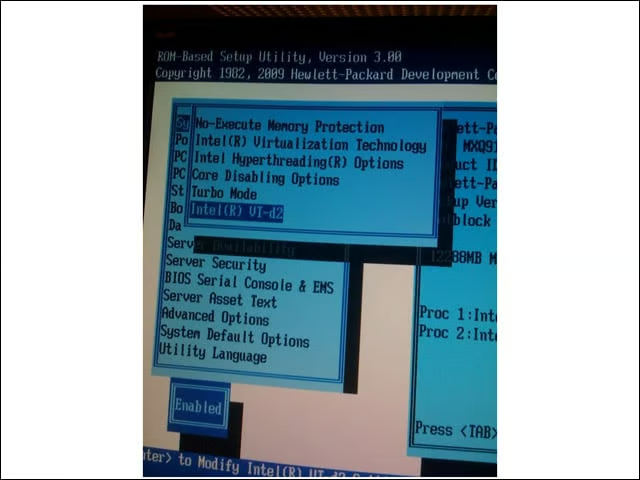
VMware vSphere 4 takes advantage of virtualization extensions in processor hardware. Here, you see the BIOS setup screen for Intel Xeon “Nehalem” processors running on the Labs’ test system.
Install ESX in Graphical Mode
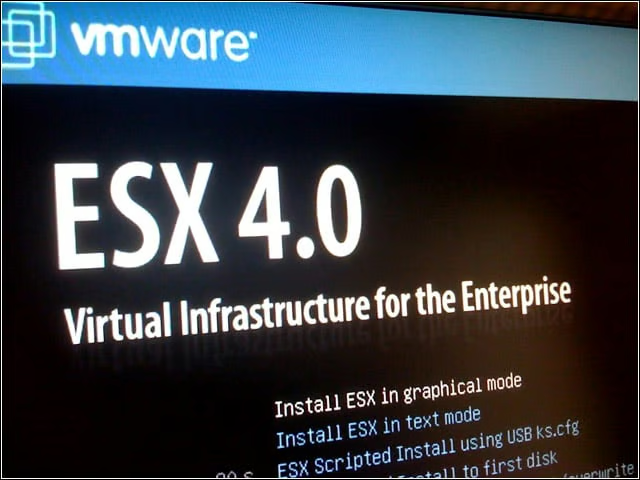
Many of the VMware platform’s components retain familiar names, including ESX Server, now in Version 4.0.
VMware ESX 4.0 Installed
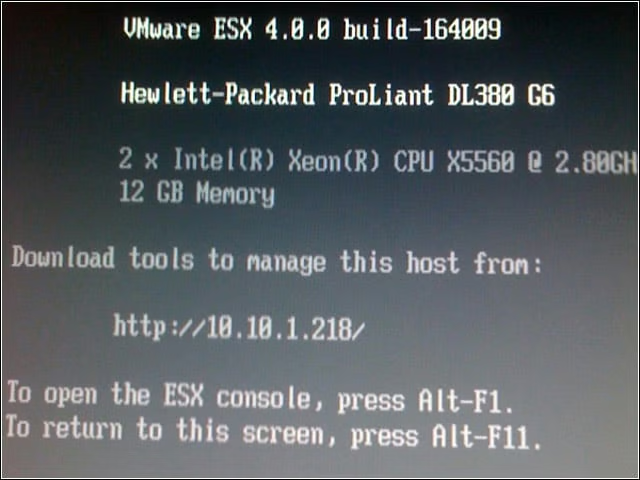
I installed VMware vSphere components on several servers in our San Francisco test lab. This Hewlett-Packard system is using Intel Xeon X5560 processors and has 12GB of RAM installed.
Add Host Wizard
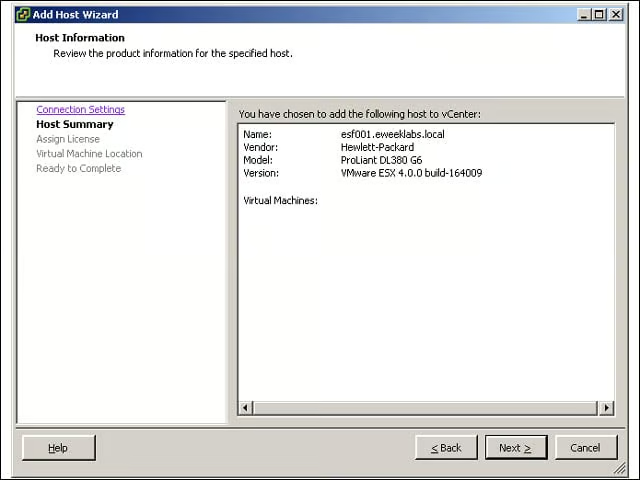
Adding physical host systems is the first step in building a data center in vCenter 4. Here, you see the details of the physical machine esf001.
Create a Profile
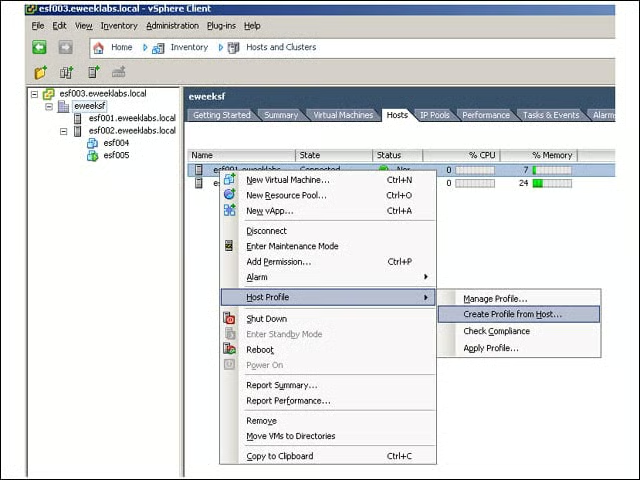
The theory here appears to be much the same as that used in OS imaging systems: Create a “golden” image and then use that image to mass-distribute standard configuration ESX host systems. This function can also be used to determine if a host has deviated from the standard configuration—and in what way—to assist in troubleshooting and compliance activities.
vNetwork Distributed Switch
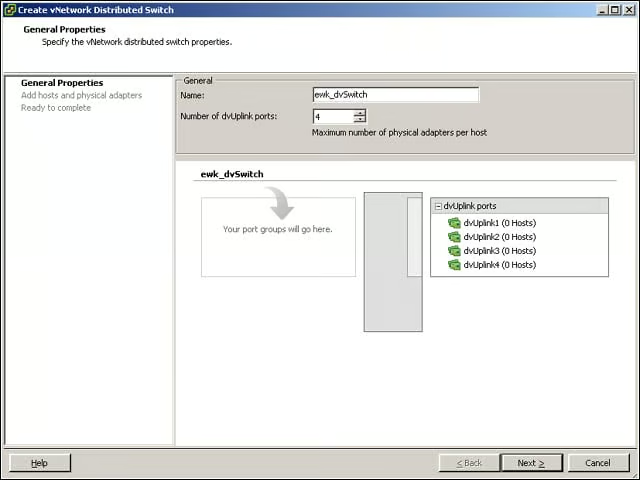
The first step in creating a vNetwork Distributed Switch is to give it a name and specify the maximum number of physical adapters per host. Although most of my host systems have only two adapters, some have four. The vNetwork Distributed Switch worked well in my tests with this configuration running across my test hosts.
Enhanced VMotion Gets a Facelift
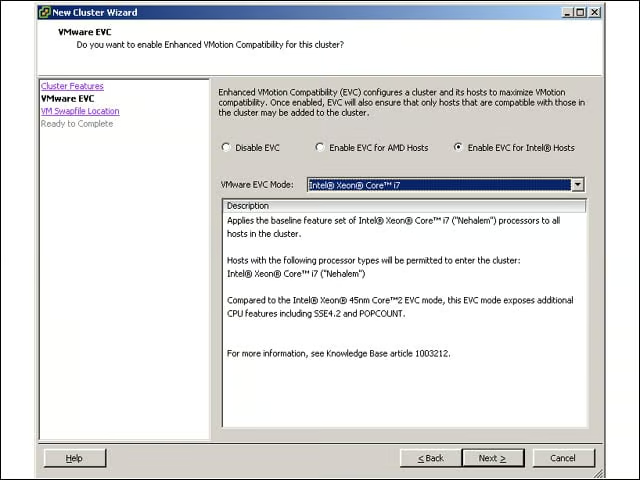
My newly created cluster of VMware hosts uses Enhanced VMotion Compatibility, or EVC. VMware has had EVC for some time, but it has always dumbed down processors to make them fit in. Here, you see that I’ve created a VMotion EVC that enables all the processor functionality of the Xeon 5500 family of processors, especially the hardware virtualization extensions. It’s easy to configure the EVC mode (highlighted in the top third of the screen) to support previous versions of Intel and AMD processors.
Linked Mode
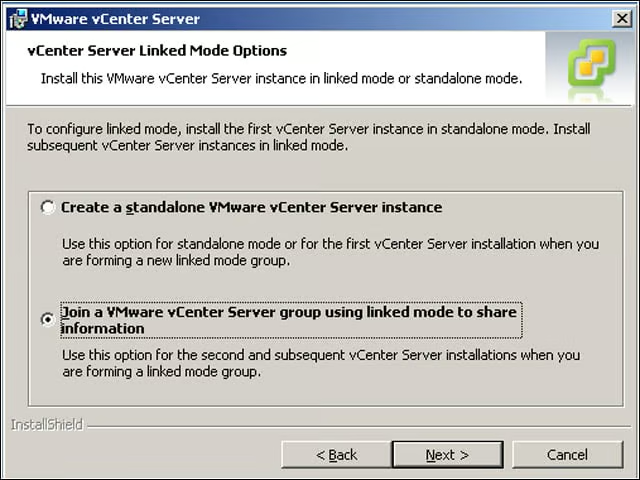
vCenter Servers can be installed in stand-alone or linked mode. Linked vCenter Servers enable a variety of management functions, including shared roles and access to performance data across the data center.
Connect vCenter
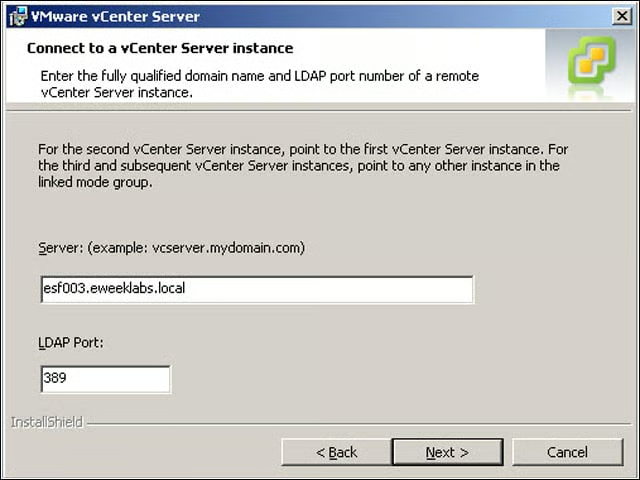
Here you see that my vCenter Server installation is pointing to a vCenter Server I installed when I first implemented my VMware infrastructure.
VMware vSphere 4 Welcome
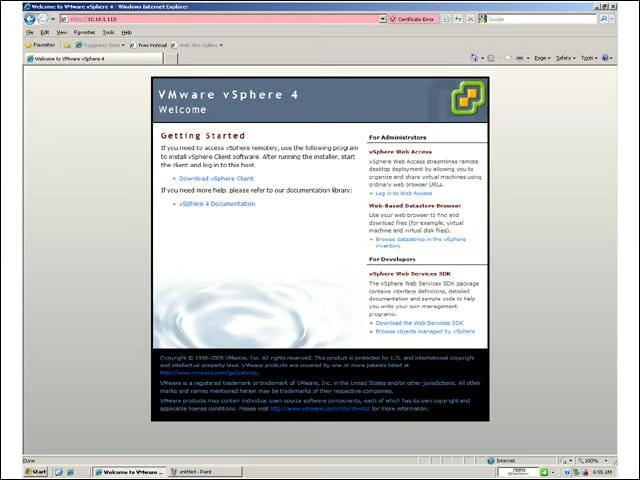
This screen should look familiar to users of previous versions of VMware products. This is where you’ll download the new vSphere client.
Install vSphere Host Update
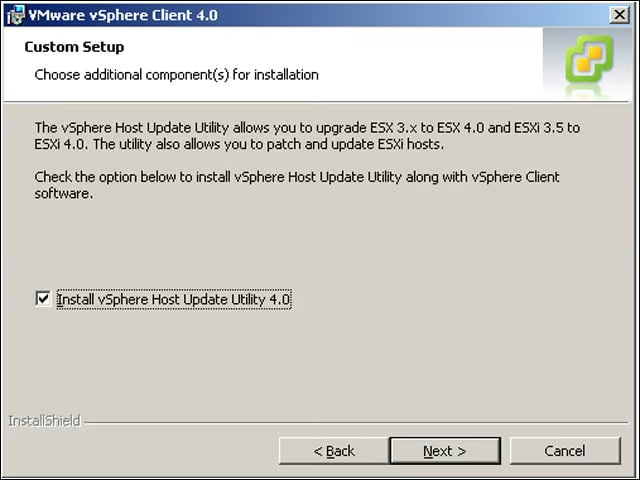
For very small vSphere installations (10 or fewer hosts, no vCenter Server), this host update utility should do the trick for keeping hosts up-to-date and helping to upgrade ESX 3.5 servers to Version 4.0. IT managers with larger installations should get familiar with vOrchestrator, which I’ll examine as I evaluate vSphere 4 further.
Performance Overview
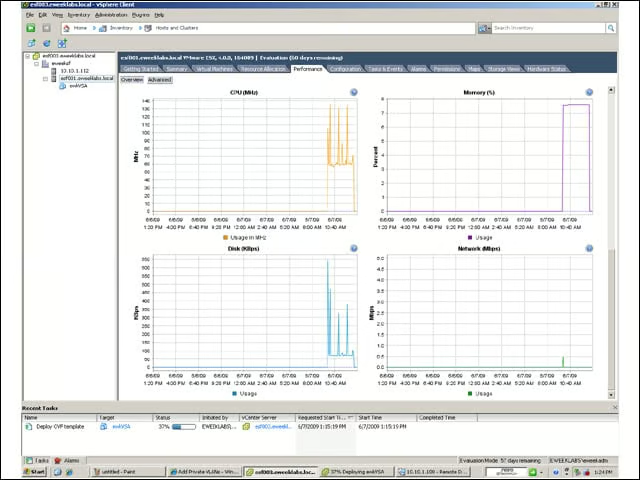
It was a simple change with a big impact: VMware added an “update” button (if you squint, you can see it in the upper left, under the “getting started” tab) that displays a number of performance screens simultaneously. Here, you see the CPU, memory, disk and network activity for esf001.
