




- Amazon Chime Takes Aim at WebEx, Skype in Online Conferencing
- Set Up Online Conferences from Any Device
- Amazon Wants to Make it Easier to Join Online Meetings
- Video Conferences Support Up to 16 Simultaneous Viewers
- Chime Will Work With ‘Most’ Conference Room Systems
- Chat Works Everywhere
- It Has a Slack-Like Chat Room Feature
- There’s Built in File-Sharing Features Built-In
- Talk of Security
- IT Department Has Full Control
- Amazon Charges Fees for Multiple Users
Amazon Chime Takes Aim at WebEx, Skype in Online Conferencing
Amazon has disrupted many established business with cloud platform and online retailing services. Now it is taking on online conferencing with Amazon Chime.
Set Up Online Conferences from Any Device

Amazon Chime is designed to work from any device and apps are available for Windows, Mac, Android and iOS. The apps include the features users need to communicate with colleagues over the web.
Amazon Wants to Make it Easier to Join Online Meetings

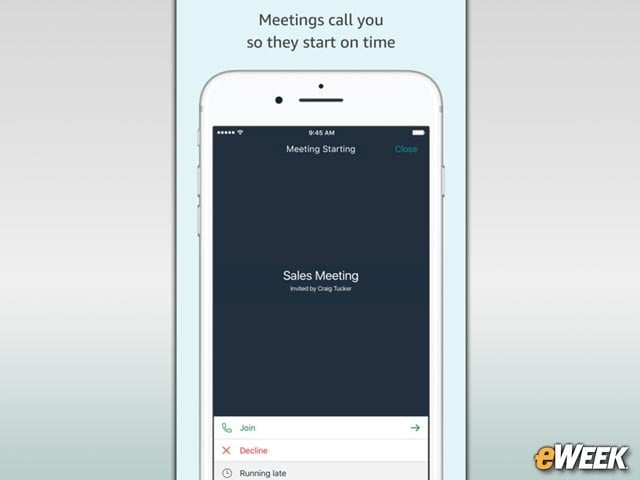
Amazon Chime comes with various online meeting features, including the ability to join a meeting with a mouse click or tap on a mobile device. Users also can share their screens with other meeting participants, create personalized meeting URLs and record all meetings.
Video Conferences Support Up to 16 Simultaneous Viewers
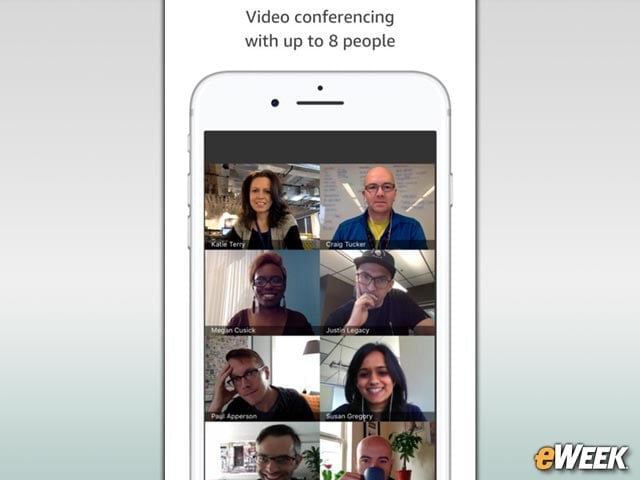
Amazon Chime can support up to 16 simultaneous video conference viewers on the desktop or eight across mobile devices. Video conferences are recorded in high definition and boosted by noise-canceling technology to improve audio performance.
Chime Will Work With ‘Most’ Conference Room Systems
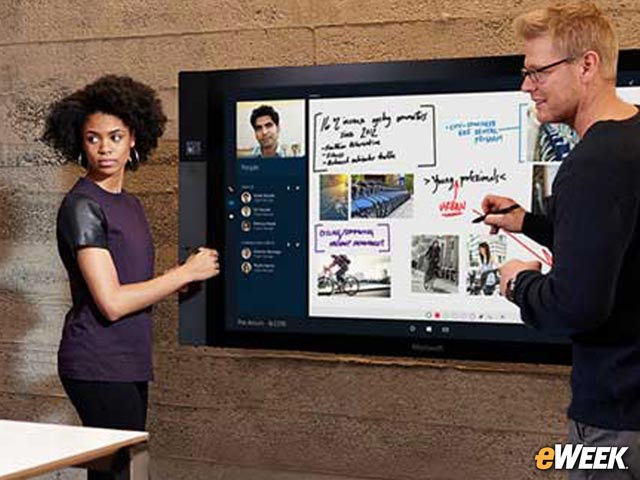
According to Amazon, Chime will work with “most” conference room video systems. The FAQ on the Chime site notes the service is compatible with devices that support the H.323 video-audio protocol. Customers won’t be charged additional fees for using these systems.
Chat Works Everywhere
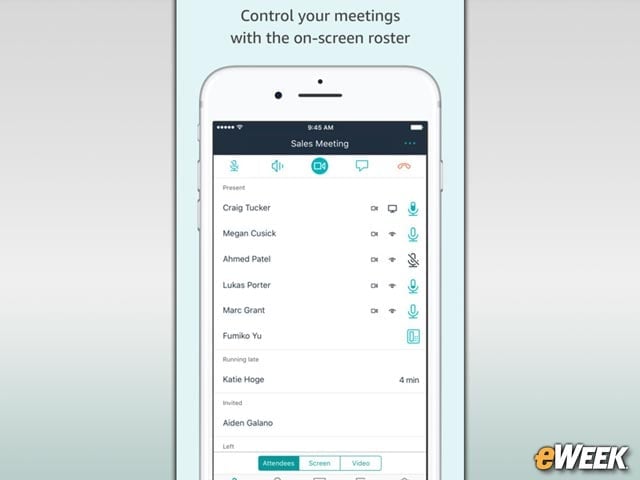
Amazon Chime’s chat feature is versatile, according to the company. Users can chat with people both inside and outside the company, allowing companies to collaborate with contractors, clients and others. The service sends notifications when users receive messages, and chats are synchronized across all the user’s Chime-enabled devices.
It Has a Slack-Like Chat Room Feature
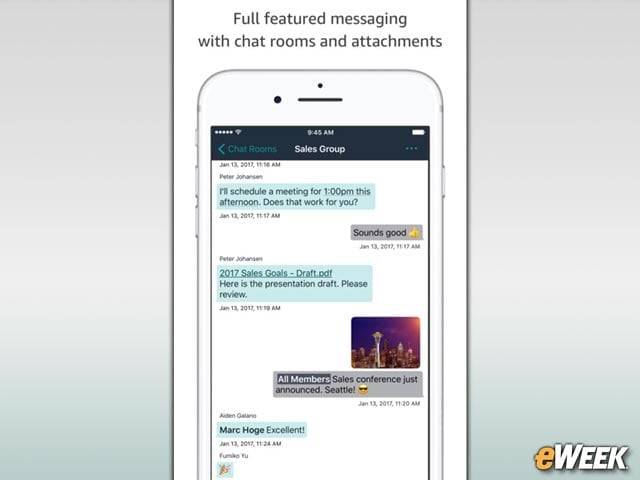
While Chime isn’t a direct Slack competitor, its chat room feature is similar. Chime’s chat rooms can be created for groups of people to work together. All chat logs are searchable and people are tagged in chats with “@username” mentions.
There’s Built in File-Sharing Features Built-In

File-sharing is available across Amazon Chime. Users of both the PC and mobile versions can drag-and-drop files into meetings, chats and the chat room. Recipients can download the files to their devices for future access.
Talk of Security

Amazon has bundled several security features into Chime. All messages, voice calls, video calls, and content are shared over the service via AES 256-bit encryption. The roster of meeting participants can be locked so only authenticated users can join. Since Chime runs atop the Amazon Web Services cloud platform, Amazon says users “benefit from a data center and network architecture” that was built with security in mind.
IT Department Has Full Control
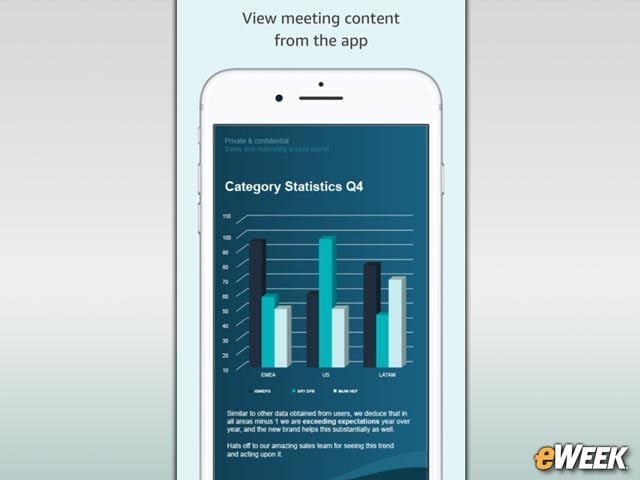
IT will have control over Chime. Administrators will have access to a console where they can see usage reports, add or remove users and provide support. Amazon Chime also can be integrated with Microsoft Active Directory to authenticate users.
Amazon Charges Fees for Multiple Users
Amazon offers a free basic version of Chime that allows for calls with up to two people and chat and chat room support, but customers that want more capability will be charged $2.50 per user per month. Companies that want video meetings for up to 100 employees will pay $15 per user per month.