




- Google Chrome OS Cr-48 Barebones Netbook to Test Market
- The Spare Cr-48 Design
- The Keyboard
- Boot-Up Time
- Setting Up the Cr-48
- Home Networking
- Administrative Details
- Picture Time
- Google Account
- Intro Screen
- Taking the Tutorial
- Playing with the Functionality
- Keyboard Tricks
- Switching to Guest Mode
- Chrome Web Store
- Installing Apps
Google Chrome OS Cr-48 Barebones Netbook to Test Market
by Clint Boulton
The Spare Cr-48 Design
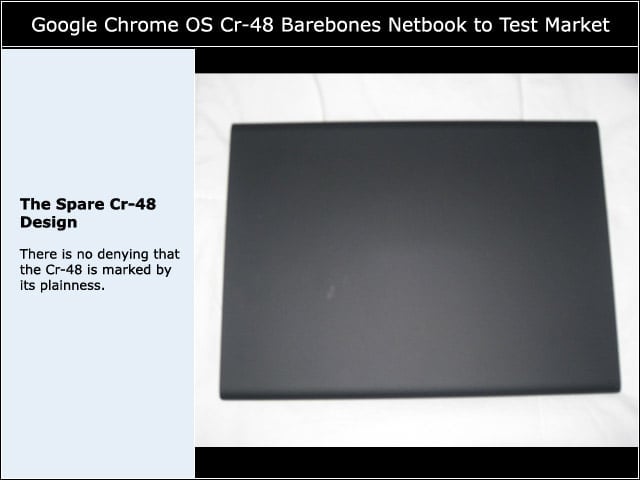
There is no denying that the Cr-48 is marked by its plainness.
The Keyboard
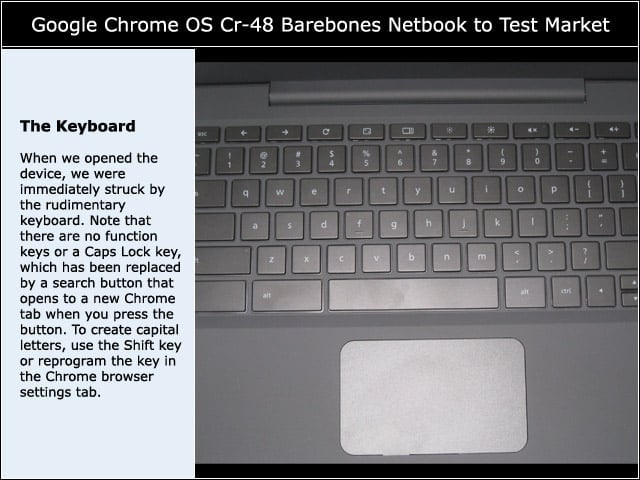
When we opened the device, we were immediately struck by the rudimentary keyboard. Note that there are no function keys or a Caps Lock key, which has been replaced by a search button that opens to a new Chrome tab when you press the button. To create capital letters, use the Shift key or reprogram the key in the Chrome browser settings tab.
Boot-Up Time
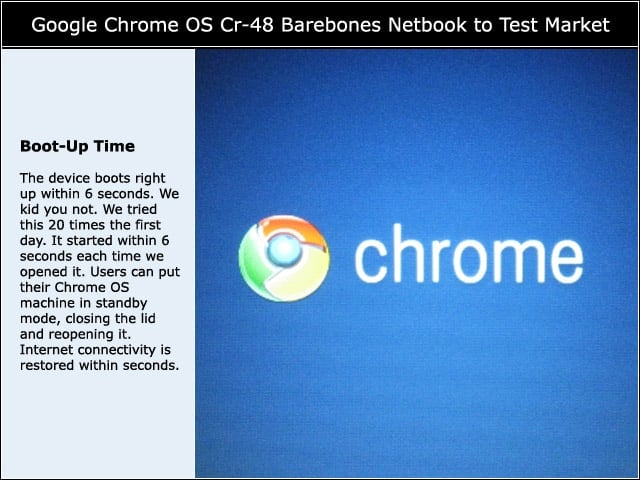
The device boots right up within 6 seconds. We kid you not. We tried this 20 times the first day. It started within 6 seconds each time we opened it. Users can put their Chrome OS machine in standby mode, closing the lid and reopening it. Internet connectivity is restored within seconds.
Setting Up the Cr-48
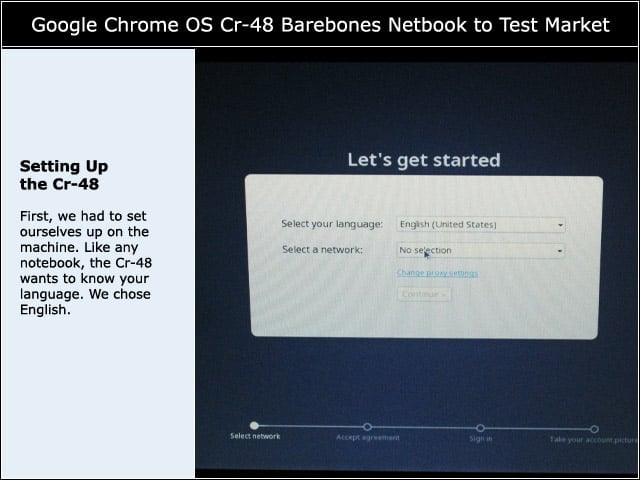
First, we had to set ourselves up on the machine. Like any notebook, the Cr-48 wants to know your language. We chose English.
Home Networking
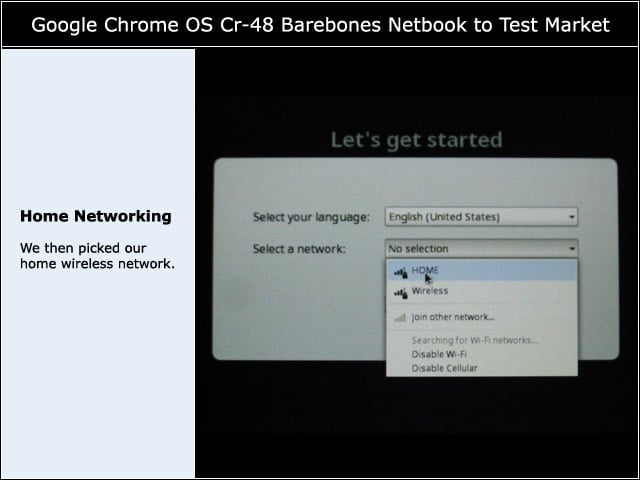
We then picked our home wireless network.
Administrative Details
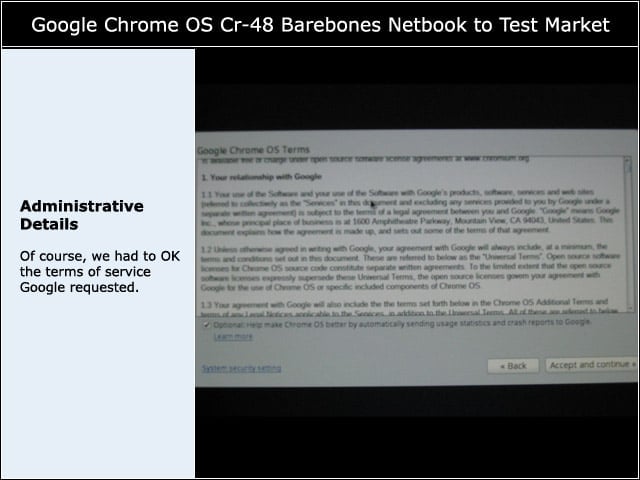
Of course, we had to OK the terms of service Google requested.
Picture Time
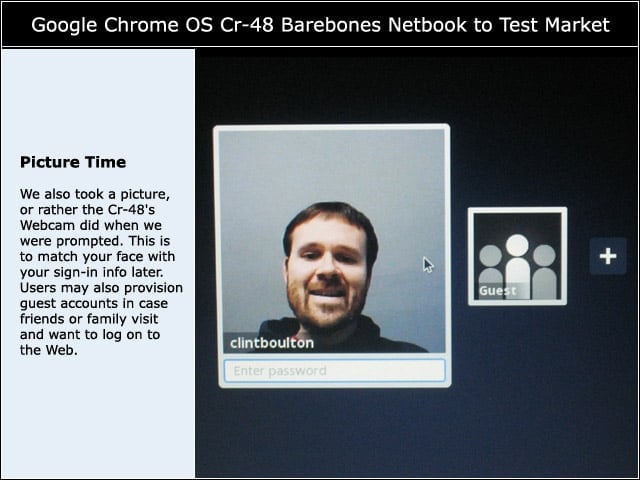
We also took a picture, or rather the Cr-48’s Webcam did when we were prompted. This is to match your face with your sign-in info later. Users may also provision guest accounts in case friends or family visit and want to log on to the Web.
Google Account
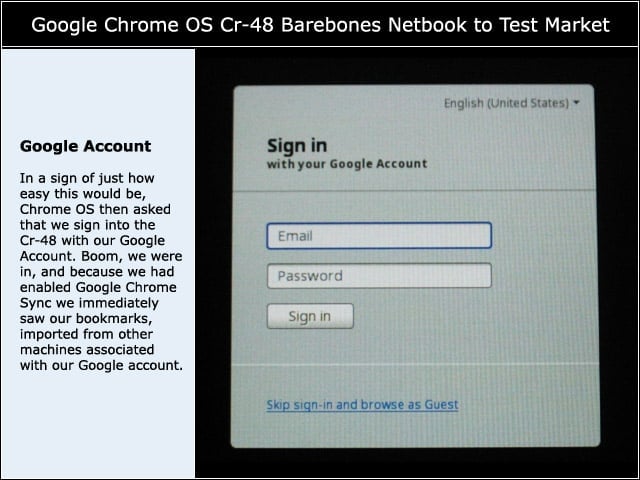
In a sign of just how easy this would be, Chrome OS then asked that we sign into the Cr-48 with our Google Account. Boom, we were in, and because we had enabled Google Chrome Sync we immediately saw our bookmarks, imported from other machines associated with our Google account.
Intro Screen
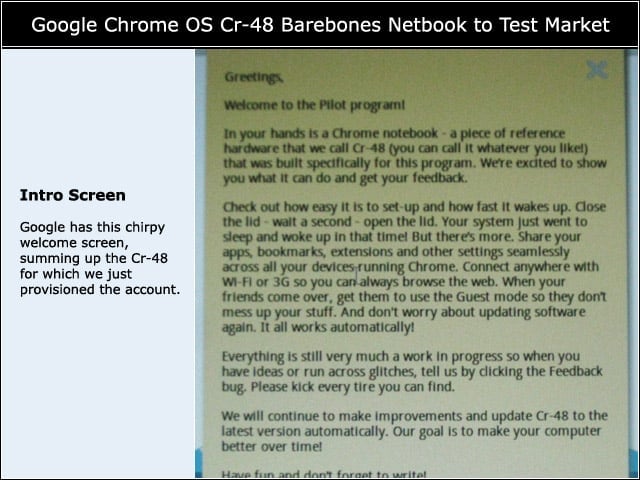
Google has this chirpy welcome screen, summing up the Cr-48 for which we just provisioned the account.
Taking the Tutorial
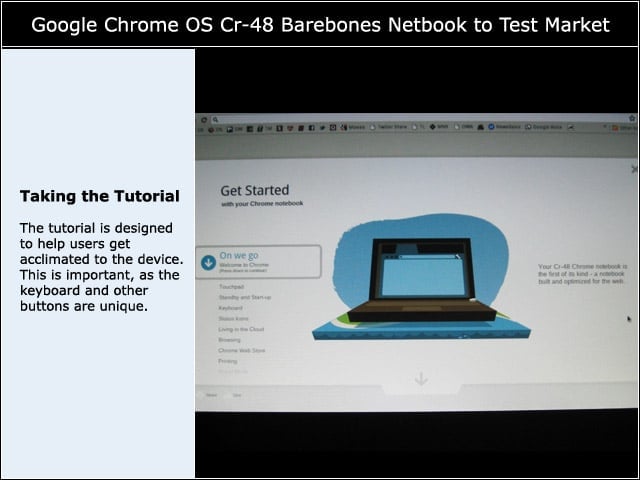
The tutorial is designed to help users get acclimated to the device. This is important, as the keyboard and other buttons are unique.
Playing with the Functionality
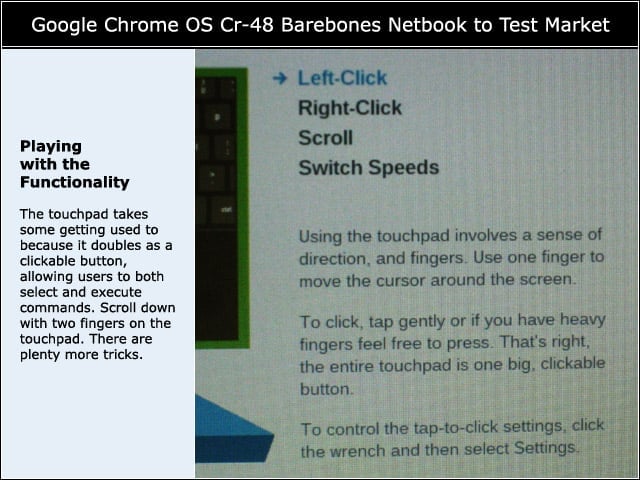
The touchpad takes some getting used to because it doubles as a clickable button, allowing users to both select and execute commands. Scroll down with two fingers on the touchpad. There are plenty more tricks.
Keyboard Tricks
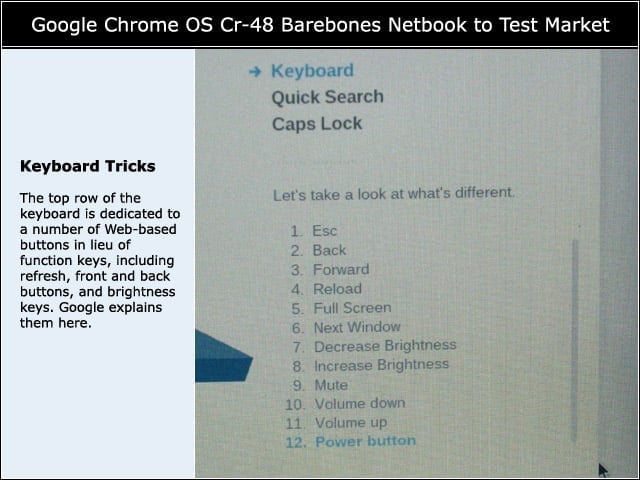
The top row of the keyboard is dedicated to a number of Web-based buttons in lieu of function keys, including refresh, front and back buttons, and brightness keys. Google explains them here.
Switching to Guest Mode
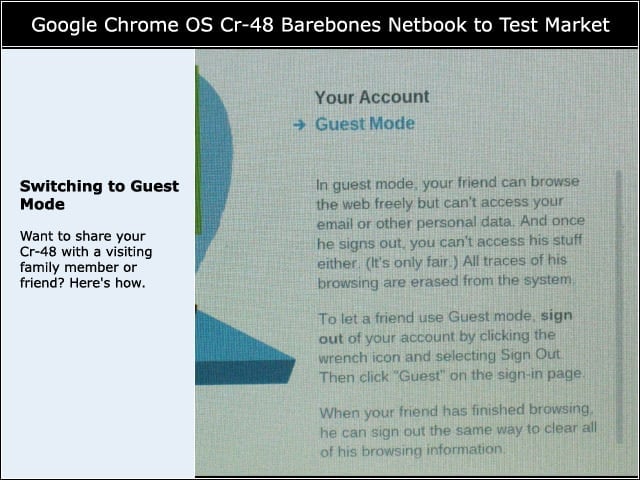
Want to share your Cr-48 with a visiting family member or friend? Here’s how.
Chrome Web Store
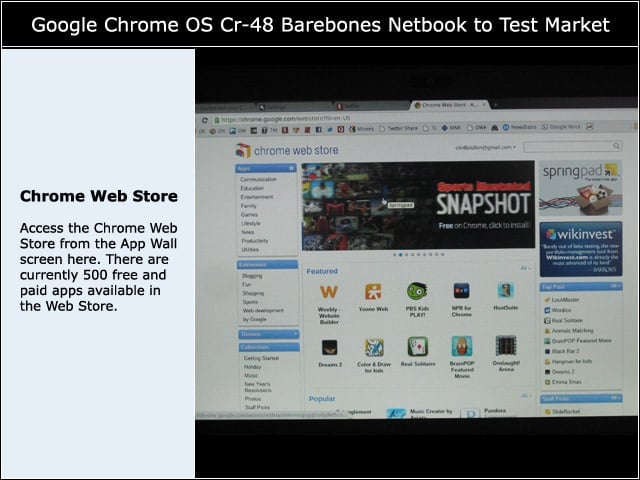
Access the Chrome Web Store from the App Wall screen here. There are currently 500 free and paid apps available in the Web Store.
Installing Apps
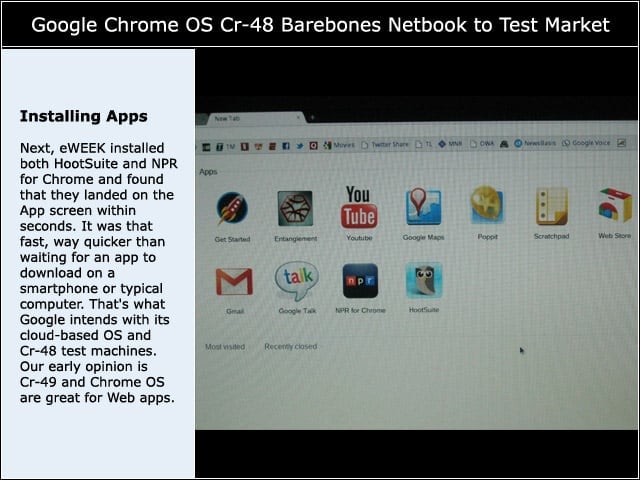
Next, eWEEK installed both HootSuite and NPR for Chrome and found that they landed on the App screen within seconds. It was that fast, way quicker than waiting for an app to download on a smartphone or typical computer. That’s what Google intends with its cloud-based OS and Cr-48 test machines. Our early opinion is Cr-49 and Chrome OS are great for Web apps.