




LABS GALLERY: Opera 10 Improves Performance, Tabbed Browsing Options
New Look, Layout and Feel
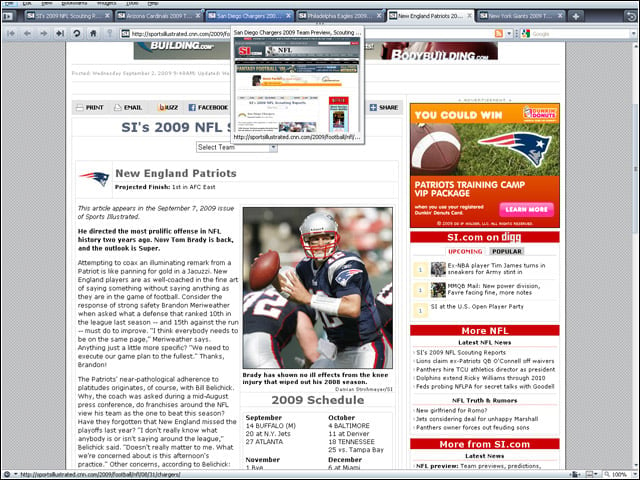
Opera 10 introduces an overall new look, layout and feel.
Tabbed Browsing Pioneer
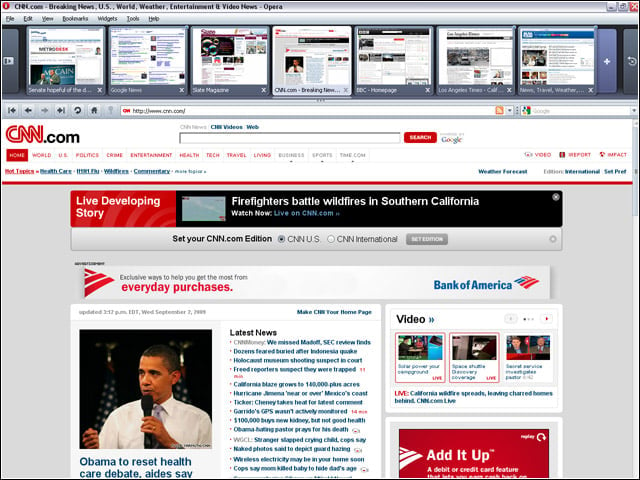
Opera was an early innovator in the area of tabbed browsing. With Version 10, the tradition continues with an excellent tab system that can be resized to show thumbnails of sites in tabs.
Speed Dial
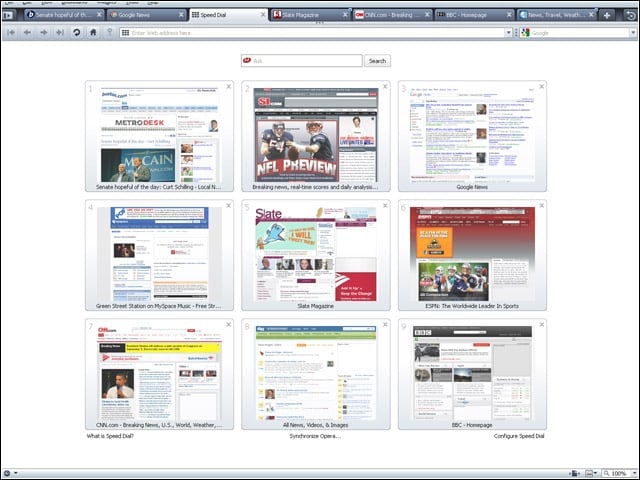
Opera’s Speed Dial, a feature copied by many other browsers, is still among the best Website thumbnail previews. Several welcome new Speed Dial features can be found in Version 10.
Speed Dial Customization
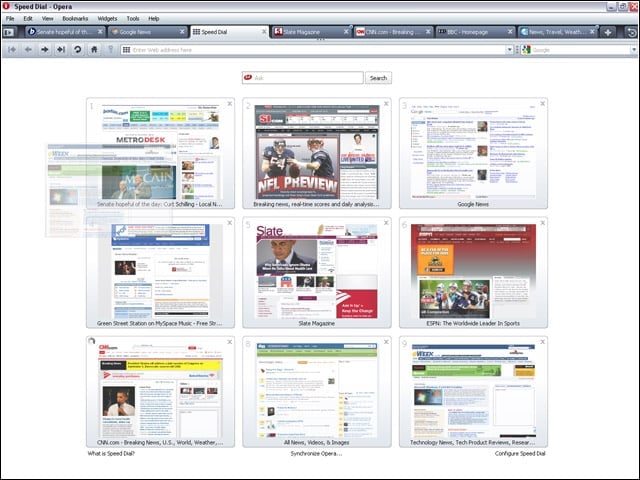
Users of Opera 10 can customize Speed Dial by moving, deleting and customizing the Websites shown.
Speed Dial Page
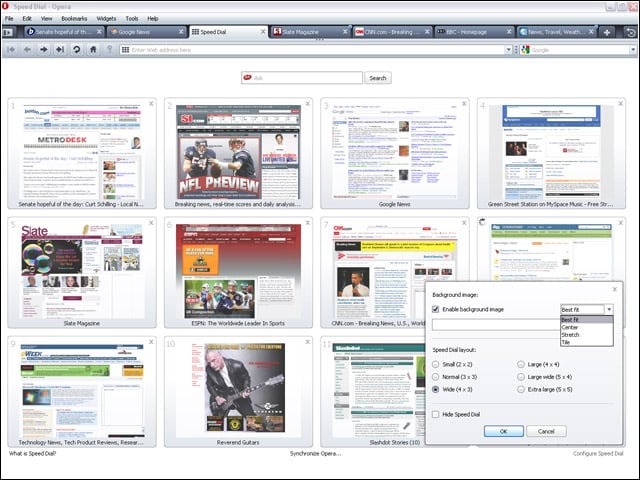
New in Opera 10 is the ability to extensively customize the Speed Dial page, from controlling the layout to adding a background image.
Turbo Feature
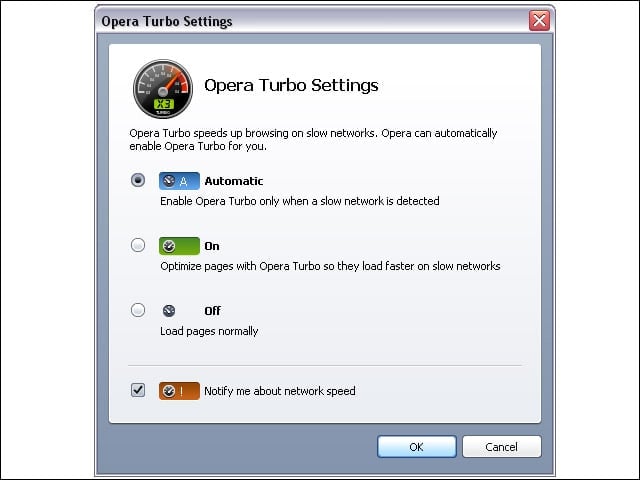
Opera 10’s new Turbo feature uses multiple caching and other techniques to improve performance for users on slow or flaky connections.
Turbo Status
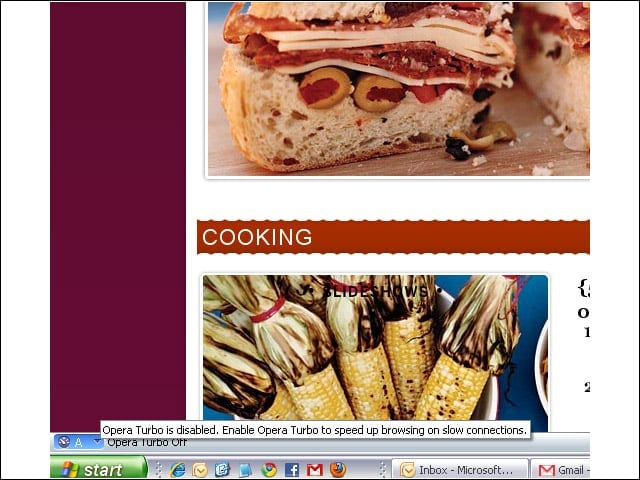
The status of Opera’s Turbo is shown in an icon at the lower-left corner of the browser.
E-Mail Client Selection
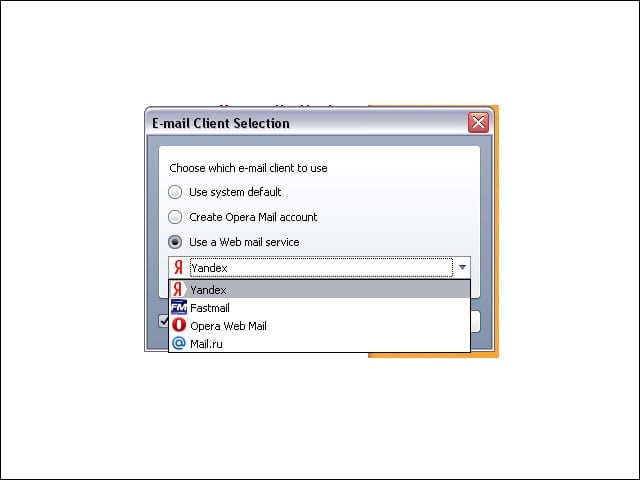
As with some competing browsers, Opera 10 lets users choose cloud-based services for browser applications, such as using Web mail for mailto links. However, unlike rival browsers with broad options among the most popular services, the default Web mail options in Opera are limited.
Browser Search Field
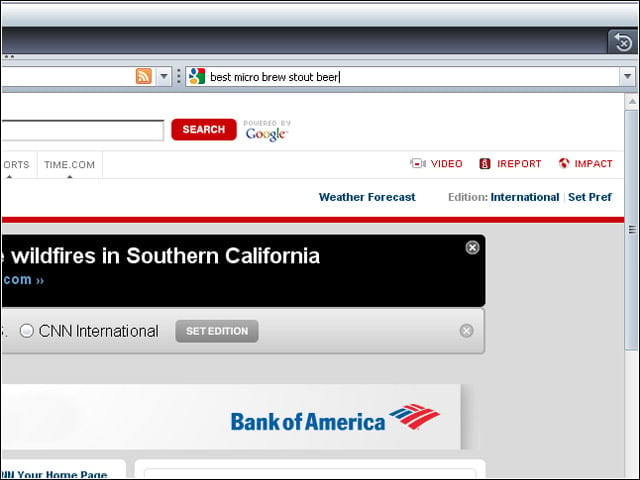
Users of Opera 10 can manually control the size of the browser search field.
Spell Check
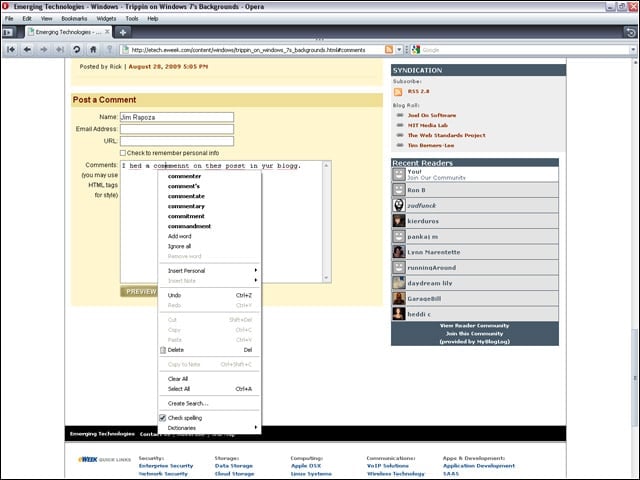
An effective inline spell checker for entering content in forms and fields is now included in the Opera Web browser.
Dragonfly
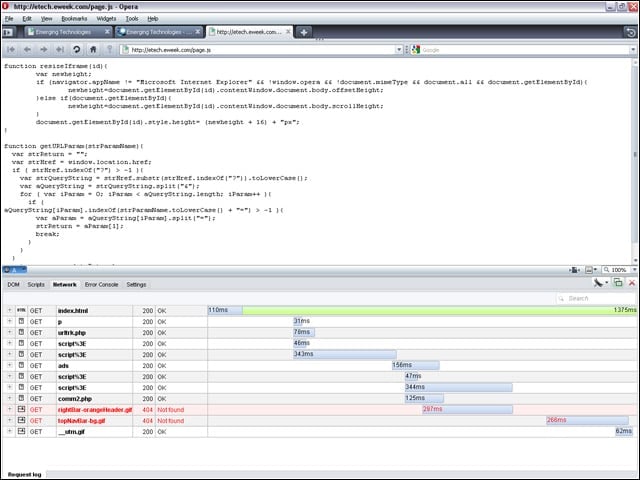
Opera’s integrated developer test tool, called Dragonfly, now provides more extensive content inspection options.
Automatic Updates
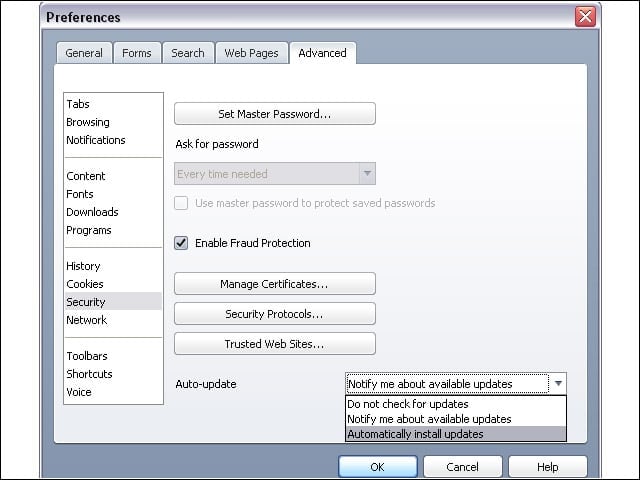
With Opera 10, updates will take place automatically; previous versions required a download and full install of the update.
Acid Test
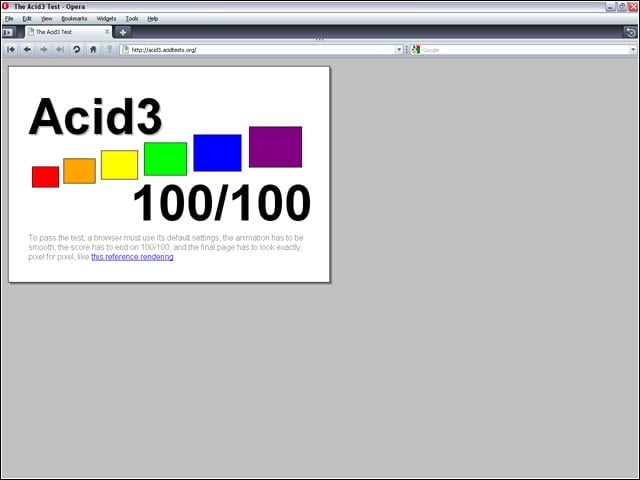
Opera has always been known for strong Web standards support, and Version 10 achieves a perfect score in the Acid3 standards test.