




Labs Gallery: rPath rBuilder 5 Gets Flash-y, Adds Linux Distro Support
by Jason Brooks
Appliance Options
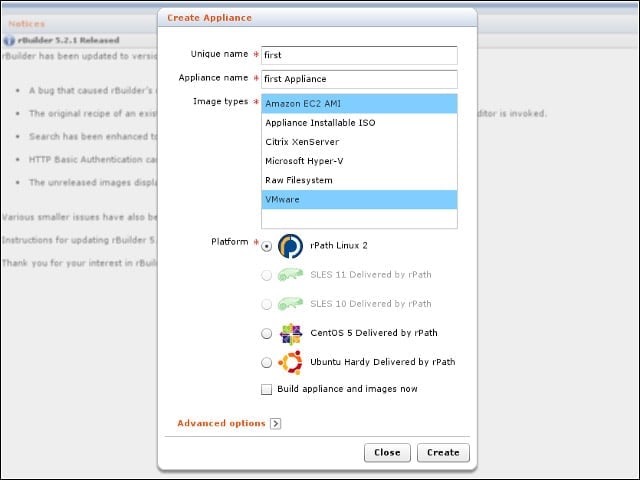
The first step to creating a software appliance with rBuilder involves choosing your desired Linux distribution platform and selecting which deployment options to support.
Package Selection
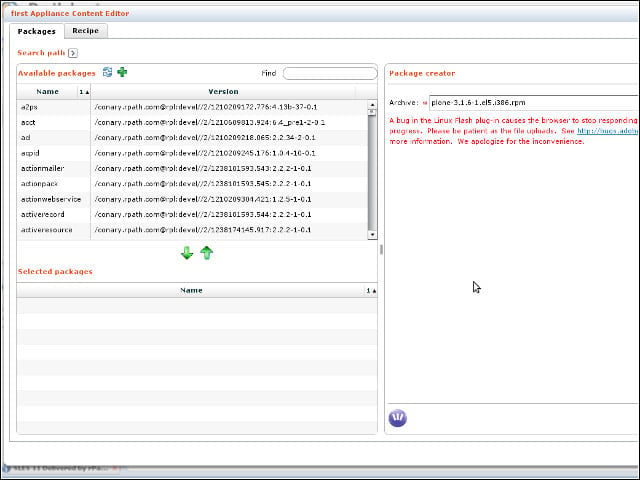
Using rBuilder’s new Flash-based interface, I could grab software components from the repositories of my chosen Linux distribution, as well as create new packages.
Import an RPM
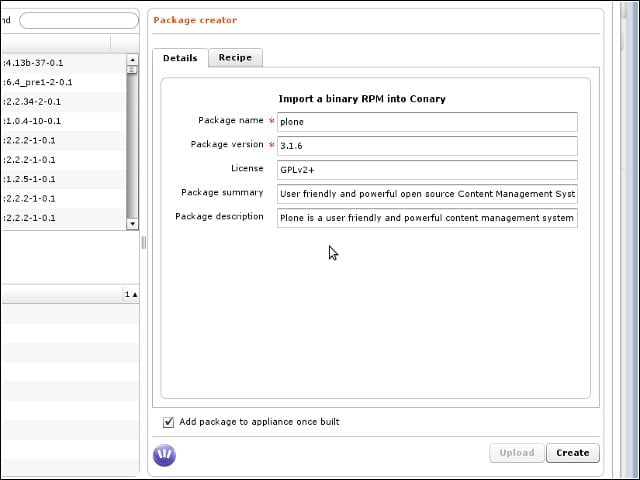
I could upload RPM or DEB packages, as well as regular TAR archives, to add to my software appliances.
Package Creation
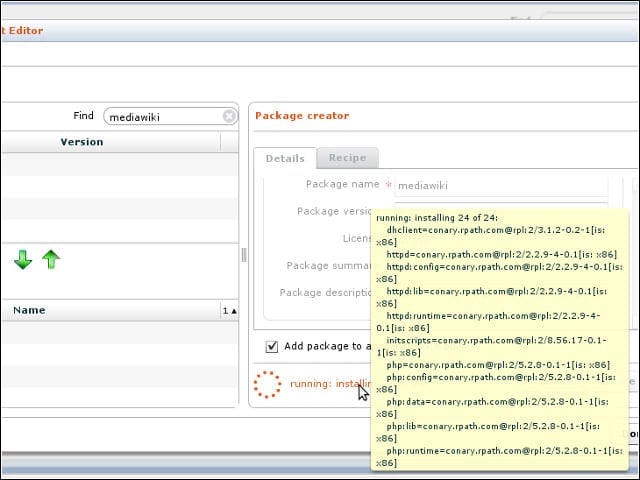
rBuilder sorts through the software dependencies required to run your uploaded packages.
Build Queue
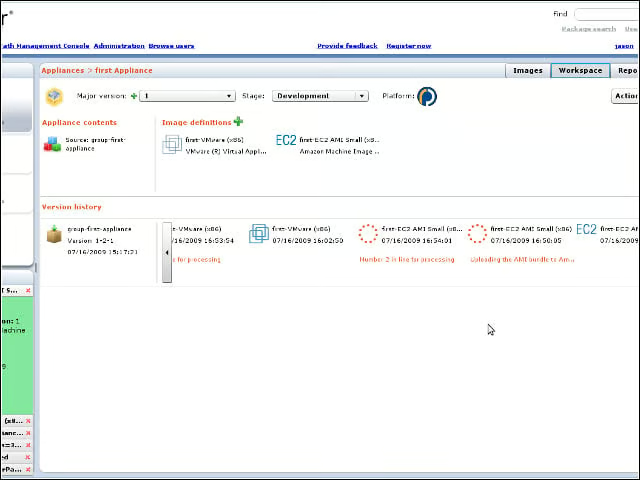
Sorting through the queue of appliance build operations highlights the richness of rBuilder’s new Flash-based interface.
Old Interface
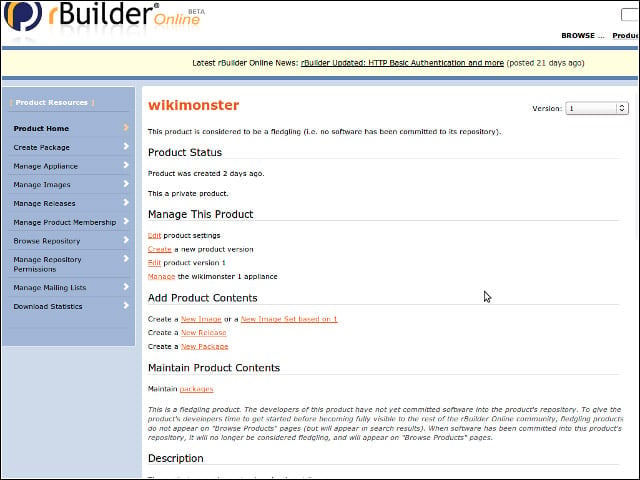
The Flash interface replaces the previous, HTML-based controls.
Flash Flaws
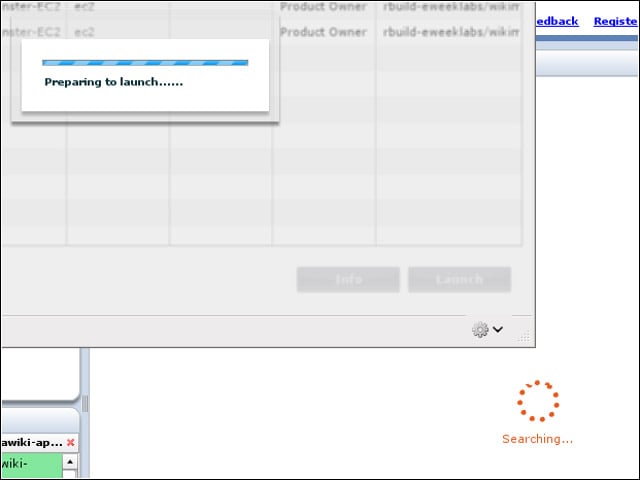
While the new Flash interface provides a more desktop app-like experience, I encountered a handful of interface stalls and lockups during my tests.
Error Issues
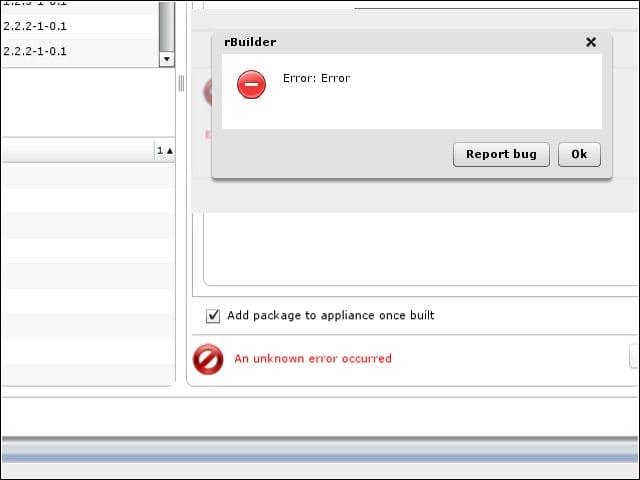
While on the topic of interface qualms, I ran into a few unhelpful error messages during my testing. Fortunately, the rBuilder appliance’s admin console offered up plenty of logs to peruse.
EC2 Launch
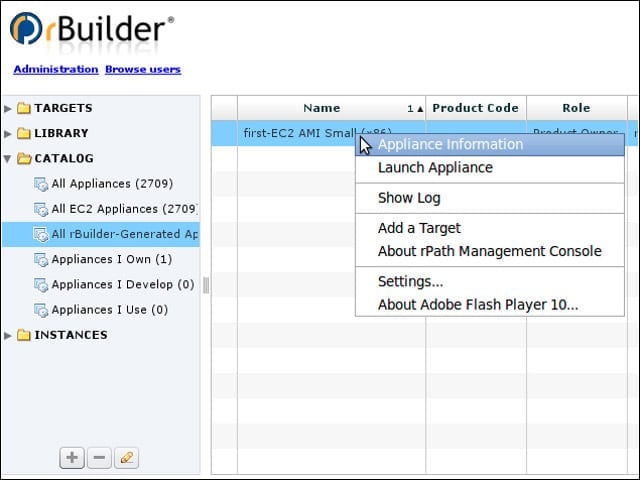
From rBuilder’s new management console, I could launch my images on virtualization targets such as Amazon’s EC2 cloud computing service.
More EC2 Launch
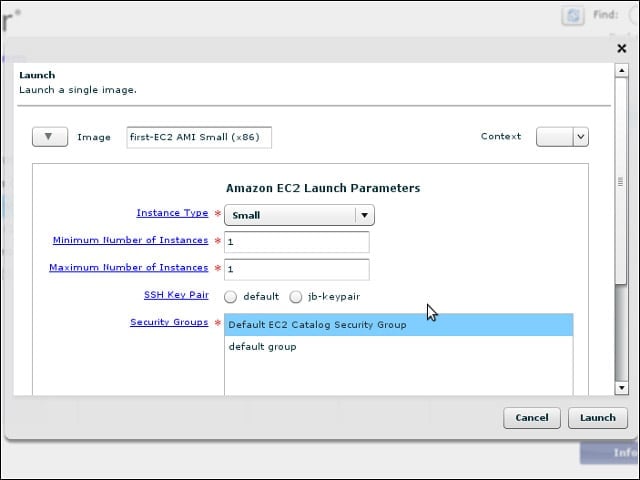
I could set my desired EC2 launch options from a pop-up dialog in the rBuilder interface.
vSphere Target
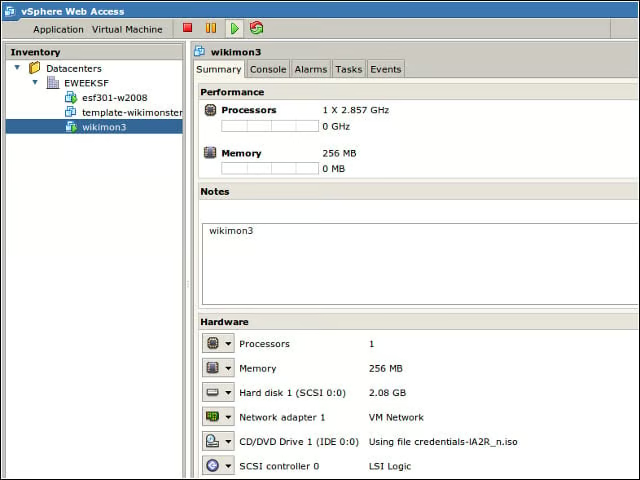
I also launched appliances on a VMware vSphere setup in the lab.
