




- Samsung Galaxy Tab Offers Great Web Browsing, App Experience
- The Galaxy Tab Right Out of the Box
- The Tabs Thin Profile
- The Enhanced Display
- Tab Screens
- V Cast Apps
- Checking Out YouTube
- Running Gmail
- Weather News Widget
- Viewing the App Screen
- Browser Windows
- Running Custom Apps
- Google Search Runs Fast
- Tab Camera
- Working with Twitter
- Google Latitude
- Working with Google Places
- Checking Out Groupon
- Logitech Harmony
- Easy Setup
- Remote Controls
Samsung Galaxy Tab Offers Great Web Browsing, App Experience
by Clint Boulton
The Galaxy Tab Right Out of the Box
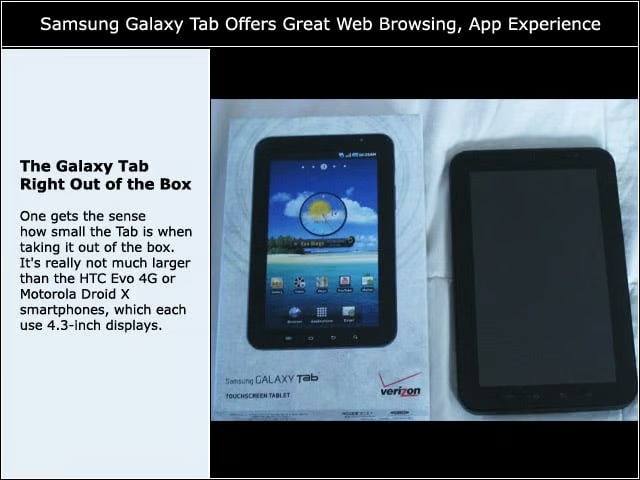
One gets the sense how small the Tab is when taking it out of the box. It’s really not much larger than the HTC Evo 4G or Motorola Droid X smartphones, which each use 4.3-inch displays.
The Tabs Thin Profile
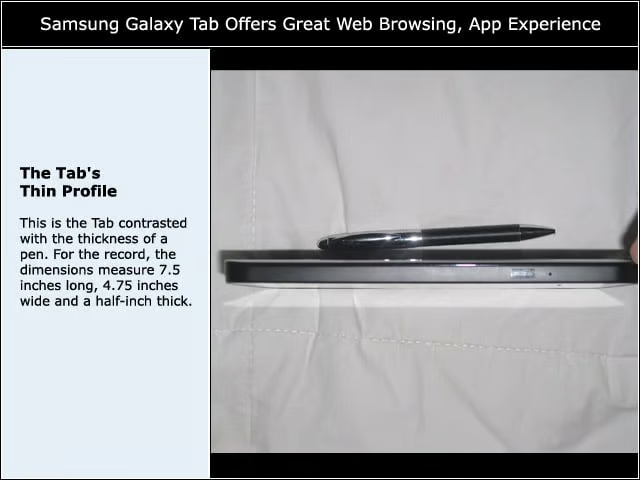
This is the Tab contrasted with the thickness of a pen. For the record, the dimensions measure 7.5 inches long, 4.75 inches wide and a half-inch thick.
The Enhanced Display
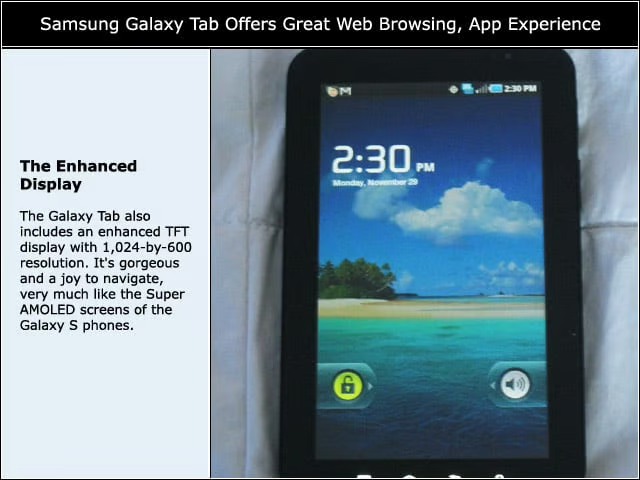
The Galaxy Tab also includes an enhanced TFT display with 1,024-by-600 resolution. It’s gorgeous and a joy to navigate, very much like the Super AMOLED screens of the Galaxy S phones.
Tab Screens
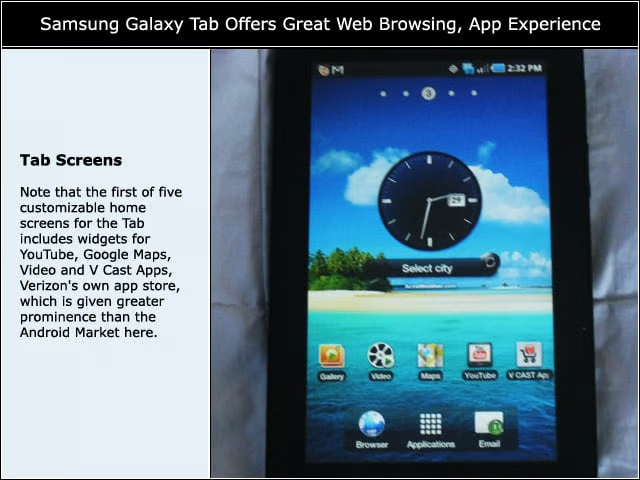
Note that the first of five customizable home screens for the Tab includes widgets for YouTube, Google Maps, Video and V Cast Apps, Verizon’s own app store, which is given greater prominence than the Android Market here.
V Cast Apps
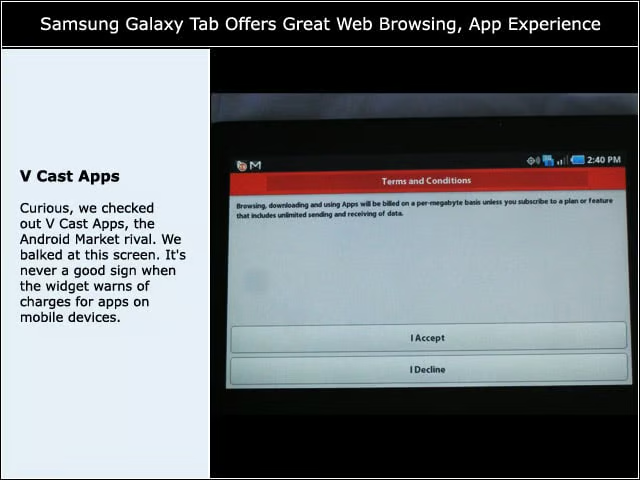
Curious, we checked out V Cast Apps, the Android Market rival. We balked at this screen. It’s never a good sign when the widget warns of charges for apps on mobile devices.
Checking Out YouTube
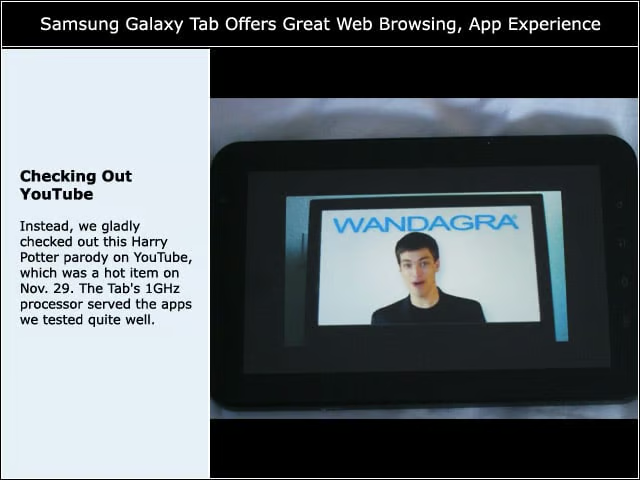
Instead, we gladly checked out this Harry Potter parody on YouTube, which was a hot item on Nov. 29. The Tab’s 1GHz processor served the apps we tested quite well.
Running Gmail
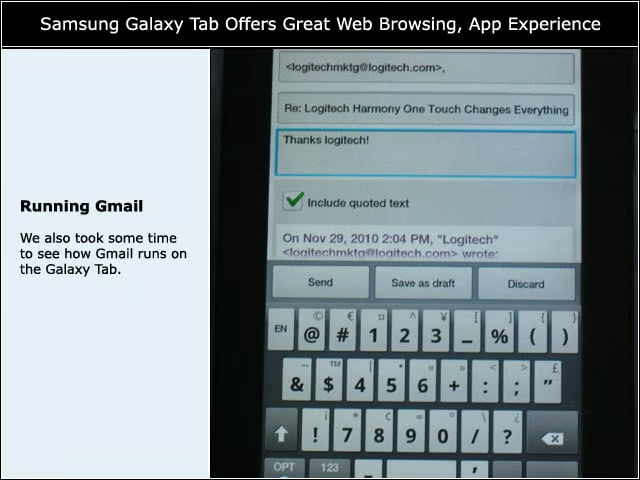
We also took some time to see how Gmail runs on the Galaxy Tab.
Weather News Widget
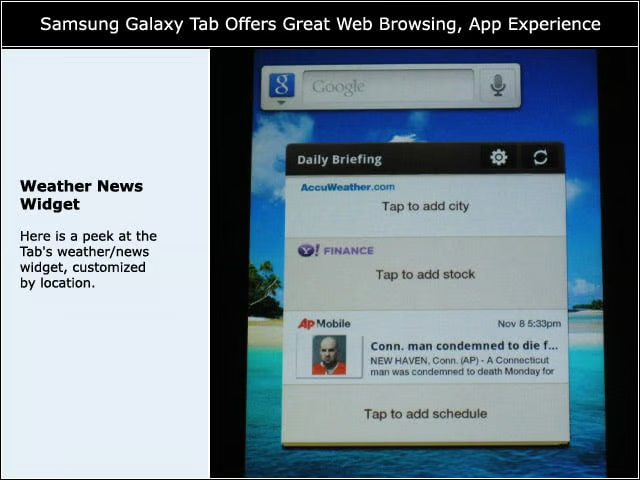
Here is a peek at the Tab’s weather/news widget, customized by location.
Viewing the App Screen
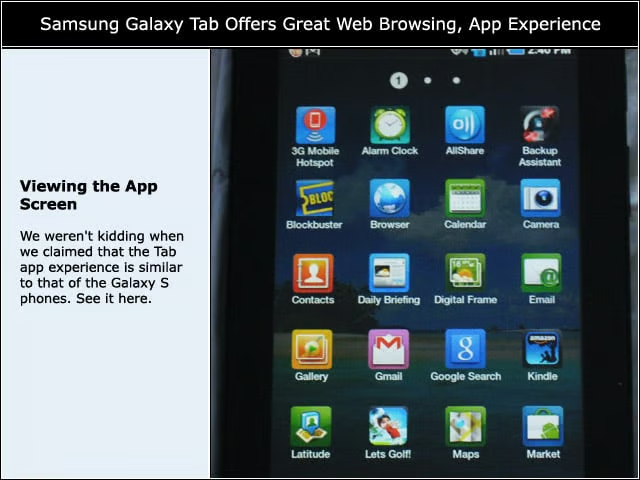
We weren’t kidding when we claimed that the Tab app experience is similar to that of the Galaxy S phones. See it here.
Browser Windows
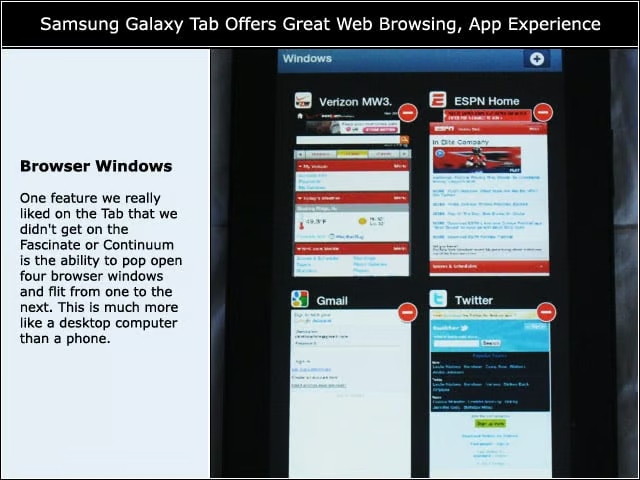
One feature we really liked on the Tab that we didn’t get on the Fascinate or Continuum is the ability to pop open four browser windows and flit from one to the next. This is much more like a desktop computer than a phone.
Running Custom Apps
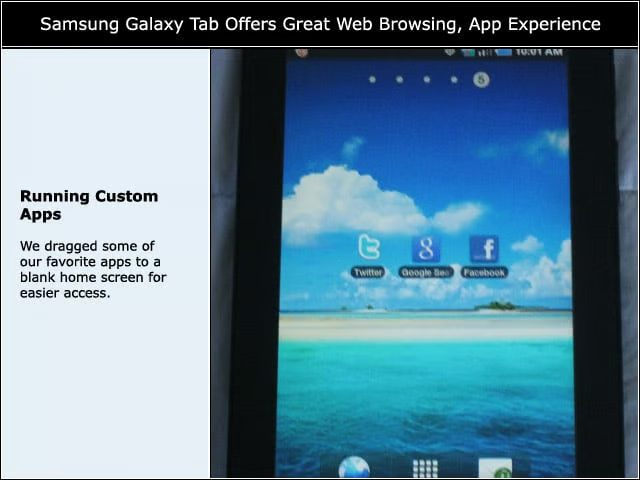
We dragged some of our favorite apps to a blank home screen for easier access.
Google Search Runs Fast
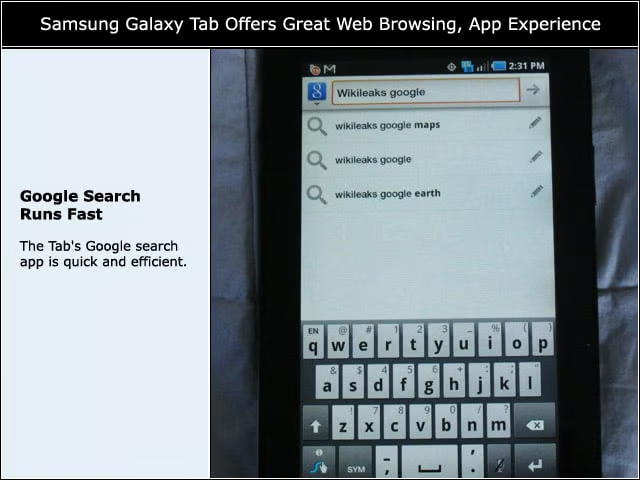
The Tab’s Google search app is quick and efficient.
Tab Camera
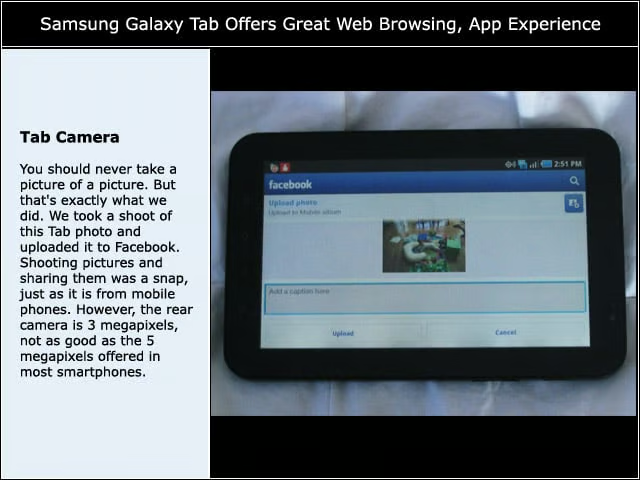
You should never take a picture of a picture. But that’s exactly what we did. We took a shoot of this Tab photo and uploaded it to Facebook. Shooting pictures and sharing them was a snap, just as it is from mobile phones. However, the rear camera is 3 megapixels, not as good as the 5 megapixels offered in most smartphones.
Working with Twitter
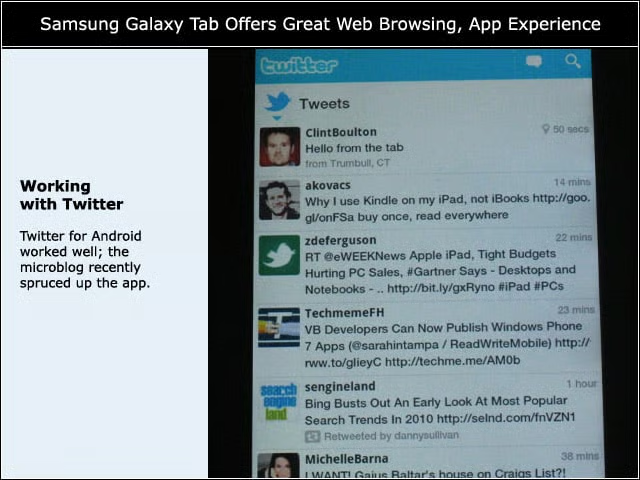
Twitter for Android worked well; the microblog recently spruced up the app.
Google Latitude
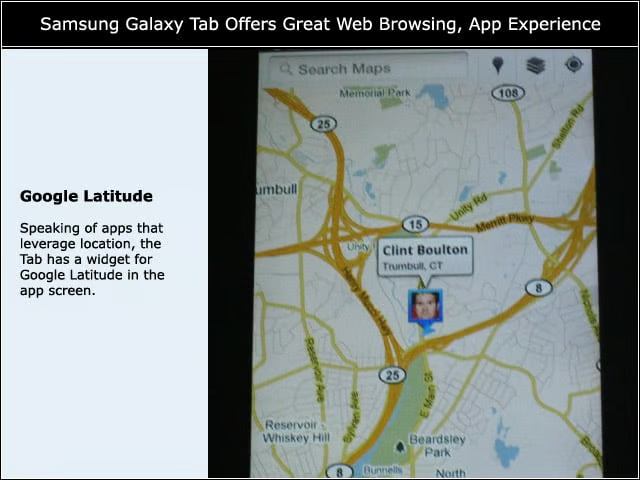
Speaking of apps that leverage location, the Tab has a widget for Google Latitude in the app screen.
Working with Google Places
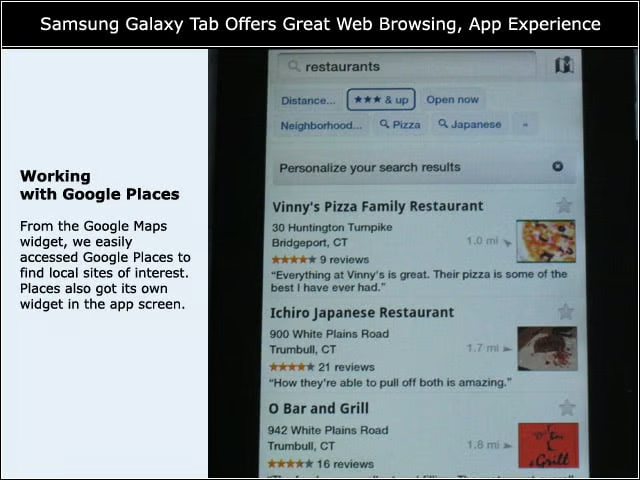
From the Google Maps widget, we easily accessed Google Places to find local sites of interest. Places also got its own widget in the app screen.
Checking Out Groupon
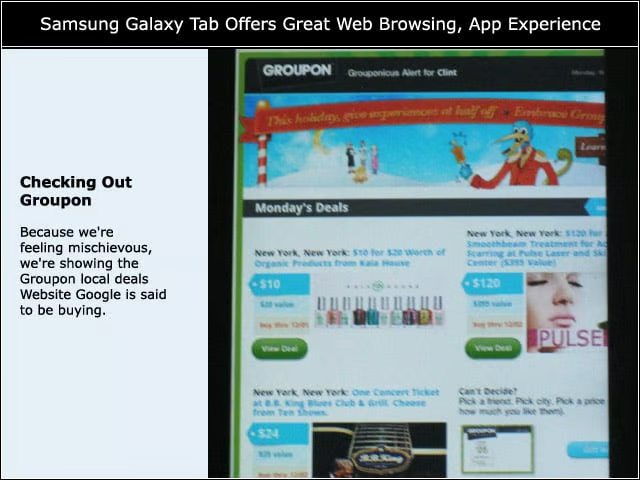
Because we’re feeling mischievous, we’re showing the Groupon local deals Website Google is said to be buying.
Logitech Harmony
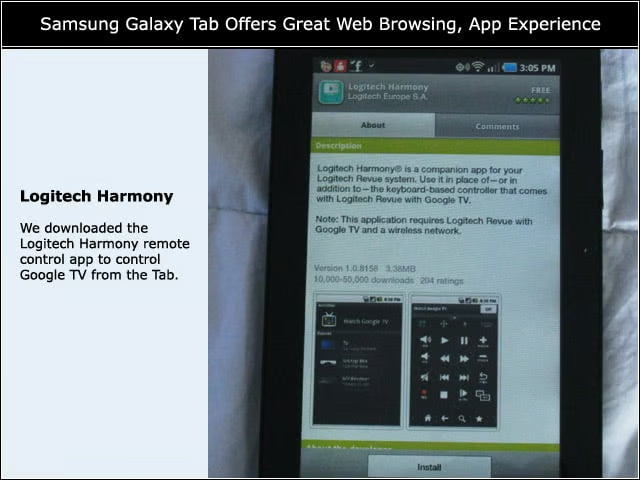
We downloaded the Logitech Harmony remote control app to control Google TV from the Tab.
Easy Setup
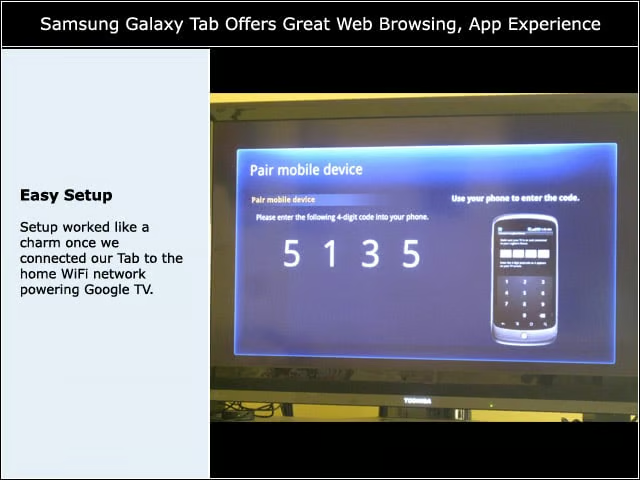
Setup worked like a charm once we connected our Tab to the home WiFi network powering Google TV.
Remote Controls
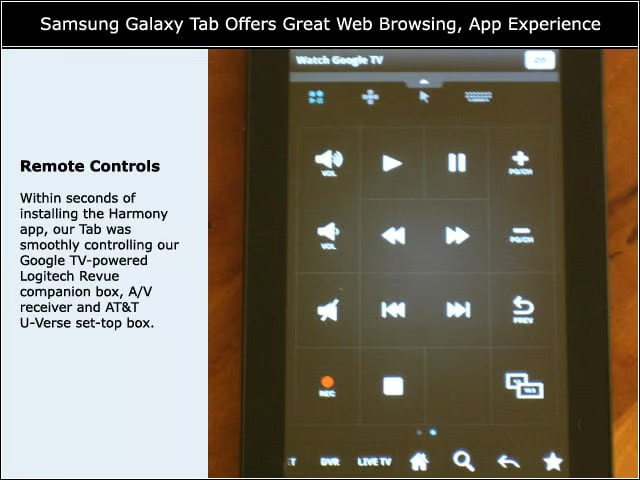
Within seconds of installing the Harmony app, our Tab was smoothly controlling our Google TV-powered Logitech Revue companion box, A/V receiver and AT&T U-Verse set-top box.