




Welcome to Team Foundation Service
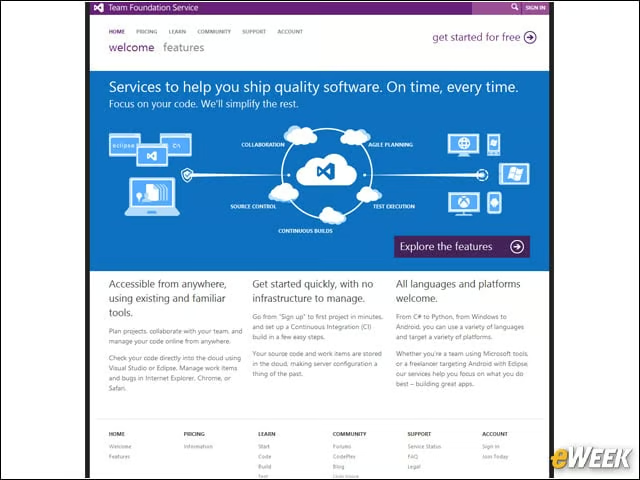
Microsoft’s Team Foundation Service enables users to plan projects, collaborate with your team and manage your code online from anywhere.
Team Foundation Community
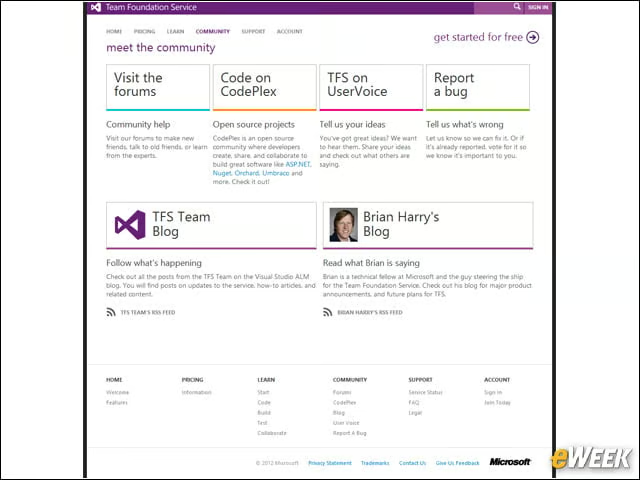
The Team Foundation Service community page has forums, places to share code and more. The forums enable users to make new friends, talk to old friends, or learn from the experts.
Pricing for the Service
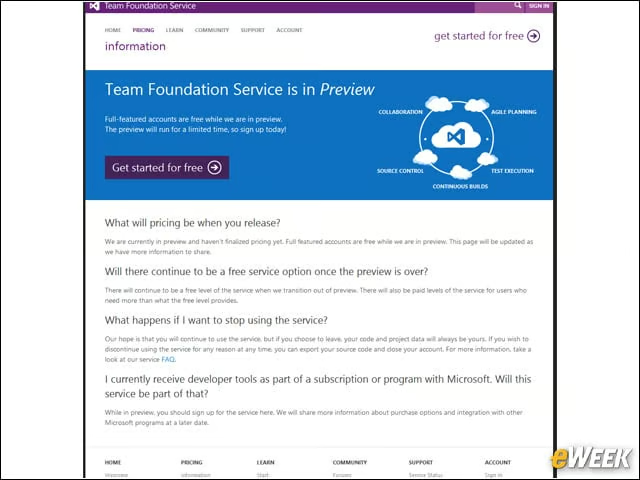
The Team Foundation Service is in “preview” for now. Microsoft will disclose pricing information later. There will continue to be a free level of the service when the service transitions out of preview and into production. There will also be paid levels of the service for users who need more than what the free level provides.
Team Collaboration and Agile Planning
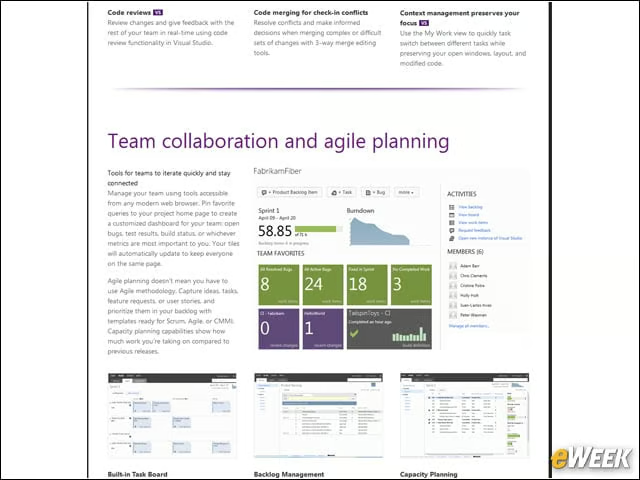
Agile planning doesn’t mean you have to use Agile methodology. Developers can capture ideas, tasks, feature requests or user stories—and prioritize them in their backlog with templates ready for Scrum, Agile or CMMI (Capability Maturity Model Integration). Capacity-planning capabilities show how much work you’re taking on compared with previous releases.
More Features
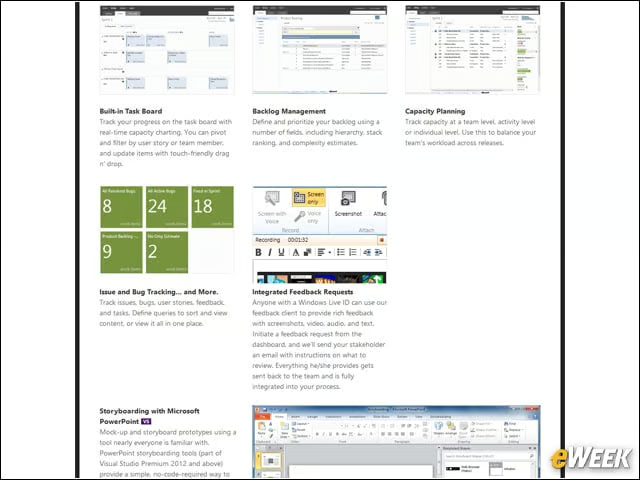
The Microsoft Team Foundation Service enables backlog management, capacity planning, issue and bug tracking and more.
Cloud-Powered Source-Code Management
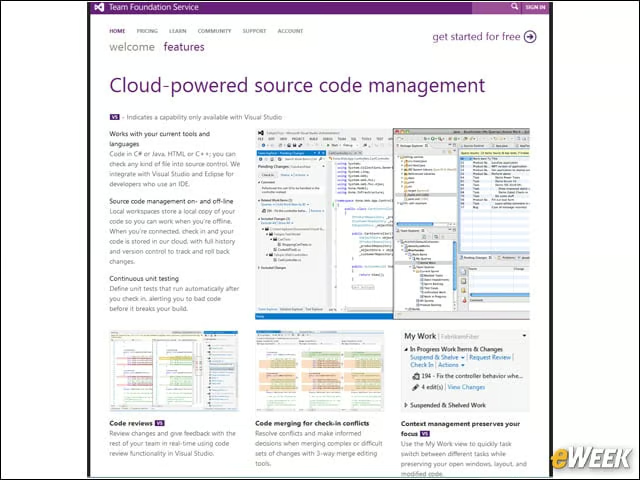
Local workspaces store a local copy of your code so you can work when you’re offline. When you’re connected, check in and your code is stored in the Microsoft cloud, with full history and version control to track and roll back changes.
Storyboarding
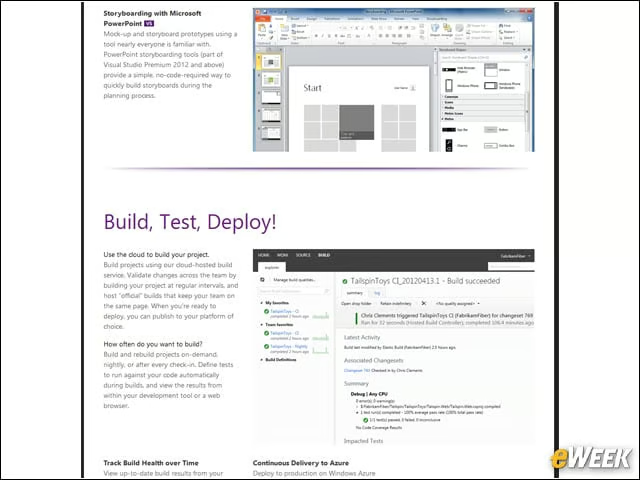
Team Foundation Service enables mock-up and storyboard prototypes using a tool nearly everyone is familiar with: PowerPoint.
Build, Test, Deploy
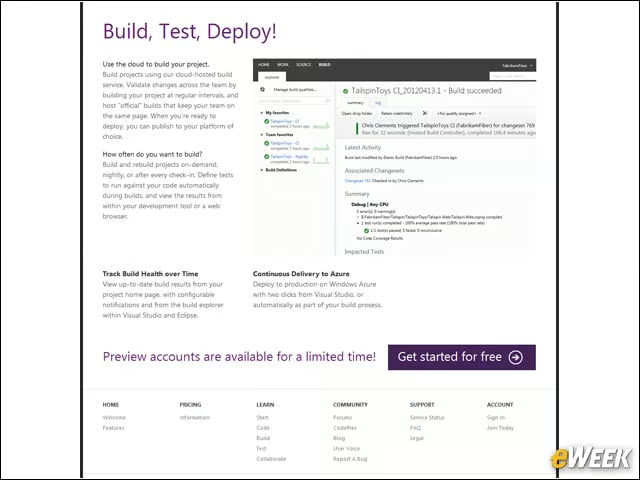
Developers can build projects using Microsoft’s cloud-hosted build service. They can validate changes across the team by building their project at regular intervals and host “official” builds that keep the team on the same page. When they’re ready to deploy, they can publish to their platform of choice.
Working With Eclipse
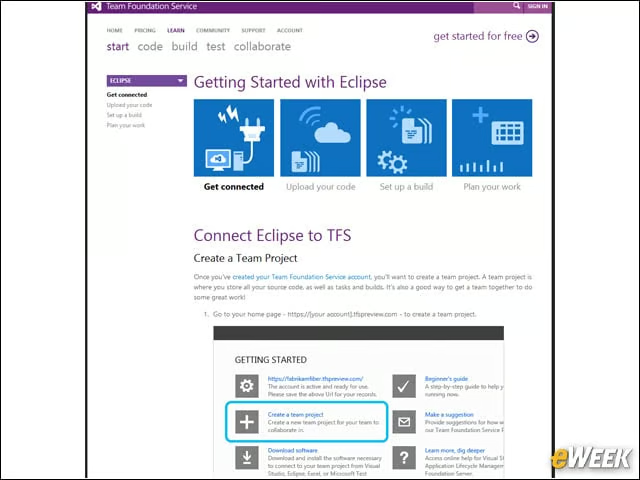
Users can use the Microsoft Team Foundation Service with the open-source Eclipse platform.
Getting Started
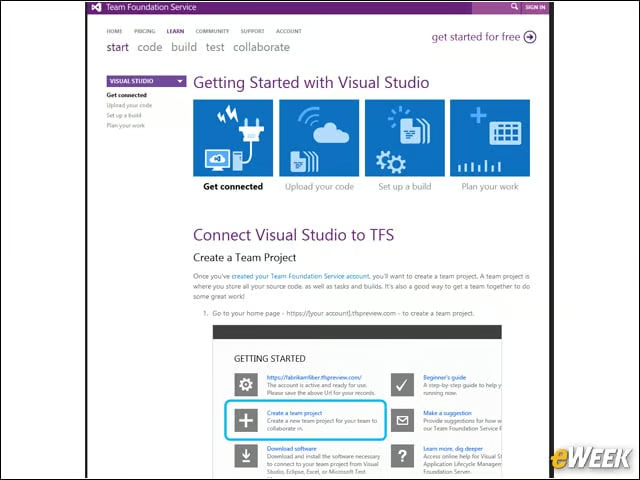
Developers can get started using Microsoft Team Foundation Service with the Visual Studio toolset.