




GNOME 3.20 Provides Shortcuts to the Linux Desktop
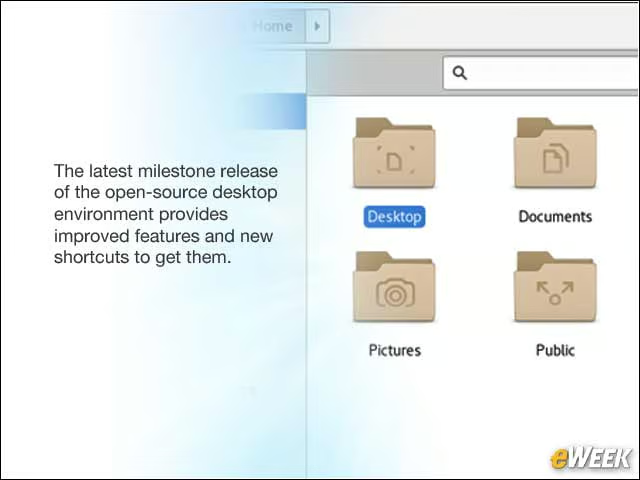
The latest milestone release of the open-source desktop environment provides improved features and new shortcuts to get them.
Update an OS From Software
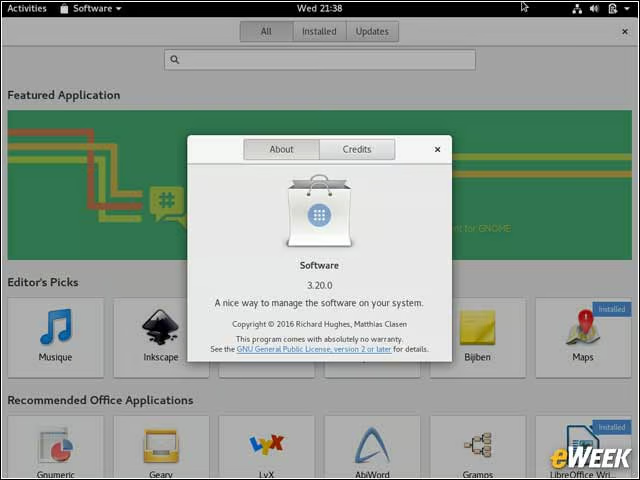
Typically within Linux, an entire operating system could not be updated from within GNOME, but rather by way of a command-line tool. With the Software app in GNOME 3.20, it’s now possible to perform a full system update.
Shortcuts Get a Shortcut
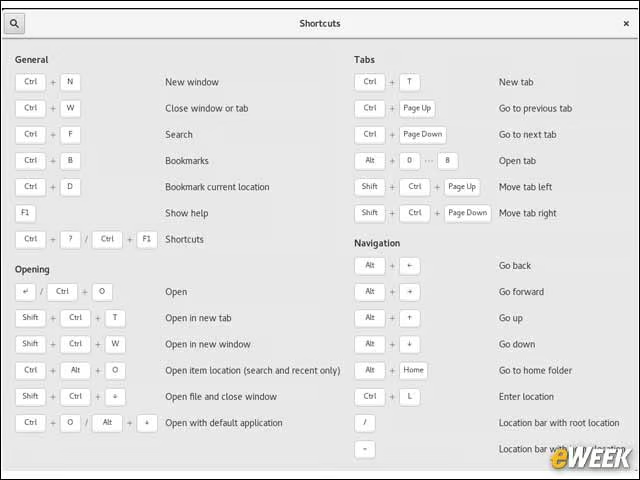
With the GNOME 3.20 update, there is now an integrated menu item in most GNOME apps to pull up a menu of keyboard shortcuts.
Find Files Faster
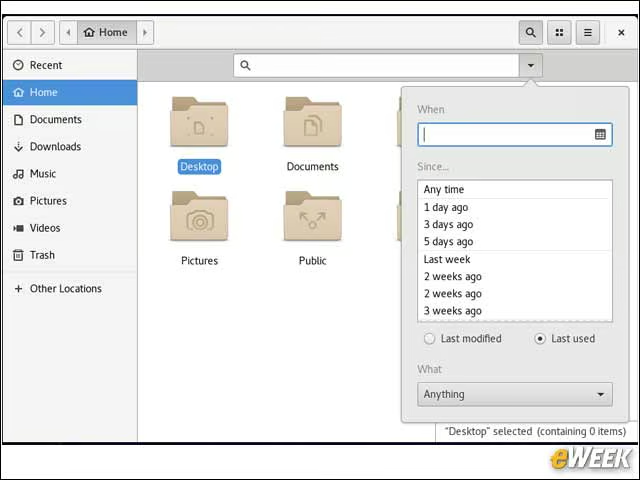
The Files application benefits from an improved search interface that makes it easier for users to find specific file types as well as date ranges.
Edit Photos With GNOME 3.20
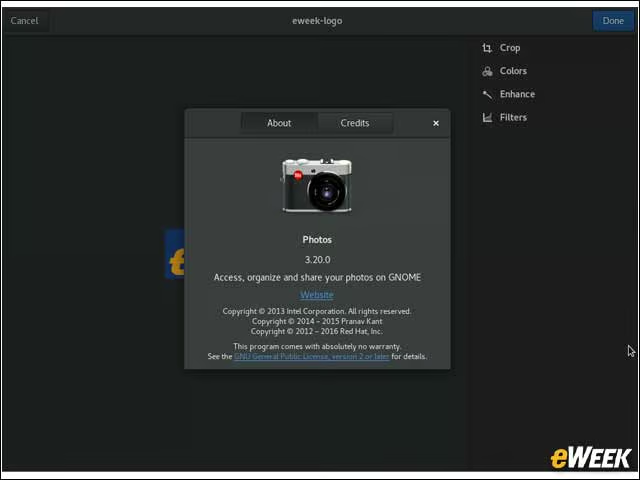
The Photos app in the new release gains enhanced editing controls that enable users to crop and rotate, and perform color adjustments and picture enhancements.
Better Music, Video Playback Control
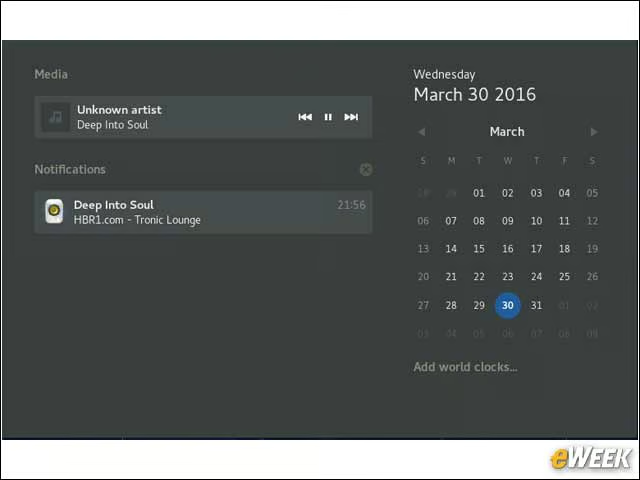
GNOME 3.20 desktop users now have the ability to control music and video playback functions by way of the notification/clock area of the desktop. So instead of requiring a user to shift back and forth to the specific media app, playback can be controlled from a central, easily accessible location.
Collaboration Improves With Polari
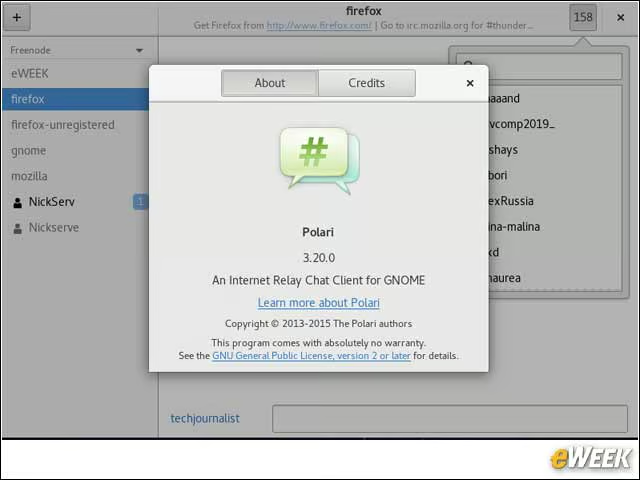
While much of the hype in the technology world in the last year has been around the use of Slack for collaboration, Internet Relay Chat (IRC) still has a strong and loyal user base. In GNOME 3.20, the Polari IRC app is improved by way of new image sharing capabilities. It’s now also easier to join a new “room” in IRC, making it faster to join a conversation.
Web Browser Session Restore Works Better
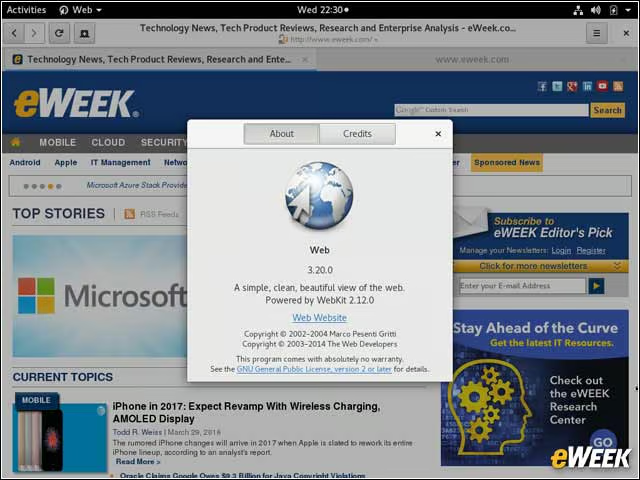
The GNOME browser, officially called “Web,” has been enhanced with an improved session restore capability. Now after a browser session ends, a user can choose to resume the same tabs, with the same page position.
Updated Touchpad and Mouse Controls
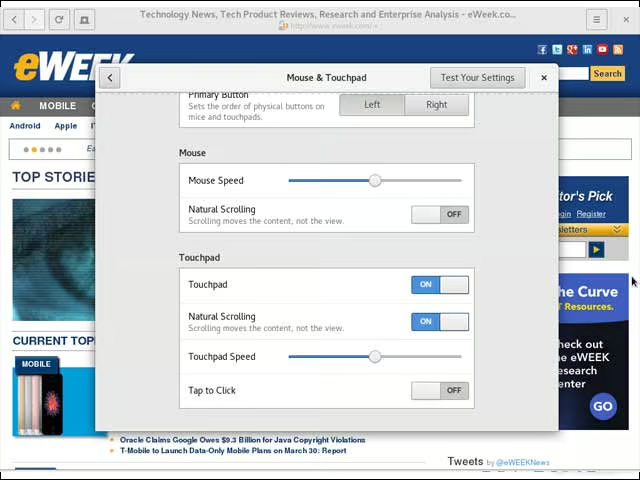
The mouse and touchpad preferences for the GNOME desktop have been updated to make it easier for users to make adjustments.