




- LibreOffice 6.0 Polishes Open-Source Office Productivity Suite
- Writer Gets ePub Exporter
- New Toolbar Item Makes It Easier to Add Special Characters
- Document Security Gets a Boost
- New Menu for Interactive Forms
- Spreadsheet Cells Can Be Exported as an Image
- Impress Gets New Templates
- Available for Linux, Windows and Mac
LibreOffice 6.0 Polishes Open-Source Office Productivity Suite
The open-source LibreOffice office application suite has been the standard office productivity suite in Linux distributions since 2010, when it was forked from the Oracle OpenOffice Suite. The latest update—LibreOffice 6.0, which was released on Jan. 31—provides incremental improvements to a number of components bundled as part of the suite, including the Writer document, Calc spreadsheet and Impress presentation applications. Among the improvements is the integrated ability to directly export Writer documents to the ePub format used by ebook readers, while Impress gains new templates. In this slide show, eWEEK takes a look at some of the highlights of the new LibreOffice release.
Writer Gets ePub Exporter
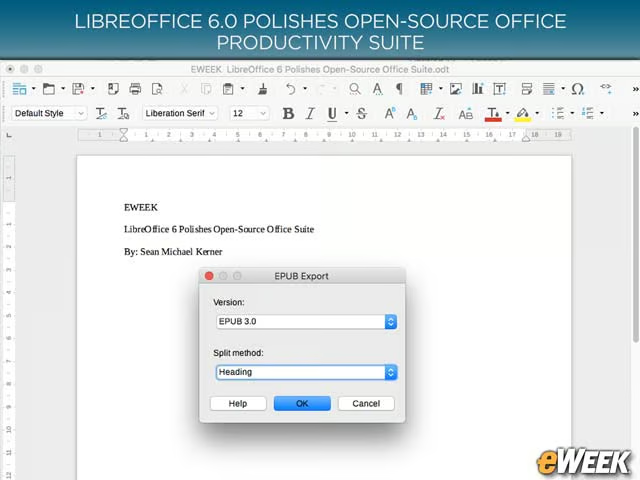
In LibreOffice 6.0, the Writer word processing application gains integrated capabilities that enable users to directly export documents to the ePub digital book format.
New Toolbar Item Makes It Easier to Add Special Characters
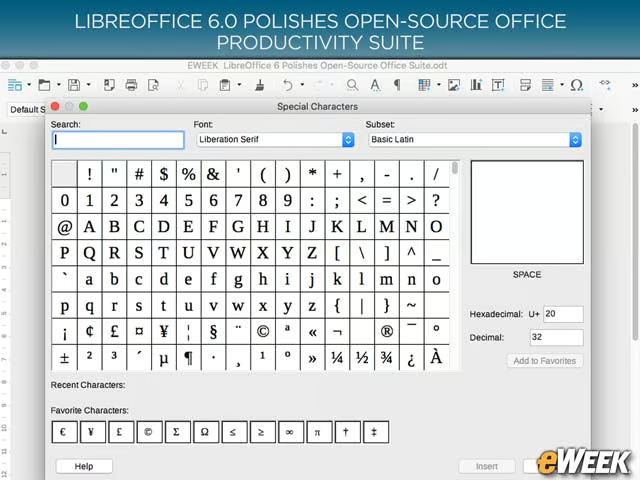
Writer also benefits from a new menu toolbar item that provides easy access for users to embed special characters in documents.
Document Security Gets a Boost
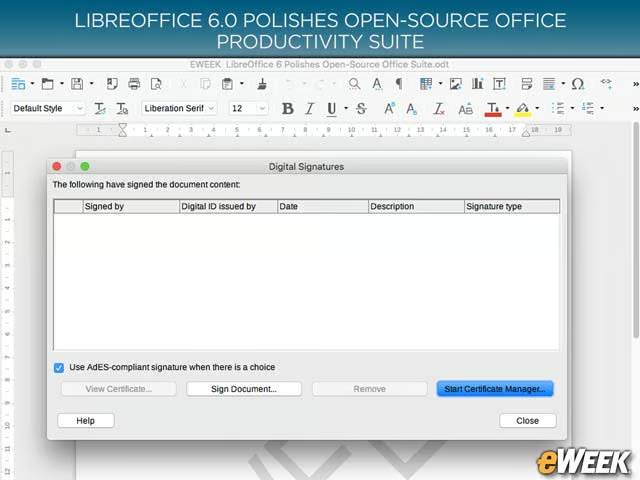
Users can now make use of OpenPGP-based encryption to sign documents created with LibreOffice.
New Menu for Interactive Forms
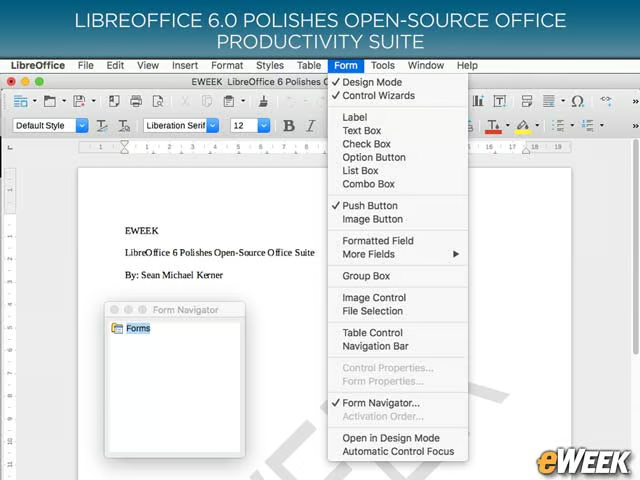
There is a new menu in Writer that makes it easier for users to build interactive forms inside of a document.
Spreadsheet Cells Can Be Exported as an Image
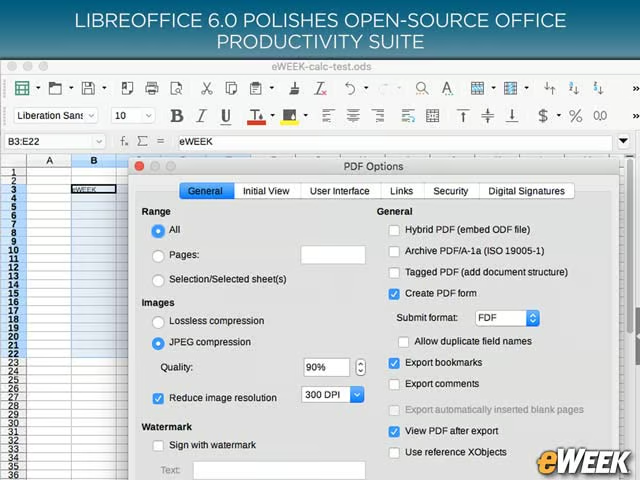
In the Calc spreadsheet application, users can now export a range of cells as a .png image or directly to a PDF.
Impress Gets New Templates
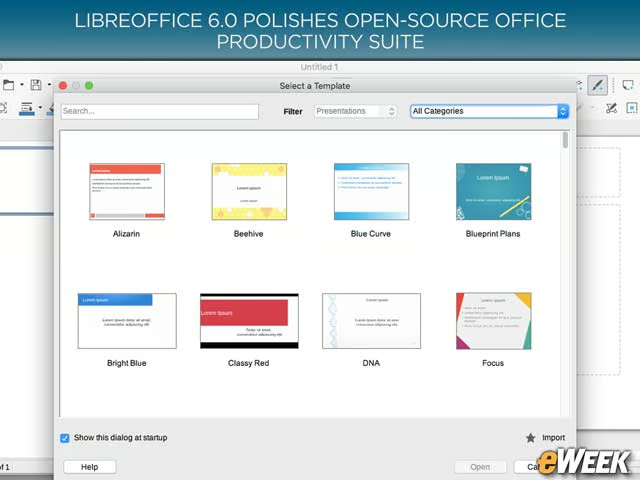
The Impress presentation application in LibreOffice 6.0 boasts new templates that are set to a default widescreen aspect ratio of 16:9.
Available for Linux, Windows and Mac
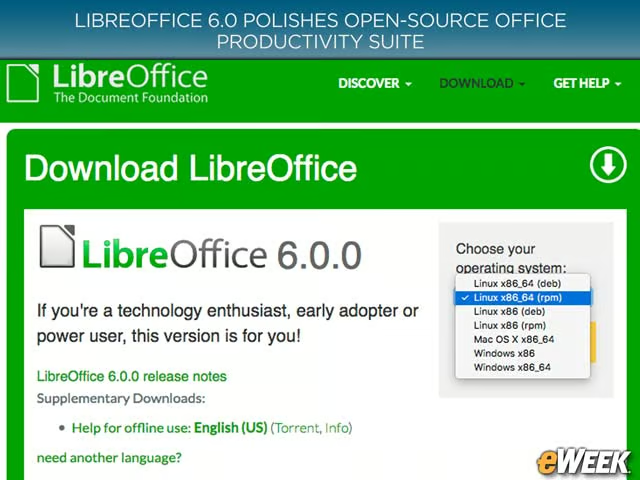
While LibreOffice has become the default office suite on many Linux distributions, it also has both Windows and Mac versions.