





- Linux Mint 17 With Cinnamon Desktop Keeps Focus on Ease of Use
- Linux Mint Welcomes Users With Information
- System Settings Get Organized
- Update Manager Gets New Look
- Update History Now Easily Viewable
- HexChat Lands as Default IRC Client
- Firefox Remains the Default Web Browser
- LibreOffice Provides Office Suite Applications
- Software Manager Offers Application Choices
- Disk Usage Analyzer Provides Visual Map of Storage
- Linux 3.13 Is at the Core of Linux Mint 17
Linux Mint 17 With Cinnamon Desktop Keeps Focus on Ease of Use
by Sean Michael Kerner
Linux Mint Welcomes Users With Information
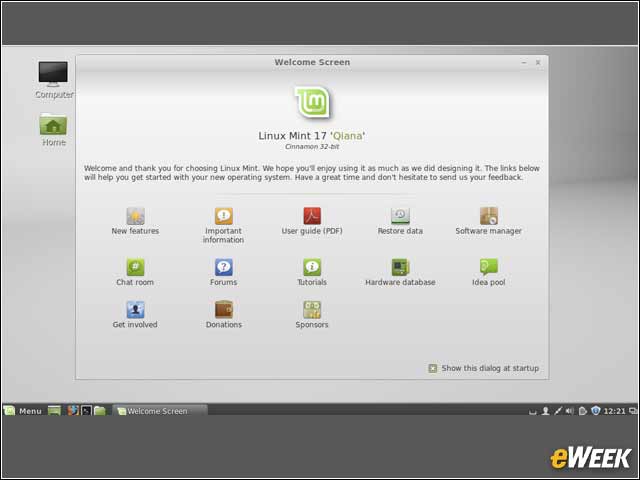
After a user installs Linux Mint, the default first welcome screen provides information and resources about the Linux distribution and its features.
System Settings Get Organized
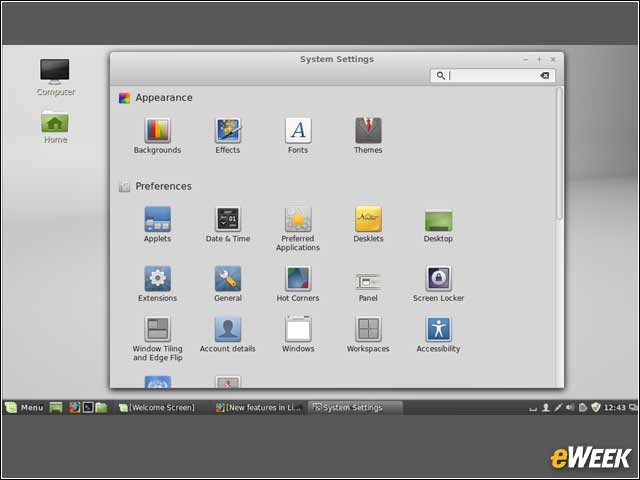
The System Settings interface gets a new look in Linux Mint 17, organized into subsections based on the feature category.
Update Manager Gets New Look
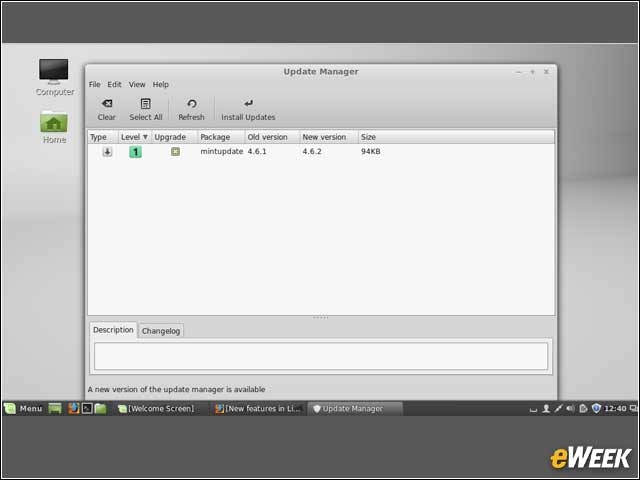
The Update Manager tool in Linux Mint 17 provides users with a clean interface to see what updates are required.
Update History Now Easily Viewable
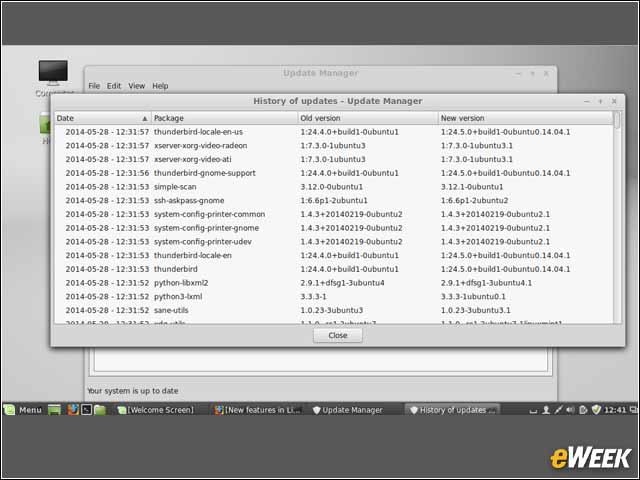
There are multiple mechanisms in any Linux distribution for updating software, and keeping track of all of them isn’t always easy. In Linux Mint 17, the Update Manager now provides a history of updates across all the different update mechanisms.
HexChat Lands as Default IRC Client
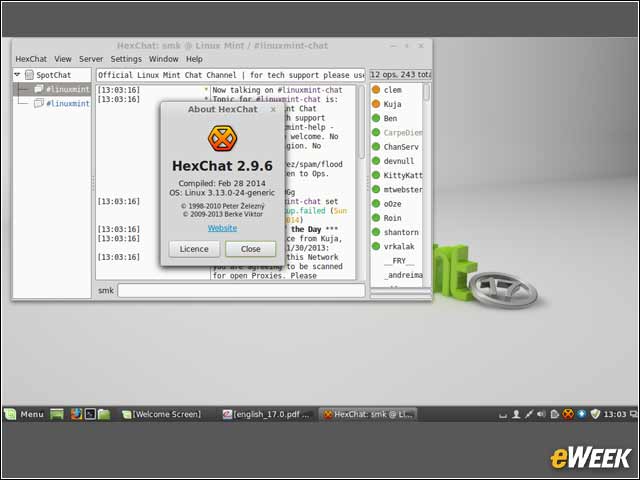
Internet Relay Chat (IRC) is one of the most common and popular ways for Linux users and developers to communicate with each other. In Linux Mint 17, XChat has been replaced with HexChat as the default IRC client.
Firefox Remains the Default Web Browser
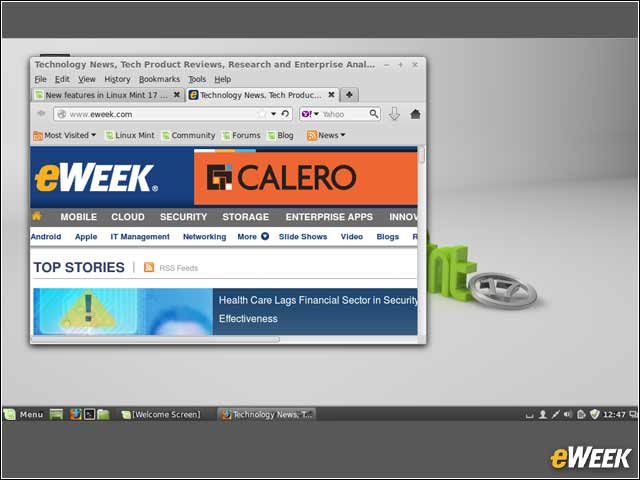
Linux Mint 17 features Mozilla’s open-source Firefox as the default Web browser.
LibreOffice Provides Office Suite Applications
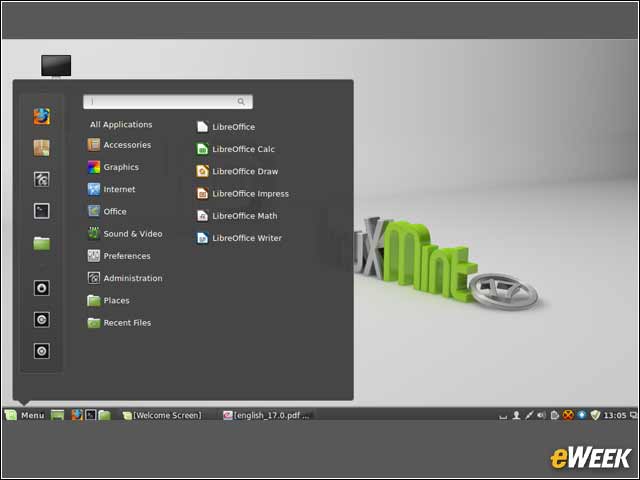
For office suite functionality, Linux Mint 17 includes LibreOffice, which provides word processing, spreadsheet and presentation capabilities.
Software Manager Offers Application Choices
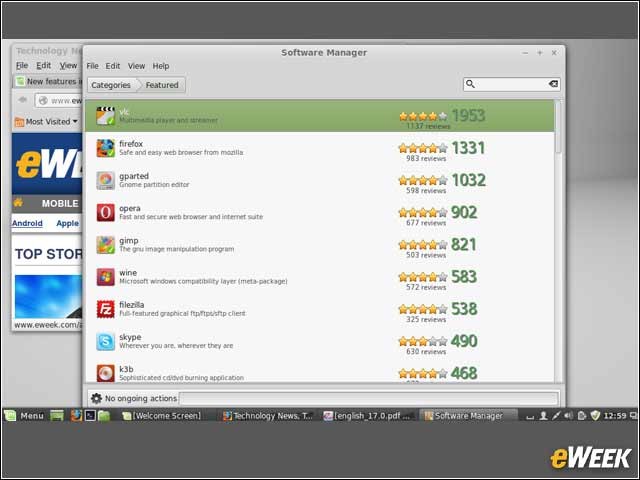
Linux Mint 17 users can add new software via the Software Manager tool, which also provides user ratings for software packages.
Disk Usage Analyzer Provides Visual Map of Storage
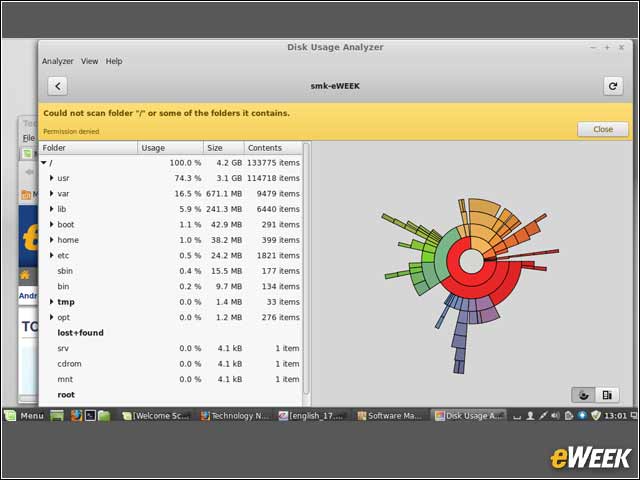
Figuring out how much space a given folder is using gets the visual treatment with the Disk Usage Analyzer.
Linux 3.13 Is at the Core of Linux Mint 17
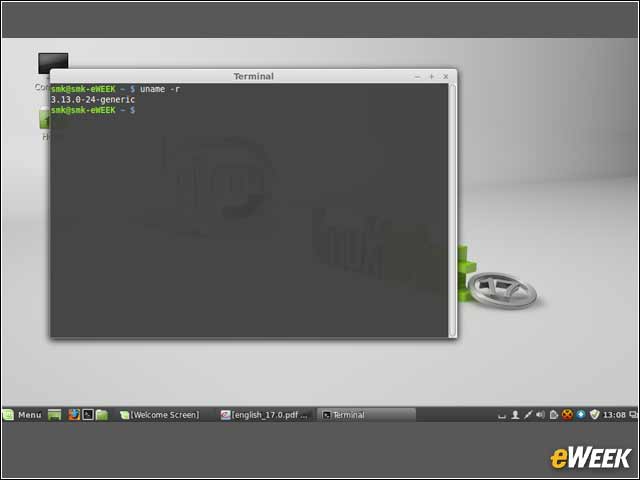
The Linux 3.13 kernel is at the foundation of Linux Mint 17.