




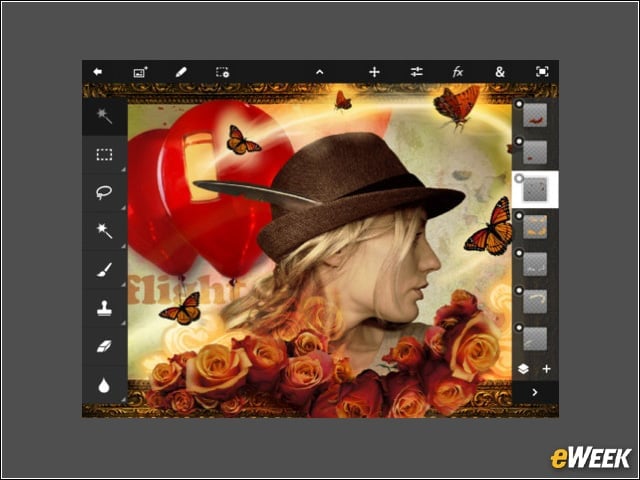
Adobe Photoshop Touch ($9.99)
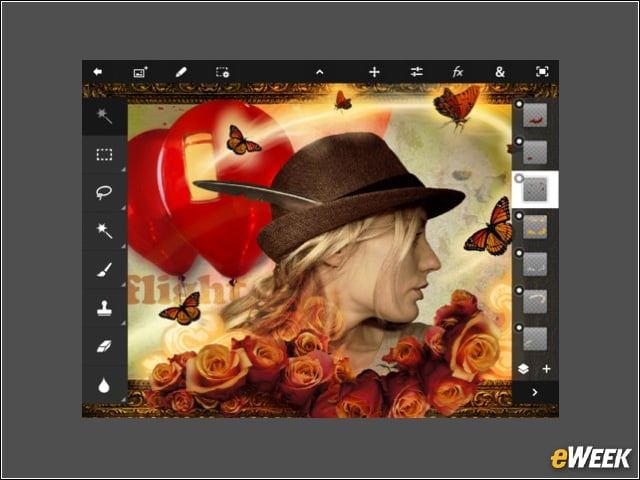
Apply professional effects, share results on social networking sites and use your iPad camera to fill an area on a layer with the camera fill feature—all using your fingers.
iPhoto ($4.99)
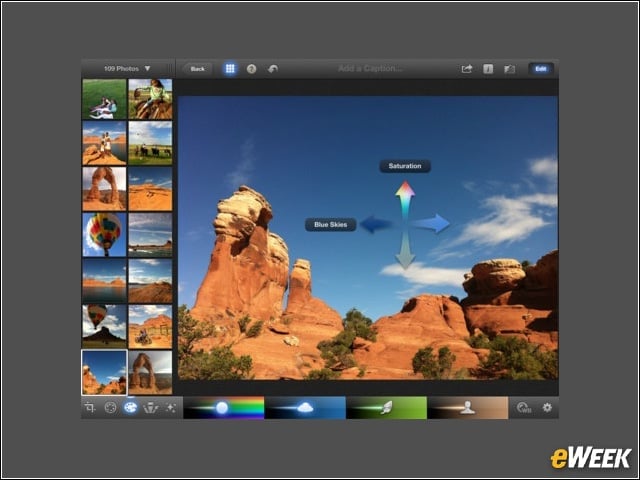
A powerful set of Multi-Touch tools helps you perfect color and exposure, crop, straighten and retouch images.
ArtStudio for iPad ($2.99)
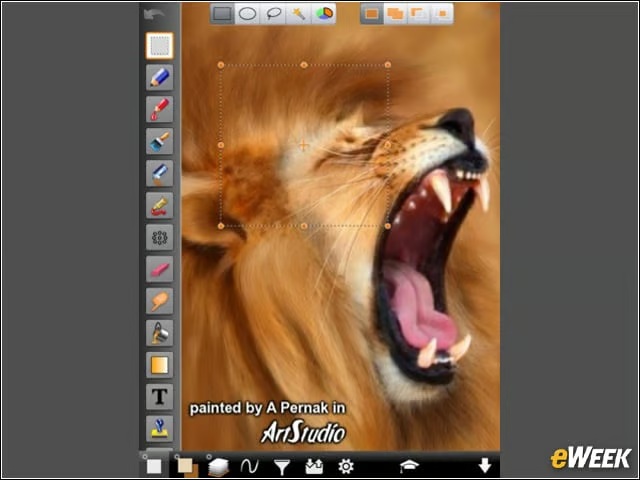
This professional drawing and painting app uses advanced mathematics to attain the highest level of quality—making it a great tool for advanced users or beginners.
Web Albums HD for Picassa ($3.99)
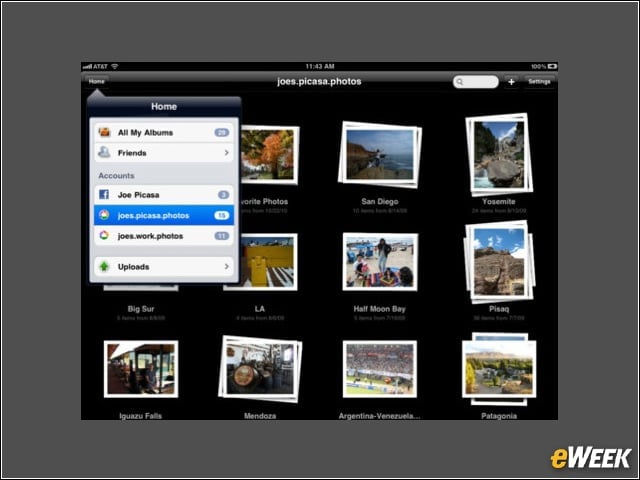
This Retina-supported app brings you quick and easy access to your entire Picassa online library, allowing you to upload, edit and share all your pictures.
iMovie ($4.99)
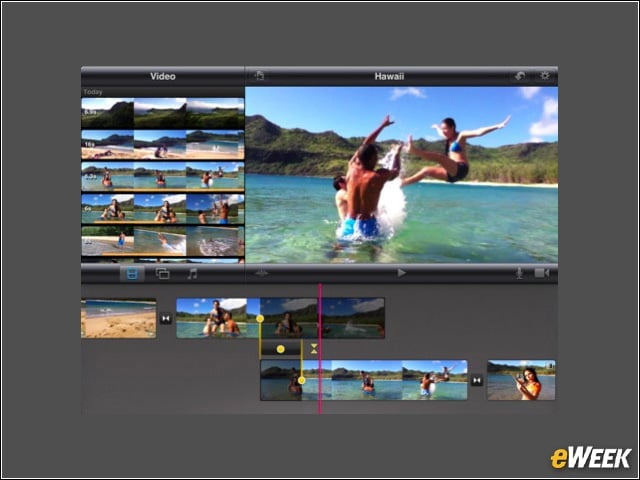
Make your very own beautiful HD-quality movies, record and edit a soundtrack, and build a polished project with the Themes feature to add titles and graphics.
Flickr HD ($1.99)
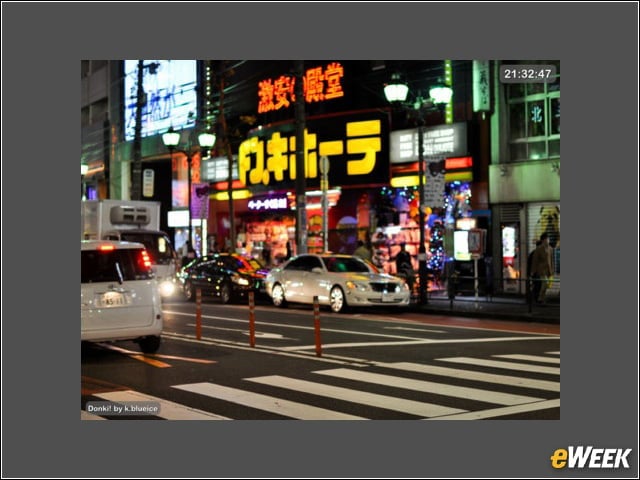
Use this app to view your photos in HD on the Retina Display for a high-quality impact, either to impress friends or use as a digital photo frame.
PhotoSync ($1.99)
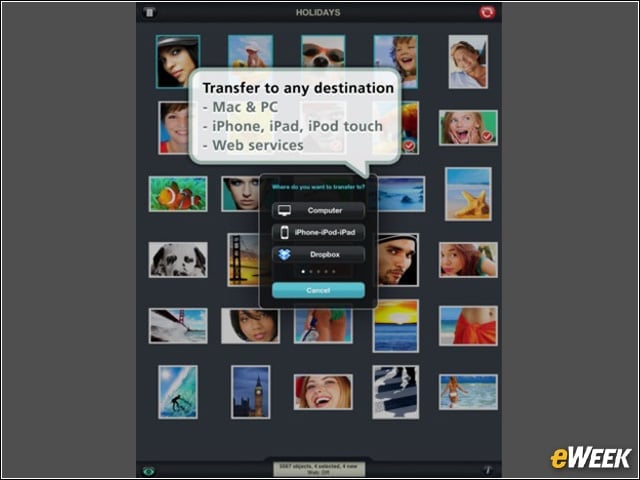
Make the transfer of your photos a breeze with this app, which makes wireless transfers to your computer and online storage sites like Dropbox, Picassa, Facebook, Flickr and many others.
The Photographers Ephemeris ($8.99)
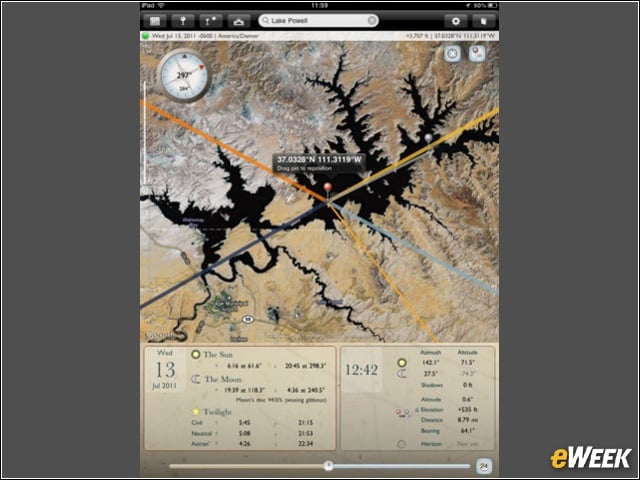
An essential app to planning your outdoor photography shoots, particularly landscape and urban scenes, it uses a map-centric sun and moon calculator to determine how the light will fall.
Avid Studio ($4.99)
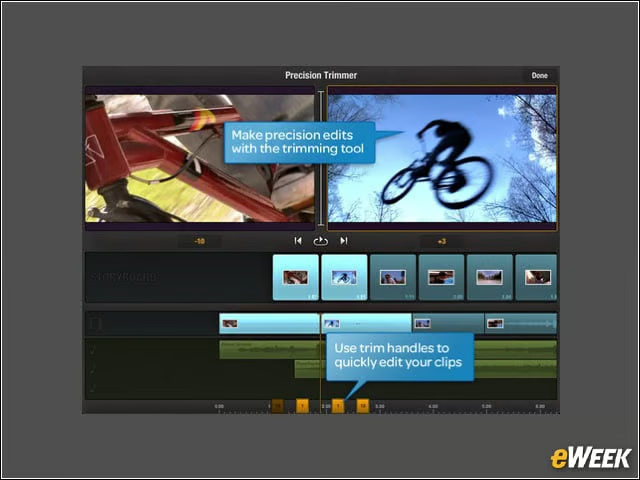
The world’s leading film-editing technology gets distilled down to tablet size, allowing you to do high-quality transitions, effects and a soundtrack.
Halftone ($0.99)
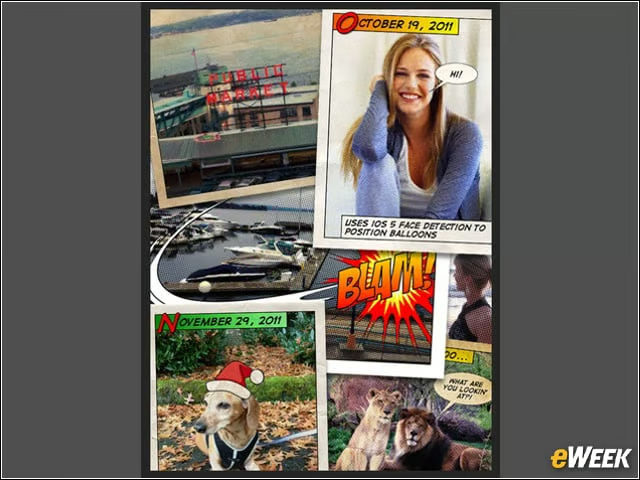
Fully optimized for the Retina Display, this app gives your photos a vintage comics feel that looks all the more crisp and detailed, thanks to the iPad’s new screen.Â