




Apple iPads Top 10 Grossing Apps of 2010
by Nicholas Kolakowski
Pages
COST: $9.99
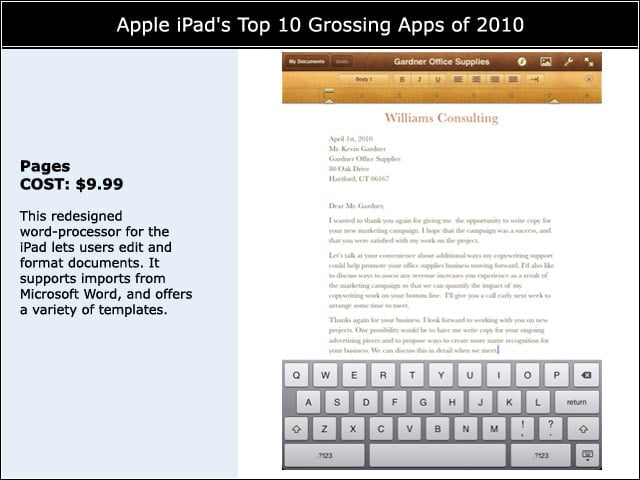
This redesigned word-processor for the iPad lets users edit and format documents. It supports imports from Microsoft Word, and offers a variety of templates.
Numbers
COST: $9.99
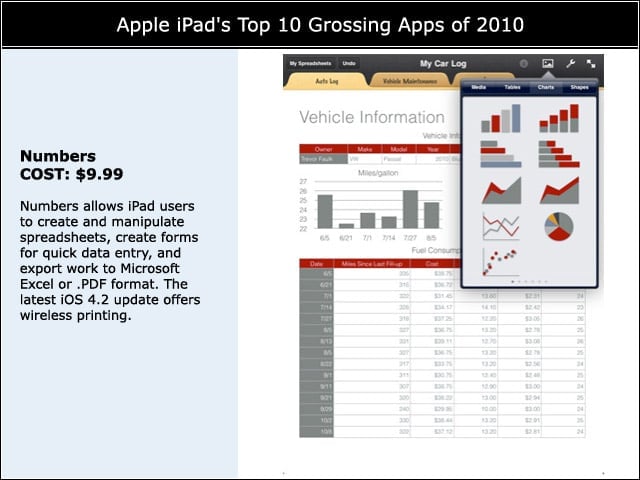
Numbers allows iPad users to create and manipulate spreadsheets, create forms for quick data entry, and export work to Microsoft Excel or .PDF format. The latest iOS 4.2 update offers wireless printing.
Keynote
COST: $9.99
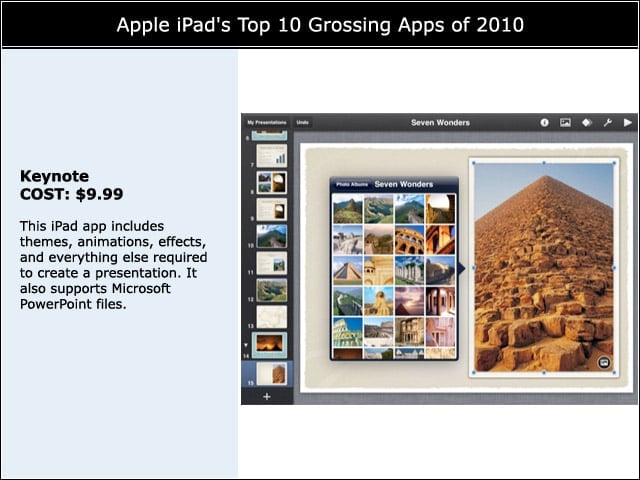
This iPad app includes themes, animations, effects, and everything else required to create a presentation. It also supports Microsoft PowerPoint files.
LogMeIn Ignition
COST: $19.99
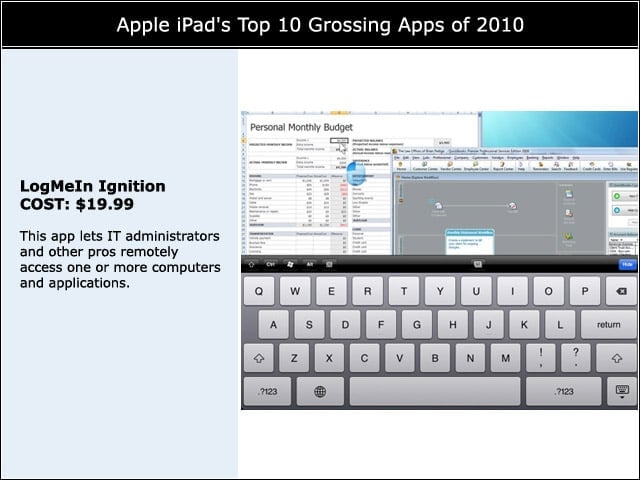
This app lets IT administrators and other pros remotely access one or more computers and applications.
Scrabble for iPad
COST: $9.99
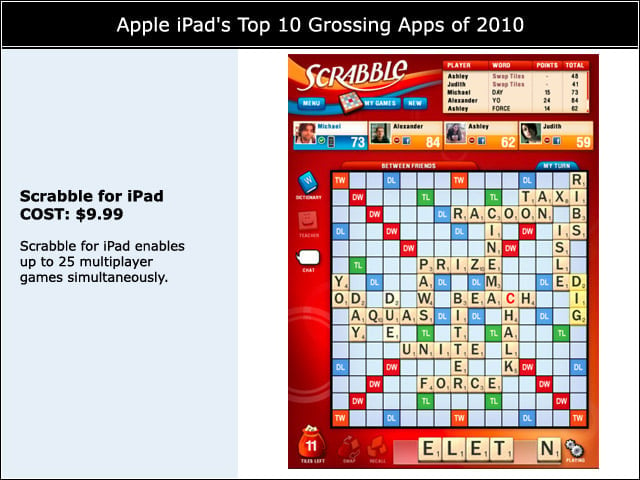
Scrabble for iPad enables up to 25 multiplayer games simultaneously.
Documents to Go Premium
COST: $16.99
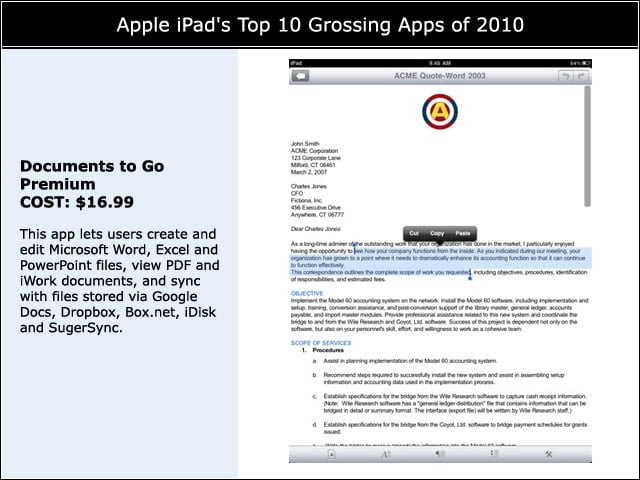
This app lets users create and edit Microsoft Word, Excel and PowerPoint files, view PDF and iWork documents, and sync with files stored via Google Docs, Dropbox, Box.net, iDisk and SugerSync.
Angry Birds HD
COST: $4.99
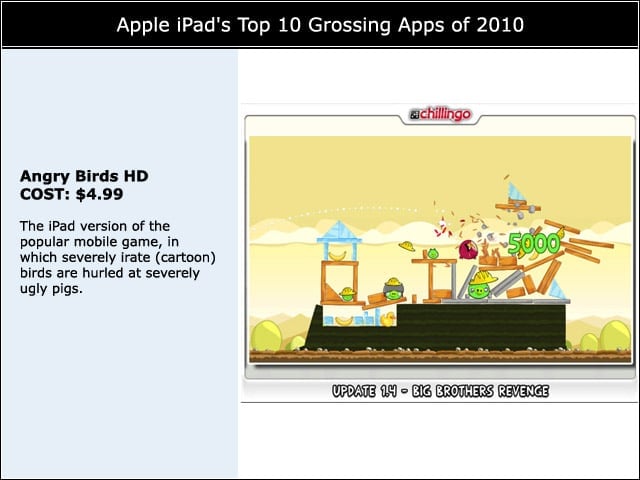
The iPad version of the popular mobile game, in which severely irate (cartoon) birds are hurled at severely ugly pigs.
Real Racing HD
COST: $9.99
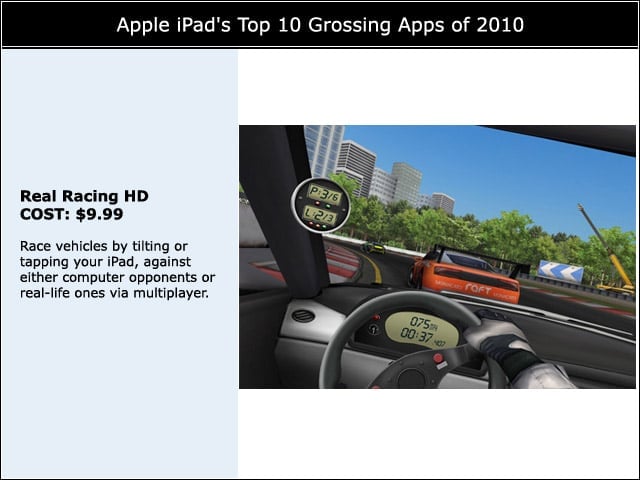
Race vehicles by tilting or tapping your iPad, against either computer opponents or real-life ones via multiplayer.
Plants vs. Zombies HD
COST: $9.99
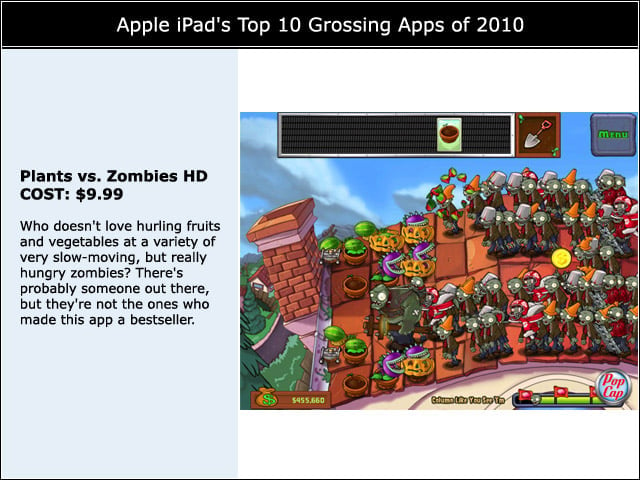
Who doesn’t love hurling fruits and vegetables at a variety of very slow-moving, but really hungry zombies? There’s probably someone out there, but they’re not the ones who made this app a bestseller.
Proloquo2Go
COST: $189.99
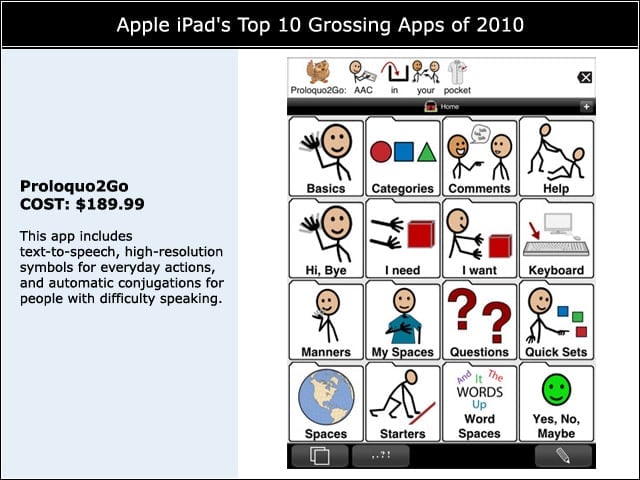
This app includes text-to-speech, high-resolution symbols for everyday actions, and automatic conjugations for people with difficulty speaking.