




BlackBerry App World Is High on Apps, Low on Payment Options
Link to Download
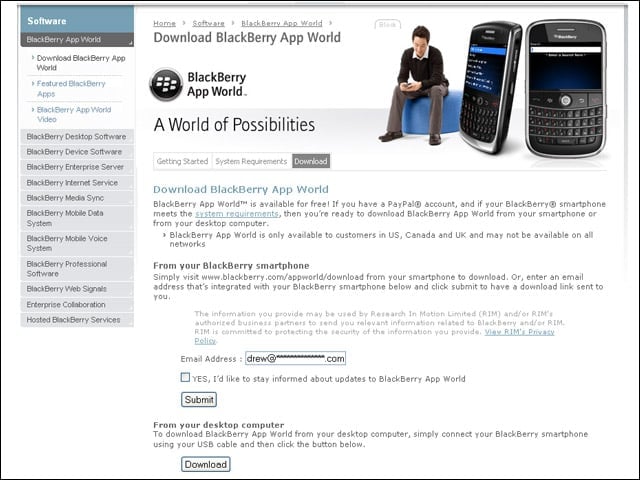
Users must install App World on supported BlackBerry devices and must browse to the install package using the device. However, from a PC, users can e-mail themselves a link for easy access.
Install App World
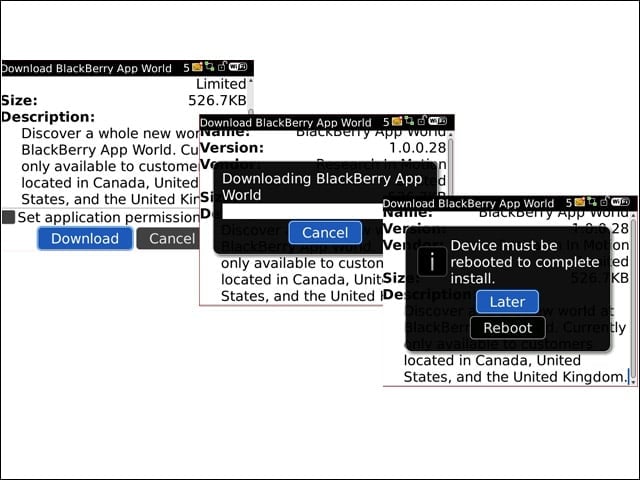
Users can quickly download and install App World with just a few clicks.
App World Icon
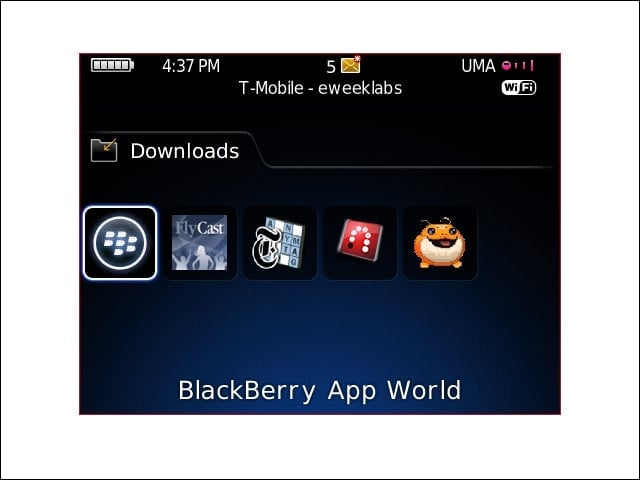
App World appears in the Downloads folder on the device, although users can easily move the icon to the main menu.
Featured Items
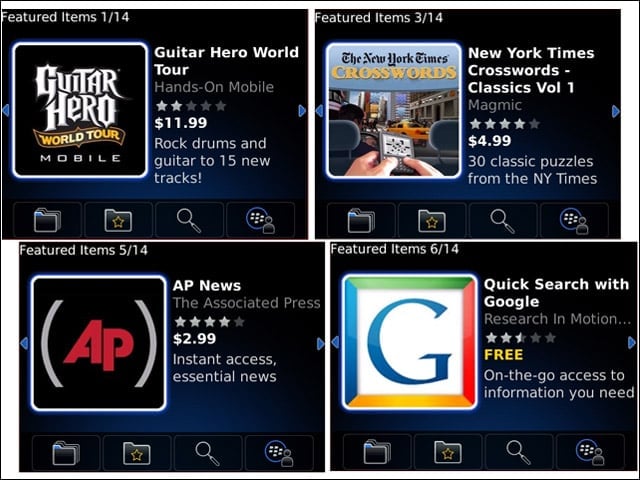
To help find new applications, App World offers a horizontal scroll list called “Featured Items.” Applications in the Featured Items panel will change periodically.
Install Apps
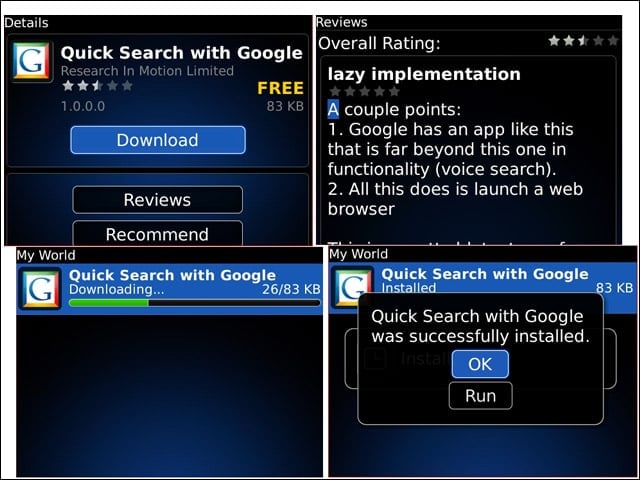
When selecting an application, users can view brief descriptions and reviews of the app or quickly install them.
Top Downloads
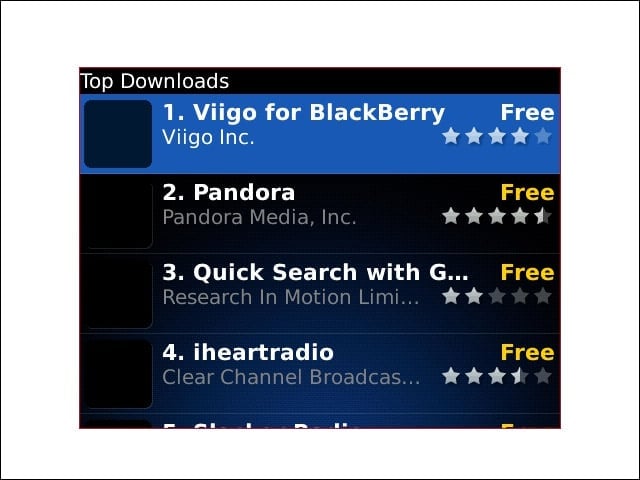
Users can also browse a list of the Top 25 most popular App World applications. App World does not appear to have separate “top” lists for paid and free applications.
Categories
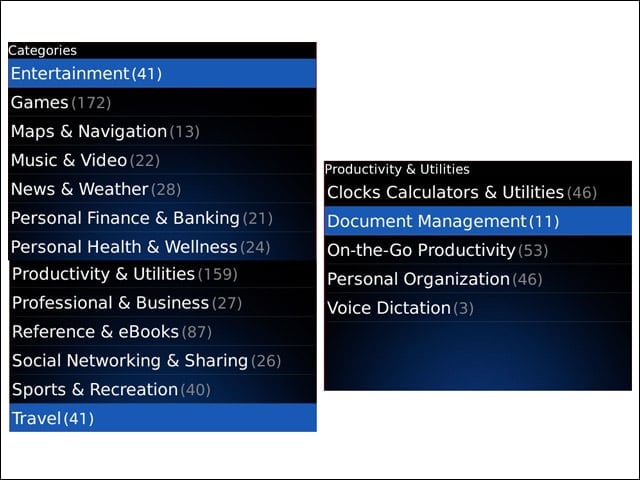
From a separate panel, users can browse for applications organized into categories and subcategories.
Search
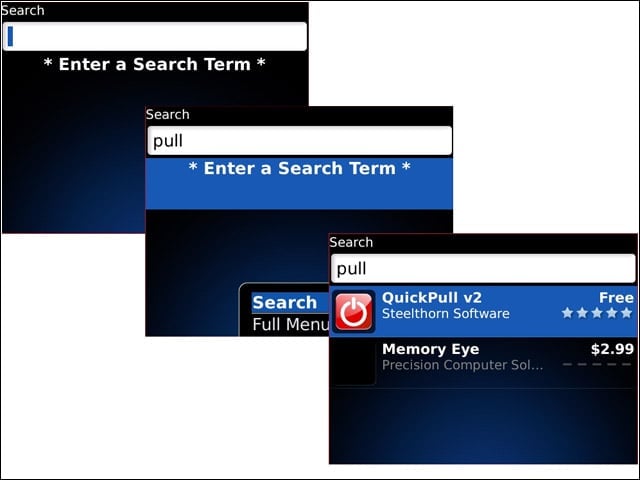
Users who have some idea of what they are looking for can utilize the built-in App World Search dialog.
Buy Application 1
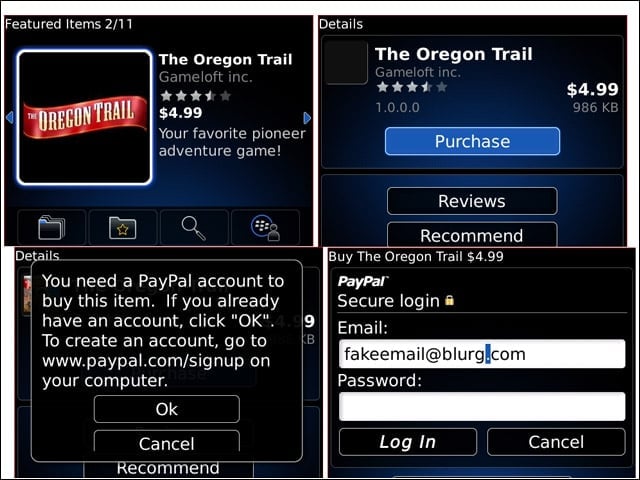
To buy non-free applications, users must use PayPal for payment. Entering PayPal credentials not only authorizes payment but also creates a My World account on RIM’s servers (using the same credentials). This account serves as a locker for paid applications, allowing users to take applications with them when they upgrade to a different BlackBerry device.
Buy Application 2
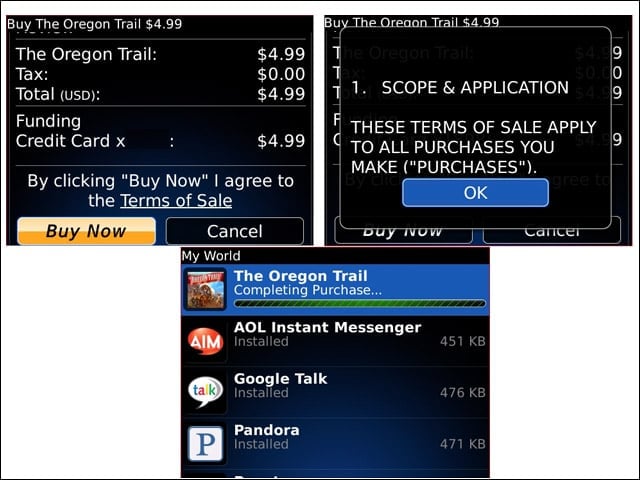
Prices for applications start at $2.99. (The most expensive app I found was PEPID Emergency, for $199.99.) Users can browse the Terms of Sale before completing a purchase.
My World
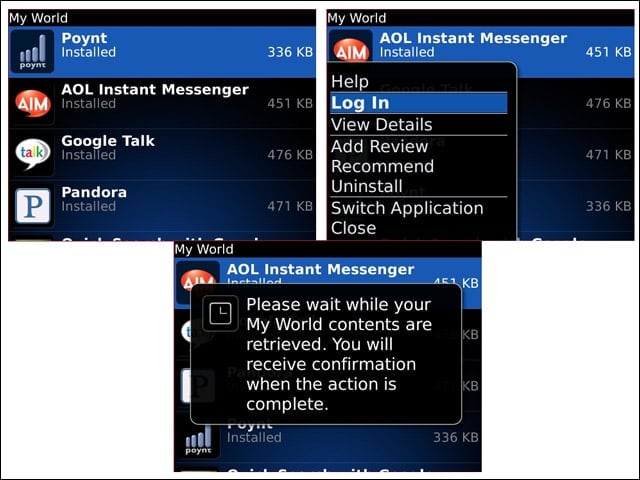
On the device, My World presents as a list all App World apps installed. But if you log in, the device will synchronize all purchased applications (with proper PayPal credentials) to the device.
My World Reconcile
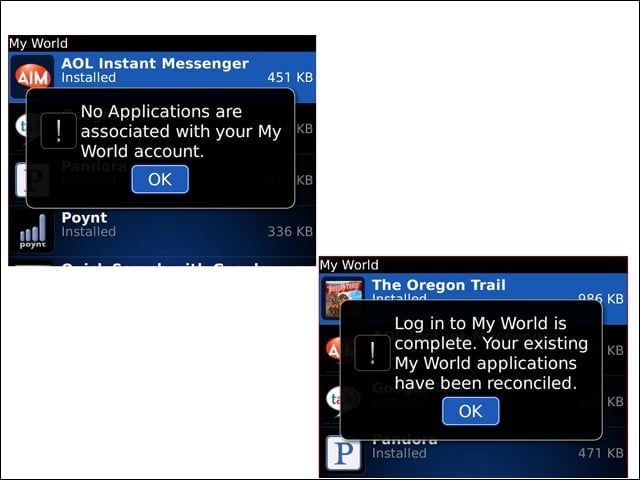
At left is My World with no paid applications in the locker. At right, paid applications have been synchronized.