




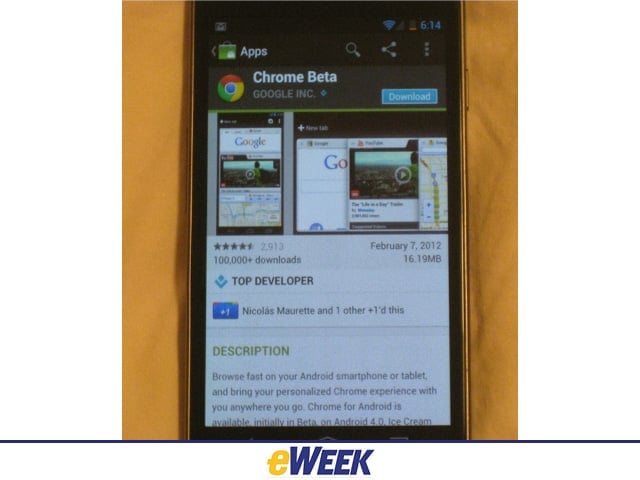
Chrome for Android
Chrome for Android is available for free in Google’s Android Market now. However, it can only be used with the new Ice Cream Sandwich version of Android.Art: Chrome AM
Sign-In
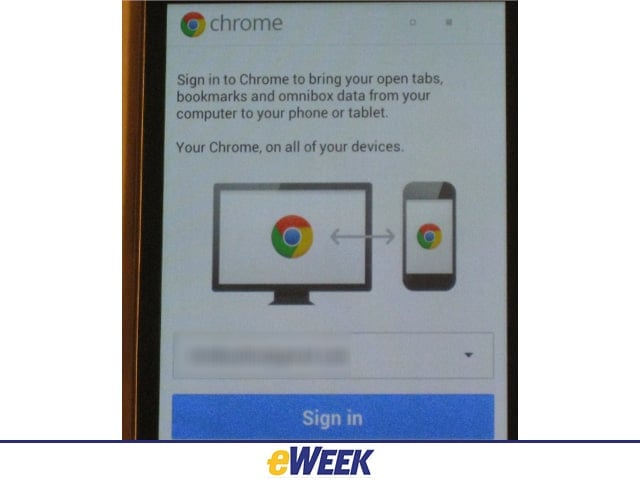
You’ll want to sign into the app with your Google account, which enables bookmark and other synching capabilities.
Controls
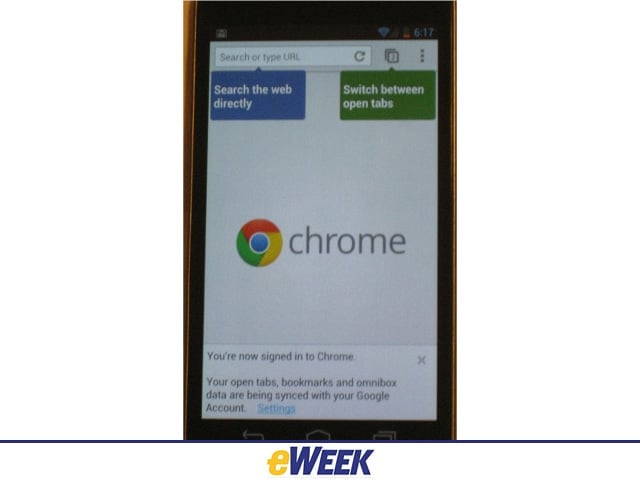
A brief intro to how Chrome for Android works, including search and tab switching.
Search
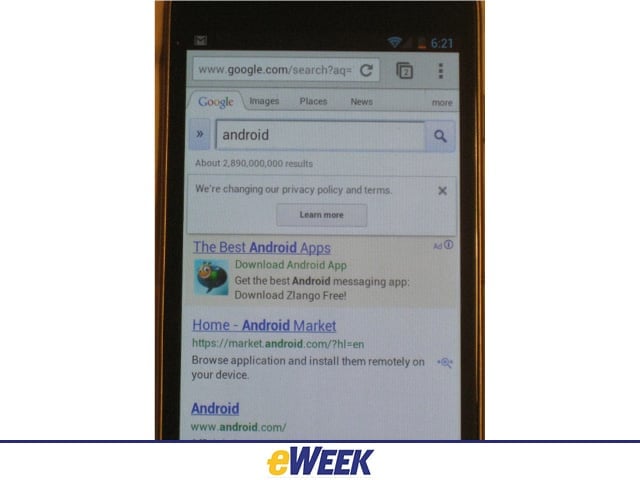
Searching in Chrome for Android is fun and speedy, helped by autocompletion in the mobile Omnibox, the browser’s address bar.
Desktop Sync
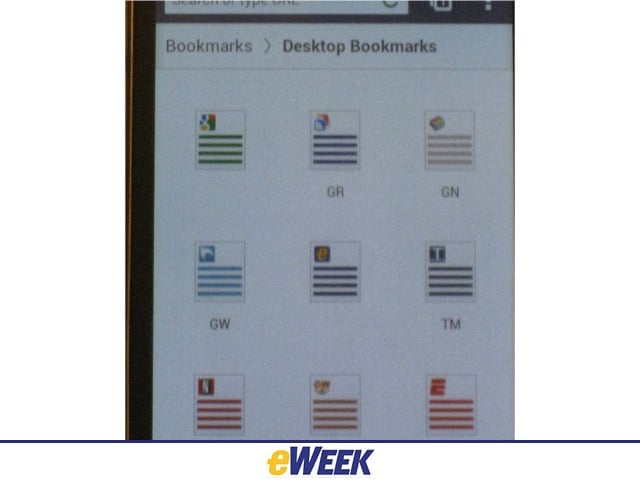
Bookmarks from a user’s desktop browser sync to their mobile device in Chrome for Android.
Tab Sync
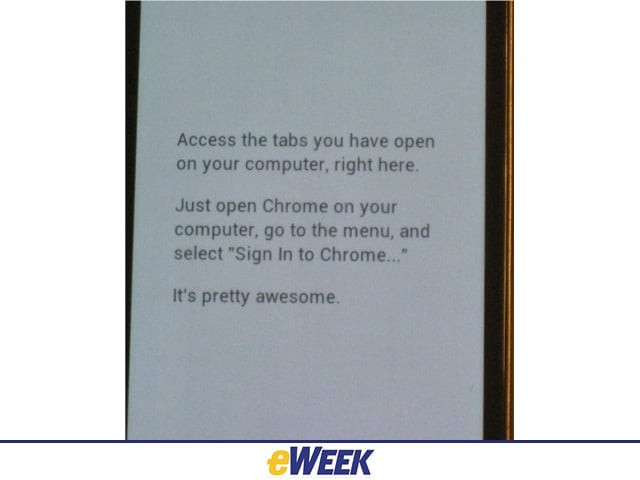
You’d expect a mobile browser to port bookmarks from the desktop version, but Google has also enabled users to port tabs they were looking at on the desktop to their mobile device.
Google News, BBC
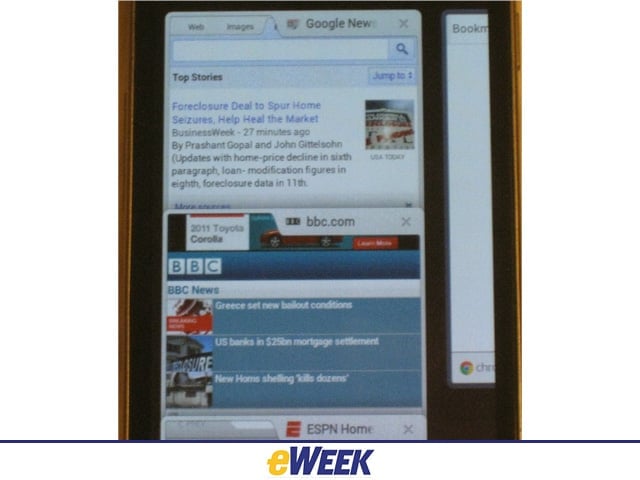
Chrome lets users view two tabs in the Galaxy Nexus window. One has to swipe right to see bookmarks.
Pinch to View
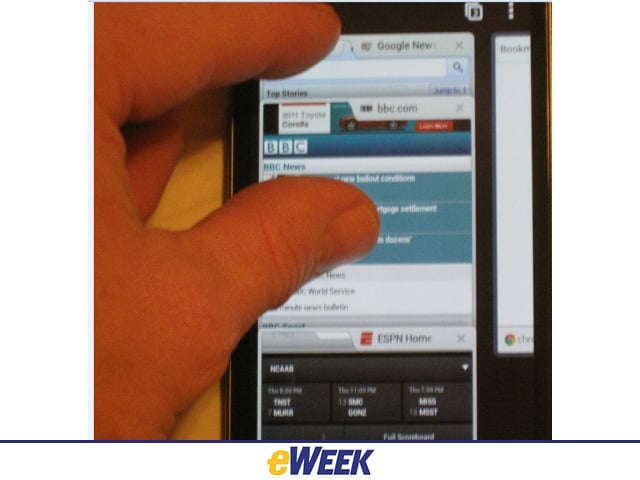
Suppose you want to view a third tab on the screen. Take two fingers, put them on the screen and pinch to reveal the third tab. In this case, ESPN joins Google News and the BBC Website on the phone screen.
No Title
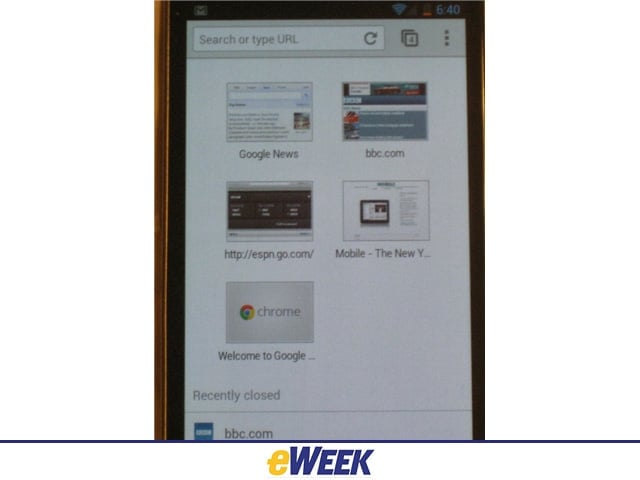
Open TabsDek: Here is the broad view of open tabs in Chrome for Android.
Settings
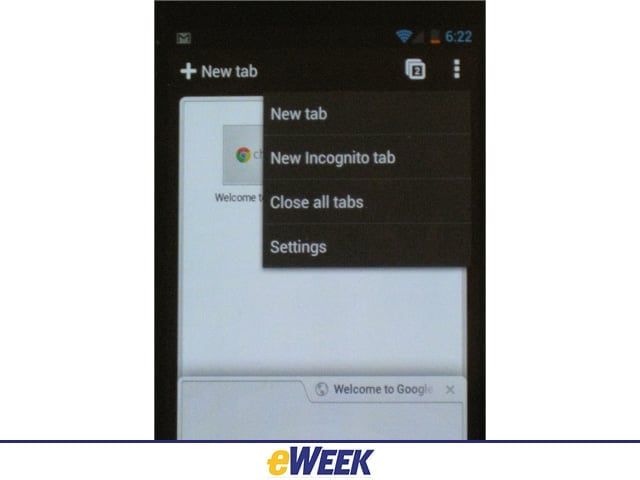
The settings menu lets users control tabs, including incognito mode.
Going Incognito
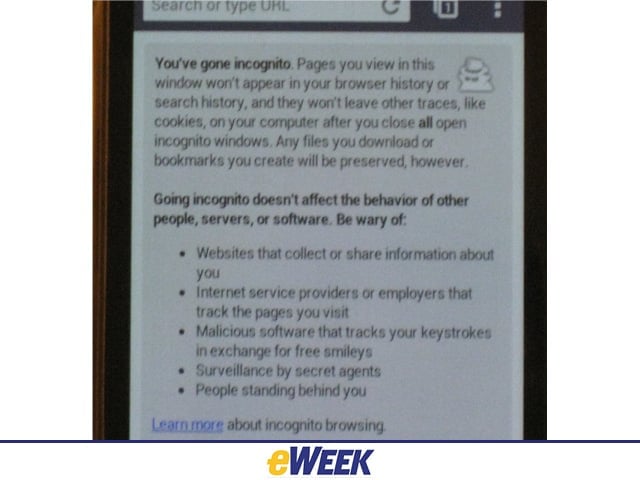
Incognito mode lets users browse the Web without Google tracking their cookies, etc.