




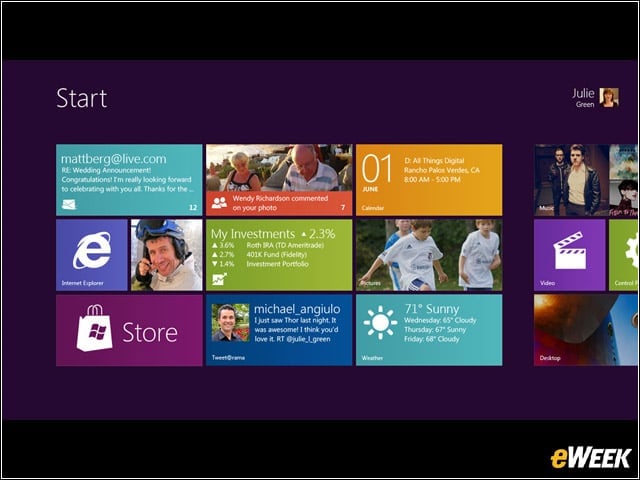
Tiles
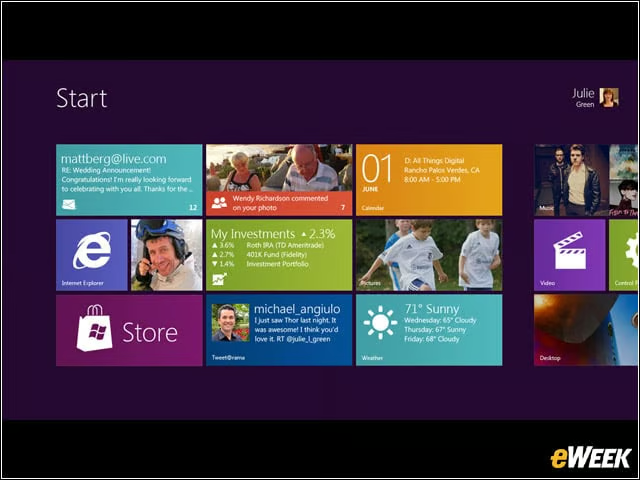
Windows 8 features tiles that display more information than traditional icons.
Start Screen
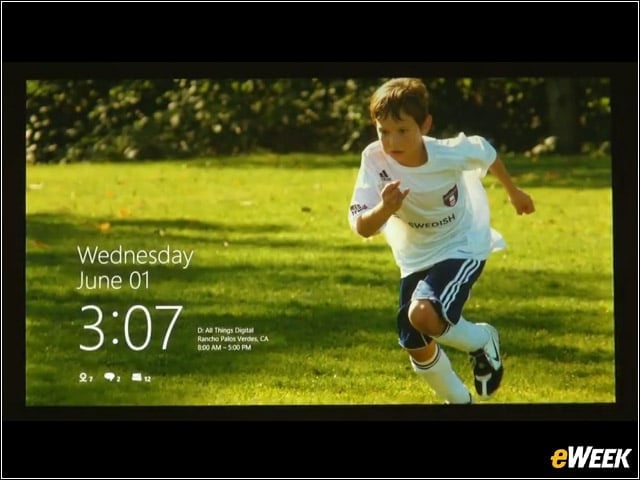
Windows 8s start screen offers a variety of quick-glance information, including (at least, based on this screen) time and date, and emails and conversations.
Touch-Sensitive
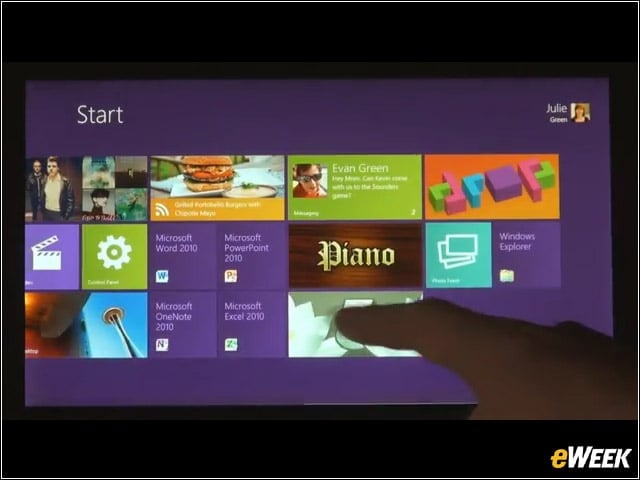
Microsoft plans to port Windows 8 onto a variety of devices, including the tablet and PC form factors.
Apps
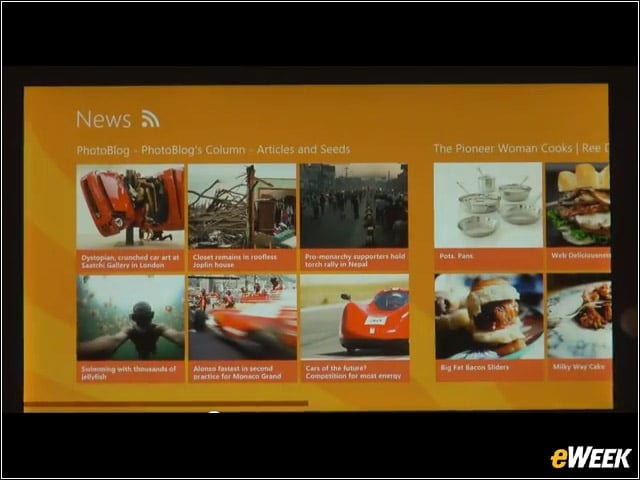
Microsoft offered a glimpse of a few new applications at work, including this News one.
Horizontal
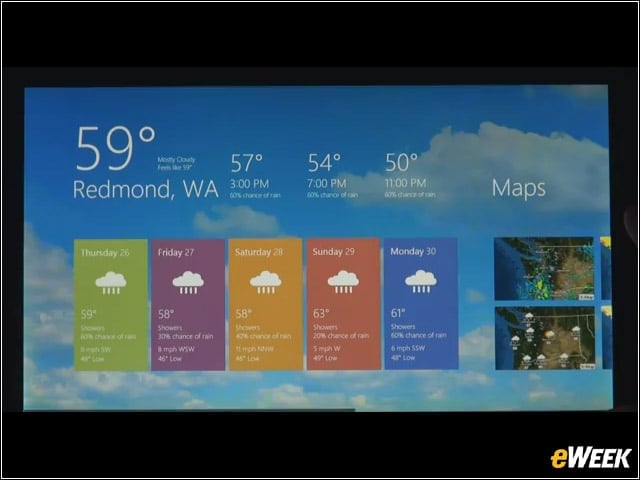
As with Windows Phone, the Windows 8 interface seems to emphasize a horizontal format, with the ability to scroll left or right to see new information.
Mouse and Keyboard
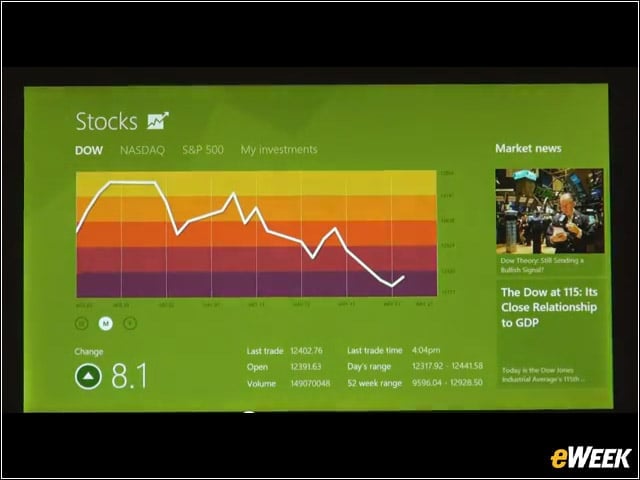
Windows 8s user interface is also navigable with the traditional mouse-and-keyboard configuration.
Swiping
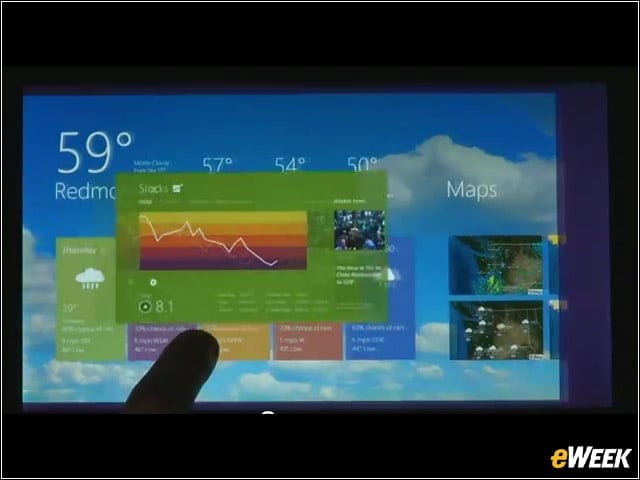
Here is a shot of Windows 8 finger-swiping in action.
Multitasking
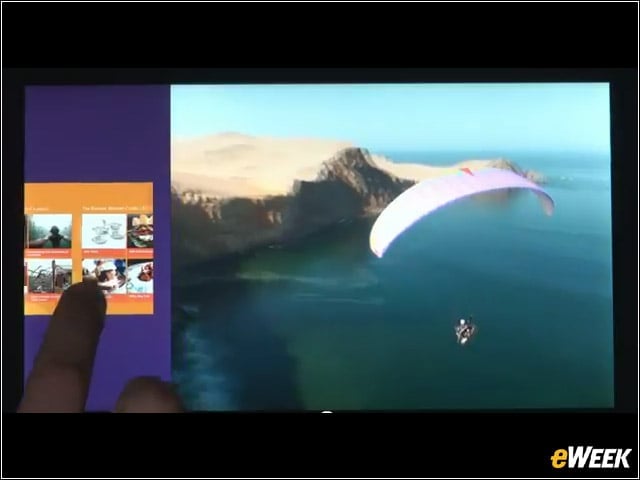
Windows 8 offers the ability to run multiple applications simultaneously.
Snap
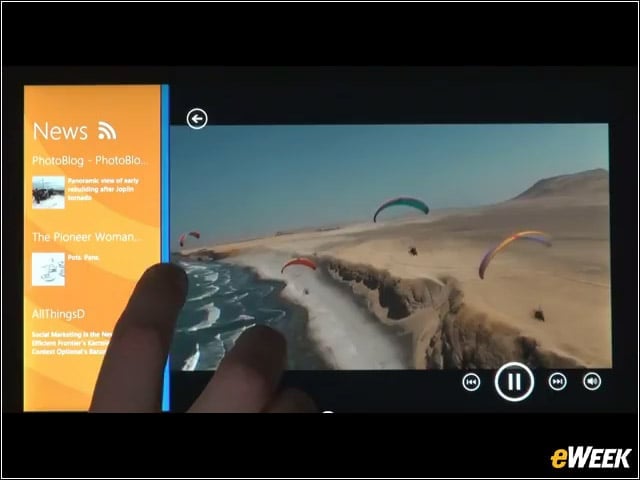
Like Windows Vista and Windows 7, Windows 8 lets the user snap content to the sides of the screen—in this case, a secondary application running alongside the main one.
Apps
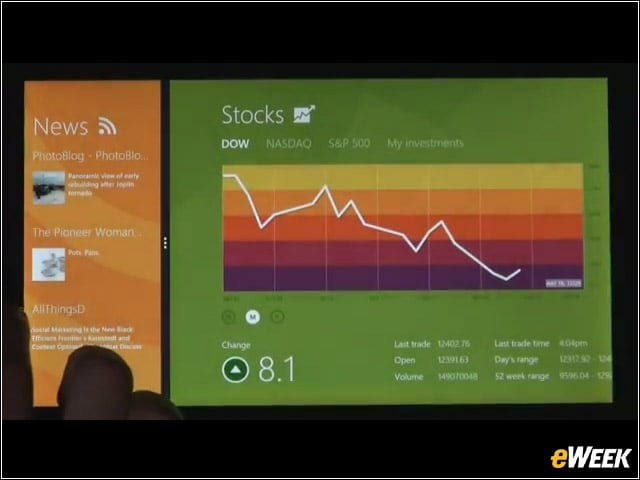
Here is an image of two Windows 8 applications running concurrently.
Web Cruising
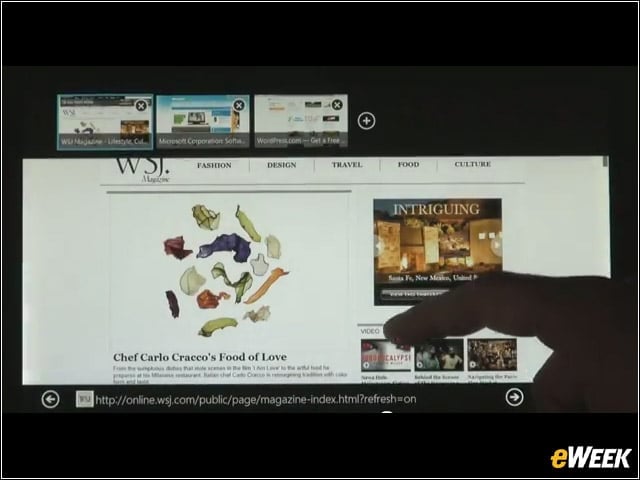
In this shot, Internet Explorer 10 is operating on Windows 8 on a tablet.
Virtual Keyboard
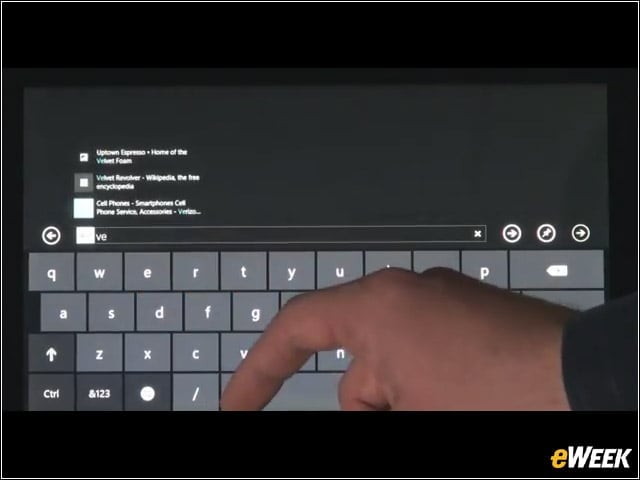
Here is an image of Windows 8s virtual keyboard (for tablets).
Ergonomic
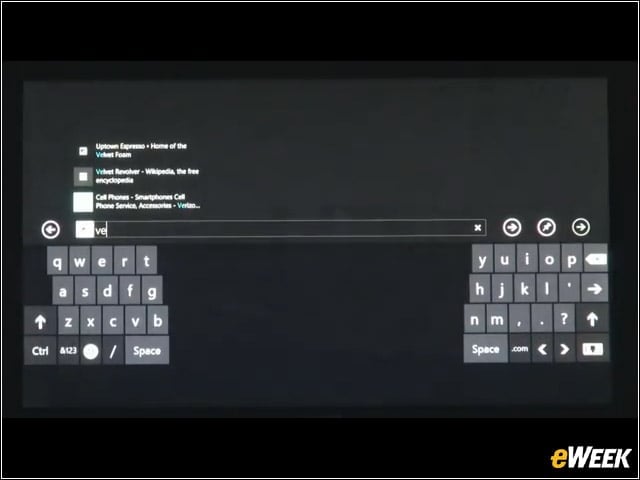
For tablets, Windows 8s virtual keyboard can be configured into an ergonomic, thumbs-optimized format.
Existing Apps
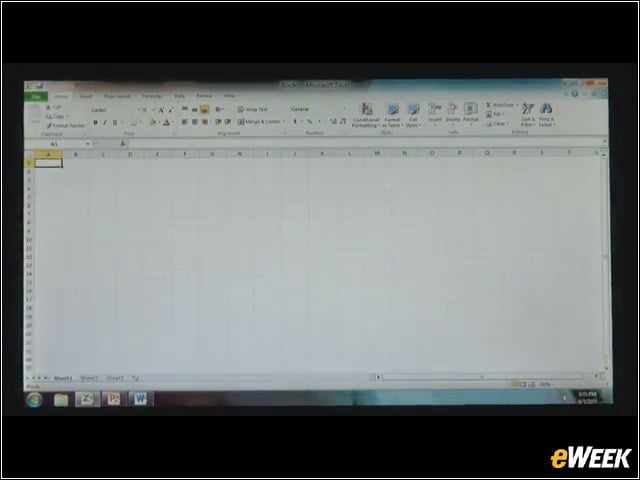
Windows 8 will also run existing Windows applications.
File System
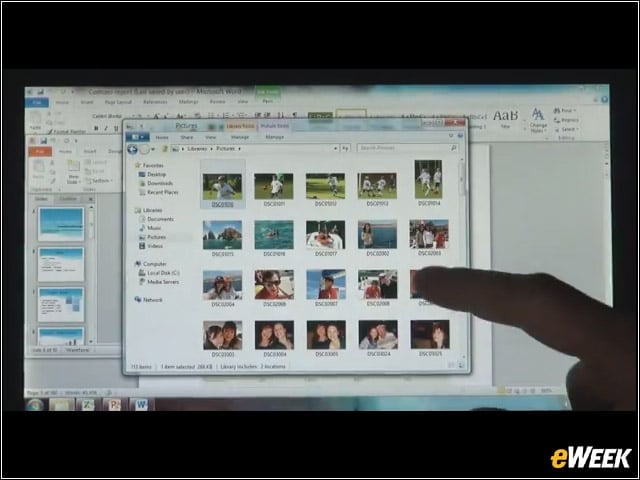
Despite the new tile-centric format, Windows 8 will also offer a robust file system.