




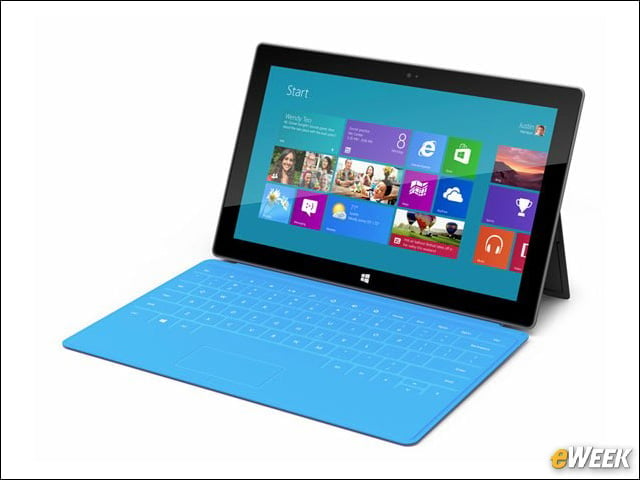
Windows RT Is Hobbled
Windows RT is a hobbled alternative to the Windows 8 Pro running on the Surface Pro. Windows RT lacks much of the functionality found in Windows 8 Pro and is still very much a work in progress. Although Windows 8 hasn’t gotten off to the best start, it’s still better than Microsoft’s Windows RT alternative running in the Surface RT.
App Support Is Subpar
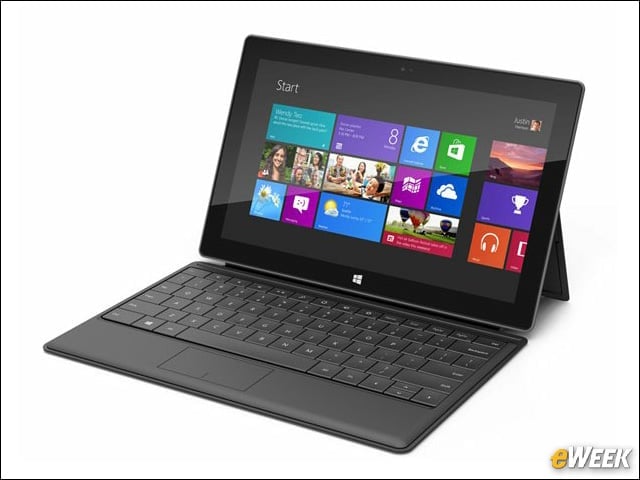
The big issue for the Surface RT is that it doesn’t support business and productivity applications folks have been using for years. That’s due to the fact that Windows RT works on ARM-based architecture. The Surface Pro supports all Windows 7 and Windows 8 applications, making it a better choice for most customers, including enterprise users.
The Price Makes Sense on the Surface Pro
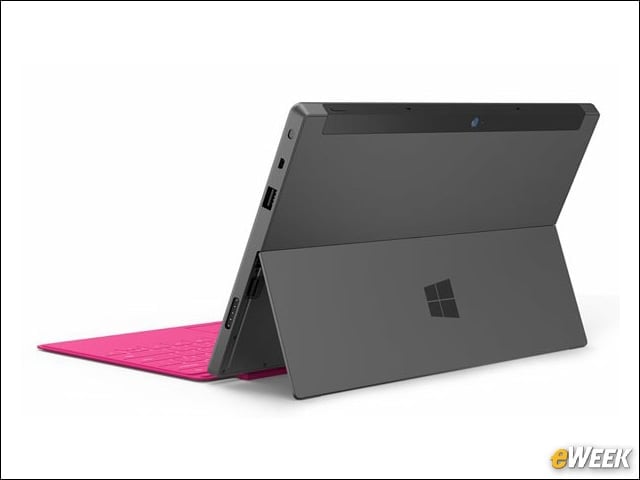
Although the Surface Pro will set customers back at least $900, the tablet’s price actually makes some sense. Customers are essentially getting a full Windows PC in tablet form. That’s something that consumers, especially, have been hoping for over the last year or so. They’re finally getting it.
Better Security Features
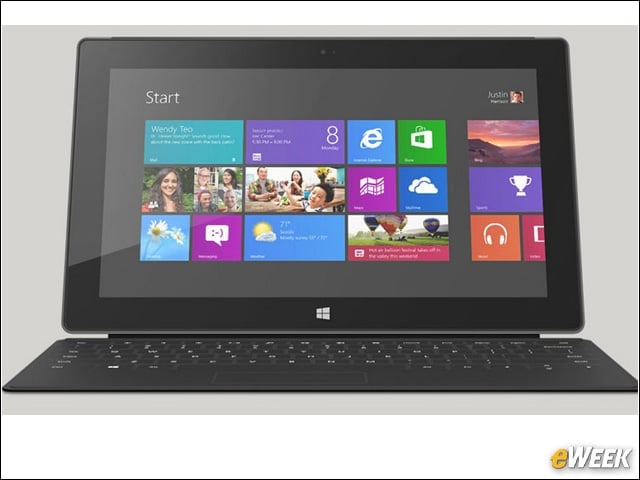
The Surface RT comes with device encryption and built-in Windows Defender. While that’s nice to see, it’s worth pointing out that the Surface Pro boasts that security software plus AppLocker and Group Policy support, as well as BitLocker technology. For enterprise users, those extra security features are important.
More Storage in the Pro
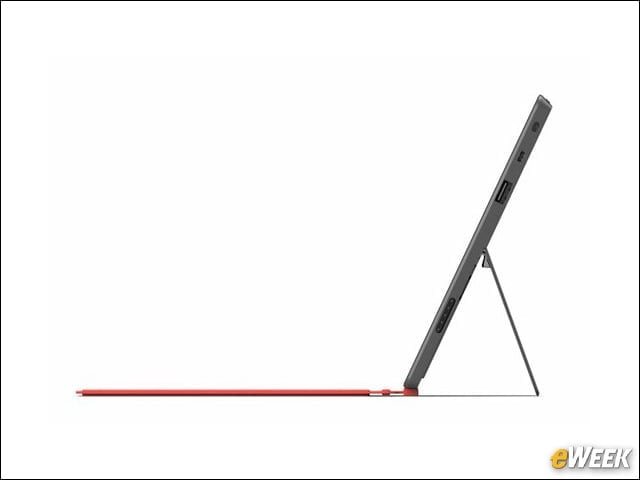
Having as much storage as possible is an important feature for many customers. Realizing that, folks seeking more storage will want to opt for the Surface Pro. That tablet comes with the customer’s choice of 64GB or 128GB of storage. The Surface RT tops out at 64GB.
Bring On the Stylus
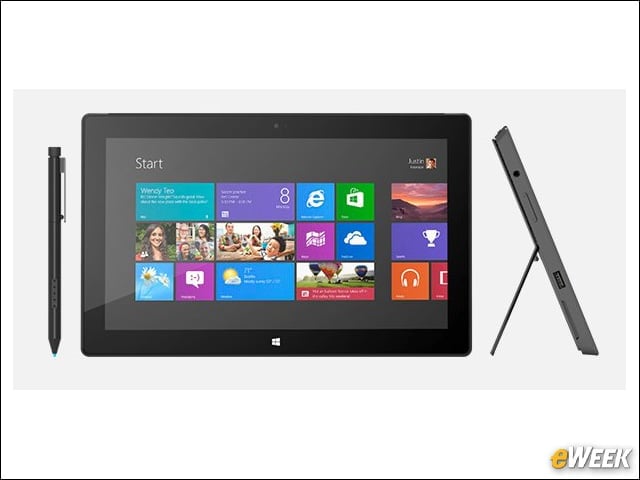
Unlike the Surface RT, the Surface Pro comes with a stylus that allows users to write directly on the display. In the enterprise, such a feature can come in handy when folks want to have customers sign invoices or attach their names to contracts. The stylus support cannot be underestimated.
Productivity Would Be Higher
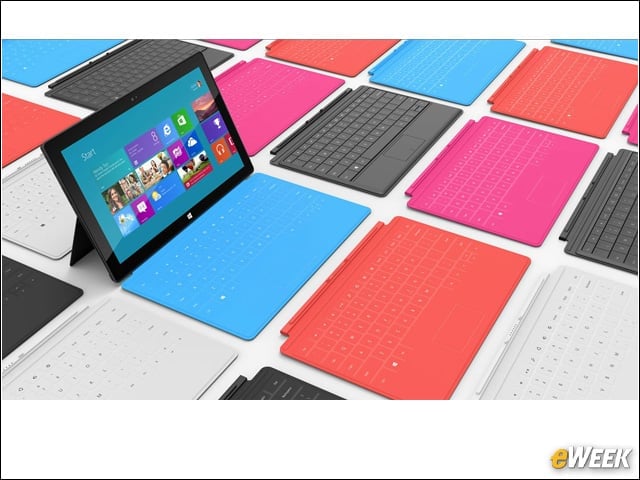
Looking at the entirety of the Surface Pro, it’s clear to see that employees would be more productive using that product rather than the Surface RT. Surface Pro has more app availability, better security and additional features, such as a stylus. Companies looking to improve productivity would do well to choose the Surface Pro.
No Reasonable Advantage in the RT
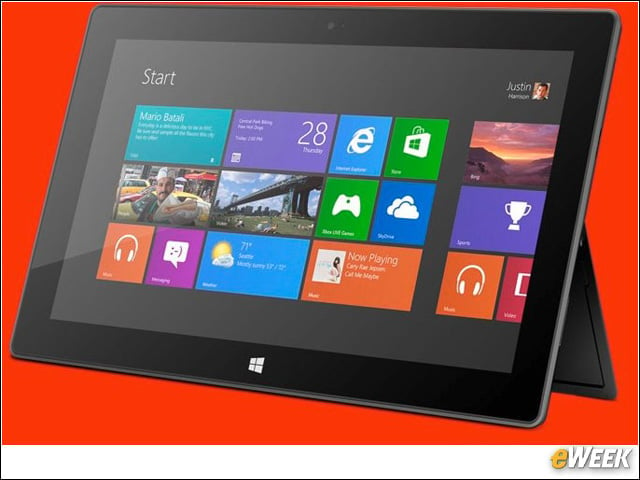
It’s clear to see that the Surface RT lacks a single advantage over the Surface Pro. The devices have about the same internal components, are believed to deliver identical battery lives and are equally as mobile. Not even Windows RT’s inclusion of Office Home and Student 2013 is enough to top the Surface Pro, which can run many other Office applications.
A Better Display
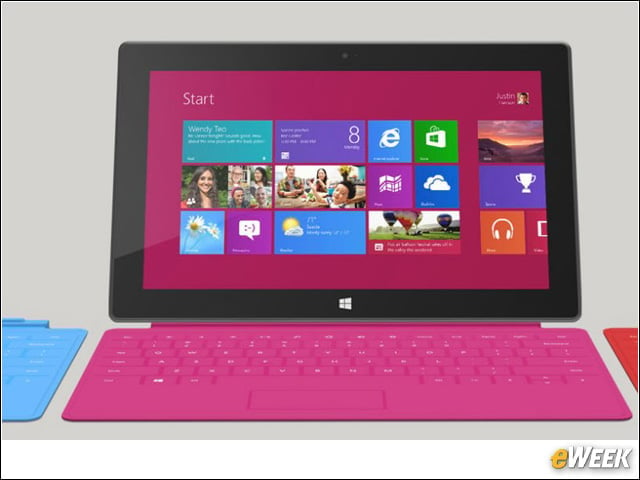
If display quality matters to a customer, choosing the Surface Pro makes sense. That device has a 10.6-inch screen with a 1,920 by 1,080 resolution. The Surface RT’s screen only has a 1,366 by 768 resolution. For video viewing and gaming, that’s a major issue that shouldn’t be overlooked.
Additional Connectivity
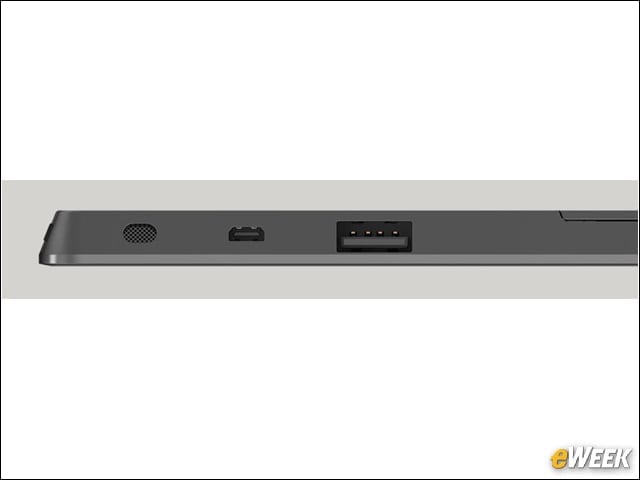
Although both the Surface Pro and Surface RT have many of the same ports, the former adds an important one: Mini DisplayPort. With that port available, users can quickly connect the tablet to a television or larger monitor to put what’s on the screen in front of a larger group. One other important consideration: Surface RT supports USB 2.0, while Surface Pro comes with a USB 3.0 port.