




LABS GALLERY: Plantronics’ Voyager Pro UC Enables Use of One Bluetooth Headset for Multiple Systems
The Plantronics Voyager Pro UC provides callers with an excellent way to utilize the same Bluetooth headset for both cell phone- and PC-based unified communications systems, while delivering excellent voice quality and distance performance along with reasonable battery life.
No Title
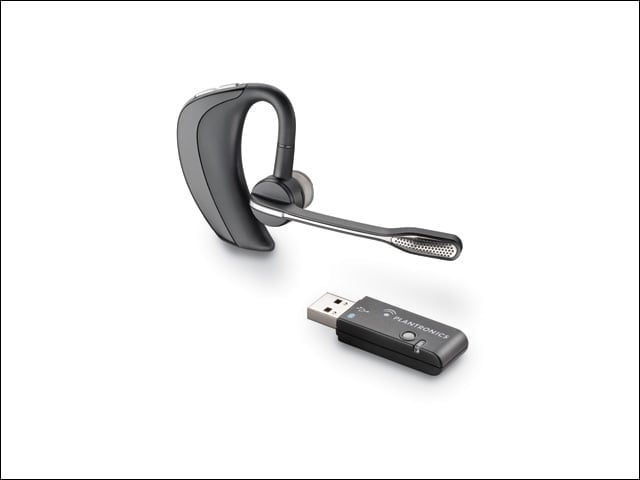
Voyager Pro UC
The Voyager Pro UC comes with a pre-paired Bluetooth dongle for use with supported Windows PC softphones. The earpiece can also pair with a cell phone, allowing the user to move seamlessly between devices.
No Title
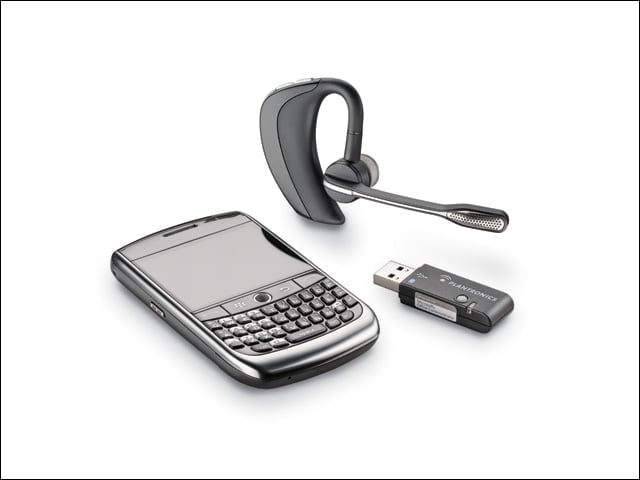
Optimized for Microsoft OCS
Sold separately, Microsoft also offers a version of the Voyager Pro UC optimized for use with Microsoft Communicator and OCS (Office Communications Server).
No Title
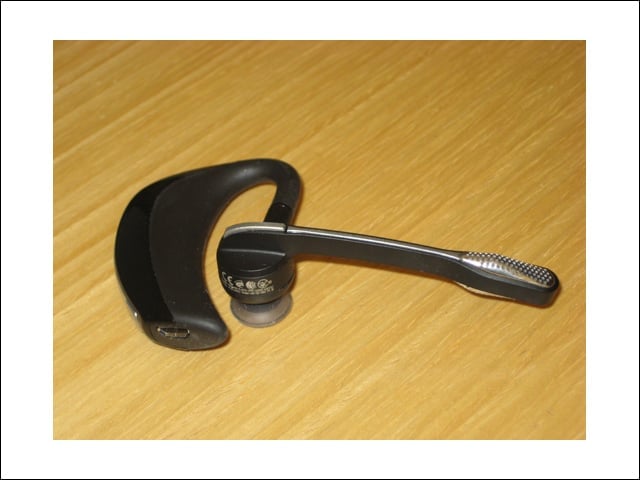
Call Control
The call control button that can be used to answer or hang up calls or to switch between phones is at the base of the microphone boom. The MicroUSB slot at bottom left is used to charge the battery using the small included wall wart.
No Title
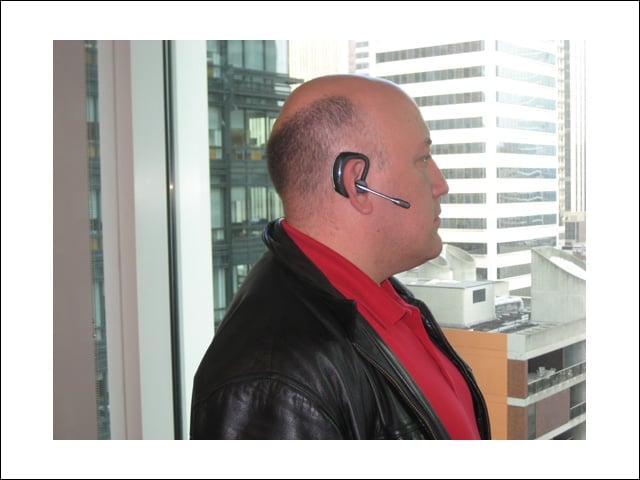
Size
The entire headset is larger than many Bluetooth headsets available today. But the size brings the microphone closer to the mouth, allowing the dual microphones and the headset’s AudioIQ2 technology to provide excellent noise reduction and sound quality.
No Title
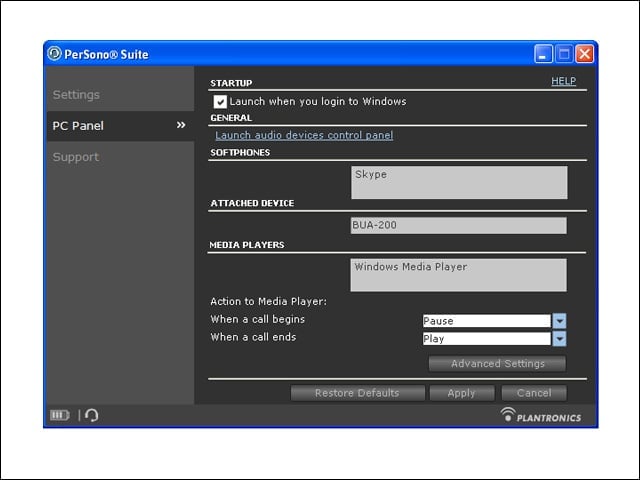
Supported Softphones and Clients
Plantronics’ Windows software client spells out which softphones and media players are supported. Although the headset works with unsupported applications, users won’t get the use of the earpiece call controls.
No Title
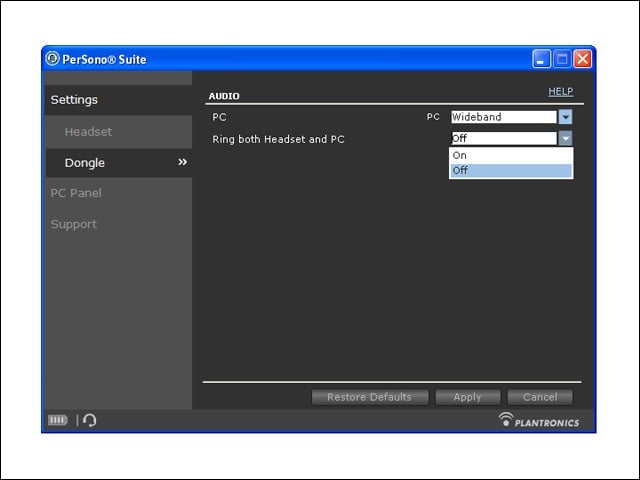
Wideband and Narrowband
Users can toggle between wideband and narrowband support for communication with the PC. Keep in mind that the softphone must also support wideband for this to make any difference to call quality.
No Title
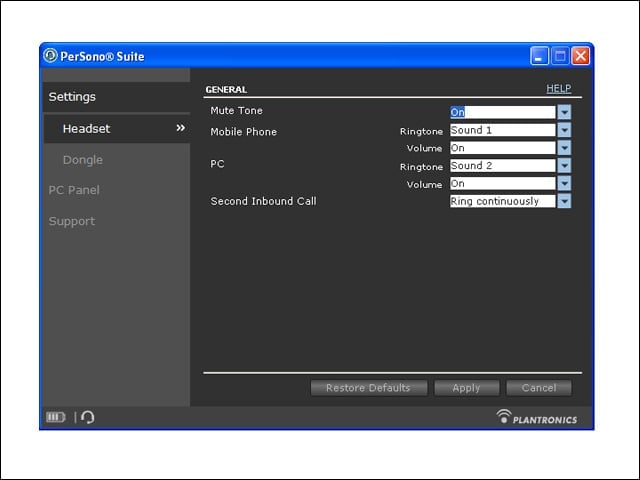
PerSono Settings
Users can adjust headset notifications alerting when either phone is ringing. Also notice the onscreen battery notification at bottom left.
