




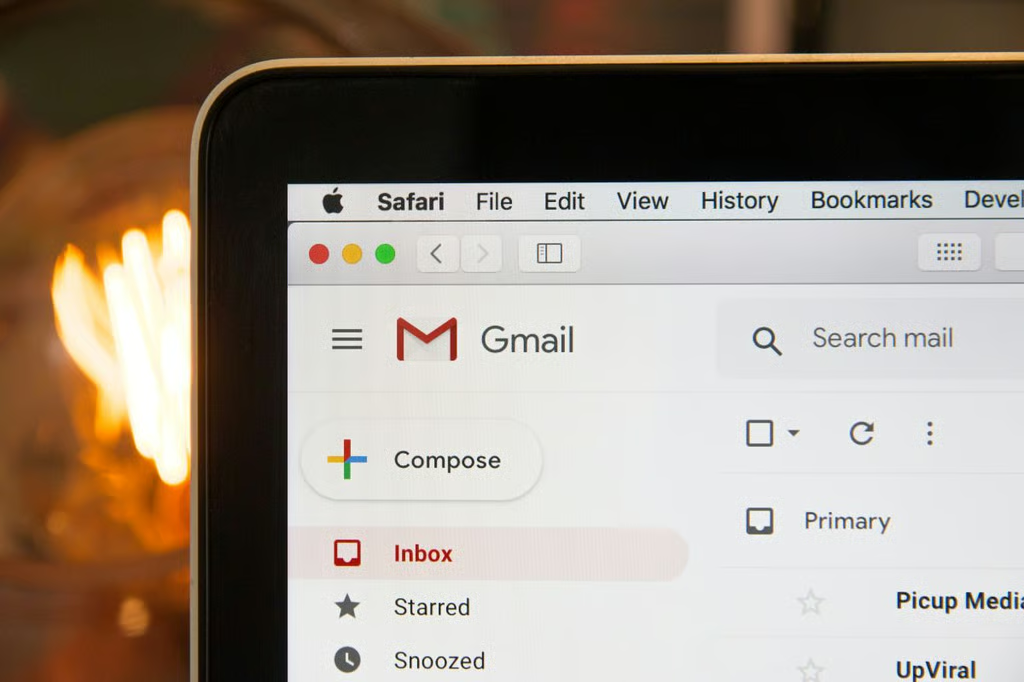
Google is bringing Gemini-powered email summaries to far more Gmail inboxes.
The feature, previously limited to paid subscribers and users in the US, is now rolling out globally across free, paid, and Workspace Gmail accounts on Android, iOS, and the web, according to Google support documentation. It uses Gemini to generate short summaries of supported email threads so users can catch up without opening every message in a long chain.
Instead of opening every message in a long chain, users can now see a condensed overview at the top of supported threads. The system is designed to help people catch up faster on ongoing discussions, especially in crowded inboxes.
Google is also pairing this with other AI tools inside Gmail. These include Ask Gemini, which lets users ask questions based on email content, and broader inbox summaries designed to highlight what matters most. However, those more advanced features remain limited to Google AI Pro and Ultra subscribers in the US.
Limited languages at launch
While the rollout is global, support is not yet universal across languages.
The AI summaries currently work in a limited set of languages, including English, French, German, Italian, Japanese, Korean, Portuguese, and Spanish. Google is expected to expand this list over time as the feature matures.
Based on Gmail’s more than 3 billion users and the eight languages supported at launch, the feature could initially be relevant to roughly 1.5 billion users, though actual availability will depend on rollout timing, account settings, and the language of specific email threads.
How to turn it off
For users uncomfortable with AI scanning their inbox content, Google offers an opt-out, but it comes with trade-offs.
To disable the feature, users need to go into Gmail Settings, open the General tab, and find Google Workspace smart features. From there, selecting Manage Workspace smart features settings lets users disable Gemini-powered tools.
Disabling this setting removes AI summaries and also turns off other Workspace-related smart features, including tools tied to Google Tasks and Drive integration. In effect, users are choosing between AI-powered convenience and a more traditional Gmail experience.
The rollout is part of Google’s expansive strategy to weave Gemini deeper into its Workspace ecosystem.
Originally focused on writing assistance, Google’s AI tools have steadily expanded into summarisation and productivity features across Gmail and Drive. The company has been positioning Gemini as a core layer across its productivity suite rather than a standalone add-on.
Also read: Google’s May 2026 AI announcements pushed Gemini deeper into Search, Workspace, Android, and agentic workflows.