




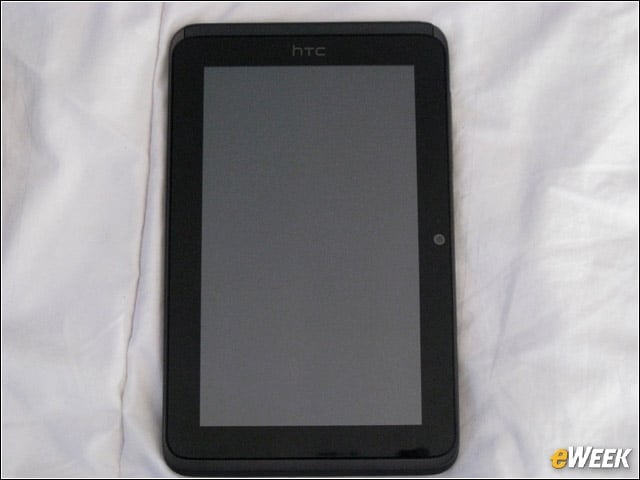
HTC Evo View 4G Unboxed
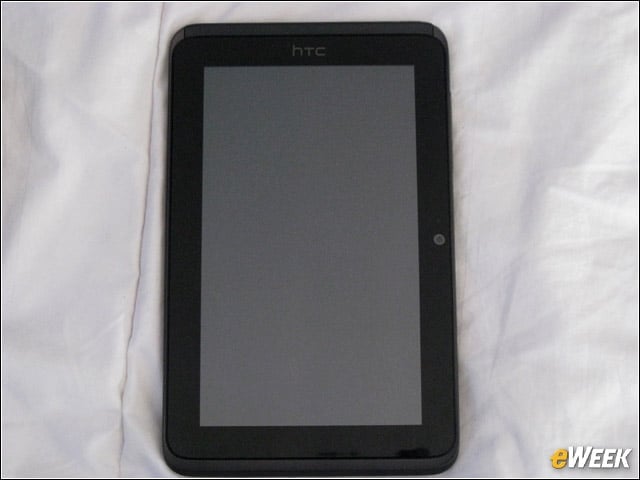
Here is the HTC Evo tablet in all its diminutive splendor. The tablet measures only 7.69 inches long and 4.42 inches wide. It also weighs 14.88 ounces, less than the 1.3 pounds of the Apple iPad 2 and Galaxy Tab 10.1.
Back
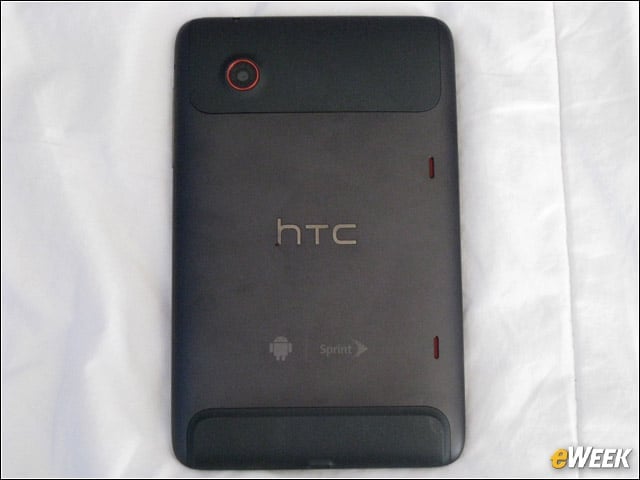
The charcoal gray plastic is decorated with the Android, Sprint and HTC logos. The HTC logo is raised. Neither the camera nor the rounded edges prevent the device from being flat on a desk.
View From the Side
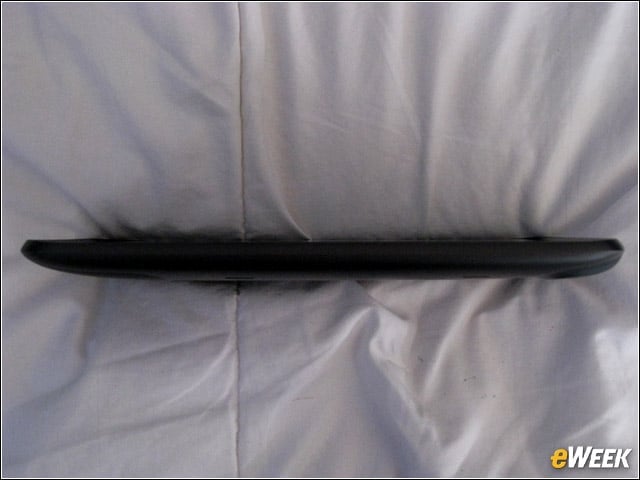
This fat little tablet measures .52 inches thick, which is much thicker than the svelte iPad 2 and Tab 10.1, which are just over one-third of an inch thick.
Evo View Display
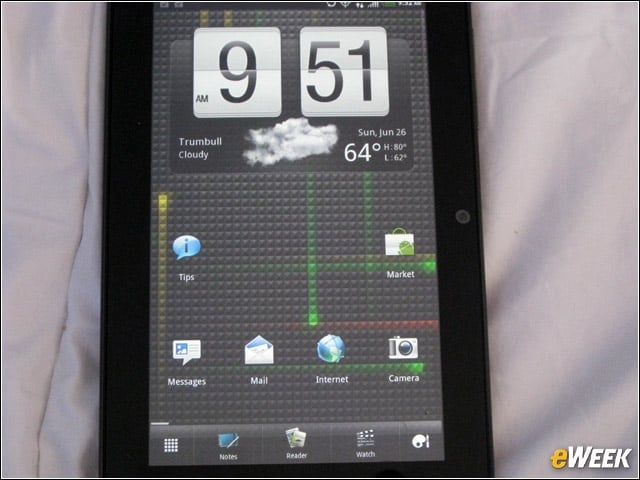
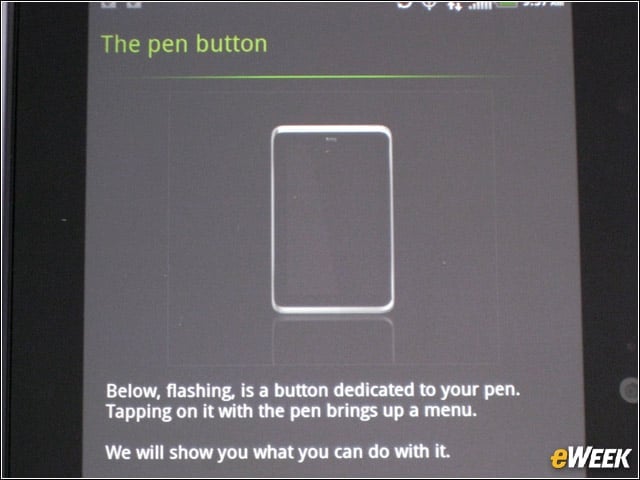
Here is the standard Gingerbread interface, albeit with Sense 2.1, on this 1024 x 600 resolution capacitive touch screen. There is also a “pen button” next to the back button on the front.
Qik Video Calling
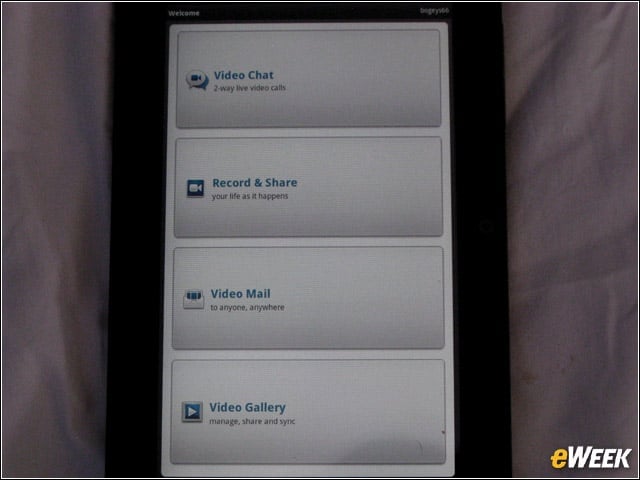
The Qik app is included for video calling with other Qik users.
HTC Apps
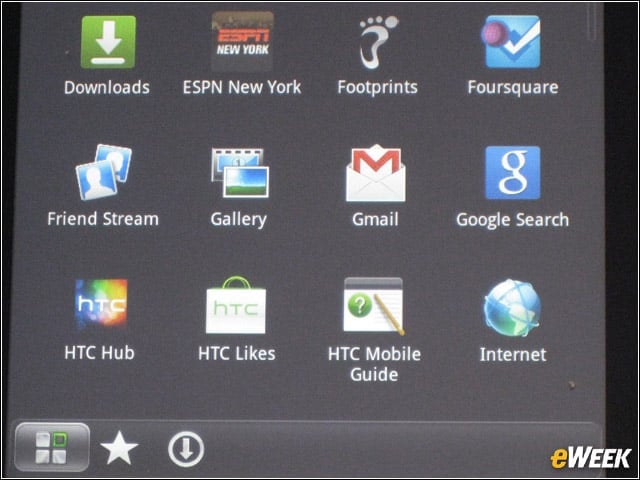
HTC has included a lot of its own software, which may annoy people. These apps include the HTC Watch movie app, as well as HTC Likes, Hub and Mobile Guide.
Local Deals
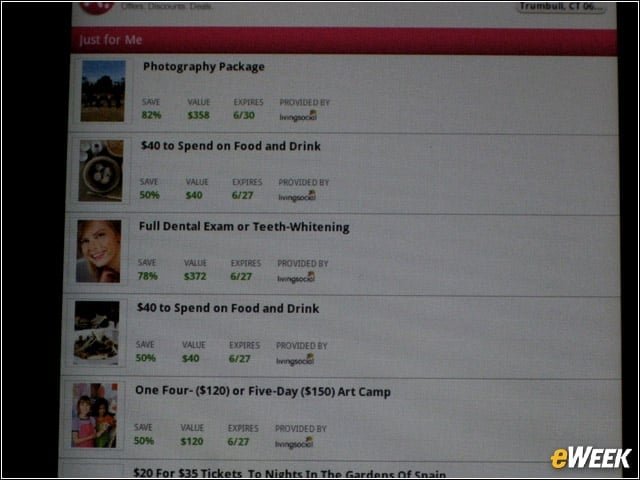
View 4G also comes preinstalled with this More for Me local deals aggregation service app from Sprint rival T-Mobile.
Foursquare
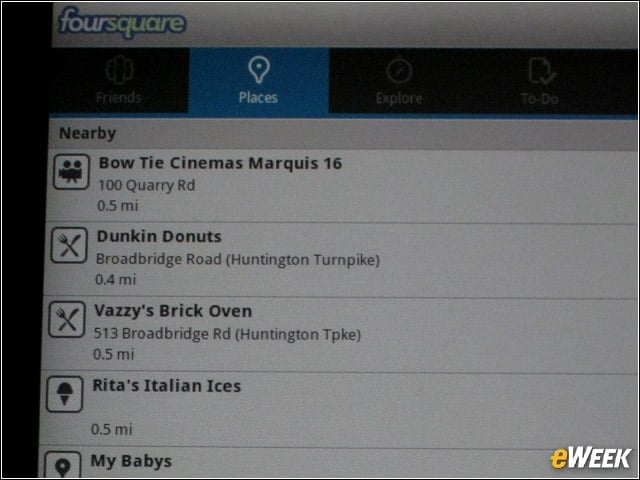
Feeling the local love, we checked in via Foursquare, which we ported to the tablet from our Android smartphone when we signed into the View 4G with our Google account.
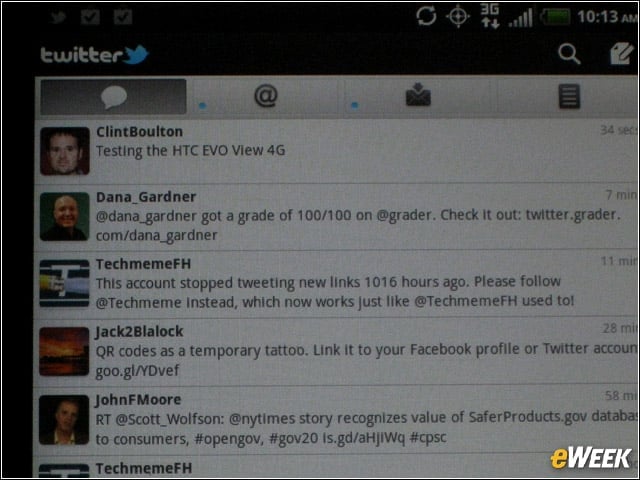
Twitter for HTC Sense and Facebook for HTC Sense are also included on the View 4G.
Evernote
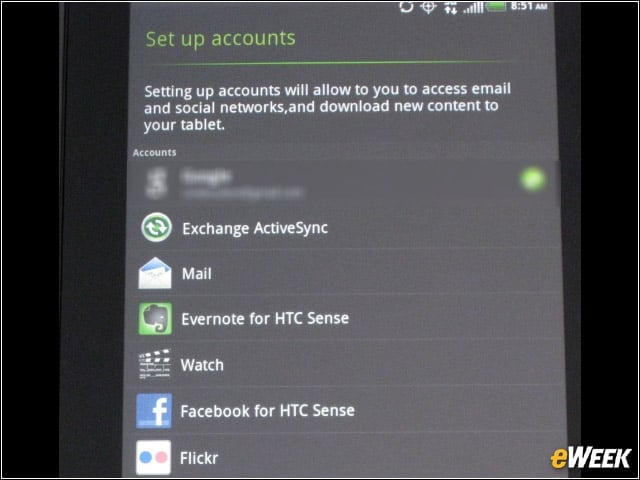
Guess what else was accessible on the slate? Evernote for HTC Sense, which is where we can save our Scribe scribbles to. Now let’s drill down into the pen action.
Slate and Scribe
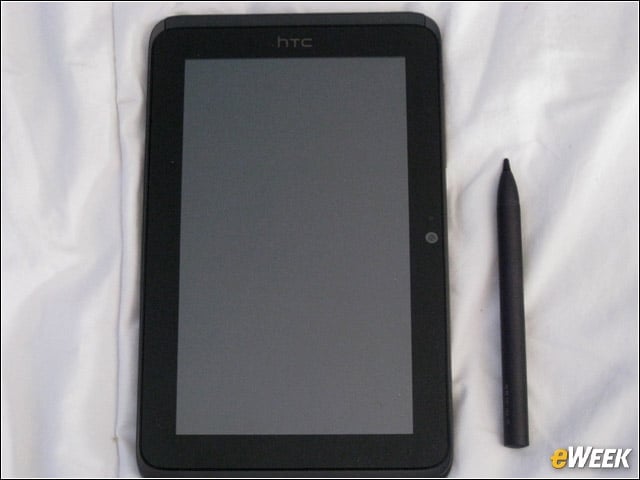
Here is the View 4G next to the Scribe pen for perspective. The pen is gray, small and light, feeling comfortable to the swiftly drawing hand.
Scribe Pen Comparison
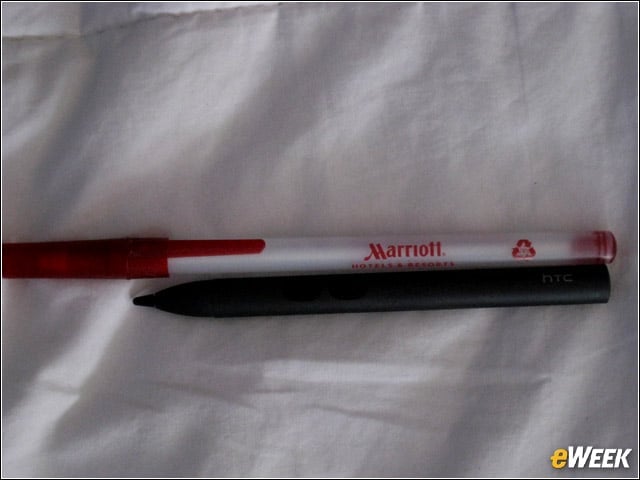
This is what the Scribe pen look like next to a full-size Bic pen.
Scribe
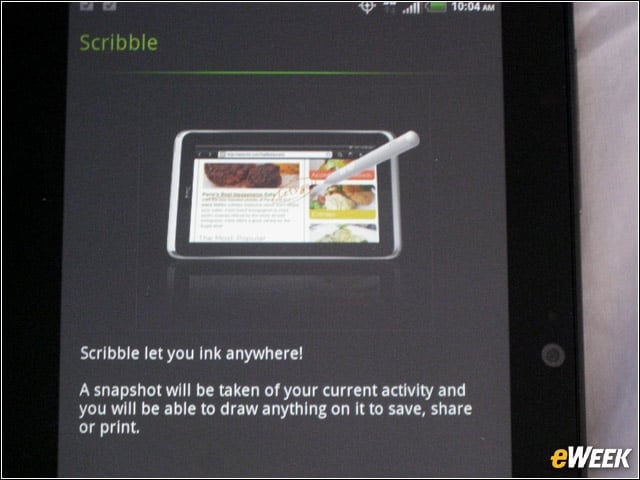
Users may use Scribe anywhere on the tablet, as we point out here. When a user draws on the slate, the camera shutter sound will chime, saving a copy of the user’s scribbles.
Note-taking
For more structure, we prefer the note-taking app at the bottom of every home screen. First, we took the tutorial to learn how Scribe works with the View 4G.
Pen Button
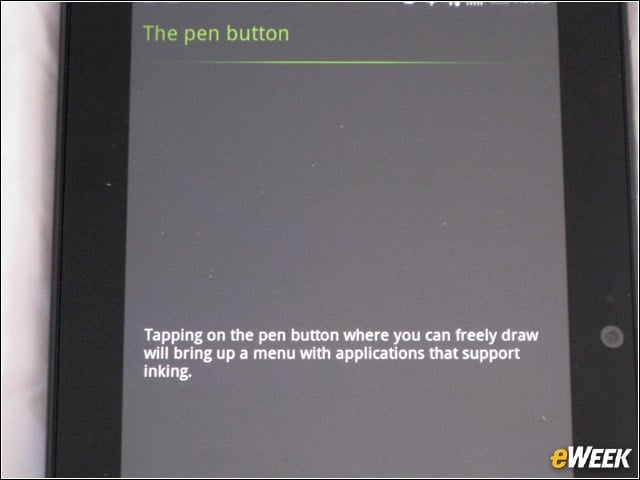
HTC explains what happens with the pen button on the tablet.
Color Palette
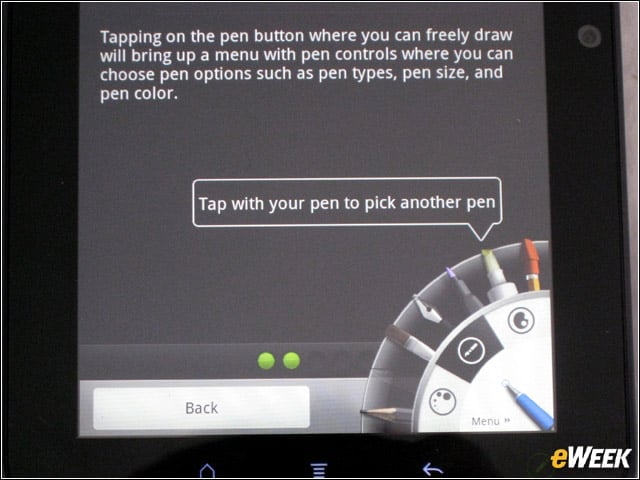
The pen button will let users access other “pens,” as well as colors. It’s basically a digital painter’s palette and works well.
Scribe Buttons
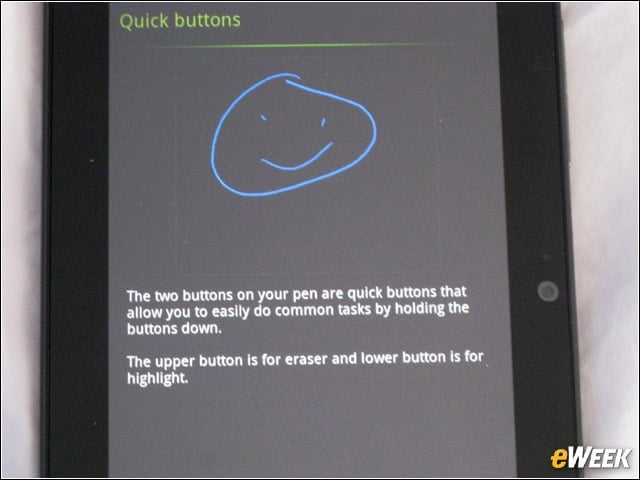
The Scribe pen itself has two buttons—one for highlighting text and one for erasing. Erasing, which works just like a pencil eraser on the tablet, lets users swipe their pen across the display to remove digital ink doodles and text.
Highlight
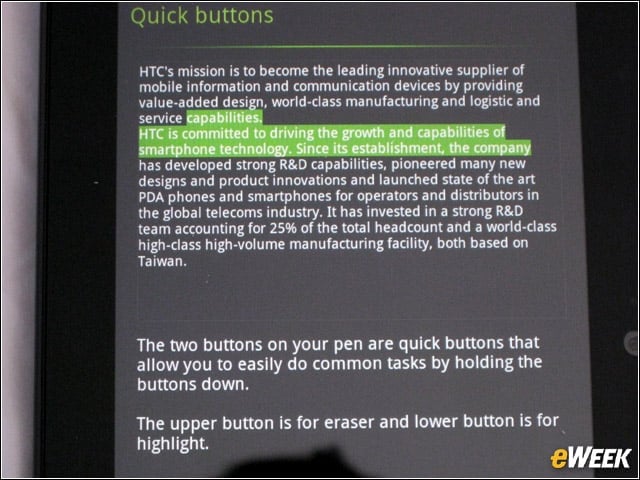
Check out the highlight action in this picture.
Testing the Scribe Pen
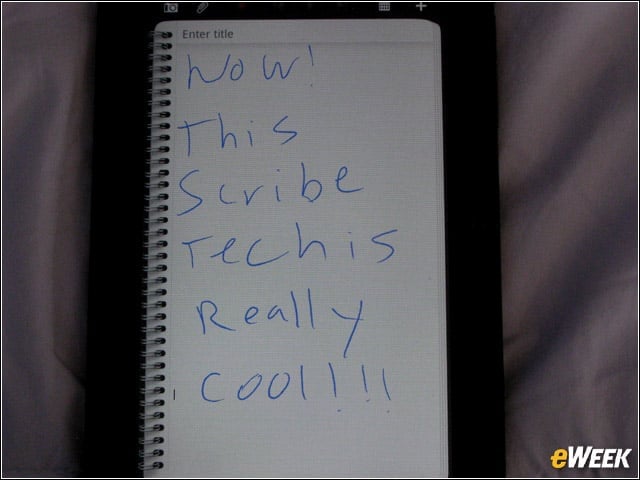
We tested the Scribe’s pen ink setting here.
Another Test
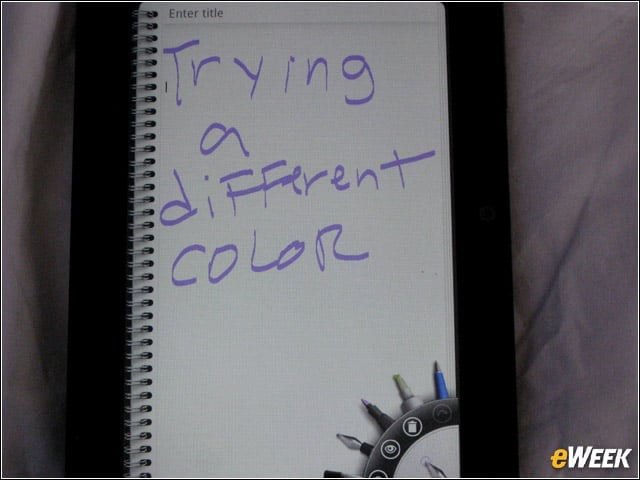
We switched up the pen action to this paintbrush stroke action, using purple ink this time.