





LABS GALLERY: Lexar JumpDrive SAFE S3000 FIPS Takes a Beating and Keeps on Reading
LABS GALLERY: Lexar JumpDrive SAFE S3000 FIPS Takes a Beating and Keeps on ReadingBy Matthew D. Sarrel
Installation
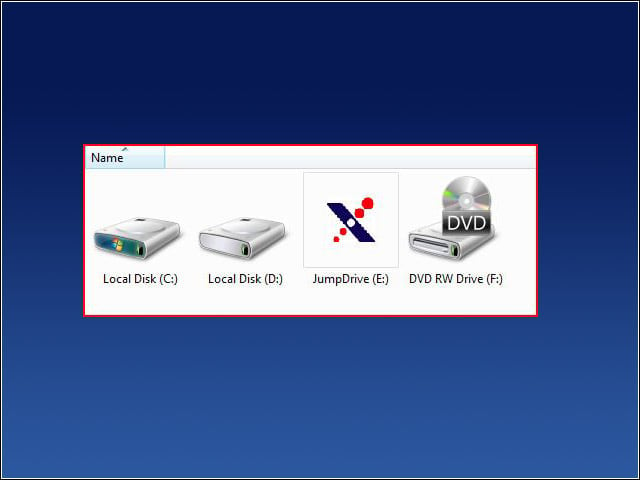
The first time I inserted the JumpDrive SAFE S3000 FIPS into my Windows Vista 64 PC, drivers were automatically installed and the JumpDrive icon appeared.
Unencrypted Volume
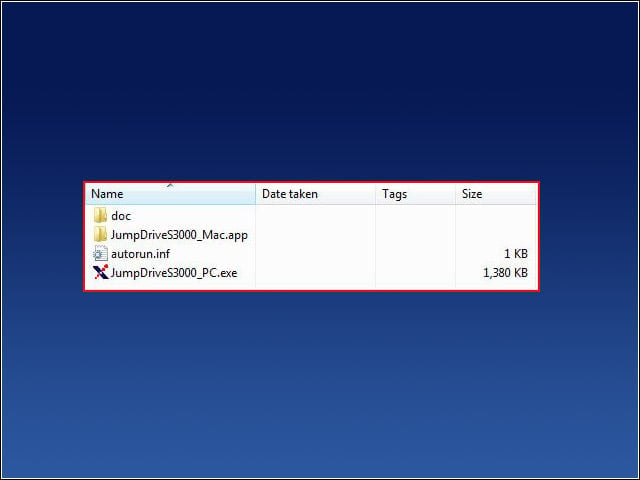
Double-clicking the JumpDrive icon opened the unencrypted volume. At this point, I could choose between running the PC or Mac OS application.
Passphrase
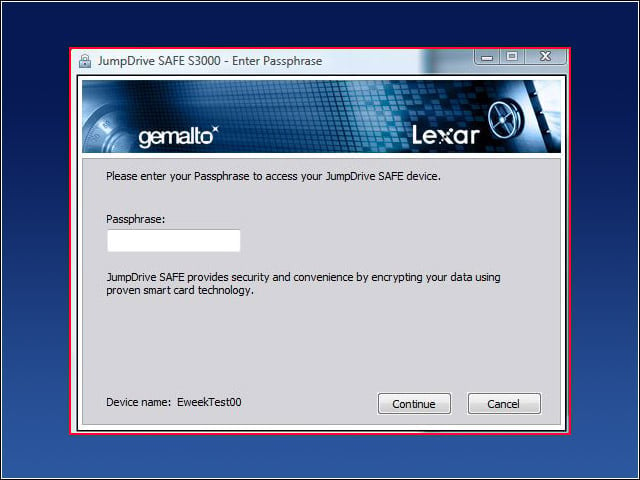
When the application launches, the user is asked for a passphrase. If the passphrase is entered incorrectly multiple times, the device deletes all data from itself.
Locked Up
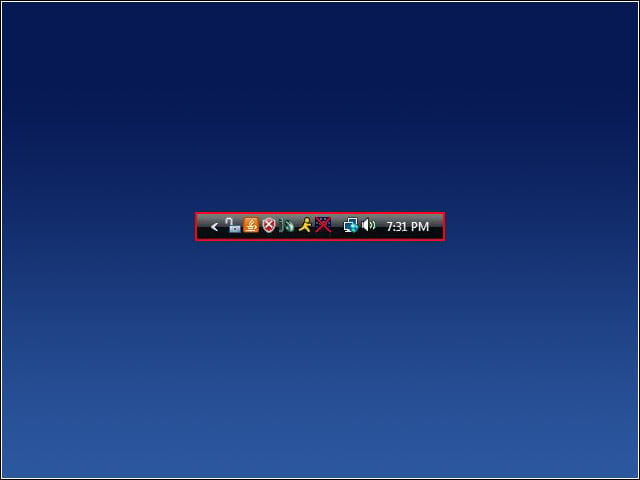
After entering the correct passphrase, a lock icon appears in the system tray.
SAFE
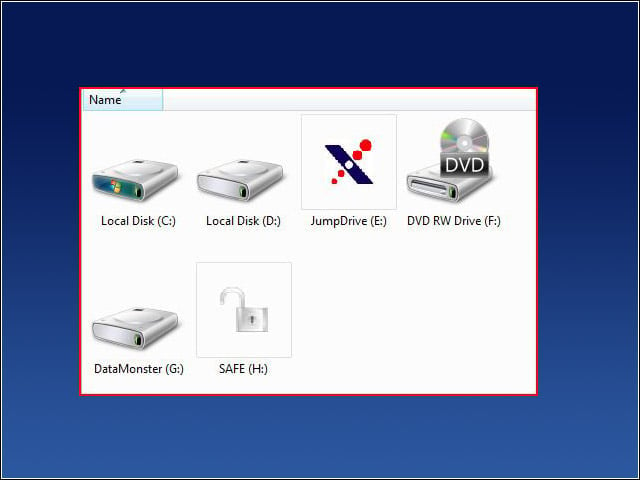
Finally, the SAFE volume appears as drive H:, which is accessible when the user is logged into the drive. Once the user logs out, the volume can no longer be accessed.
Torture Testing
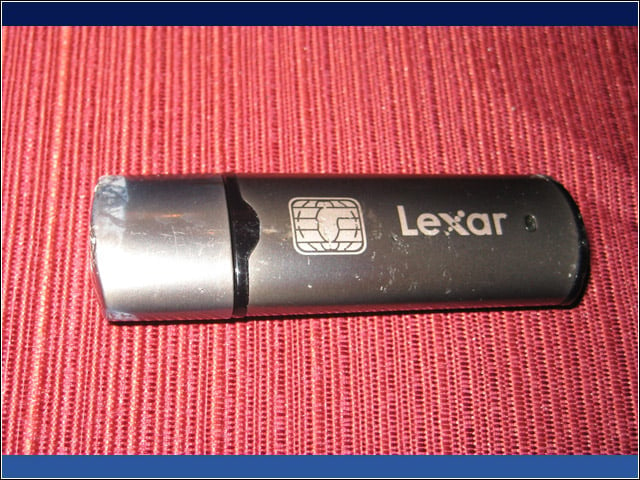
After several weeks of torture testing, the Lexar JumpDrive SAFE S3000 FIPS looked somewhat worse for wear, but continued to function as it did when new.
Bloody but Unbowed
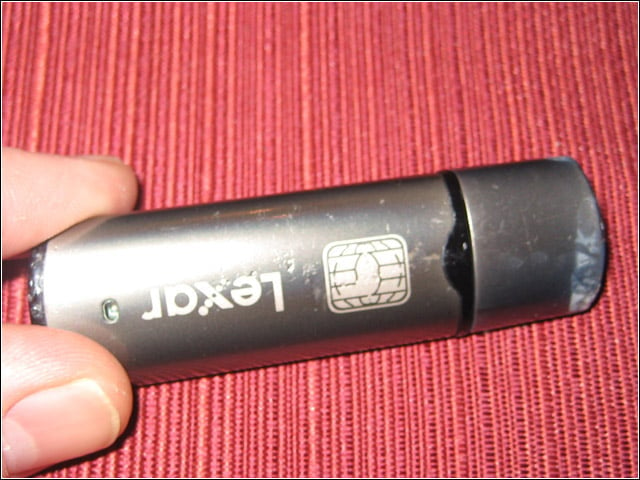
Here is another photo of the torture-tested JumpDrive.
It Keeps Going …
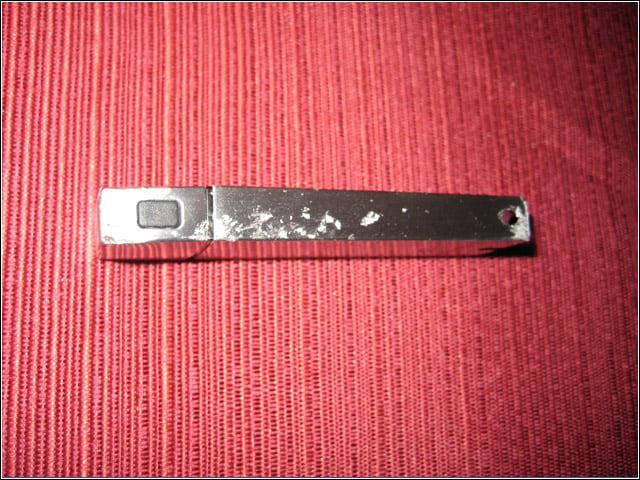
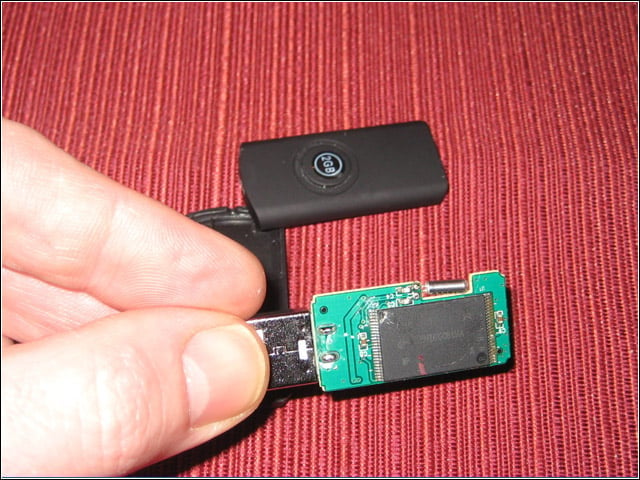
For comparison, heres the normal USB flash memory after it took a dive off of the roof of my four-story building. Surprisingly, it still works.
Smashed Drive
The IronKey Enterprise S200 FIPS withstood a similar beating while looking (cosmetically) slightly worse for wear.