





10 Google Voice Tips You Should Learn to Use

10 Google Voice Tips You Should Learn to Use By Clint Boulton
1) One Number to Rule Them All
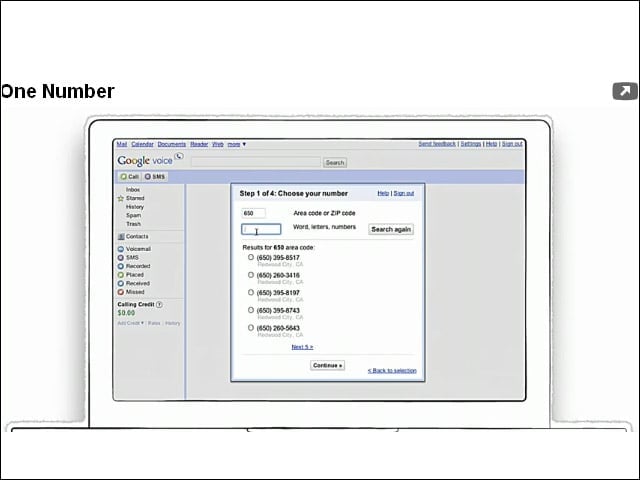
Google Voice let users choose a number with a specific area code, or make the number more memorable by finding numbers that spell out words. When someone calls, all of the phones associated with the number, whether they’re home, work or cell phones, will ring at the same time.
2) Personalize It!
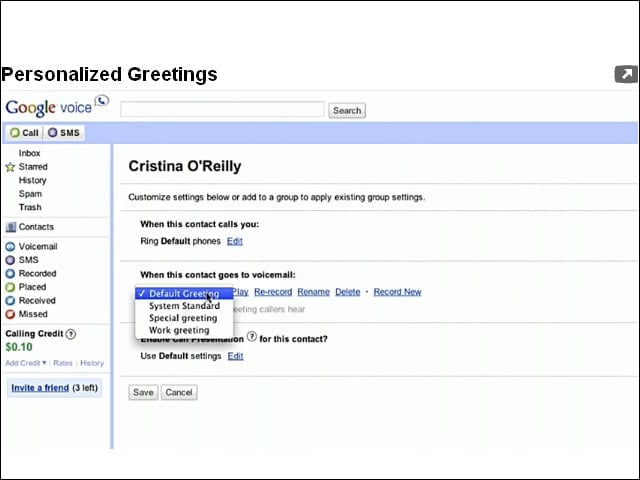
Set up Google Voice to leave different voicemail messages for your home, work and mobile phones. Also, it lets users leave messages for specific contact groups.
3) Voicemail Transcription
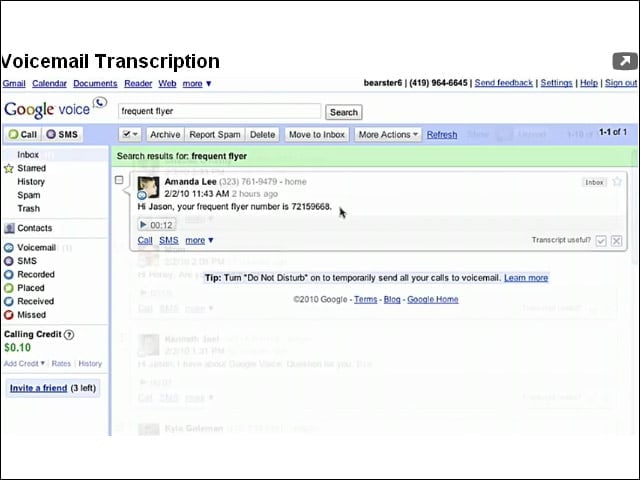
Google Voice voicemail messages are automatically transcribed to text, which is great for users who’d rather read than listen to messages. This is also good for times when audio is not an option, such as while users are in a movie theater.
4) Voicemail Sharing
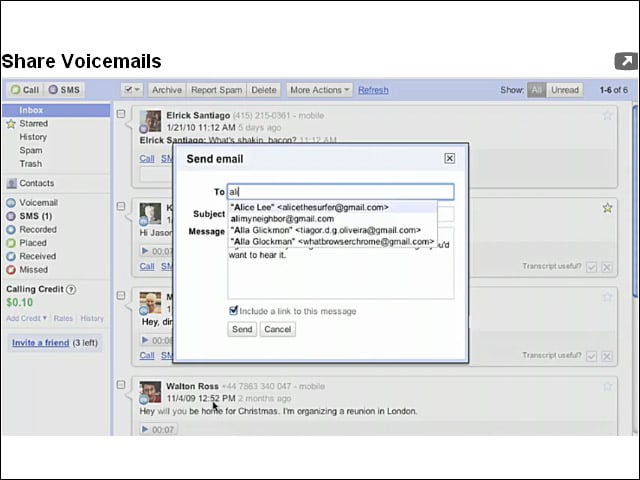
Share transcribed messages with people via e-mail.
5) SMS to E-Mail
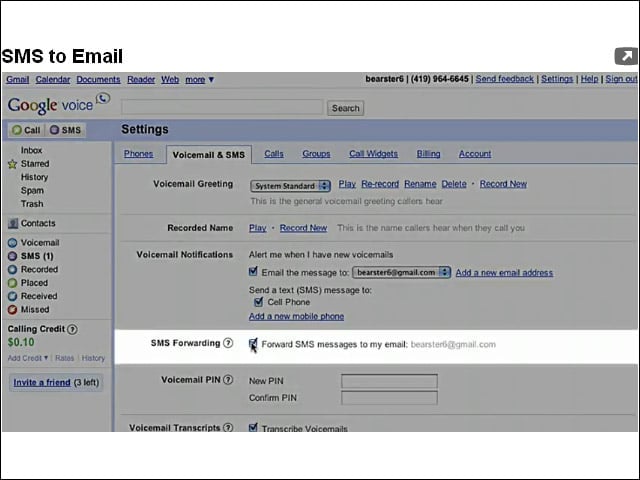
Google Voice copies text messages sent to your mobile phone to your e-mail address, which users can reply to or save on SMS feeds.
6) Low-Cost International Calls
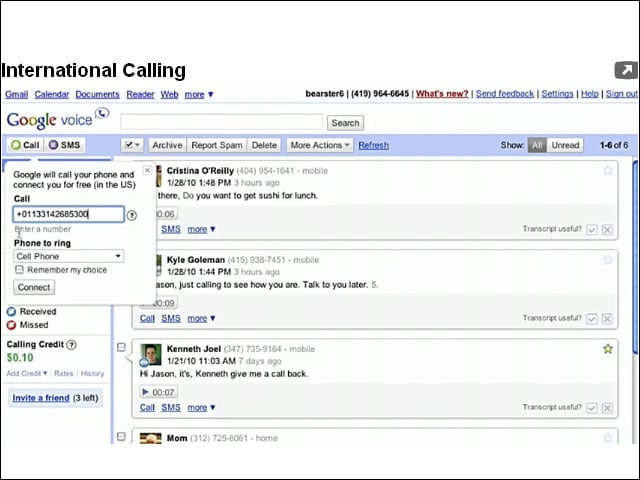
Speaking of saving on text messages, Google Voice enables low-cost international calls, as low as 2 cents per minute. Calls can be initiated from the Web, a Google Voice phone number and via the Google Voice mobile app.
7) Conference Calls
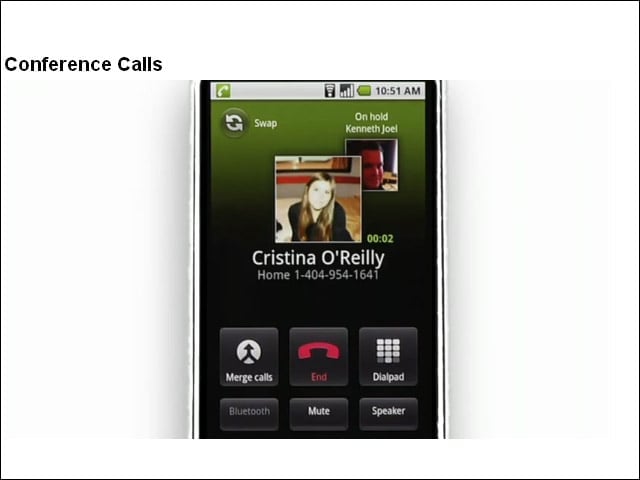
For professionals tired of lengthy dial-in numbers, Google Voice lets users add people who call their Google phone number to a conference call with a single button click.
8) Call Screening
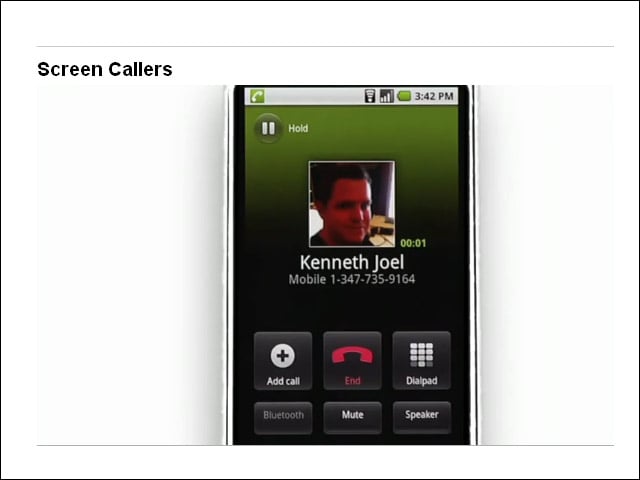
Screen callers before answering, just like you did on your old answering machine. You can also listen in as voicemail messages are being left and jump in to take the call.
9) Blocking Calls
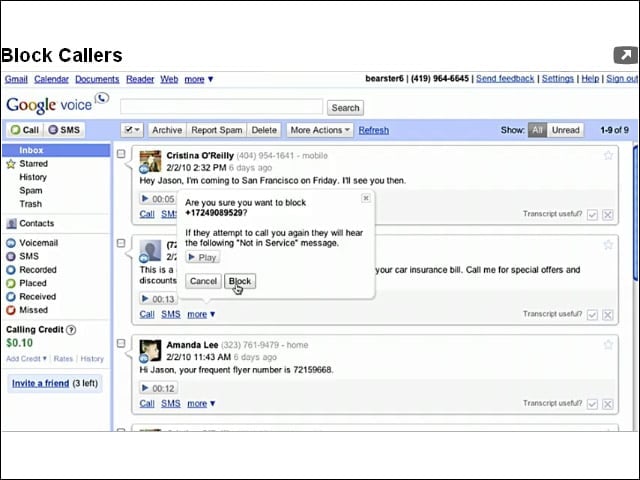
Block unwanted callers using the call control settings in your Google Voice inbox.
10) Google Voice Mobile App
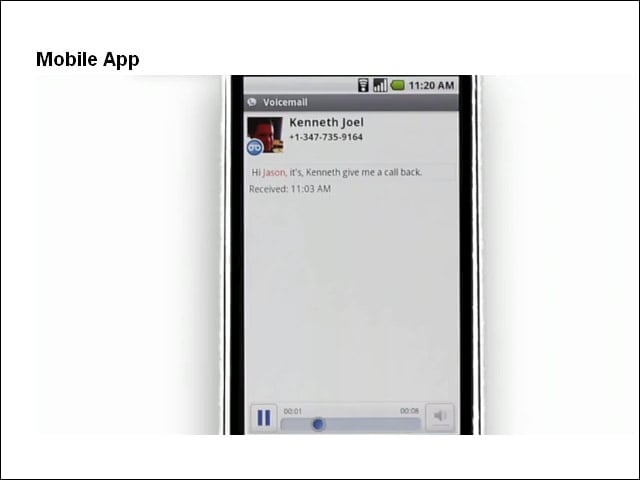
Do everything you can do on the desktop version of Google Voice from the Google Voice mobile app, which lets users place calls that show their Google number as the outbound caller ID. This is available for Android, iPhone and BlackBerry smartphones.