The Samsung Galaxy Note Is Larger for a Reason

Escrito por
Wayne Rash
Wayne Rash
Published: May 1, 2012
Updated: Feb 2, 2021
2 minute read
The Samsung Galaxy Note Is Larger for a Reason

eWeek mantém conteúdo e recomendações de produtos editorialmente independentes. Podemos ganhar dinheiro quando você clica em links de nossos parceiros. Saiba mais


The Samsung Galaxy Note Is Larger for a Reason

Design for Your Fears

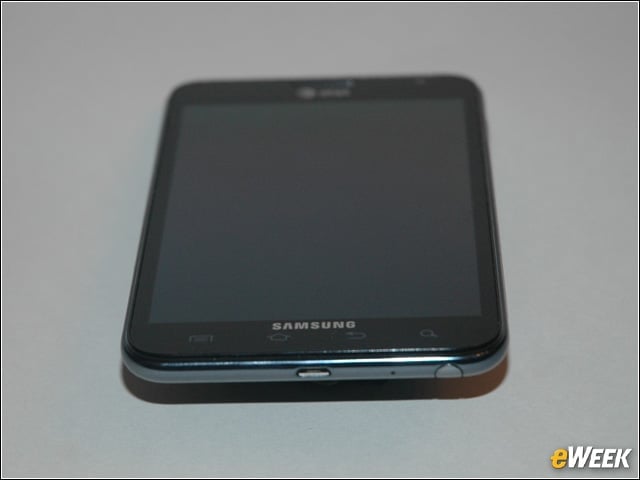
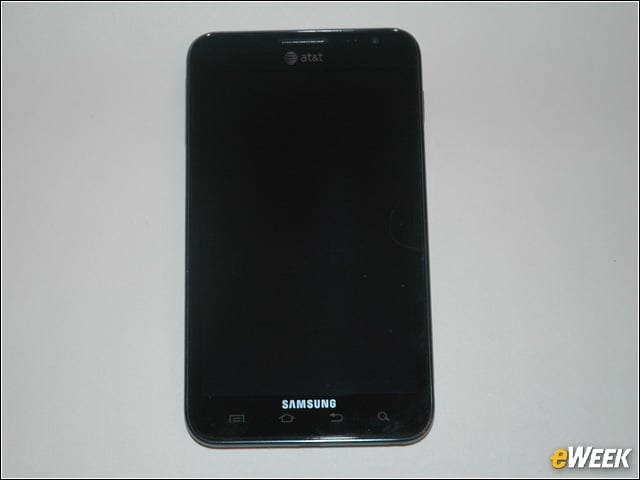
The Samsung Galaxy Note from AT&T looks like any other Android smartphone, until you realize that it’s a lot larger.


Galaxy Note’s Customizable Screen
2

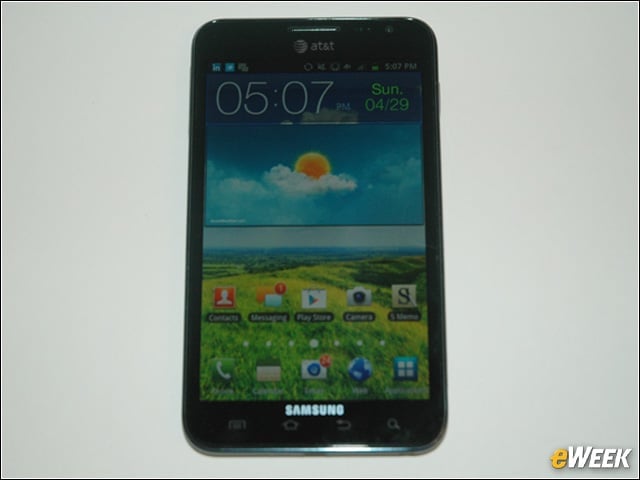
The opening screen of the Galaxy Note is just like the opening screen of most other Android devices, and you can customize the icons and their arrangement.


Galaxy Note’s Camera and Stylus
3

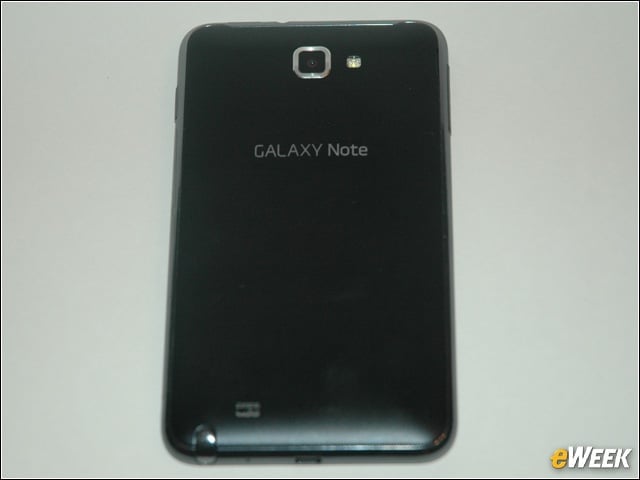
The rear of the Galaxy Note shows the camera and LED flash. On the bottom left is the head of the stylus, which Samsung calls the “S Pen.”


Galaxy Note Power Switch
4

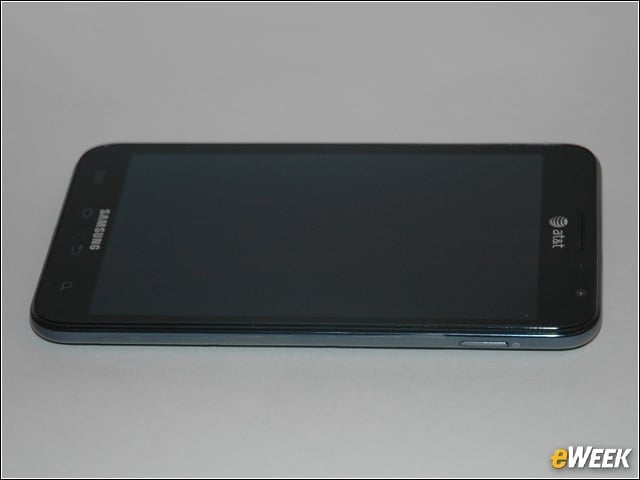
On the upper right side of the Galaxy Note is the power switch. The same button puts the device into standby with a quick press.


Headphone Connector
5

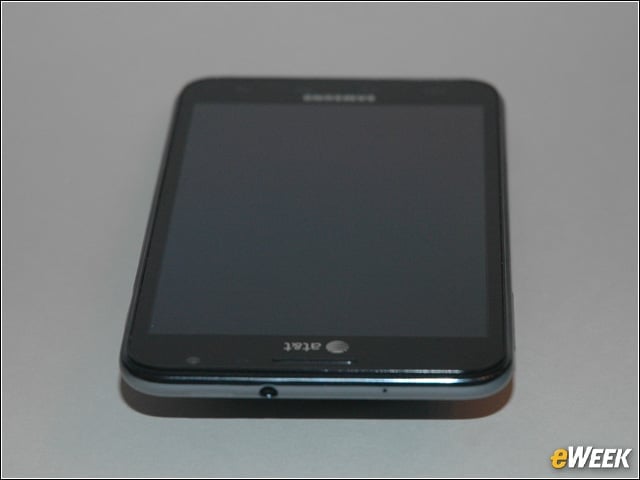
The headphone connector is located on top of the Note.


Volume, Ringer Control
6

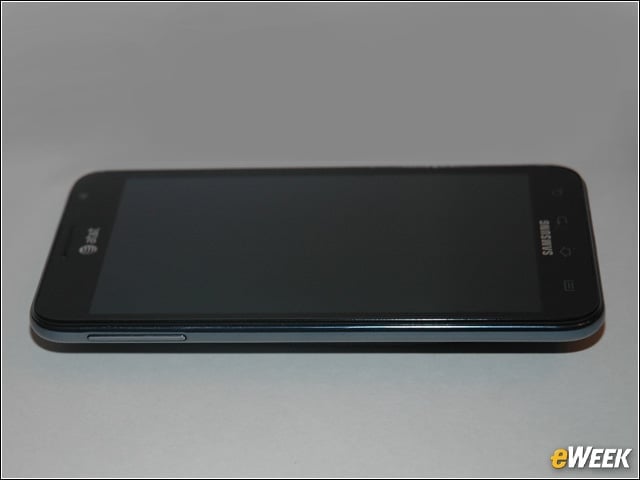
The long button on the upper left side of the Note controls either the volume or the ringer, depending on whether you’re making a call, listening to music or just viewing the main screen.


Advertisement

USB Charging Port

7

You’ll find the USB charging port on the bottom of the Note. To the right, the triangular object is the head of the stylus.


Removing the Rear Cover
8

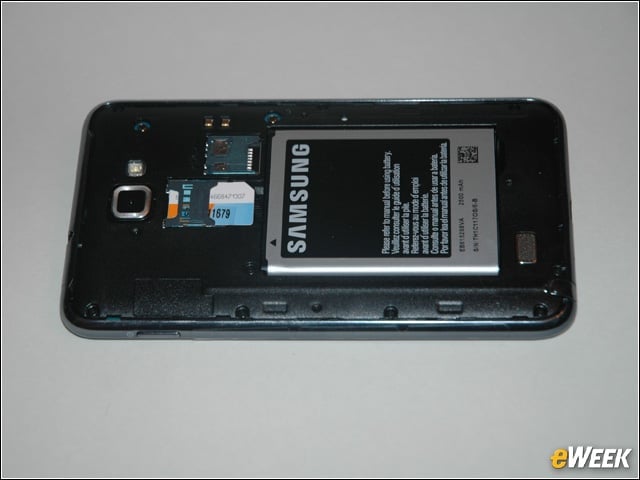
Yes, you can remove the back of the Galaxy Note, and the battery is user-replaceable. To the left of the battery is the SIM card and above that is the holder for a Micro SD card. The back simply snaps off and on.


Writing, Sending Notes
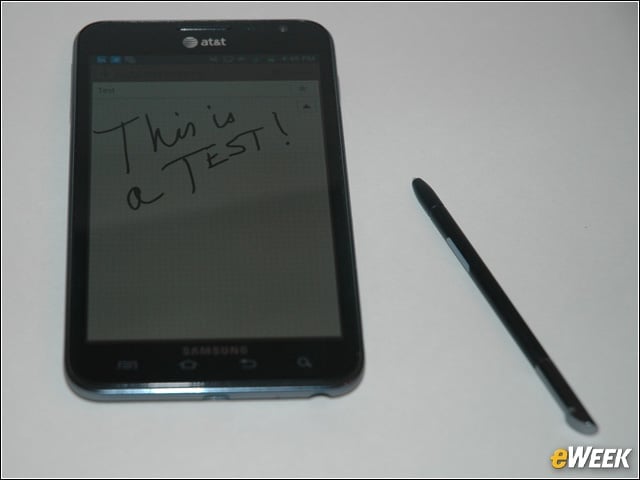
9

You can create handwritten notes using the S Memo app. This app will let you create handwritten notes you can send as graphics, or you can have it do handwriting recognition.


It Works With Sloppy Handwriting
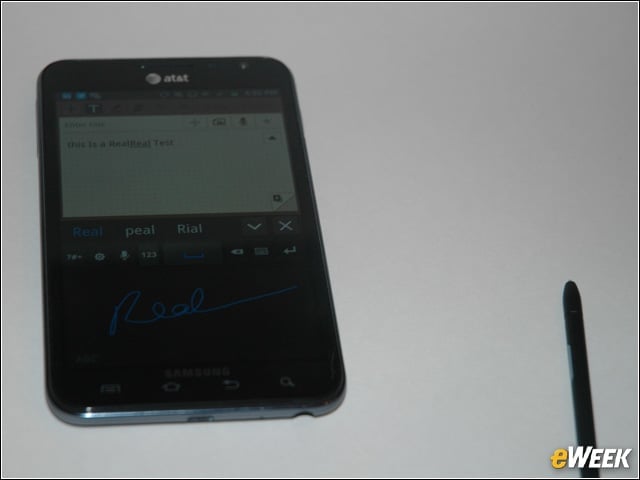
10

Yes, my handwriting is sloppy, but the Note will read it anyway. You write in a panel on the bottom half of the screen, and it appears as text in the top half. You can also use voice notes or an on-screen keyboard.

Wayne Rash

Wayne Rash

Content Writer

Wayne Rash is a content writer and editor with a 35-year history covering technology. He’s a frequent speaker on business, technology issues and enterprise computing. He is the author of five books, including his most recent, "Politics on the Nets." Rash is a former Executive Editor of eWEEK and a former analyst in the eWEEK Test Center. He was also an analyst in the InfoWorld Test Center and editor of InternetWeek. He's a retired naval officer, a former principal at American Management Systems and a long-time columnist for Byte Magazine.

eWeek Logo

eWeek has the latest technology news and analysis, buying guides, and product reviews for IT professionals and technology buyers. The site's focus is on innovative solutions and covering in-depth technical content. eWeek stays on the cutting edge of technology news and IT trends through interviews and expert analysis. Gain insight from top innovators and thought leaders in the fields of IT, business, enterprise software, startups, and more.

Propriedade da TechnologyAdvice. © 2026 TechnologyAdvice. Todos os direitos reservados

Divulgação de anunciantes: alguns dos produtos que aparecem neste site são de empresas das quais a TechnologyAdvice recebe remuneração. Essa remuneração pode influenciar como e onde os produtos aparecem neste site, incluindo, por exemplo, a ordem em que aparecem. A TechnologyAdvice não inclui todas as empresas nem todos os tipos de produtos disponíveis no mercado.