




- Surface 101: Key Features of Microsoft’s Coffee Table Computer
- Surface 101: Key Features of Microsoft’s Coffee Table Computer – What Is Surface?
- Surface 101: Key Features of Microsoft’s Coffee Table Computer – How Does It Work?
- Surface 101: Key Features of Microsoft’s Coffee Table Computer – What Are the Uses?
- Surface 101: Key Features of Microsoft’s Coffee Table Computer – Key Features: Direct Interaction
- Surface 101: Key Features of Microsoft’s Coffee Table Computer – Key Features: Multitouch Contact
- Surface 101: Key Features of Microsoft’s Coffee Table Computer – Key Features: Multiuser Experience.
- Surface 101: Key Features of Microsoft’s Coffee Table Computer – Key Features: Object Recognition
Surface 101: Key Features of Microsoft’s Coffee Table Computer
Microsoft expects Surface, it’s so-called ‘Coffee Table’ PC, to change the way users interact with digital media. Here are a few examples of how and why.
Surface 101: Key Features of Microsoft’s Coffee Table Computer – What Is Surface?
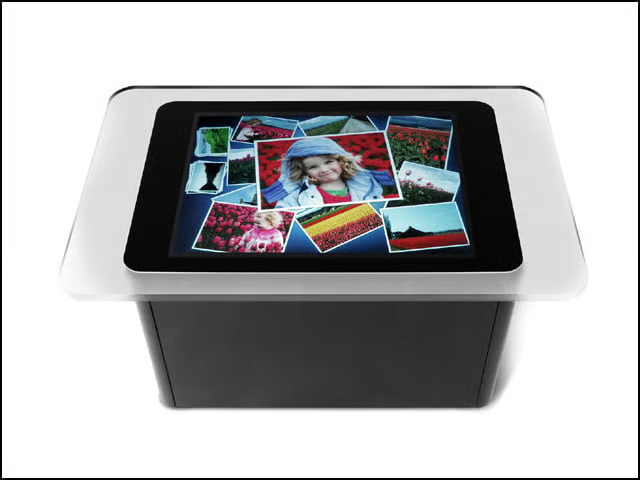
Essentially, Surface is a 30-inch touch screen that turns any tabletop into a display and input device.
Surface 101: Key Features of Microsoft’s Coffee Table Computer – How Does It Work?
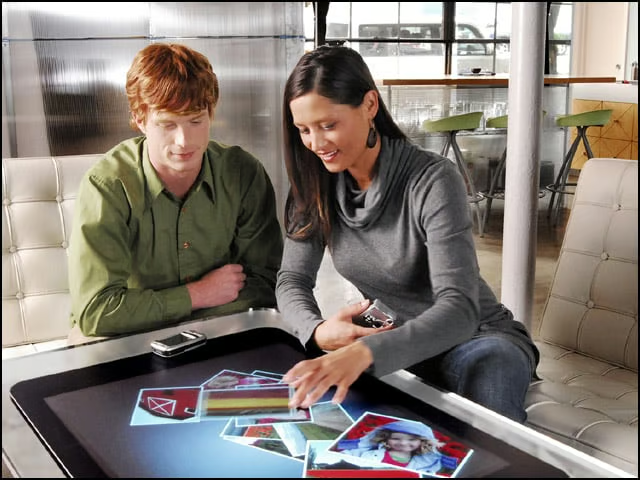
At a high level, Surface uses cameras to sense objects, hand gestures and touch. The user input is then processed, and the result is displayed on the surface using rear projection.
Surface 101: Key Features of Microsoft’s Coffee Table Computer – What Are the Uses?
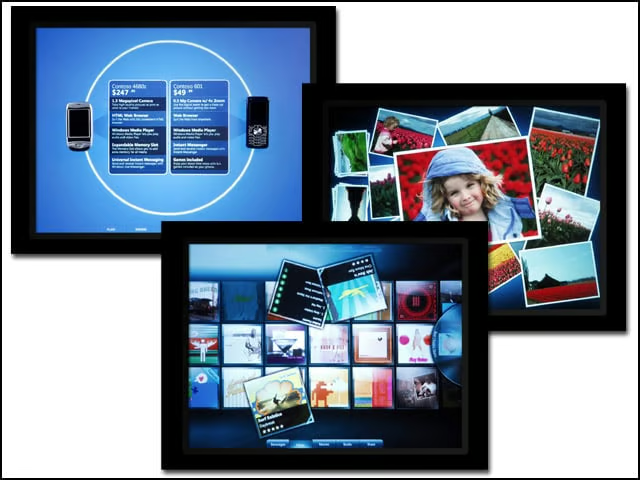
Microsoft designed Surface to break down the traditional barriers between users and technology, allowing them to interact with digital content as if they were working with items on a table. Similar to the way ATMs changed the way people access their money
Surface 101: Key Features of Microsoft’s Coffee Table Computer – Key Features: Direct Interaction
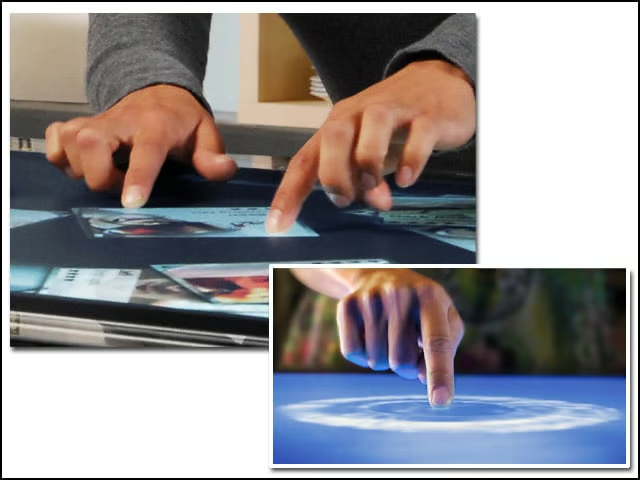
Users can actually ‘grab’ digital items with their hands and interact with content through touch and gesture, without the use of a mouse or keyboard.
Surface 101: Key Features of Microsoft’s Coffee Table Computer – Key Features: Multitouch Contact
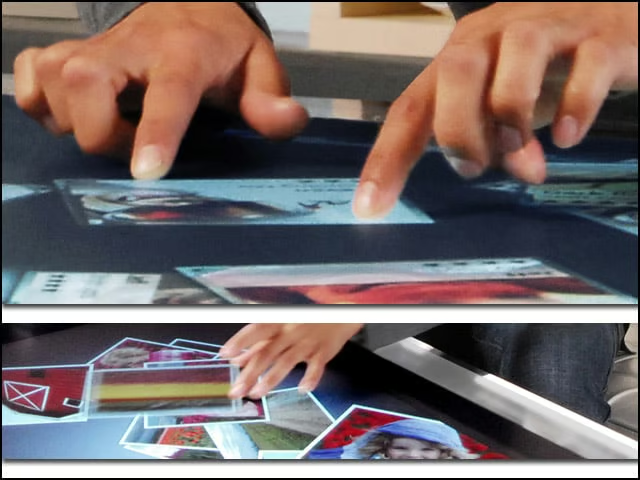
Surface computing recognizes many points of contact simultaneously, not just from one finger as with a typical touch screen, but up to dozens and dozens of items at once.
Surface 101: Key Features of Microsoft’s Coffee Table Computer – Key Features: Multiuser Experience.
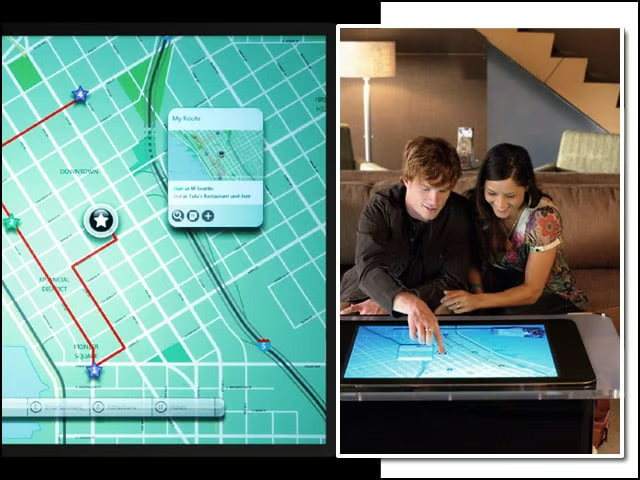
The horizontal form factor makes it easy for several people to work simultaneously, providing a collaborative, face-to-face computing experience.
Surface 101: Key Features of Microsoft’s Coffee Table Computer – Key Features: Object Recognition
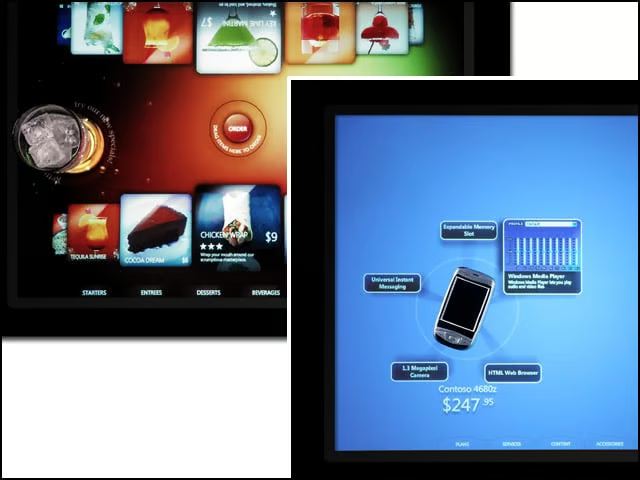
Users can place physical objects on the surface to trigger different types of digital responses, including the transfer of digital content. For instance, Surface can be trained to recognize a cell phone and digital camera to download pictures and contacts