




Putting Ourselves Out There
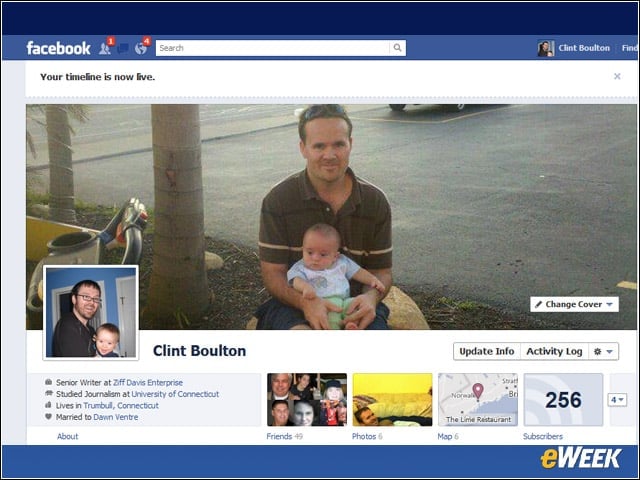
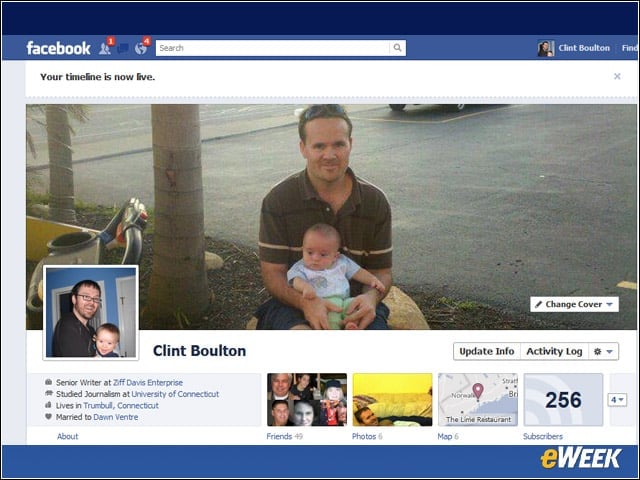
We took the plunge, publishing our Timeline this week before Facebook could do it for us. We chose our Timeline “cover” photo from our existing Facebook photos, though users may also upload new photos from their computers or phones to use as their covers. Warning: cover photos may not be promotional in nature, said Facebook. Let’s continue the Timeline tour.
Views Section
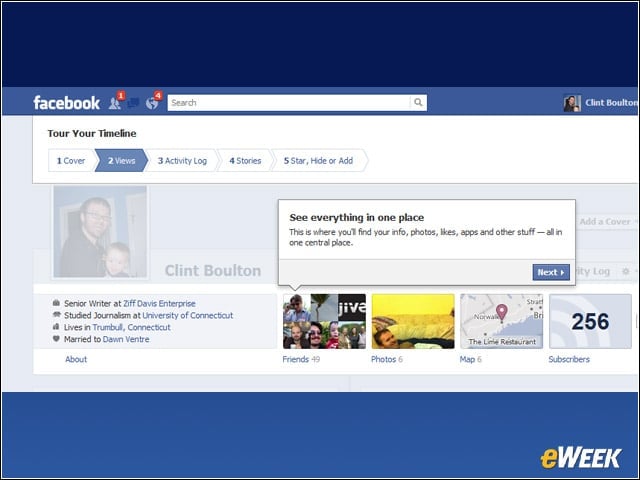
Under the cover photo on the right is a section Facebook calls “views,” which lets users see summaries of their Facebook content.
Activities
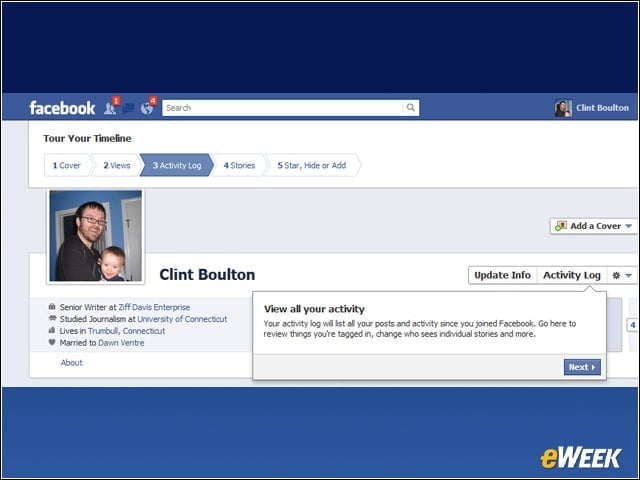
To the right of the views section sits the “activity log,” arguably the most crucial treasure chest of info Facebook collects on users.
Stories
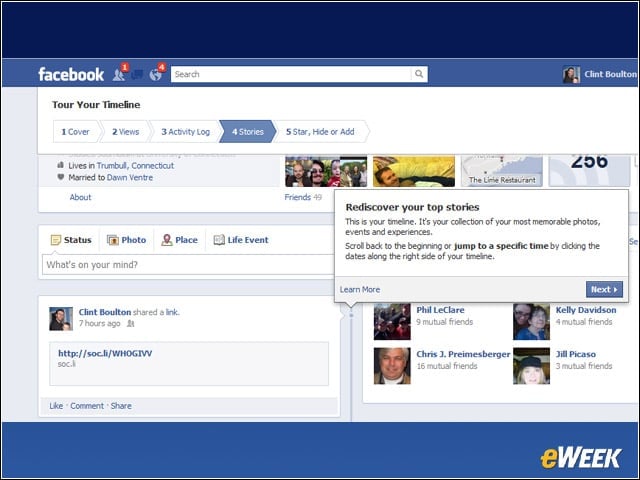
Facebook fills out most of the users’ timelines with stories, or their most memorable photos, events and other info.
Star Power
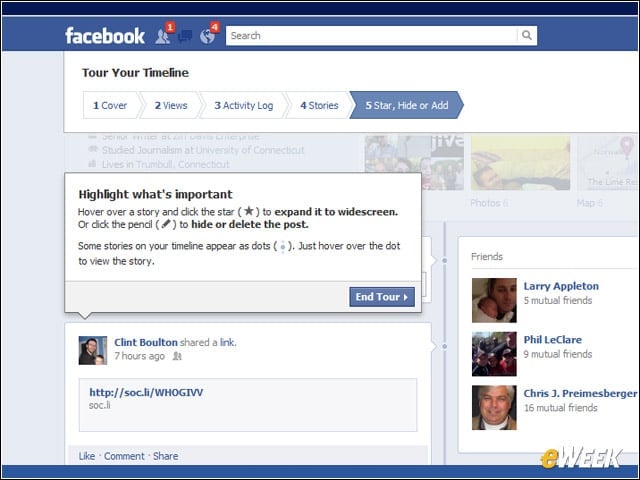
Users can feature stories by putting them in widescreen, hide them or delete them altogether. These granular management options are crucial to ensure user trust.
Edit Yourself
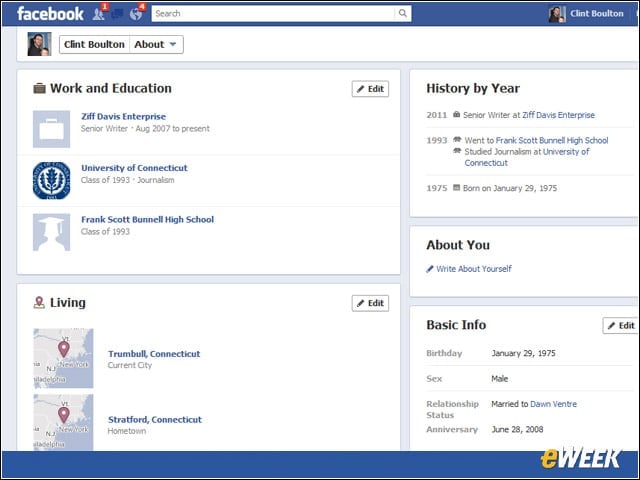
Users may want to update their basic profile info for the Timeline. They can do so by clicking the “update info” button next to the activity log button. This is what it will look like.
Logging In
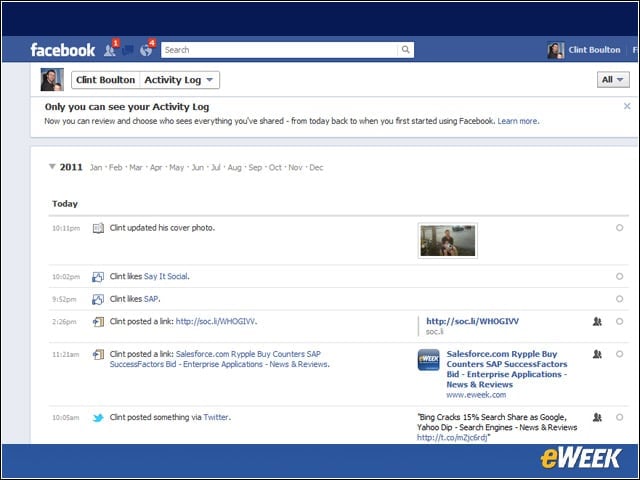
The activity log offers every bit of minutiae about actions you’ve taken on Facebook.
Summary
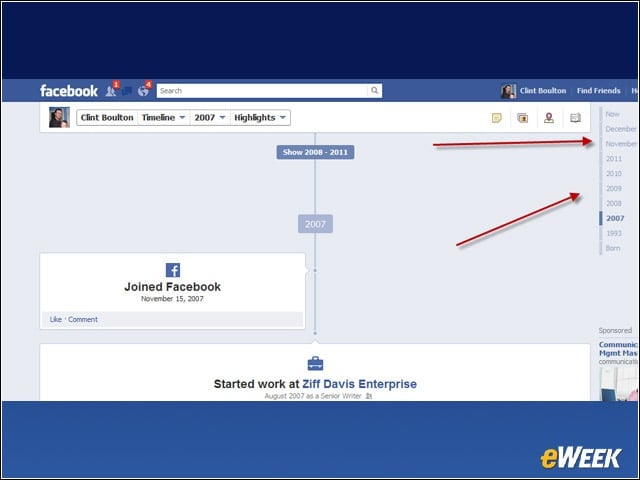
An actual Timeline that users may click on to see significant events in their Facebook history. Click on any of the years to see what happened. So that’s when we started using Facebook.
Cover Controls
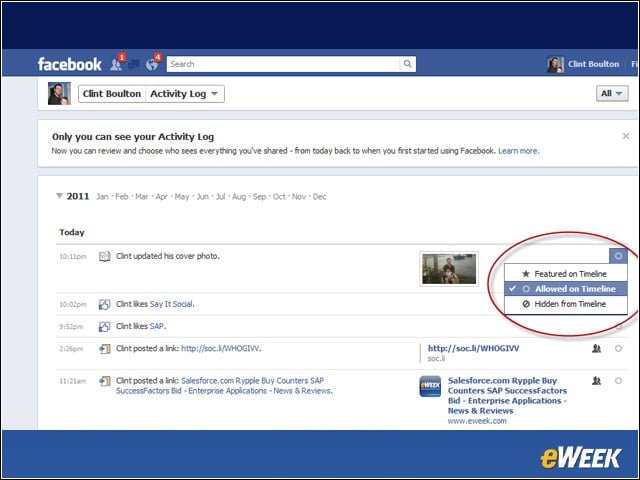
Note how you can control whether each photo appears or stays hidden by clicking a small drop-down menu.
Activity Controls
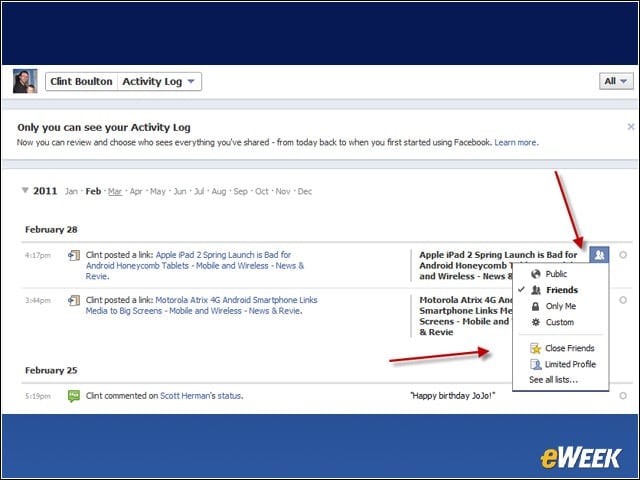
Here we can click the drop-down menu to control who sees what activities of ours.
Story Controls
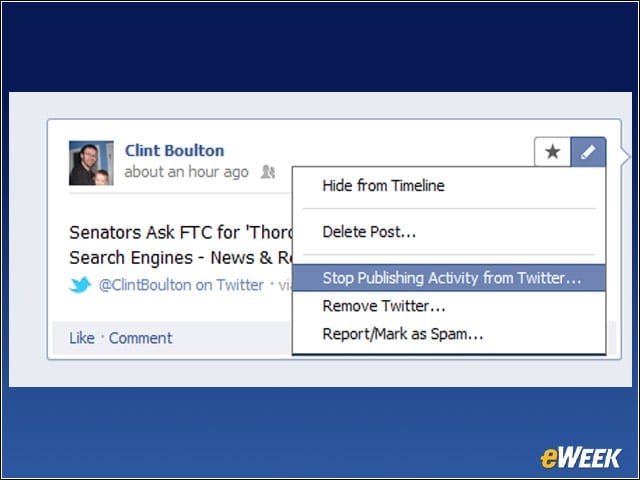
Same goes for each story-just click the drop-down menu to manage any story entries you’d like to tweak.
Social Apps
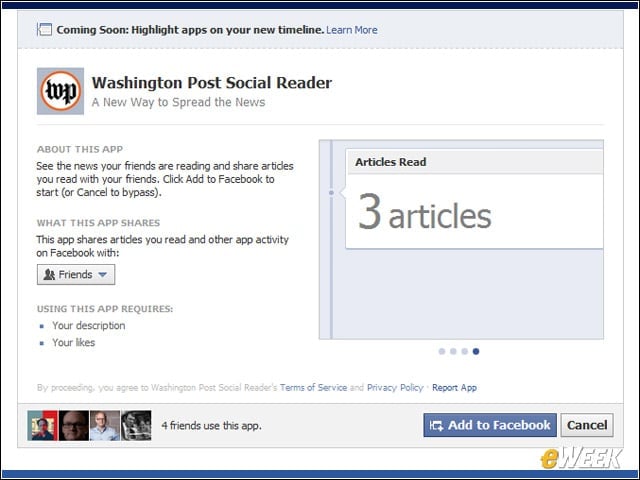
Users may also install social apps to include as part of their Timeline activity.
Washington Post
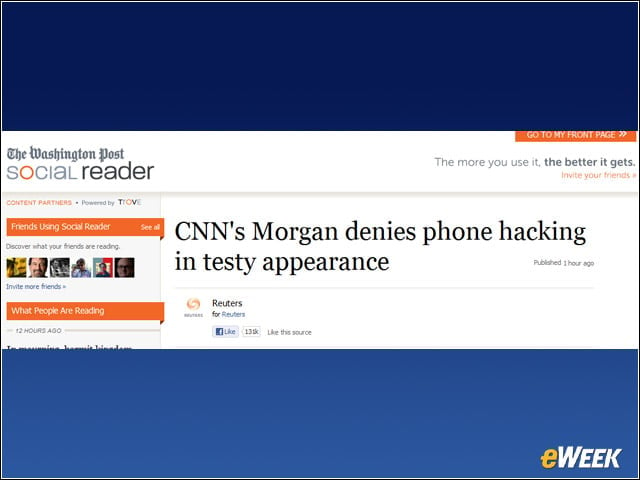
Any time I read an article from the Washington Post, Facebook will automatically publish that activity in my stream.
Post Story
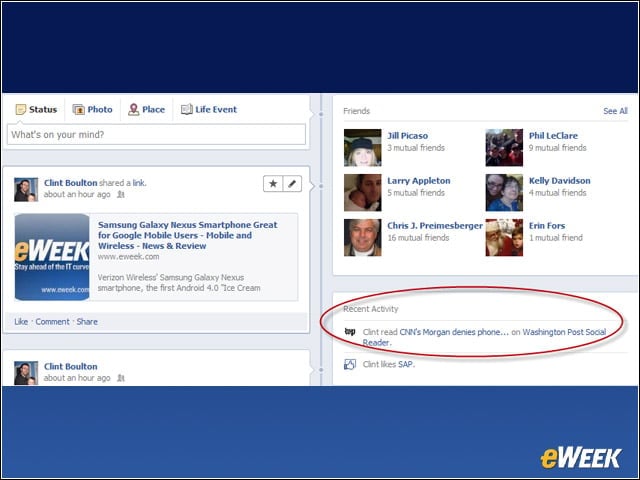
And there it is. When I clicked on this story, it was published to my activity log, which I can control to let friends, or only myself, read.