








CSS: Background-Image OptionsThe
background-image property sets the background image for an element. The background of an element is the total size of the element, including padding and border (but not the margin). By default, a background-image is placed at the top-left corner of an element, and repeated both vertically and horizontally.
CSS: Border-Radius
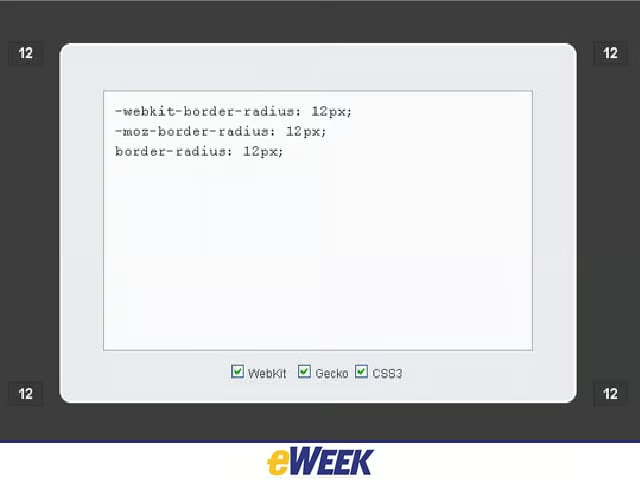
According to CSS3.info, the CSS3 border-radius property allows Web developers to easily use rounder corners in their design elements, without needing corner images or the use of multiple div tags, and is one of the most talked-about aspects of CSS3.
CSS: Font-Feature-Settings
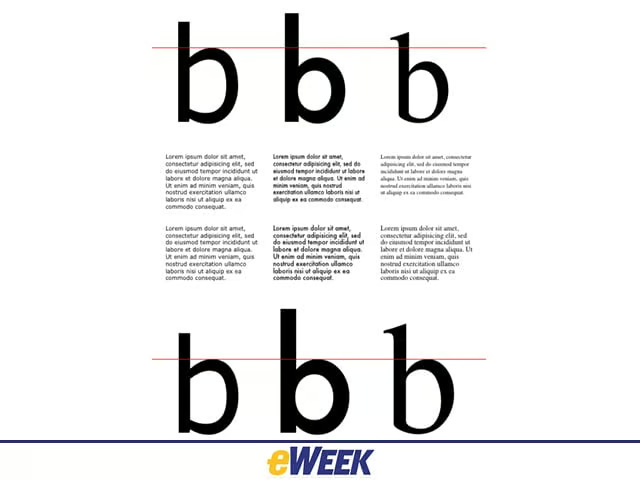
The font-feature-settings CSS property permits control over kerning, ligatures, alternates, real small caps and stylistic sets. The CSS font-feature-settings property is the most specific of font-feature property settings. The CSS3 Fonts Module proposes many properties to access popular OpenType features.
CSS: Hyphens
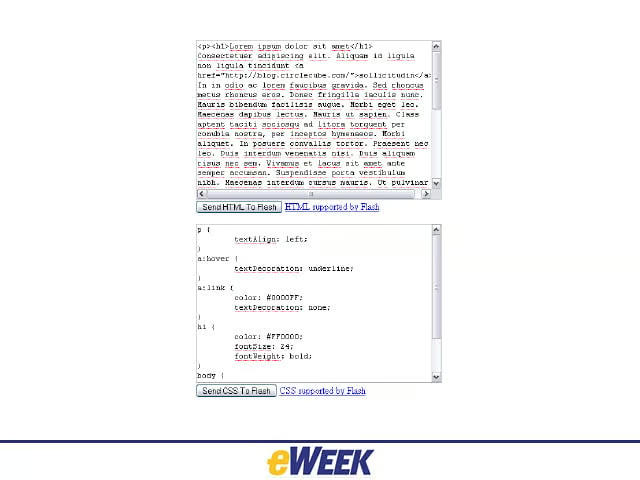
The hyphens CSS property tells the browser how to go about splitting words to improve the layout of text when line-wrapping.
HTML: Input [Placeholder]
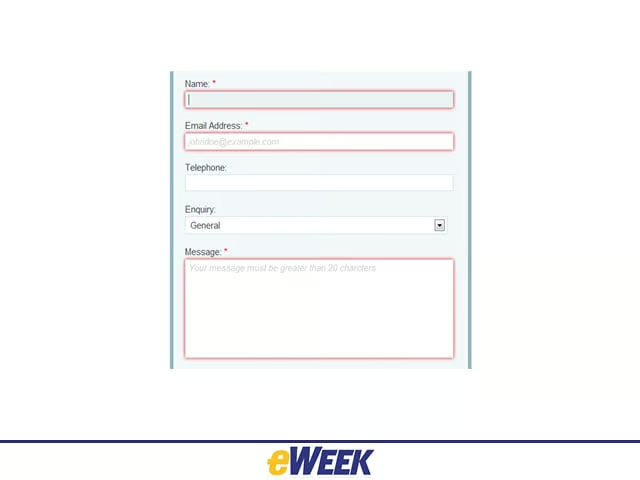
According to Web Designer Wall, One of the nice enhancements in HTML5 Web form is being able to add placeholder text to input fields. Placeholder attribute allows you to display text in a form input when it is empty and when it is not focused (it clears the field on focus).
CSS: Media Queries

From Mozilla Developer Network: CSS3 enhances support for media-dependent style sheets by letting style sheets be more precisely labeled. A media query consists of a media type and at least one expression that limits the style sheets’ scope by using media features, including width, height and color. Media queries let the presentation of content be tailored to a specific range of output devices without needing to change the content itself.
HTML:Microdata DOM API
The Sencha blog says the Microdata DOM API is very straightforward and needs only two attributes: itemscope and itemprop. The Microdata DOM API is for processing/aggregating the microdata on a given page.
CSS: Min/Max-Width/Height
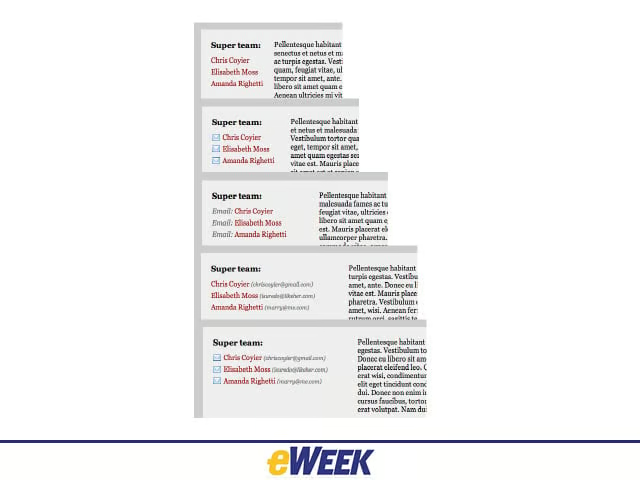
The CSS standard specifies four properties that can be useful when working with CSS layouts: min-width, max-width, min-height and max-height.
CSS: Multicolumn
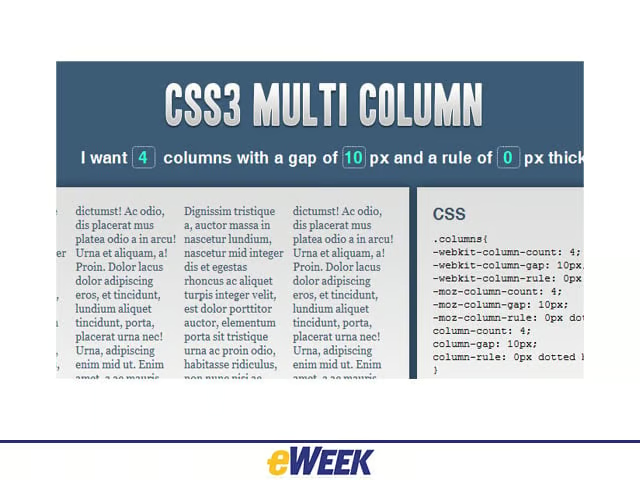
CSS3.info says: W3C offers a new way to arrange text -newspaper-wise in columns. Multicolumn layout is actually a module on its own. It allows a Web developer to let text be fitted into columns in two ways: by defining a width for each column, or by defining a number of columns. The first would be done by column-width, the latter by column-count. To create a space between the columns, you need to specify a width for column-gap.ART: Image with multiple columns displayed
CSS: Opacity

The CSS opacity property is part of the W3C CSS3 recommendation. The CSS3 property for transparency is opacity. Creating transparent images with CSS is made easier by the opacity property.
CSS: Position: Fixed
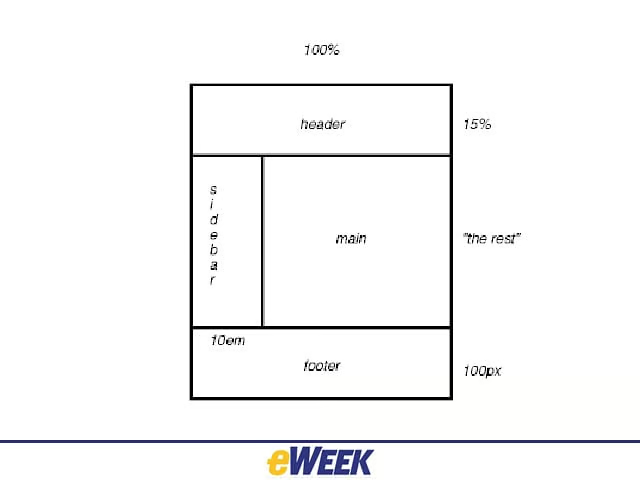
The CSS positioning properties allow developers to position an element. It can also place one element behind another, and specify what should happen when an element’s content is too big. An element with fixed position is positioned relative to the browser window. It will not move, even if the window is scrolled.
HTML: PostMessage

PostMessage is a method for safely enabling cross-origin communication. It allows for cross-window messaging.
CSS: Pseudo Elements
CSS pseudo-elements are used to add special effects to some selectors. The “first-line” pseudo-element is used to add a special style to the first line of a text. CSS introduces the concepts of pseudo-elements and pseudo-classes to permit formatting based on information that lies outside the document tree.
CSS: Text-Overflow
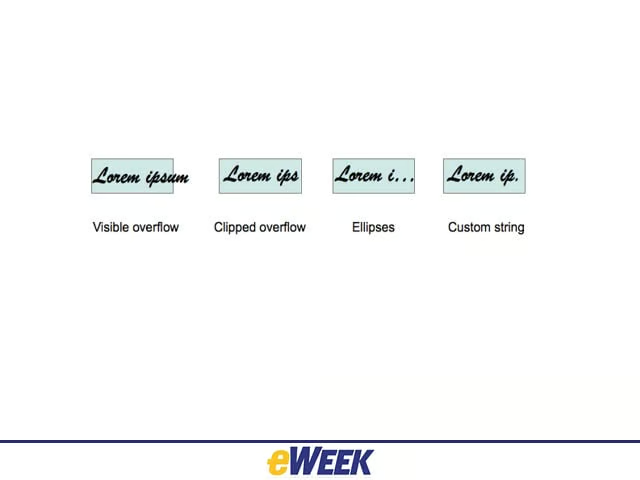
The CSS text-overflow property specifies what should happen when text overflows the containing element.
CSS: Text-Shadow
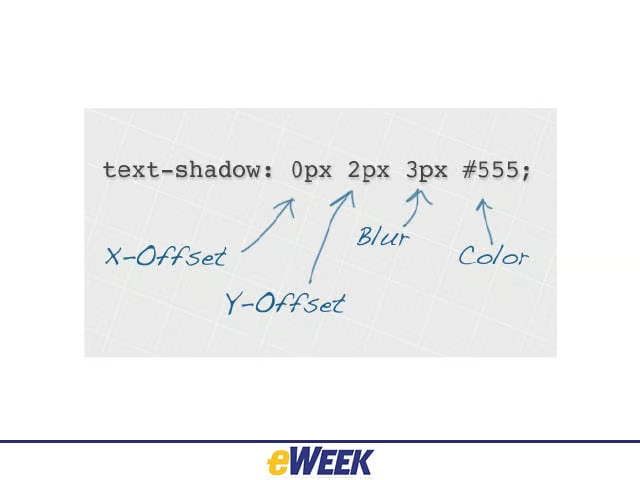
CSS3 has a property called text-shadow to add a shadow to each letter of some text.