








- Apple iOS Software: Discovering the 10 Most Popular Mobile Apps
- Business: Adobe Reader
- Entertainment: Face Swap
- Finance: PayPal
- Productivity: Gmail
- Utilities: Photon Flash Player
- Reference: Google Search
- Navigation: Google Maps
- Health and Fitness: Sleep Cycle Alarm Clock
- Travel: Forever Maps 2
- Photo and Video: Snapchat
Apple iOS Software: Discovering the 10 Most Popular Mobile Apps
by Don Reisinger
Business: Adobe Reader
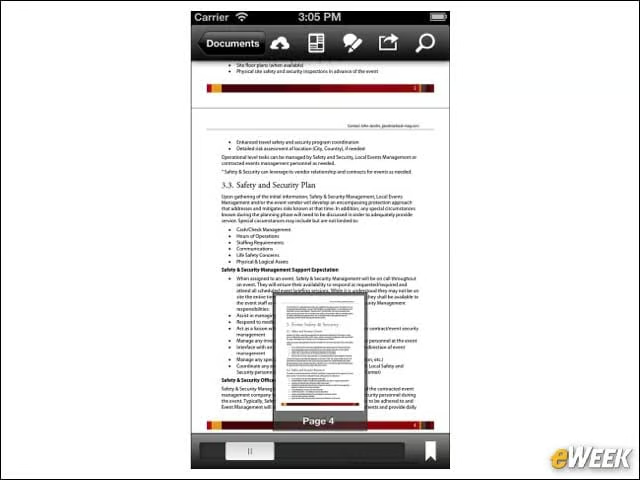
It’s no surprise, given the sheer number of PDFs that are sent around the world from one company to another, that Adobe Reader is tops in the Business category. The free application allows users to read PDFs, as well as annotate on them. Plus, it keeps all recently viewed PDFs in one pane for easy access later on. It’s a nice app.
Entertainment: Face Swap

Everyone needs a little fun in their lives. That’s why Face Swap has taken the top spot in the Entertainment category in iOS. The application allows users to snap photos and then move faces from one body to another. If it sounds a little dumb, it’s probably because it is. But the App Store’s own statistics show it’s awfully popular.
Finance: PayPal

Considering how important PayPal is to both consumers and companies looking to increase their online revenue, it’s no surprise that PayPal’s free application is tops in the finance category. As one might expect, the app allows users to access accounts, deposit and withdraw funds, and keep track of transactions.
Productivity: Gmail
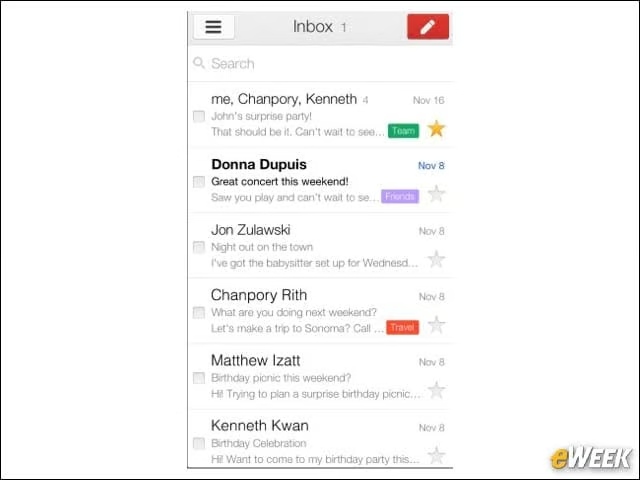
Although Apple has done a good job of improving Mail, its built-in email application, downloading the free Gmail might not be such a bad idea. The app supports multiple inboxes, and corporate users who are on the Gmail platform can access those business inboxes from the app. It’s a fine option for customers.
Utilities: Photon Flash Player

If there’s anything that people should know about iOS, it’s that the operating system will never support Flash. However, in the Utilities category, the $3.99 Photon Flash Player brings full Flash functionality to your device. Flash video and games can all be accessed from the app. Plus, it has a built-in Web browser so you can view Flash content elsewhere around the Internet.
Reference: Google Search
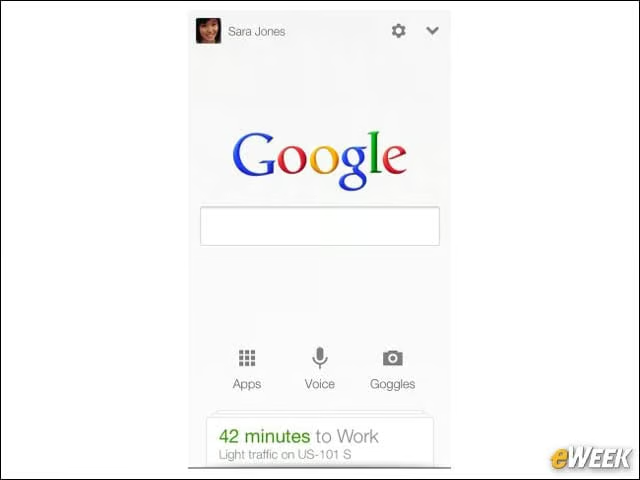
Although Google Search is the default search engine on the Safari browser in iOS, downloading the program to the iPhone or iPad is a good idea. The app supports voice searching and remembers past searches to easily go back to results. Plus, it’s free, which is always nice.
Navigation: Google Maps

This one is an obvious choice, isn’t it? The free Google Maps, which Apple removed from its software lineup in iOS 6, is far superior to the Maps program available in the company’s mobile operating system. Google Maps provides the best directions, location-based search information and a host of other features that make it a fine choice for any iPhone owner.
Health and Fitness: Sleep Cycle Alarm Clock
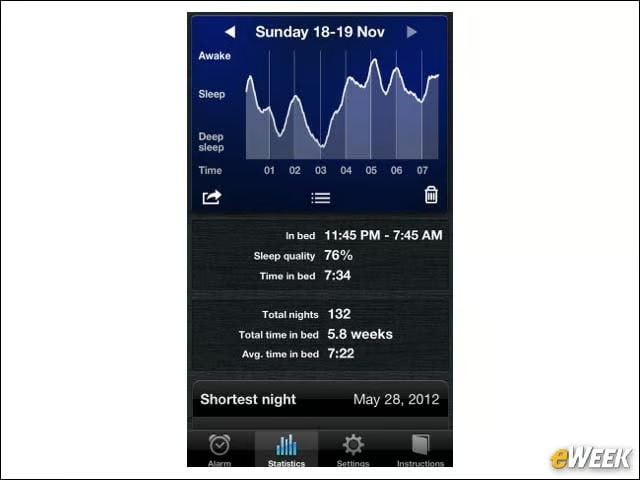
With the Sleep Cycle Alarm Clock, it’s possible to get a better night’s sleep for just 99 cents. Users set parameters on when they’d like to wake up and, by placing the phone next to them at night, they can analyze when it’s best for the alarm clock to go off. The idea is to give people the best night’s sleep to help them feel refreshed and relaxed. And judging by the average rating of five stars out of five from over 5,200 reviewers, it works quite well.
Travel: Forever Maps 2
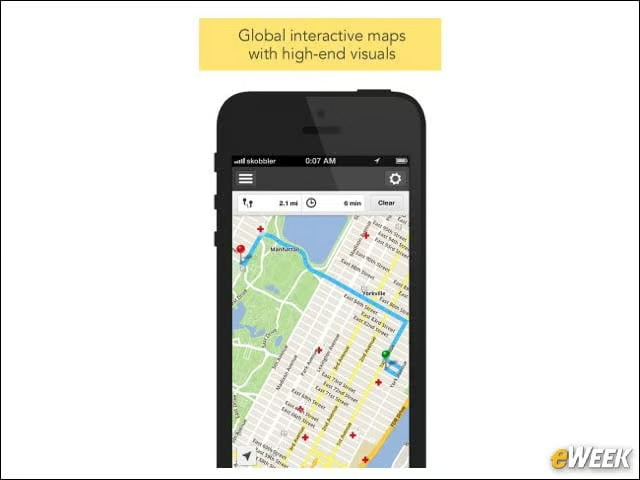
Forever Maps 2, which goes for just 99 cents in the App Store, is one of those programs that deserve more respect than they get. The application has maps of every country in the world, and allows for easy routing on foot, on bicycle or via car. Plus, it works offline, making it ideal for those who are traveling abroad and don’t have a wireless connection.
Photo and Video: Snapchat

Snapchat has become of the biggest craze in the App Store. The free app allows users to take photos or videos of themselves, send them to someone else, and then decide how long they can last before self-destructing. It has ignited some fears among teenagers and their parents about sending inappropriate images back and forth, but it’s a hugely popular program.