







VMware vSphere 5.0 has a number of
“
firsts.
”
Tomorrow I
’
ll talk about the ESXi-only approach to hypervisor implementation. Today I
’
d like to talk about the vCenter Server Appliance. In vSphere 4.1 (the most current, previous version of vSphere), the vCenter Server was supported on Windows OSes, usually Windows Server 2003 64?bit. The vCenter Server could run on a physical system or as a VM. vCenter Server can still be installed this way.However, for the first time is a vCenter Server virtual appliance from VMware supplied as an OVF. I used this vCenter Server virtual appliance throughout my latest tests of vSphere 5.0. In a nutshell, it was convenient, a little slow to configure and has a couple of
“
go forward
”
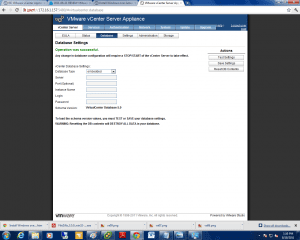
curves of which IT managers should be aware.[WP_IMAGE]First, the database choices are either the embedded DB2 or Oracle 10g or 11g. I didn
’
t see a choice for using Microsoft SQL Server with the appliance. The regular version of the vCenter Server does also support Microsoft SQL Server.Second, while it seems like you can use the web interface to fully configure the vCenter Server appliance, that wasn
’
t my experience. For example, when I used my Chrome browser to connect to the appliance at https://172.16.x.x:5480 I was able to:accept the EULA,configure the IPv4 and IPv6 address, and hostname,change the administrative password, andstart and stop the vCenter Server service.
...but also needed to tweak the network settings through the command line.
However, to fully configure the network, I also had to console into to the VM, and step through the network configuration at the command line. Once the vCenter Server appliance (which runs on SUSE Linux) was installed and operational, it worked just like the regular version of the product.I like the convenience and ease of importing an OVF template. I definitely liked not having to install a Windows Server 2003 or 2008 Server system to host my vCenter Server. I
’
ll be curious to see how the
“
small, medium, large, huge and extra-huge
”
configuration choices work for users of the vCenter Server appliance. Let me know by commenting here or by sending me a note at csturdevant@eweek.com