







- 10 Android Security Applications to Keep Your Mobile Devices Safe
- Avast Mobile Security
- AVG Antivirus Security
- mSecure Password Manager
- Norton Security Antivirus
- McAfee Antivirus & Security
- Lookout Security
- Webroot Security & Antivirus
- Kaspersky Mobile Security
- TrustGo Antivirus and Mobile Security
- SeekDroid Antitheft & Security
10 Android Security Applications to Keep Your Mobile Devices Safe
by Don Reisinger
Avast Mobile Security
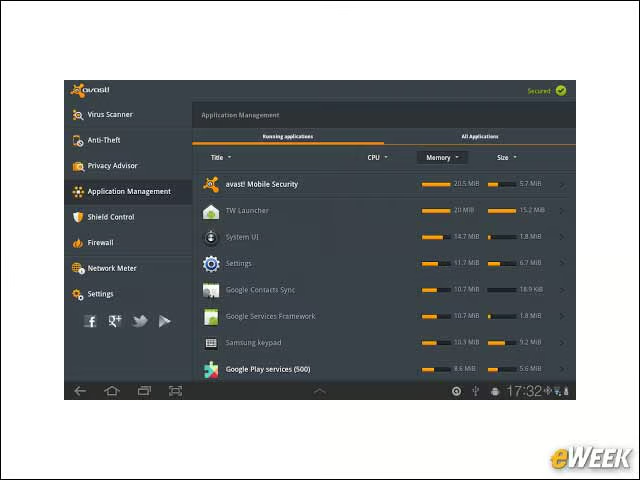
Avast has been in the security game for quite some time. Now it’s offering security software for Android users. The app, which is available for free, claims that it can protect users from all types of threats, including viruses, spyware and other malware. Avast says it can even locate a user’s phone when it’s misplaced.
AVG Antivirus Security
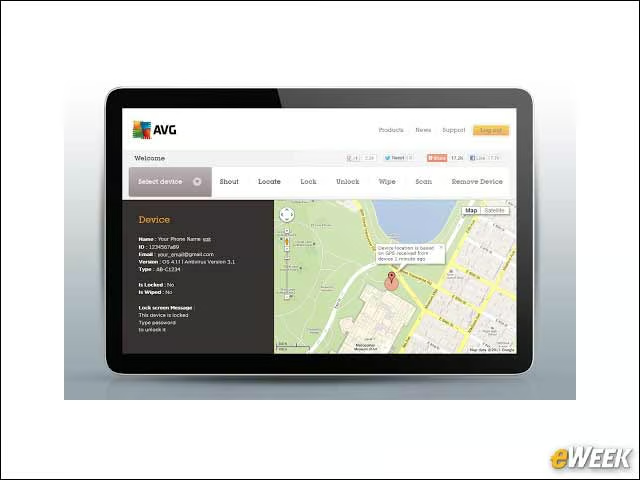
AVG Antivirus Security is another free application worth checking out on Android devices. The security platform has already been downloaded by more than 70 million people, thanks to its many features, such as antivirus defenses, Web-based malware and protection against text-messaging threats. It also lets users remotely wipe their devices if it’s stolen.
mSecure Password Manager
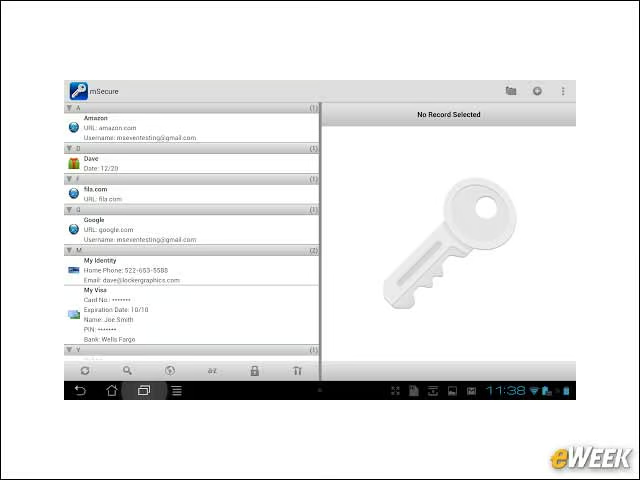
The mSecure Password Manager might seem a little pricey at $9.99. But it’s well worth the investment, as it stores all passwords and private information in one place and encrypts all the data to ensure malicious hackers can’t access it. mSecure has earned its spot as the top password protector in the business for good reason.
Norton Security Antivirus
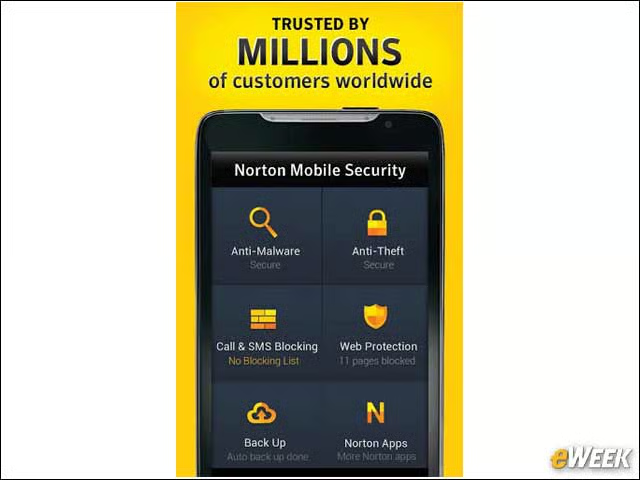
Symantec’s Norton brand is synonymous with computer security, so it’s no surprise that the company is competing in the Android space. The company’s application provides scanning and removal of viruses and malware and can work across multiple devices. Remote wipe is also available. One interesting note: The free app also scans SD cards plugged into devices.
McAfee Antivirus & Security
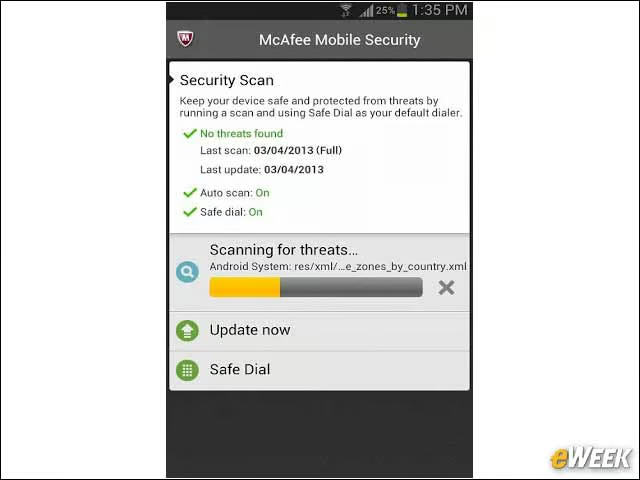
Another security mainstay, McAfee is trying its luck in the Android market. The company’s application is available as a free trial and includes everything from monitoring the device’s privacy to removing malware. Users can also lock applications, track their devices, and filter out unwanted calls or SMS messages from people with whom they don’t want to speak.
Lookout Security
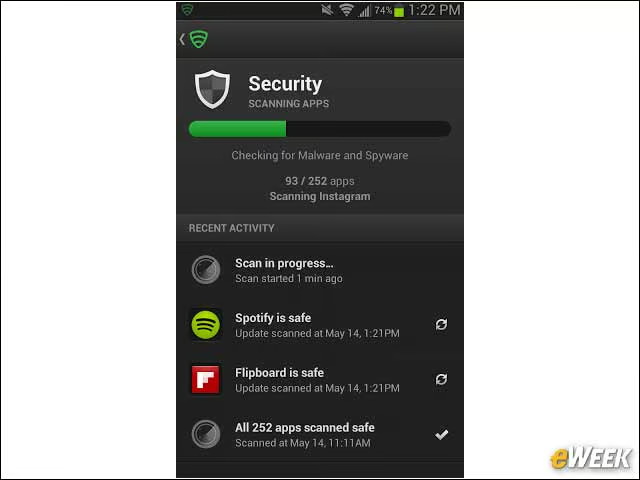
Lookout Security has all the typical features you would expect in a security application for Android. The application looks for malware and viruses and removes them from the user’s devices. So far, more than 30 million people have downloaded Lookout, indicating it’s doing something right. Best of all, its security features are available for free.
Webroot Security & Antivirus
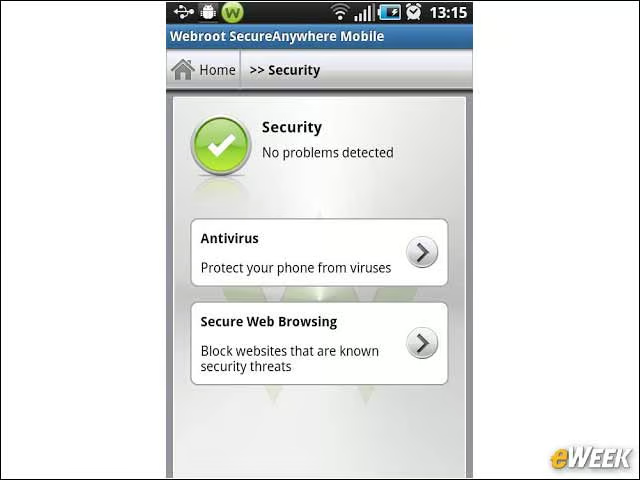
Webroot’s security application is one of the more capable options in this roundup. Not only does the app protect devices from malware, but also scans all applications downloaded to a device and looks for phishing scams. Plus, it comes with a nifty alarm system to help users find the handset around the house. It can be downloaded for free, though users have to pay for some premium features.
Kaspersky Mobile Security
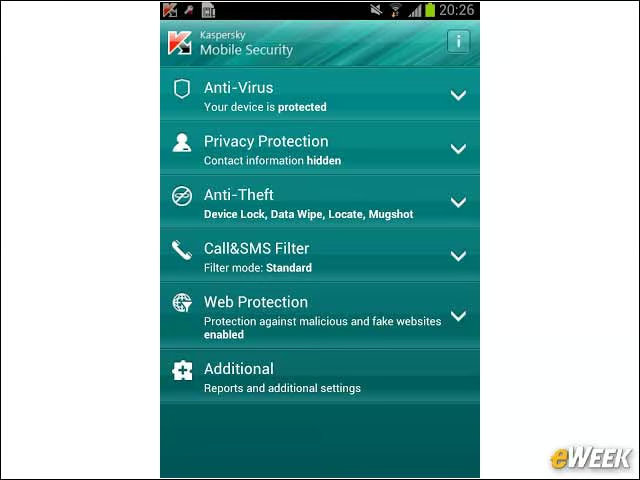
Kaspersky has been one of the more outspoken companies on Android security. So, it would only make sense that the company offers an Android app that protects users against malware and theft. But there’s one issue with Kaspersky’s solution: It costs $14.95, making it somewhat expensive among the security apps for mobile devices.
TrustGo Antivirus and Mobile Security
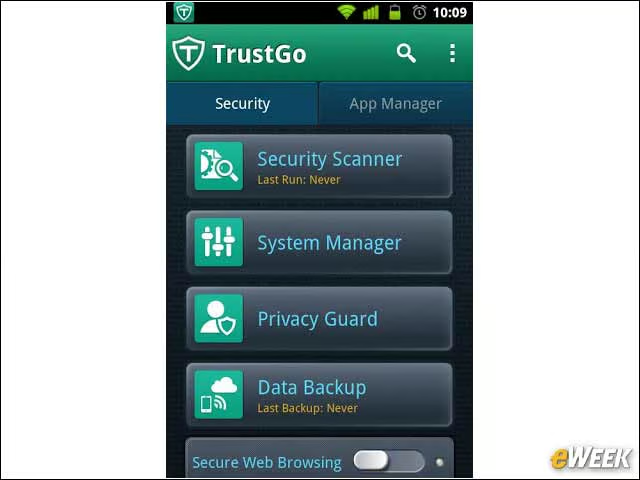
TrustGo Antivirus and Mobile Security is another popular application for security seekers. Like the other options in this roundup, the application secures Web browsing, scans for malware and backs up data. But here’s an interesting addition with the free app: If a thief inputs the wrong password three times to access the device, it automatically takes a photo with the front-facing camera and emails the owner that image.
SeekDroid Antitheft & Security
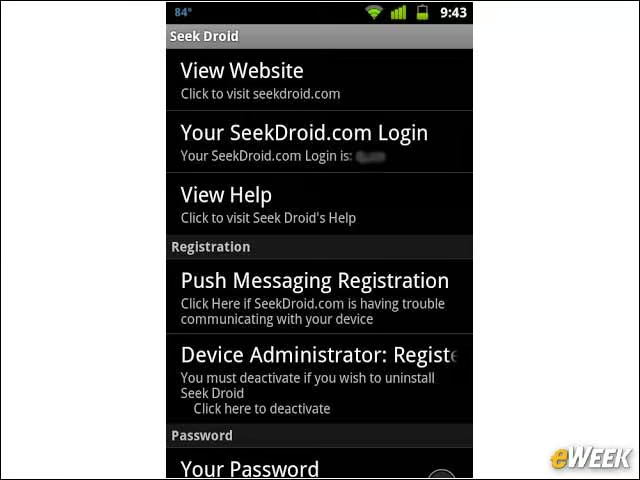
SeekDroid costs customers $4.99 to download, but it might be worth it for those who have misplaced their device or had it stolen. The application allows users to wipe the device remotely, see where it is on a map and set off an audible alarm to alert other people that the handset is stolen. The app will also remotely wipe the SD card.