






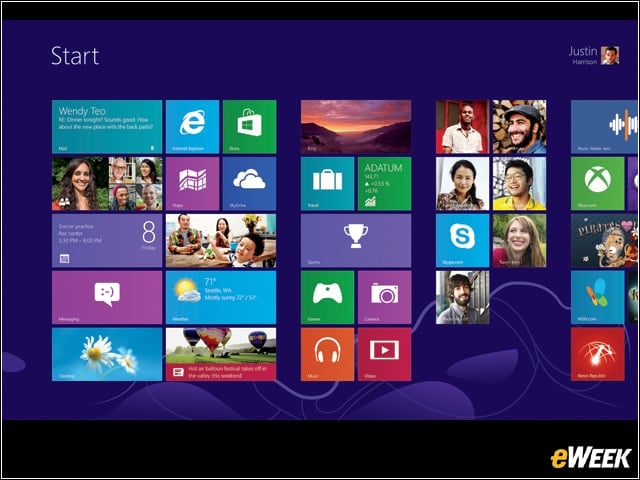

Start Screen
Microsoft says Windows is beautiful, fast and fluid, bringing together your sites, people, apps and more—so everything you care about is right on your Start screen.
Share
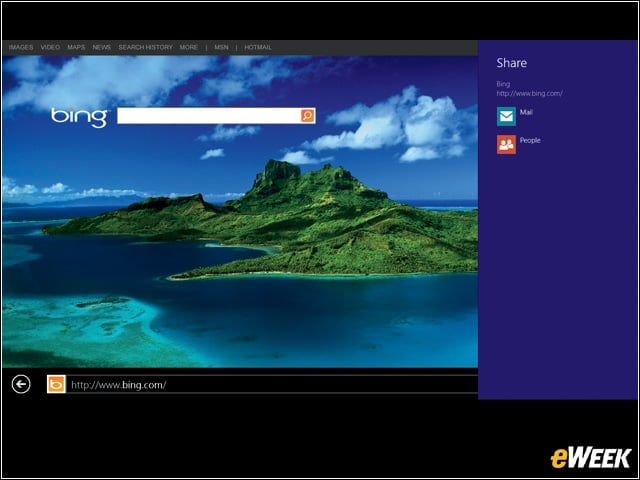
Share files and info with people you know or send info to another app, all without leaving the app you’re in. You can email photos to your mom, update your Facebook status or send a link to your note-taking app.
Messaging and Snap
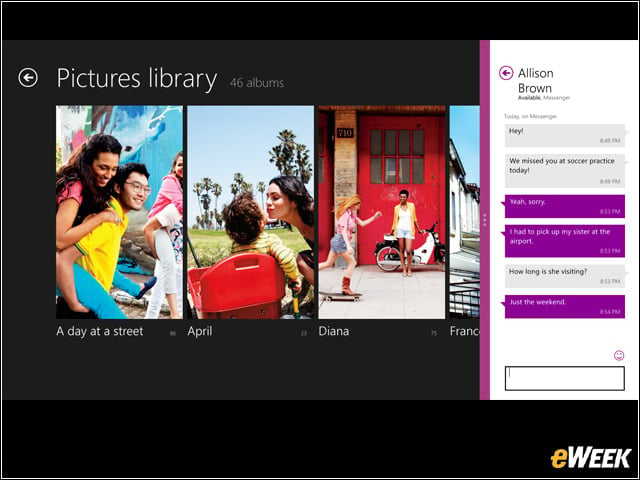
Snap apps are side-by-side so you can do two things at once.
Photos app
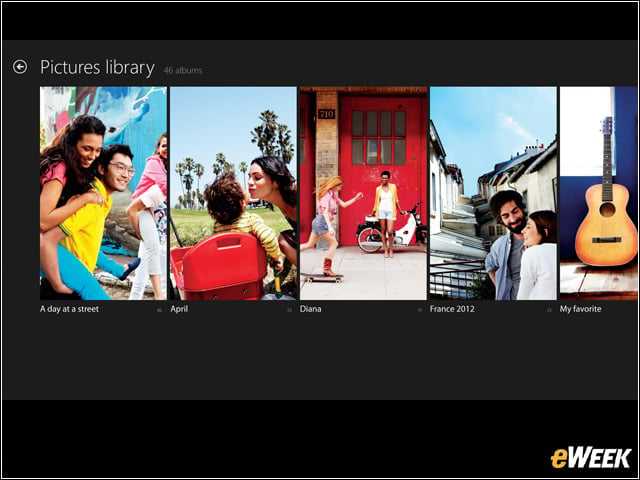
See your photos and videos in one place, whether they’re on Facebook, Flickr, SkyDrive or another PC.
Picture Password
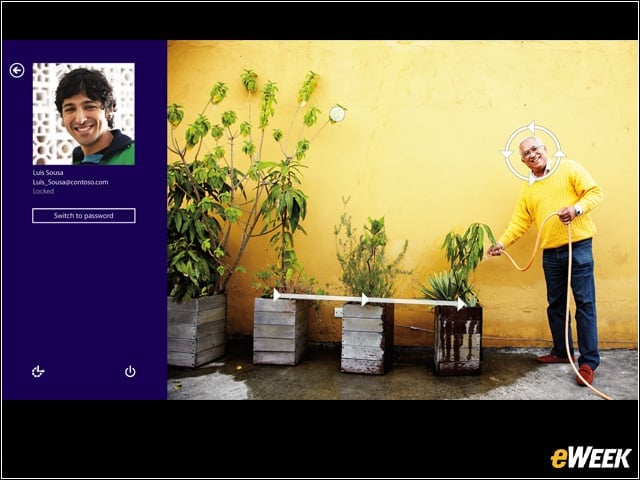
Use a picture for your password. You choose the picture and draw on it the way you want to.
SkyDrive
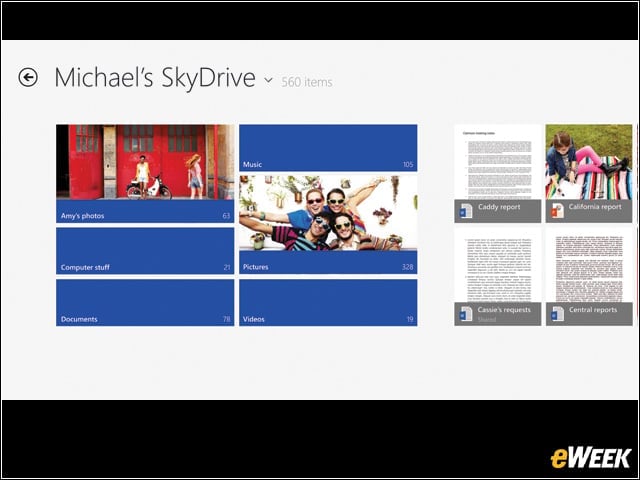
Seamlessly access and work on your files from your Windows apps, as well as from your other devices.
People App
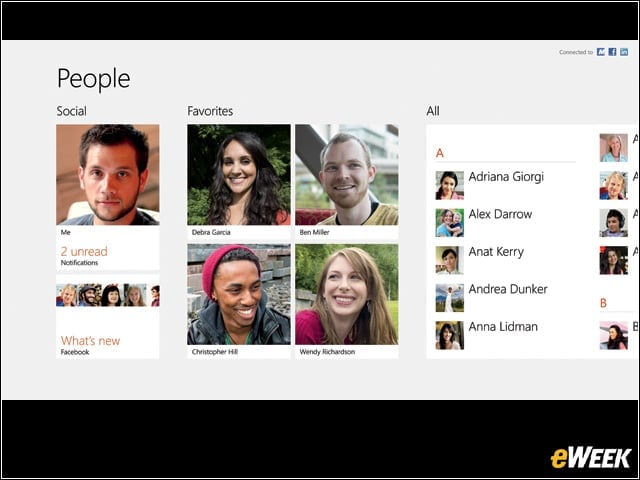
See the latest info and start conversations with contacts from your email accounts, Facebook, LinkedIn, Messenger, Twitter and more.
Windows Store
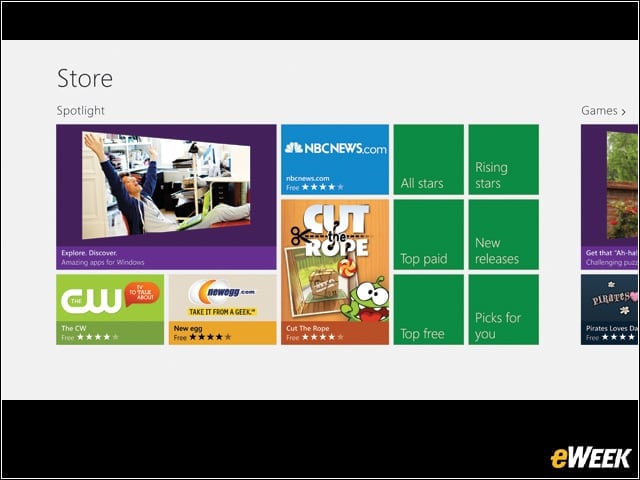
Windows 8 and Windows RT include the Windows Store, where you can discover a new world of apps for your PC.
Internet Explorer, Bing
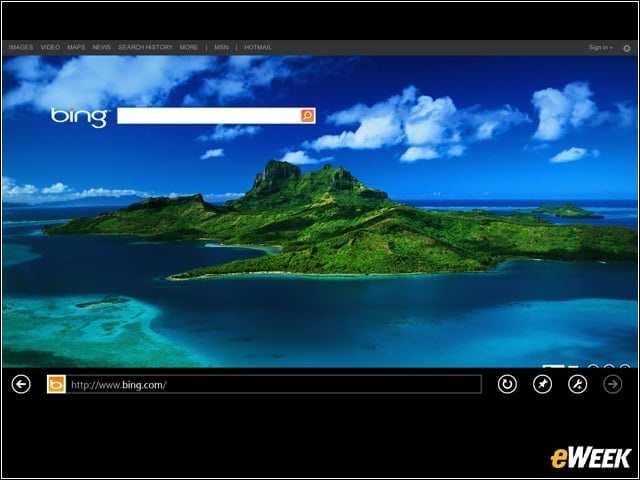
Internet Explorer 10 is the entirely new browser built to take advantage of the full power of Windows 8 and Windows RT. Internet Explorer 10 starts and loads sites fast. Everything you want to do and search on the Web is a swipe, tap or click away.
Xbox SmartGlass
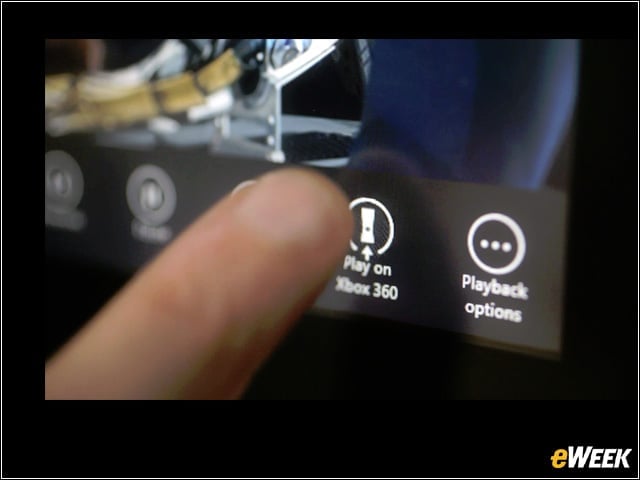
Xbox SmartGlass is a free app that connects your devices to your Xbox entertainment, and it’s available for the devices that you already own. Start watching a movie on your tablet while on the go; then send it to your Xbox 360 with just the click of a button when you get home.