









Getting your photos to look exactly how you imagined doesn’t require expensive software anymore. It requires the right words.
Google’s Gemini AI has become one of the most versatile photo editing tools available, capable of understanding complex creative instructions and delivering surprisingly polished results. The secret is knowing how to ask.
Whether you’re fixing a casual selfie or prepping product shots for your online store, the quality of your edit comes down to how clearly you communicate your vision. I’ve tested dozens of approaches and identified six standout prompts that consistently deliver professional-looking results without the learning curve of traditional editing software.
Editor’s note: All example images are free stock photos via Freepik.
The background story prompt
The idea here is to completely reinvent the environment around your subject to match a new mood or narrative, all while keeping the integration seamless and believable.
The prompt:
“Replace the current background with a quiet, misty Japanese bamboo forest at dawn. Match the lighting and color temperature on the subject to the new, soft, diffuse light in the forest. Add a very slight haze and adjust the subject’s shadows to feel grounded in this new space.”
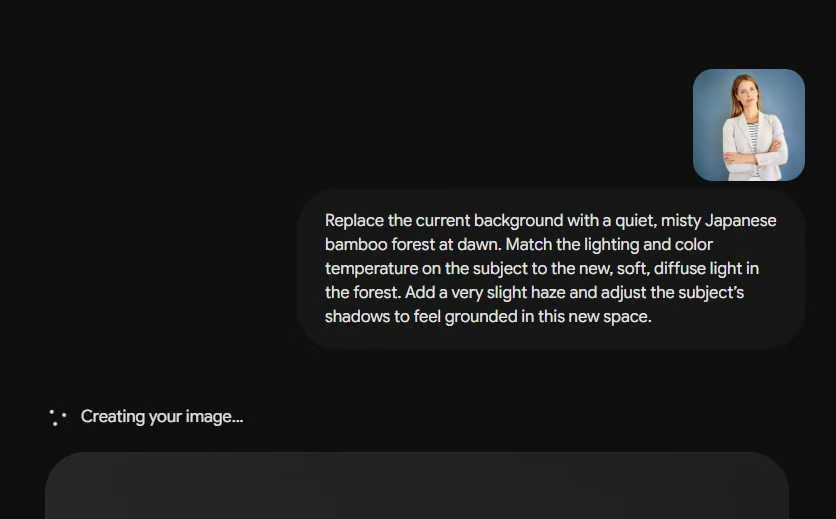
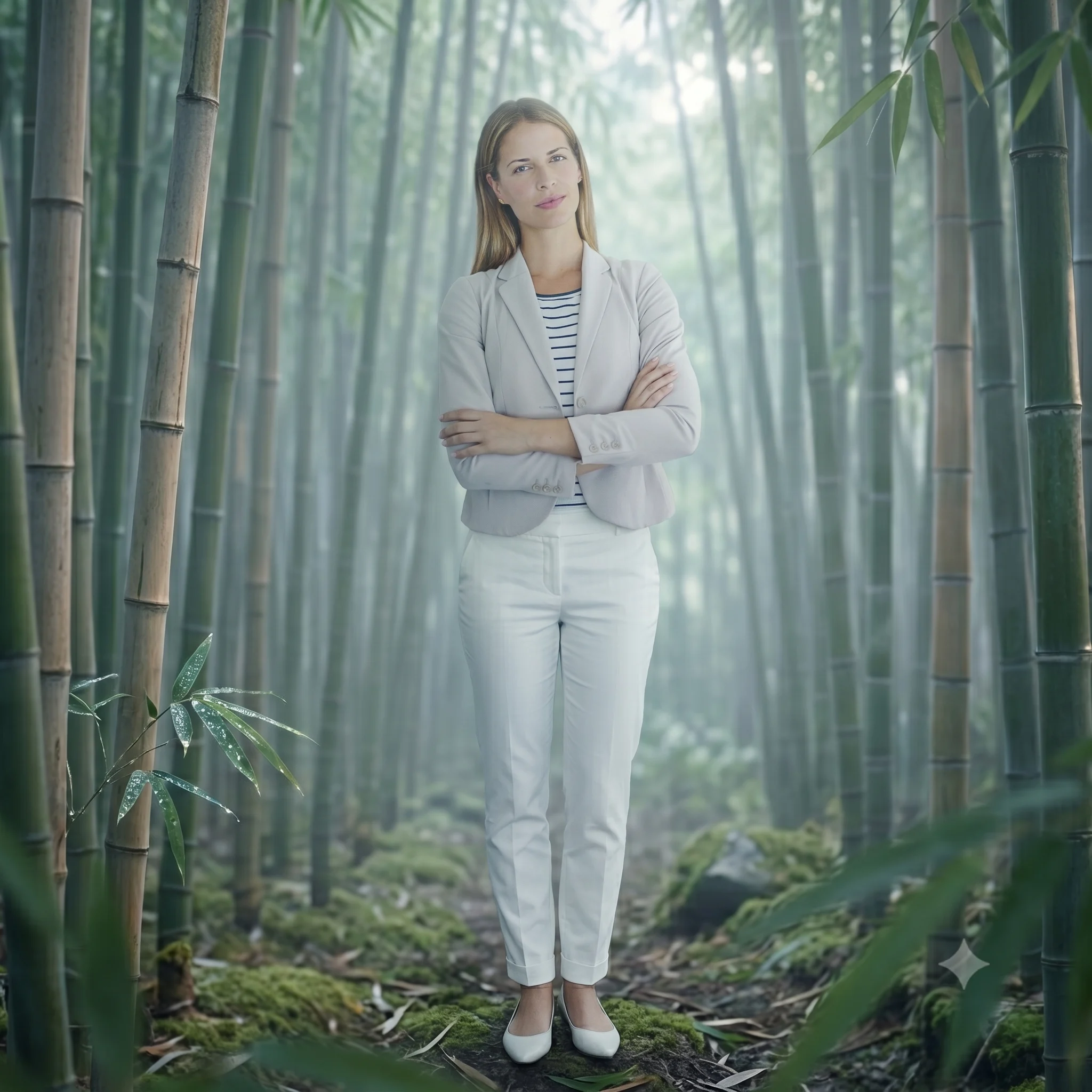
This prompt is powerful because it focuses on integration rather than just substitution. By asking the AI to match the lighting and color temperature of the subject and adjust shadows, you’re guiding it to create a cohesive scene, not just a cut-and-paste job. It turns a simple background swap into a convincing new reality.
The art gallery prompt
Transform your photograph into a piece of art in a specific painterly style, as if it were hanging in a museum.
The prompt:
“Reimagine this portrait in the style of a classic Dutch Golden Age painting. Use rich, dramatic Rembrandt-style lighting with a strong contrast between light and shadow (chiaroscuro). Give the skin tones a realistic oil paint texture, and render the background in deep, warm, muted browns and blacks.”
/uploa
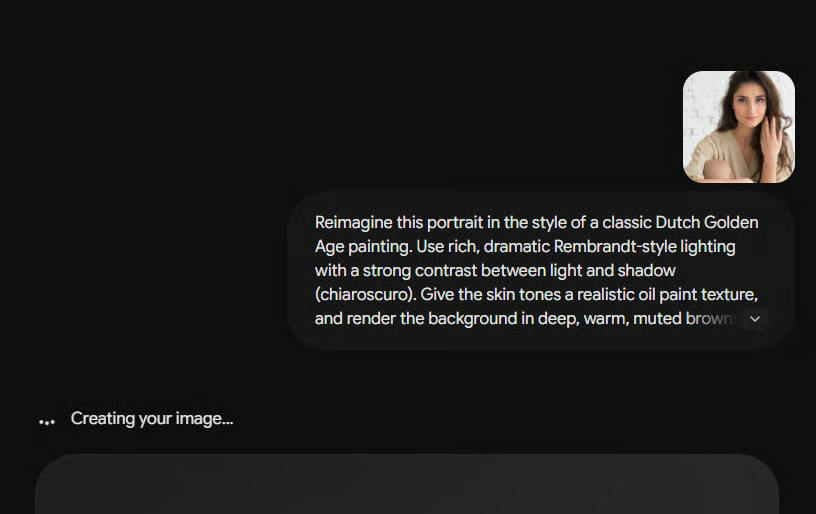

Referencing a specific art historical period (“Dutch Golden Age”) and technique (“chiaroscuro”) gives the AI a rich visual library to pull from. Asking for a specific “oil paint texture” on the skin moves the edit from a general “painterly” effect to a more precise and sophisticated artistic interpretation.
The dynamic moment prompt
Inject a burst of energy and motion into a static image, suggesting an action that happened just before or after the shot was taken.
The prompt:
“Add a sense of explosive motion to this photo of a dancer. Simulate realistic motion blur trailing from their hands and the edge of their dress, as if they just spun. Keep their face and core body relatively sharp as the focal point. Add a few subtle, out-of-focus light streaks in the background to enhance the feeling of movement.”
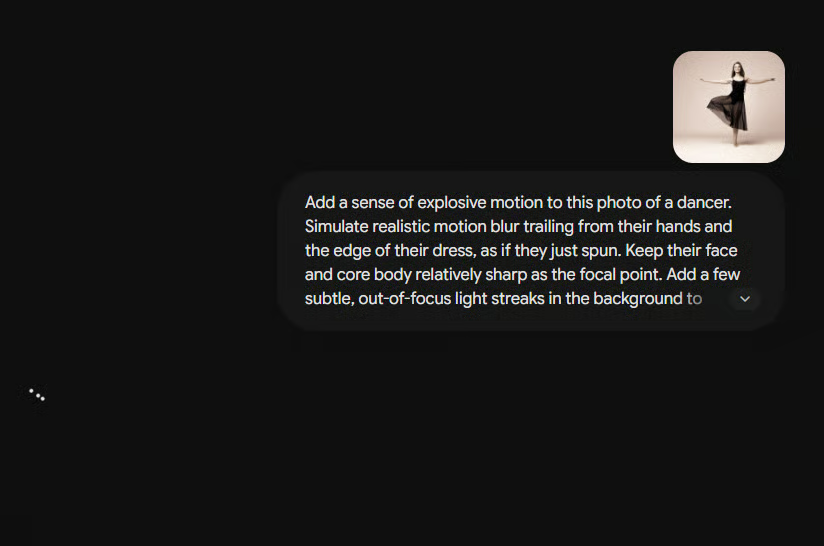
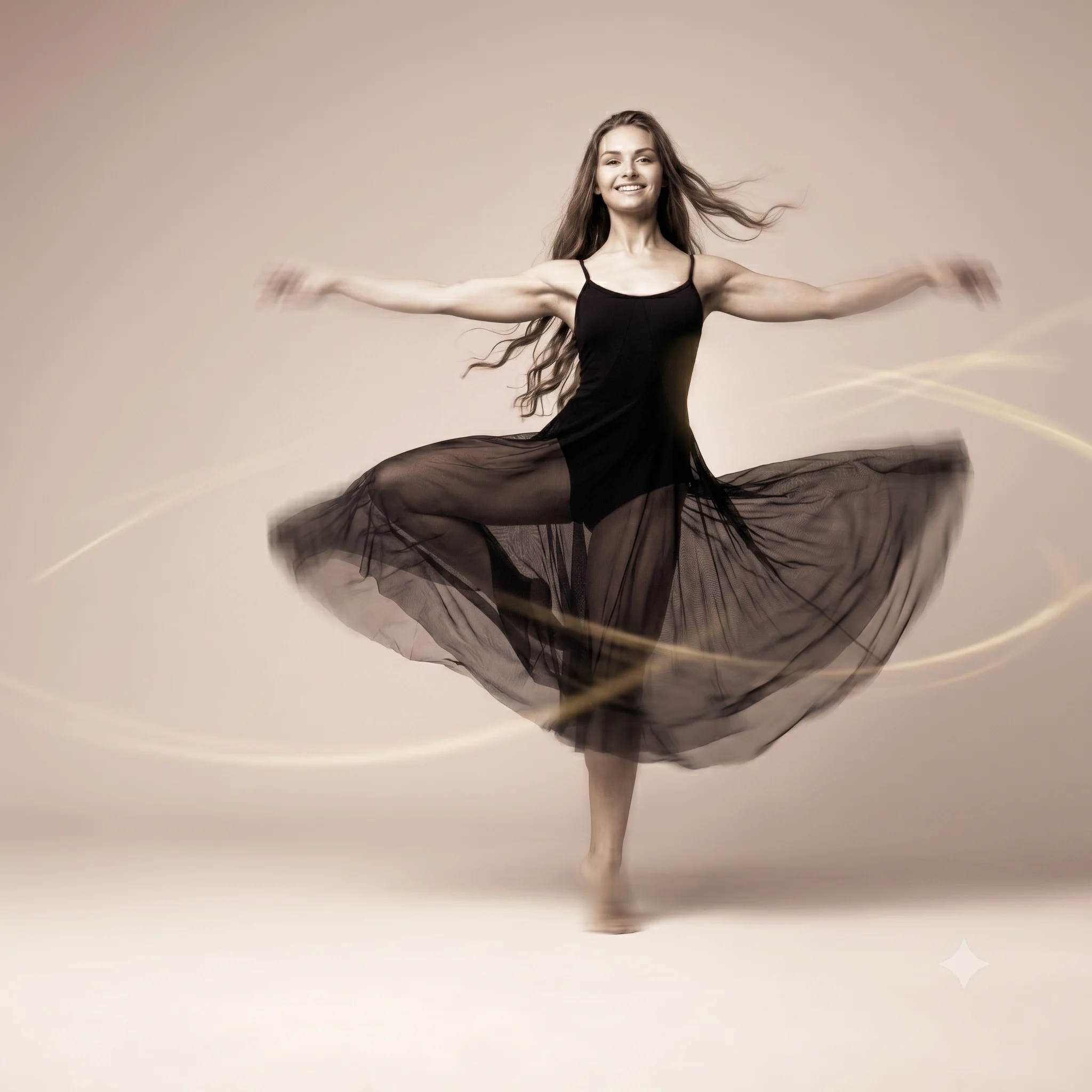
This prompt guides Gemini to be selective. By specifying what should stay sharp (“face and core body”) and where the blur should be applied (“trailing from their hands”), you maintain the subject’s identity while adding drama. It’s about suggesting a story, the moment after the still photo was captured.
The miniature world prompt
Create the enchanting, dreamlike effect of a tilt-shift lens, making real-life scenes look like tiny, perfect model dioramas.
The prompt:
“Apply a realistic tilt-shift effect to this cityscape to make it look like a miniature model. Create a sharp focus band through the center of the image, with a pronounced blur gradient above and below. Slightly boost the saturation and contrast to mimic the vivid colors of a painted model.”
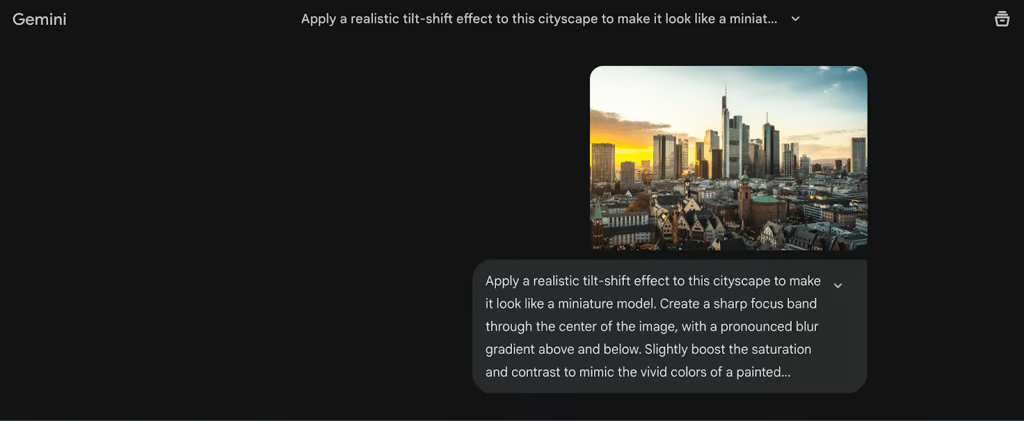
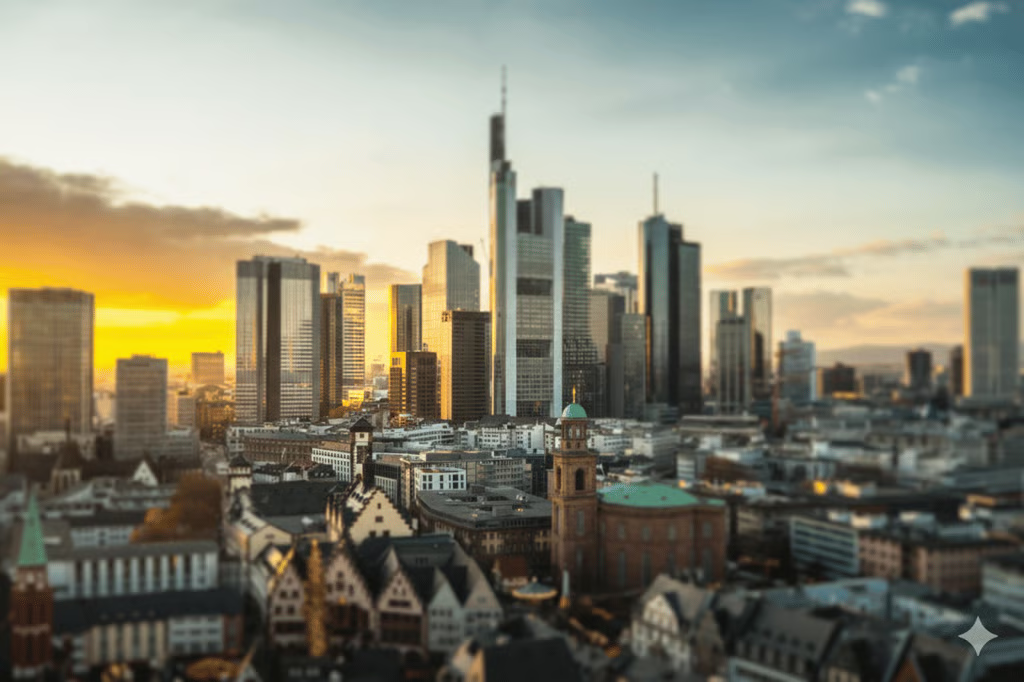
This prompt demonstrates the power of technical photography language. “Sharp focus band,” “blur gradient,” and “boost saturation and contrast” are clear, actionable instructions. You’re not just saying “make it small,” you’re explaining the optical illusion that makes our brains perceive a scene as miniature.
The e-commerce texture prompt
If you’re trying to sell something, the buyer needs to “feel” the material. This prompt focuses on the tactile details.
The prompt:
“Polish this product shot for a high-end catalog. Sharpen the micro-textures of the material — whether it’s leather, metal, or fabric — to make it look tactile. Neutralize any yellow color cast from the indoor lighting and add a soft, natural reflection beneath the product to give it a sense of weight.”
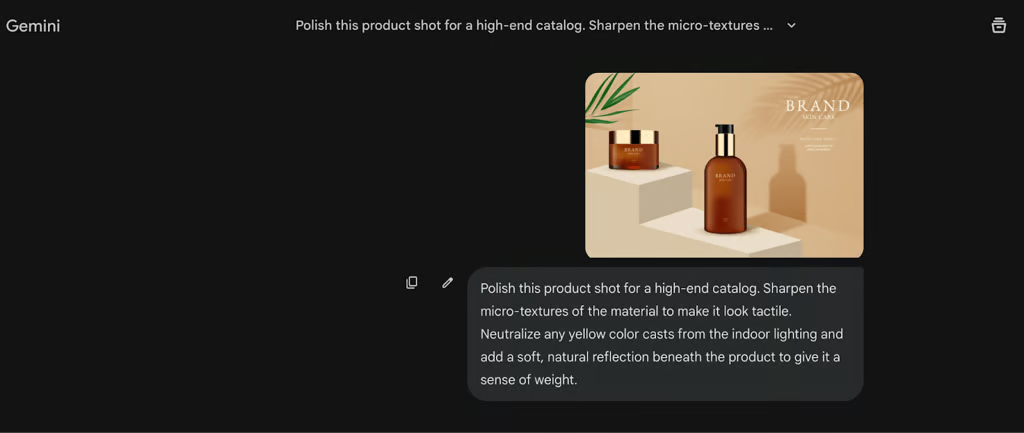

This prompt succeeds because it targets micro-contrast, which is how the human eye perceives quality. By specifically asking Gemini to “neutralize color casts,” you ensure the customer sees the true color of the item, which can help reduce return rates. Adding a “sense of weight” through a reflection prevents the product from looking like a flat sticker, making it feel premium and gift-worthy to the buyer.
The time travel prompt
Instantly give a modern photo the authentic charm and flaws of a bygone era. It’s not just adding a sepia tone; it’s about simulating the physical character of old film.
The prompt:
“Make this photo look like it was just developed from a film camera found in my 1970s attic. Add subtle film grain, slight color fading at the edges, a tiny bit of light leak in one corner, and make the blacks a little faded and milky. Keep the subject clear, but make it feel like a found memory.”
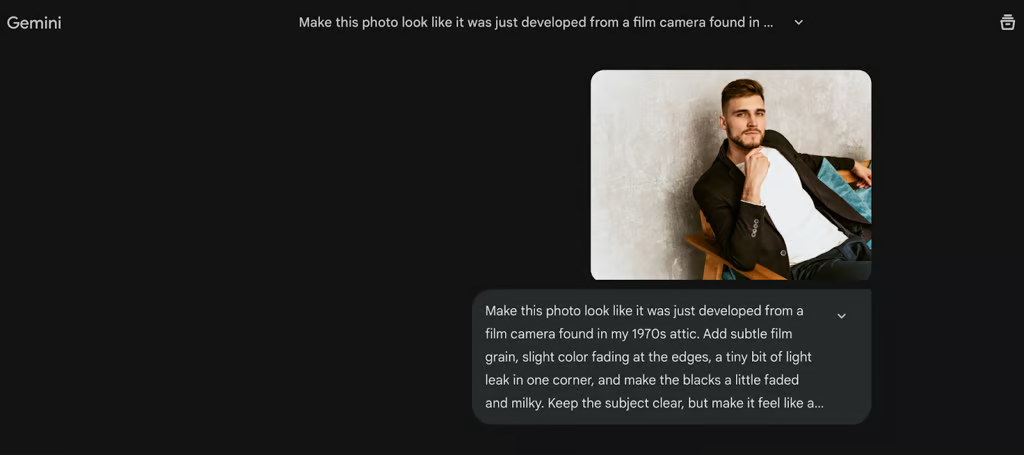

This prompt goes beyond a simple filter by specifying multiple, tangible characteristics of vintage photography (“fading at the edges,” “milky blacks,” “light leak”). It gives the AI a scene to build: a physical object that has aged. The instruction to keep the subject clear ensures the edit enhances the mood without destroying the photo’s focus.
Why these Gemini prompts keep working
Across all these examples, one pattern stands out: clear intent beats long instructions.
Users who get the best results tend to:
- Describe the mood instead of the effects
- Set boundaries for realism
- Focus on one main change at a time
- Gemini doesn’t need fancy language; it needs direction
Gemini may not replace professional editing software for everyone, but for everyday users, it’s quickly becoming one of the easiest ways to turn “almost good” photos into something worth sharing.
Read our guide to the Gemini photo editing trends turning simple prompts into sharper, more stylish AI images.