Building a Virtualized Testbed on the Cheap - Part II: OpenFiler Installation - Virtualization - News & Reviews - eWeek.com | eWeek

Building a Virtualized Testbed on the Cheap – Part II: OpenFiler Installation
Building a Virtualized Testbed on the Cheap – Part II: OpenFiler Installation
Verfasst von
Andrew Garcia
Andrew Garcia
Mar 9, 2009
1 minute read
eWeek Inhalte und Produktempfehlungen sind redaktionell unabhängig. Wir können Geld verdienen, wenn Sie auf Links zu unseren Partnern klicken. Mehr erfahren


Building a Virtualized Testbed on the Cheap – Part II: OpenFiler Installation

Building a Virtualized Testbed on the Cheap – Part II: OpenFiler Installation

by Andrew Garcia


Install 1
2

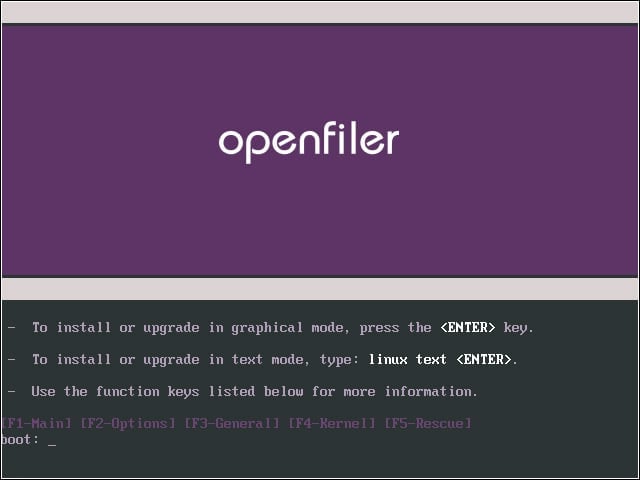
Booting to CD brings up the Linux install screen. Select Graphic Mode, skip media check, select English for language.


Disk Setup 1
3

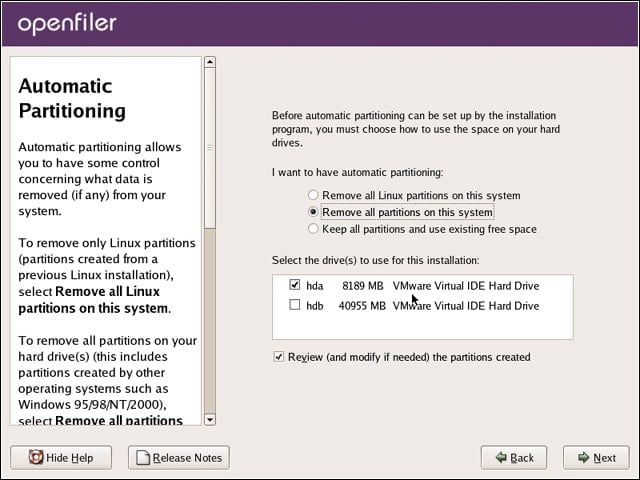
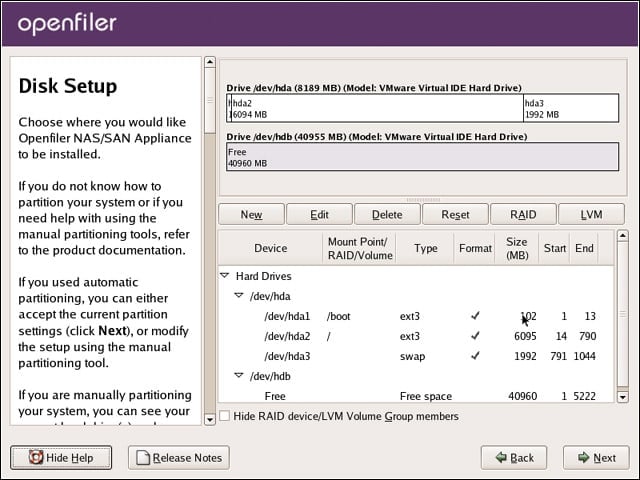
In my installation, I had a small disk (hda) on which I used to install OpenFiler, with a larger array (hdb) that I would use for iSCSI data. As shown here, I made sure to only include and format only the small disk at this time.


Disk Setup 2
4

Verifying that both drives were configured as I wanted.


Network Settings
5

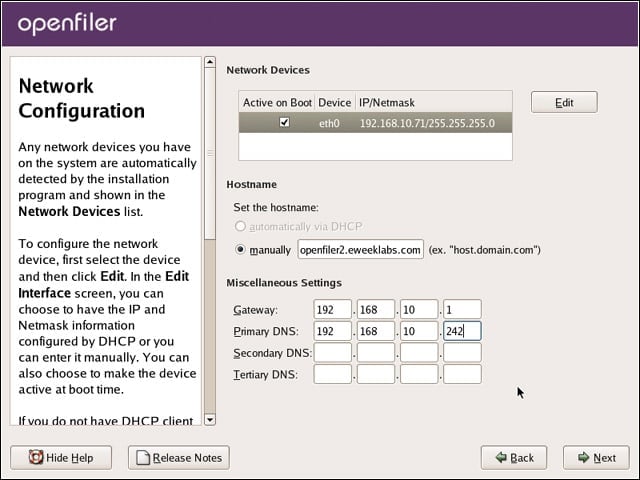
To ease ESXi configuration later, I wanted OpenFiler to have a static address. Edit Network Devices, uncheck DHCP configuration, enter static IP address and subnet mask. Click OK, then enter the Hostname, gateway and DNS.


Advertisement

Root Password

6

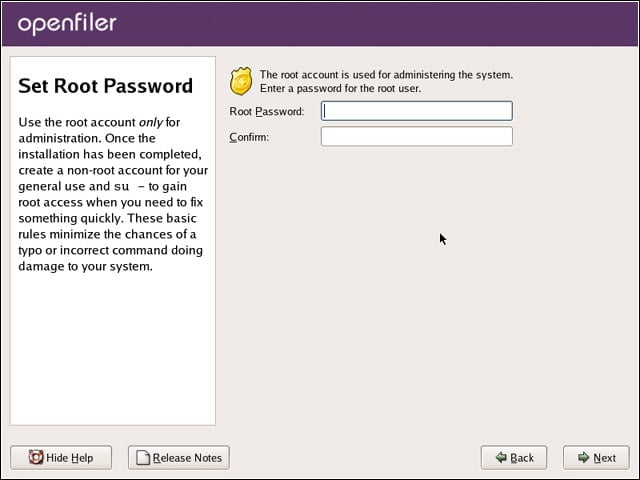
After setting the time zone, I needed to set a root password for the OS. This is not the same password you will need later to configure OpenFiler.


OpenFiler Install Complete
7

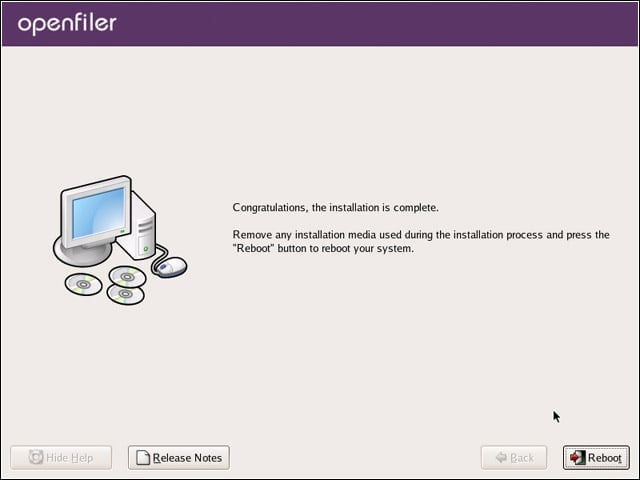
Installation will complete after a few minutes. Remove the install CD and reboot the machine.


OpenFiler Ready to Go
8

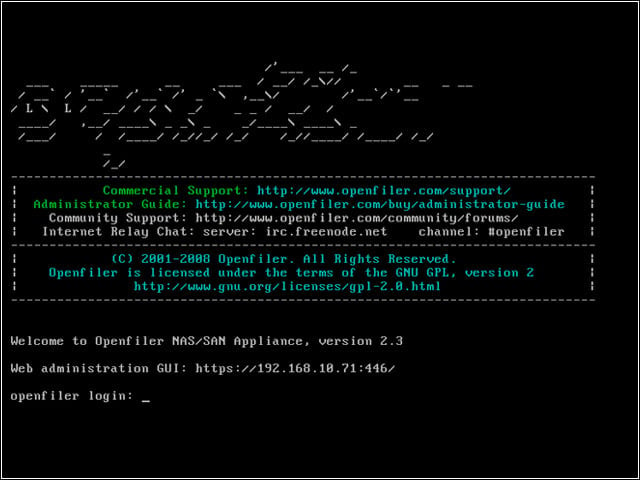
After reboot, OpenFiler is managed entirely via a Web browser. Record the management address and port (for example https://openfileripaddress:446). At this point, you no longer need a monitor or keyboard attached to OpenFiler server.


No Title

eWeek Logo

eWeek has the latest technology news and analysis, buying guides, and product reviews for IT professionals and technology buyers. The site's focus is on innovative solutions and covering in-depth technical content. eWeek stays on the cutting edge of technology news and IT trends through interviews and expert analysis. Gain insight from top innovators and thought leaders in the fields of IT, business, enterprise software, startups, and more.

Eigentum von TechnologyAdvice. © 2026 TechnologyAdvice. Alle Rechte vorbehalten

Werbetreibenden-Offenlegung: Einige der auf dieser Website erscheinenden Produkte stammen von Unternehmen, von denen TechnologyAdvice eine Vergütung erhält. Diese Vergütung kann beeinflussen, wie und wo Produkte auf dieser Website erscheinen, einschließlich beispielsweise der Reihenfolge, in der sie erscheinen. TechnologyAdvice schließt nicht alle Unternehmen oder alle auf dem Marktplatz verfügbaren Produkttypen ein.