








Mac OS X Yosemite Loaded With Cross-Device Functionality

by Chris Preimesberger
They Call It Yosemite
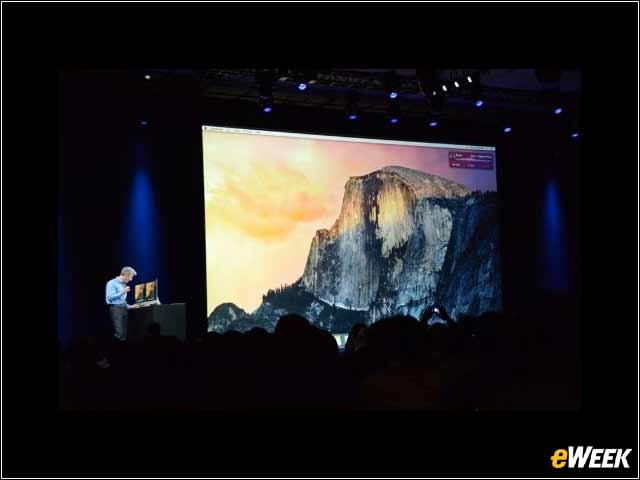
Perhaps because it’s a “monumental” release, or perhaps because it’s going to become the “rock” upon which Apple will continue to build out its PC product line, Mac OS X 10 “Yosemite” gets a name that you can understand and remember, even if you are not a rock climber.
Share and Share Alike
Apple made a point of telling developers that it’s bringing together the development of all its software and devices into a central place, so that more and more attributes—thus, code—can be shared among products. This, however, won’t happen overnight. It makes sense, although the development procedures and best practices for each device still have very different requirements.
Apps Work Seamlessly Across Devices
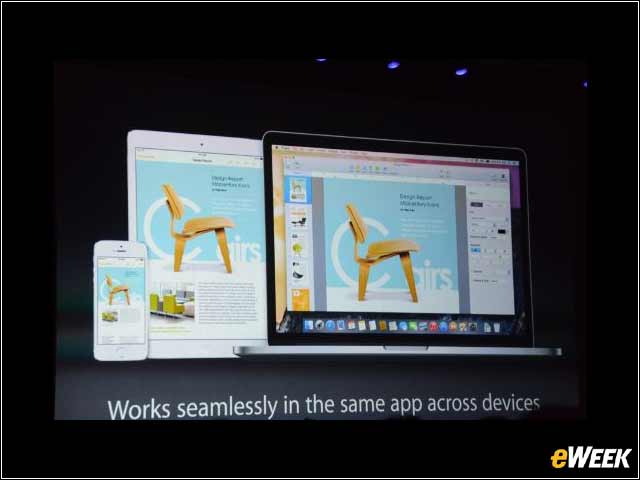
Apple has created an always-on, movable client. It can be found in a new lock-screen icon on the lower left of each screen. Let’s say the user is on his iPhone; when he swipes up on it, it allows him to continue with his work on an iPad. But he also can swipe his work from one device to another to pick up activity in real time, no matter whether he’s working on an iPhone, iPad or Mac laptop. This is what developing for all Apple devices is all about.
New Safari Tabs Layout
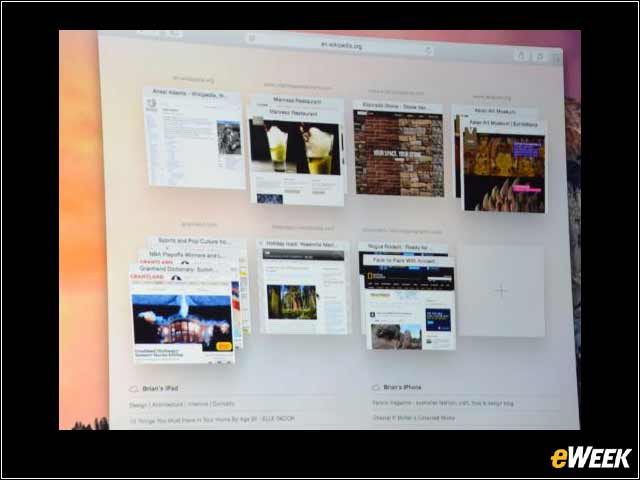
This looks totally different and could be—and undoubtedly will be—confusing to some users, especially newer Apple customers. The tabs layout shows in a much more graphics-oriented way everything that is stored in each folder, but it’s a lot of artwork to see all at once. Ah, you’ll get used to it.
New Launcher
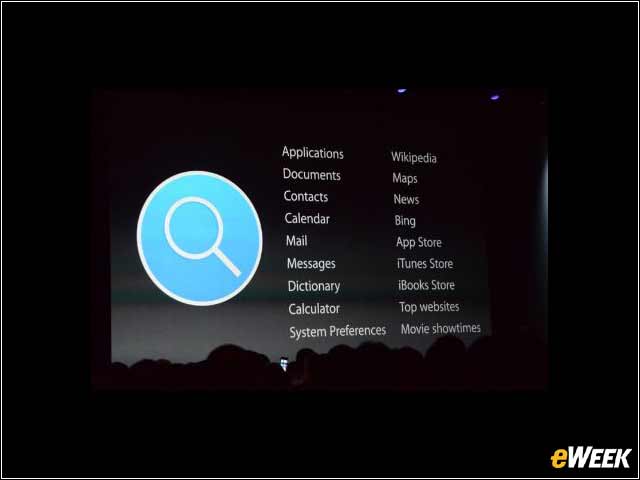
The big magnifying glass indicates a new Launcher layout for Mac OS X Yosemite, as shown here. It is designed to be easier to parse.
New Look for the Calendar
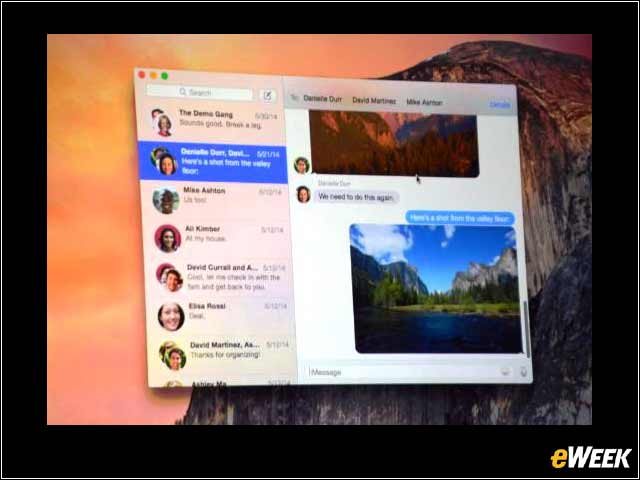
Even the relatively staid Contacts app has been given a facelift. The layout is done with a social networking flavor, as shown here—with the contacts column on the left and messages and conversations on the right. It’s an intuitive interface, something with which Apple has some experience.
Using Google Search in Safari
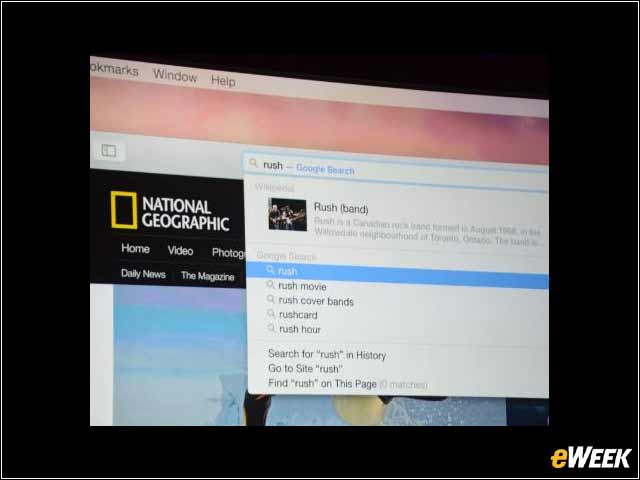
For the first time, Apple showed on stage, in prime time, the use of Google search in its browser. Users search at any time, with the second window floating over the current Safari window. All the relevant Google search information is supplied inside the search window.
New Development Language
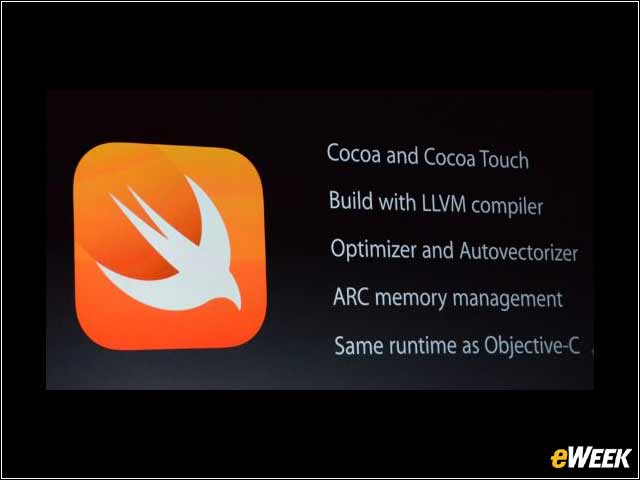
Swift, introduced June 2, is Apple’s new upgrade to its own Objective C and the standard C languages in which all OS X apps are developed. Some of the key characteristics are in evidence on this slide, but a key one is that Swift—called this because it is apparently very fast—works “seamlessly” with Objective C and C in the same app, conference attendees were told.
Mac as Speakerphone
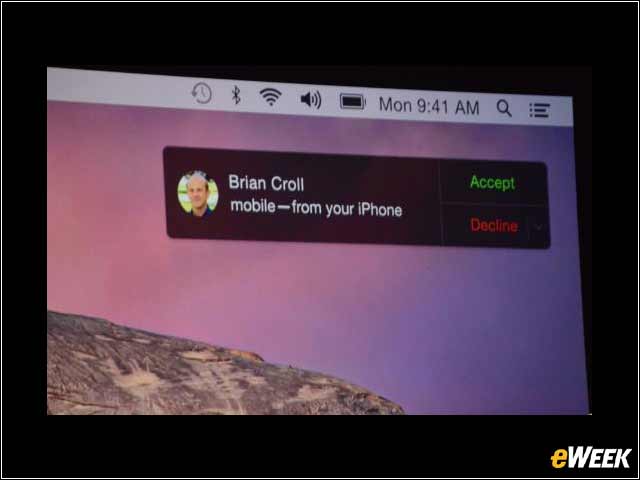
Following the theme of connecting all those Apple devices, Mac OS X Yosemite has a new function that enables a user to easily connect his or her Mac laptop or desktop with an iPhone to have a conversation via speakerphone. Notifications can be set up like the one in this slide.
User Adoption Numbers
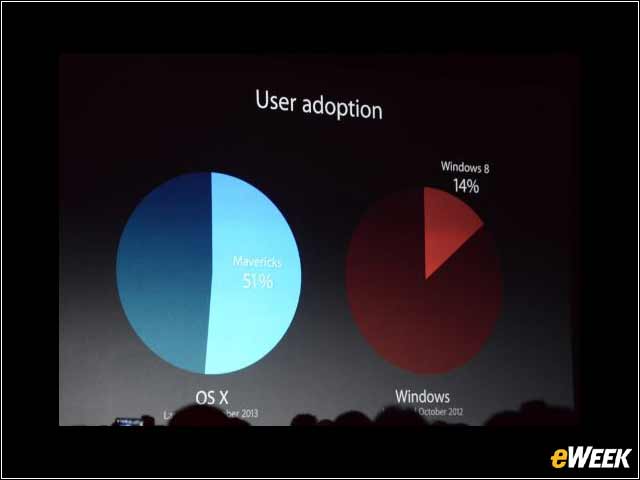
Apple was proud to point out that despite the fact that Microsoft’s Windows 8 was launched a year earlier than OS X 7 Mavericks, user adoption of the latest operating system is far ahead of the competitor. As of December 2013, Mavericks is resident in 51 percent of Macs, while only 14 percent of Windows machines have adopted Windows 8. Of course, we should remind you that there are many more Windows machines out there, and many of those are not able to use touch IT—the biggest attribute of Windows 8.