







- eWEEK Labs Walk-Through: SoftGrid 4.0
- eWEEK Labs Walk-Through: SoftGrid 4.0 – Sequencer wizard
- eWEEK Labs Walk-Through: SoftGrid 4.0 – Sequencer wizard – 2
- eWEEK Labs Walk-Through: SoftGrid 4.0 – Microsoft Office 2003 setup
- eWEEK Labs Walk-Through: SoftGrid 4.0 – Post-installation actions
- eWEEK Labs Walk-Through: SoftGrid 4.0 – Office install
- eWEEK Labs Walk-Through: SoftGrid 4.0 – Save My Settings Wizard
- eWEEK Labs Walk-Through: SoftGrid 4.0 – IE settings
- eWEEK Labs Walk-Through: SoftGrid 4.0 – Review settings
eWEEK Labs Walk-Through: SoftGrid 4.0
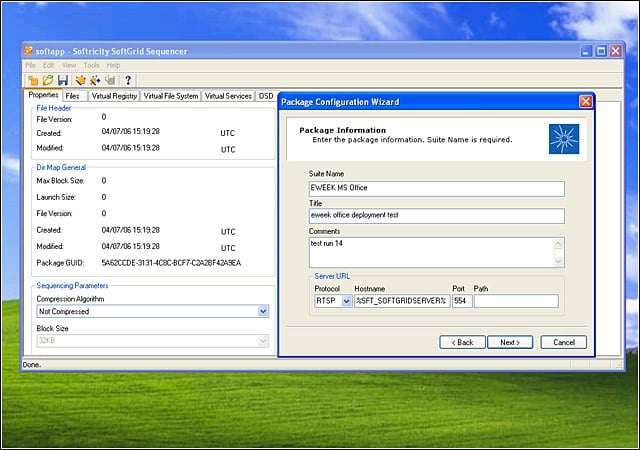
The Softricity SoftGrid Sequencer requires package information. Notice in the Hostname field the default placeholder name. We replaced this with the host name of our test system.
eWEEK Labs Walk-Through: SoftGrid 4.0 – Sequencer wizard
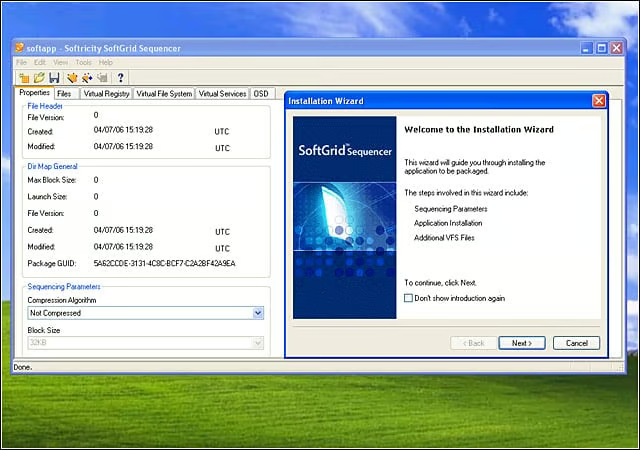
The Sequencer wizard guided us through the process of preparing an application for virtualized deployment.
eWEEK Labs Walk-Through: SoftGrid 4.0 – Sequencer wizard – 2
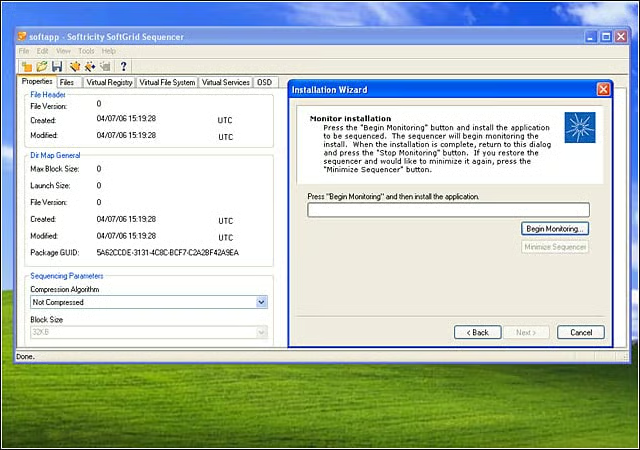
SoftGrid generated most of the package identifier information seen at left. We simply clicked the Begin Monitoring button to start the package process.
eWEEK Labs Walk-Through: SoftGrid 4.0 – Microsoft Office 2003 setup
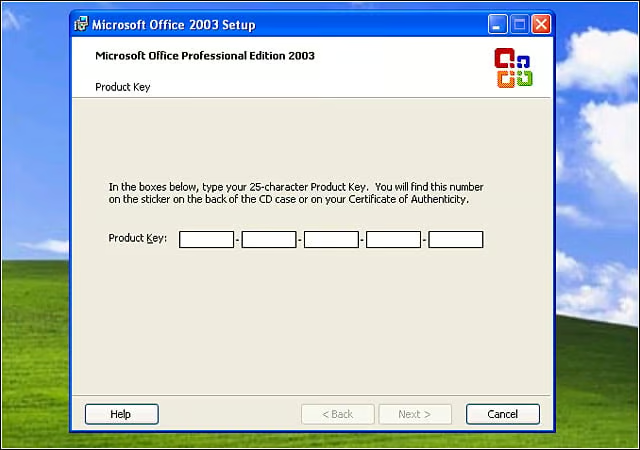
The Microsoft Office 2003 setup process proceeded as expected. Here, were about to enter our product key.
eWEEK Labs Walk-Through: SoftGrid 4.0 – Post-installation actions
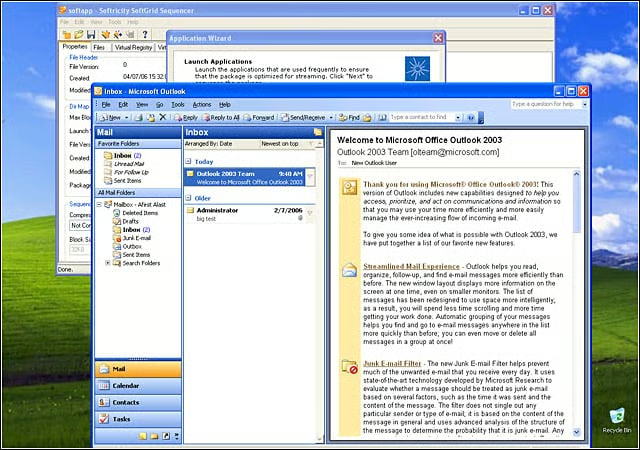
After the intial installation, the SoftGrid Sequencer returned and walked us through the post-installation steps of setting up our applications. Here, were performing post-installation actions on our Outlook 2003 client. The Sequencer tracks these change
eWEEK Labs Walk-Through: SoftGrid 4.0 – Office install
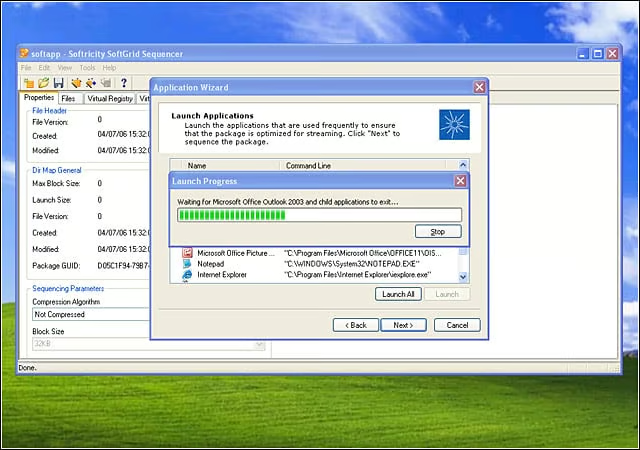
The Sequencer walked us through each component of the Office install and noted the changes made by each application.
eWEEK Labs Walk-Through: SoftGrid 4.0 – Save My Settings Wizard
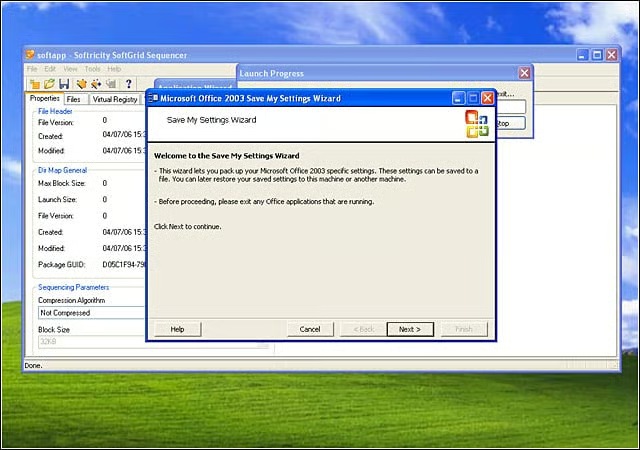
We saved our Office settings to a file. As can be seen in the dialog box in the forefront, we could use these saved settings on other machines.
eWEEK Labs Walk-Through: SoftGrid 4.0 – IE settings
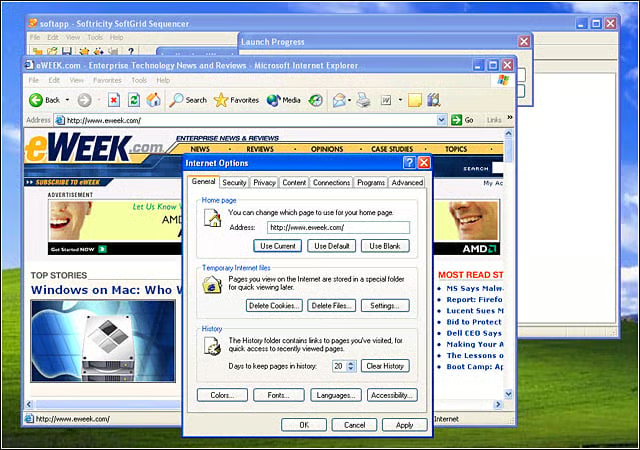
A number of Internet Explorer settings were changed before deployment, including making the new home page www.eweek.com.
eWEEK Labs Walk-Through: SoftGrid 4.0 – Review settings
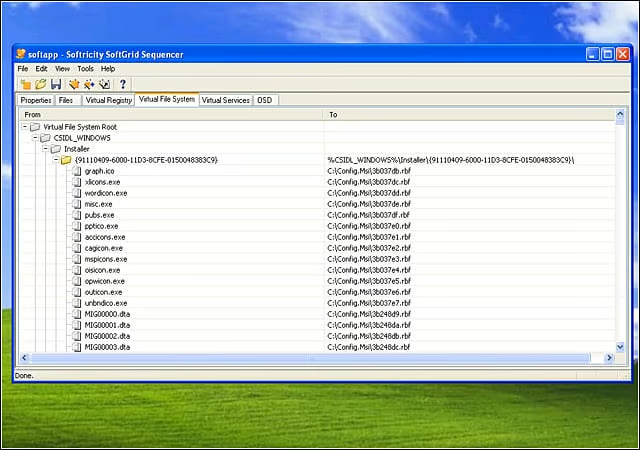
At the conclusion of the sequencing process, we reviewed the settings for each of our processed applications. We were able to make a wide variety of changes to the sequenced applications.