








- Microsoft Visual Studio 2O13 Taps Into Opportunities for Developers
- Microsoft Visual Studio 2013 Preview Released
- Browser Link—Three Connected Browsers
- CodeLens—Changesets and Enhanced Scrollbar
- Connected IDE—Notifications Center With One Alert
- Connected IDE—Sync Settings
- Debugging—Async in Task Window
- Peek Definition
Microsoft Visual Studio 2O13 Taps Into Opportunities for Developers
by Darryl K. Taft
Microsoft Visual Studio 2013 Preview Released
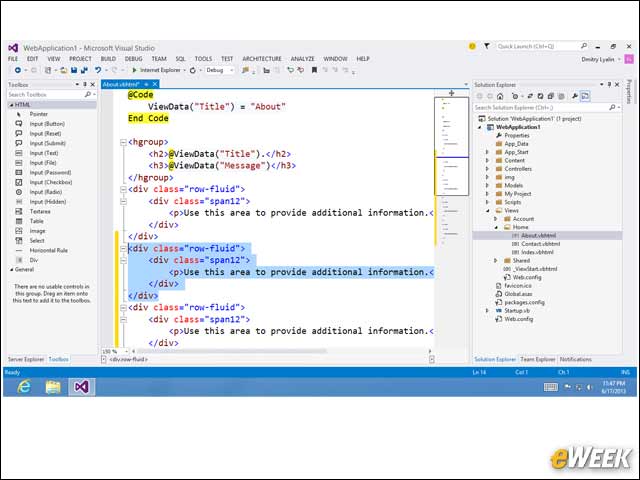
On June 26, Microsoft released Visual Studio 2013 Preview, the company’s integrated solution for building modern apps across devices and services. With a wide range of new features, Visual Studio 2013 makes it easier and faster for developers to create applications and services, using modern lifecycle practices that span across mobile devices, client and the cloud.
Browser Link—Three Connected Browsers
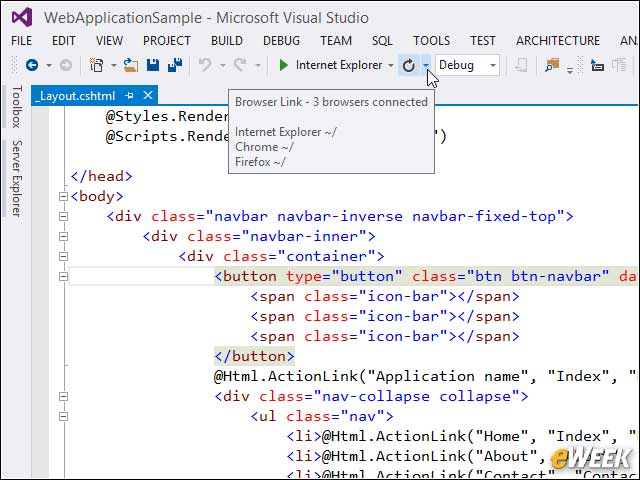
Browser Link connects Visual Studio 2013 to one or more open modern browsers in an interactive development experience to keep the Web pages in sync with markup changes, without needing manual browser refreshes to see the changes being made.
CodeLens—Changesets and Enhanced Scrollbar
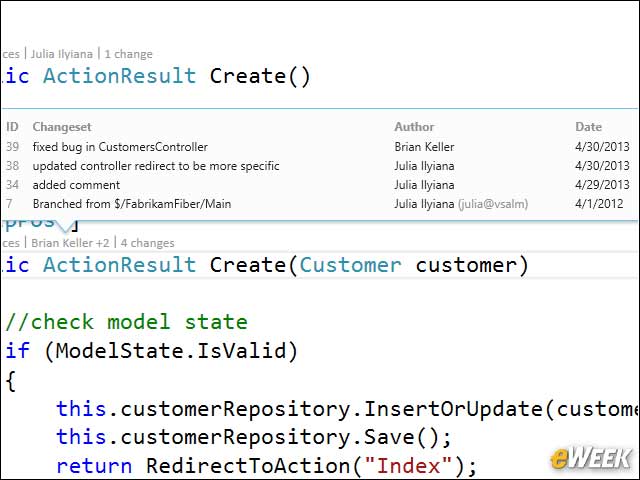
In Visual Studio 2013, developers can comment on blocks of code within changesets. The text and replies become a threaded discussion in-context with the code and are stored as part of the project’s metadata, not in the source code itself.
Connected IDE—Notifications Center With One Alert
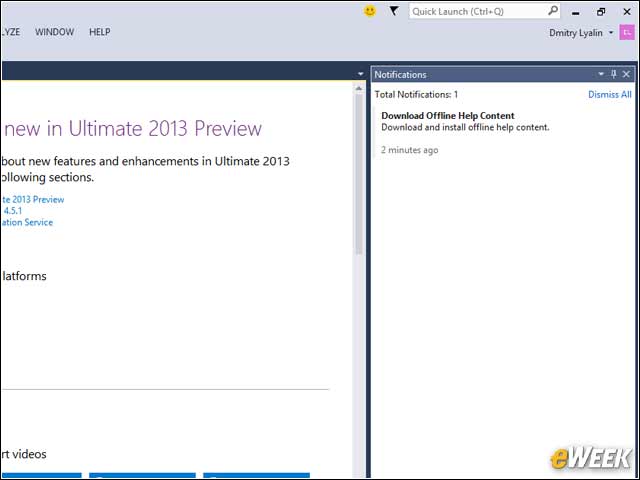
Visual Studio 2013 Preview introduces a connected IDE experience, enabling developers to move from machine to machine while maintaining their custom settings.
Connected IDE—Sync Settings
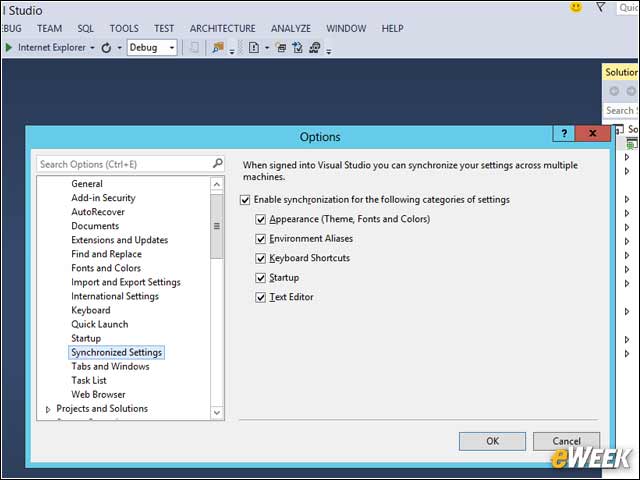
Visual Studio 2013 Preview introduces a connected IDE experience, enabling developers to move from machine to machine while maintaining their custom settings. Synchronized settings include categories such as keyboard shortcuts, Visual Studio appearance theme and more, all while keeping the user in full control through the synchronized settings option.
Debugging—Async in Task Window
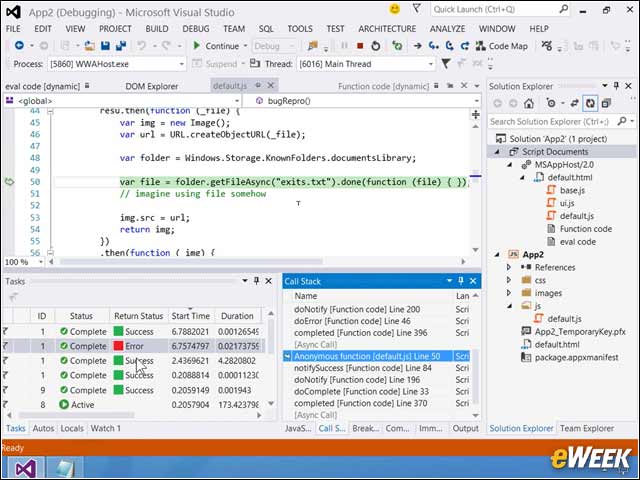
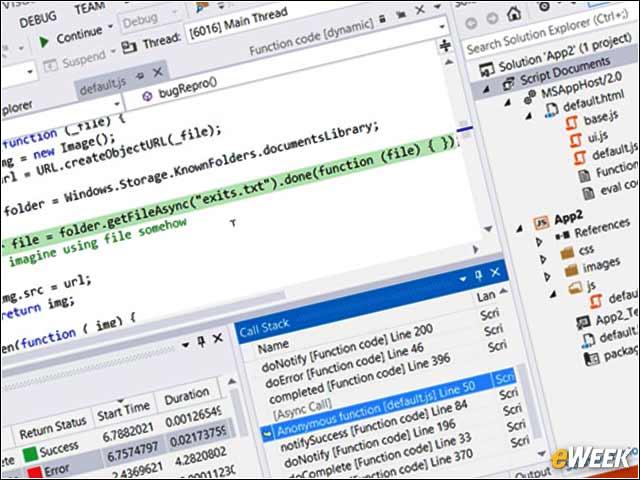
In Visual Studio 2013, asynchronous debugging is improved across Visual Basic, Visual C#, Visual C++ and JavaScript.
Peek Definition
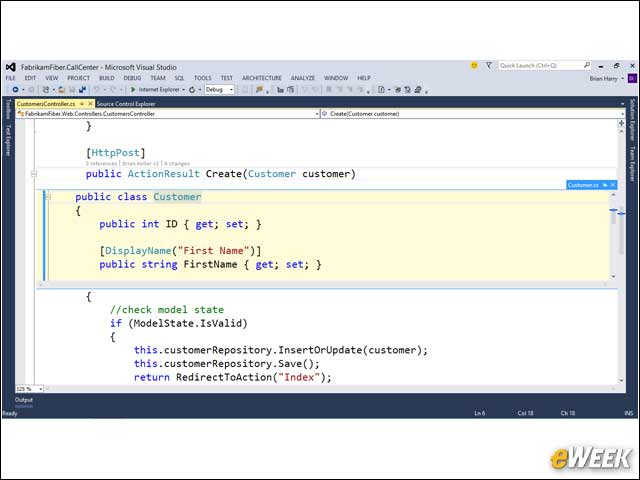
Visual Studio already supports “Go to Definition,” which opens a new document window to host the file containing the definition for the referenced symbol and, as of Visual Studio 2012, supports this in a “preview” window. Now, in Visual Studio 2013, Peek Definition gives developers the option of viewing inline as part of the current document the file defining the target symbol.