







- eWEEK Labs Walk-Through: Adobe Acrobat 8
- eWEEK Labs Walk-Through: Adobe Acrobat 8 – Installation
- eWEEK Labs Walk-Through: Adobe Acrobat 8 – Getting Started
- eWEEK Labs Walk-Through: Adobe Acrobat 8 – Tool Bar
- eWEEK Labs Walk-Through: Adobe Acrobat 8 – Converting to PDF
- eWEEK Labs Walk-Through: Adobe Acrobat 8 – Combining Documents
- eWEEK Labs Walk-Through: Adobe Acrobat 8 – Acrobat Connect
- eWEEK Labs Walk-Through: Adobe Acrobat 8 – Forms
- eWEEK Labs Walk-Through: Adobe Acrobat 8 – Examining Documents
- eWEEK Labs Walk-Through: Adobe Acrobat 8 – Sharing PDFs
eWEEK Labs Walk-Through: Adobe Acrobat 8
Acrobat 8 Professional was released in November 2006 in versions for Microsoft Windows and Mac OS X. Acrobat Professional costs $449, while an upgrade from a previous version is priced at $159. Acrobat 8 Standard costs $299, with an upgrade priced at $99.
eWEEK Labs Walk-Through: Adobe Acrobat 8 – Installation
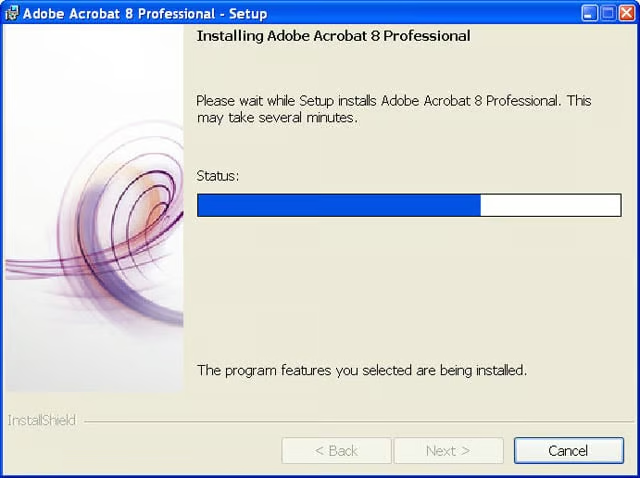
The Mac OS X version of Acrobat 8 Professional is a Universal Binary that will install on Intel and PowerPC-based Macintosh systems.
eWEEK Labs Walk-Through: Adobe Acrobat 8 – Getting Started
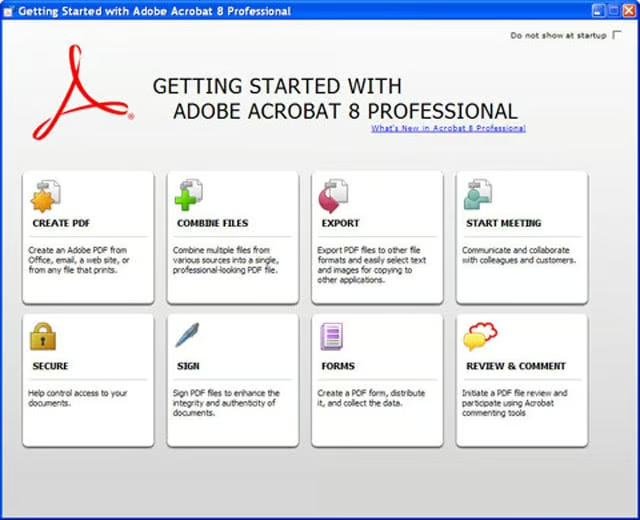
The Getting Started window provides users with a central starting point for all the things they can do in Acrobat 8. The window can be used to get more information about Adobe features; launch tasks such as creating a new PDF; or start an online meeting i
eWEEK Labs Walk-Through: Adobe Acrobat 8 – Tool Bar
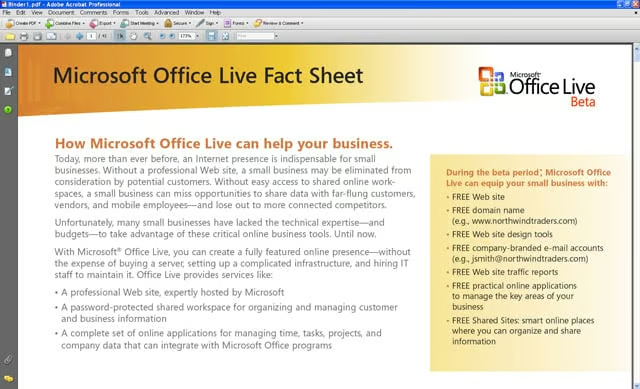
Acrobat 8 features a refreshed tool bar that makes it pretty easy for end users to figure out menus on their own.
eWEEK Labs Walk-Through: Adobe Acrobat 8 – Converting to PDF
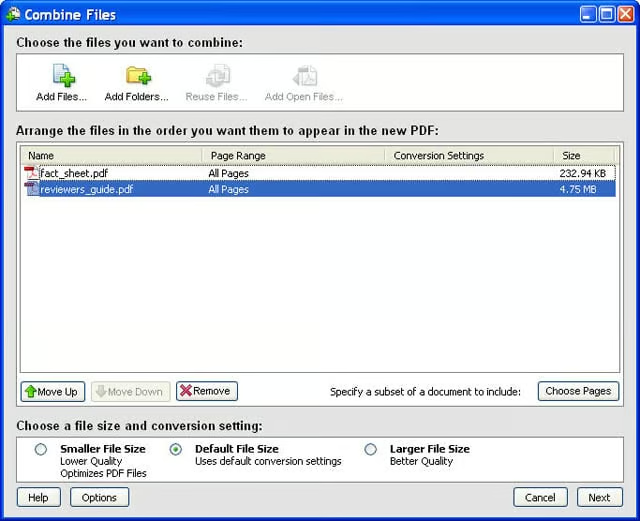
In Acrobat 8 Professional, users can take various proprietary-format documents and convert them into PDF files.
eWEEK Labs Walk-Through: Adobe Acrobat 8 – Combining Documents
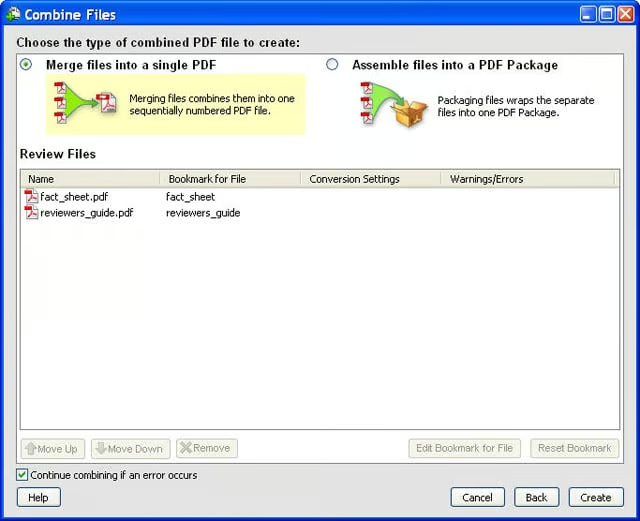
When users combine different documents, the files can either be merged together into one document or, in a new twist, assembled into a PDF package that groups the files together but keeps each as a distinct, individual document.
eWEEK Labs Walk-Through: Adobe Acrobat 8 – Acrobat Connect
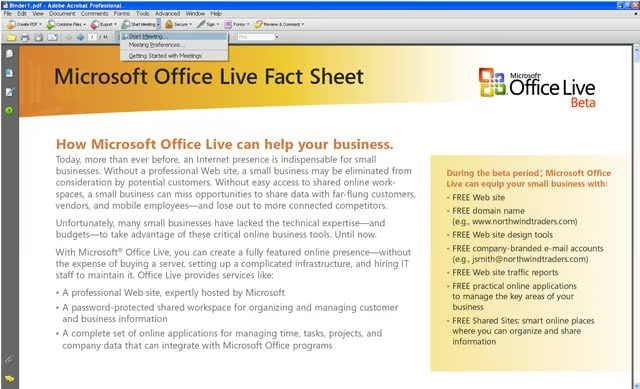
Adobes Acrobat Connect and Acrobat Connect Professional are new additions to the Adobe Acrobat line. These two products allow users to launch and participate in online meetings, which can be initiated directly from Acrobat 8 and Acrobat Reader 8. Acrobat
eWEEK Labs Walk-Through: Adobe Acrobat 8 – Forms
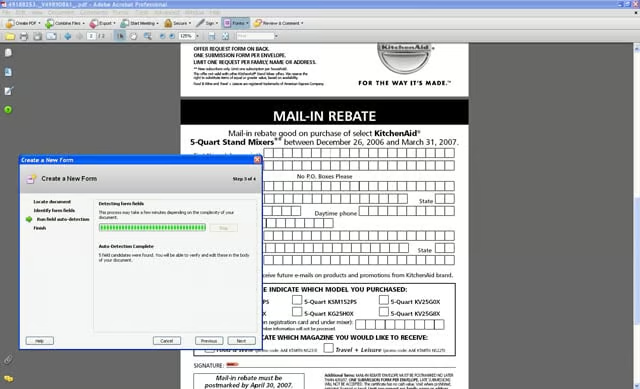
Forms are not new to Acrobat, but they are much easier to work with in Acrobat 8. Users can use tools to find common fields and format them to save time.
eWEEK Labs Walk-Through: Adobe Acrobat 8 – Examining Documents
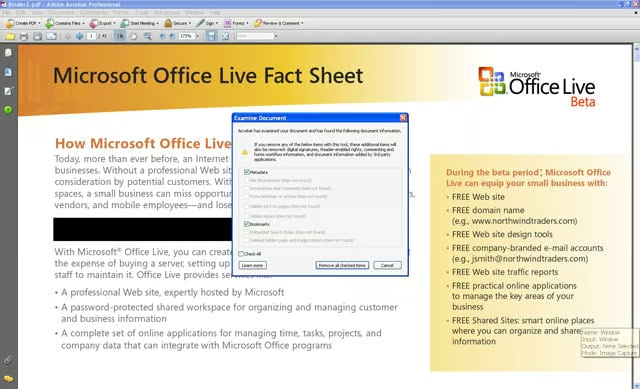
Documents can be examined for metadata and other private information before they are shared with others.
eWEEK Labs Walk-Through: Adobe Acrobat 8 – Sharing PDFs
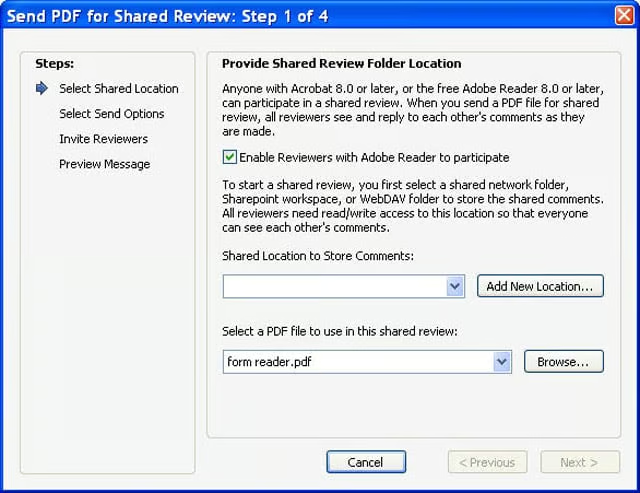
Once a PDF is created in Adobe Acrobat 8, it can be shared with reviewers via e-mail. PDF creators can give users of the free Adobe Reader 7.0 or later the ability to comment on the documents. Users with Acrobat 6.0 or later are automatically eligible to