







- WebEx WebOffice Walkthrough
- WebEx WebOffice Walkthrough – New Event
- WebEx WebOffice Walkthrough – Contacts
- WebEx WebOffice Walkthrough – Distribution List
- WebEx WebOffice Walkthrough – Tasks
- WebEx WebOffice Walkthrough – New Database Item
- WebEx WebOffice Walkthrough – Discussion Forums
- WebEx WebOffice Walkthrough – Discussion Thread
- WebEx WebOffice Walkthrough – Group Documents
- WebEx WebOffice Walkthrough – Expense Report
- WebEx WebOffice Walkthrough – Polls
- WebEx WebOffice Walkthrough – Links
- WebEx WebOffice Walkthrough – Members
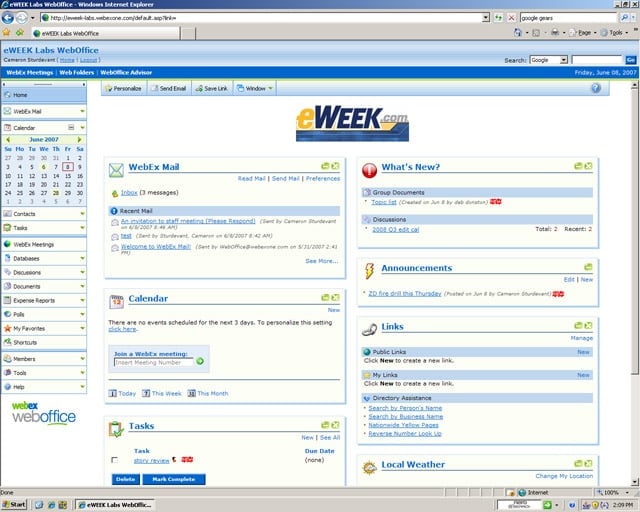
WebEx WebOffice Walkthrough
WebOffice serves up its shared calendar, contacts, tasks and document folders through a customizable start page.
WebEx WebOffice Walkthrough – New Event
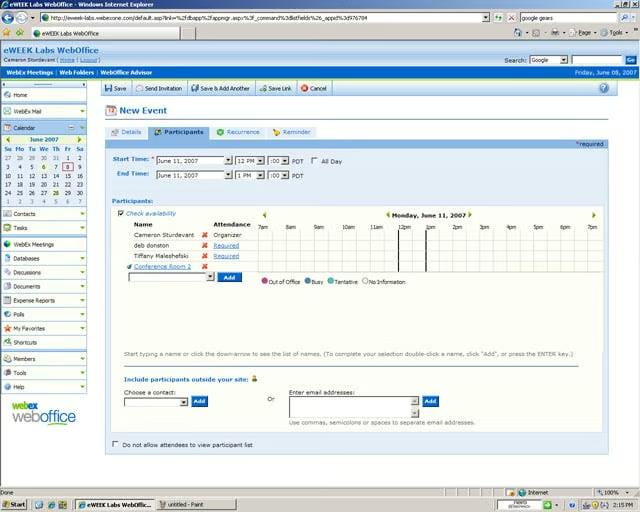
The WebOffice calendar made it easy to set up new events including using lists of eWEEK Labs members to invite attendees and check availability.
WebEx WebOffice Walkthrough – Contacts
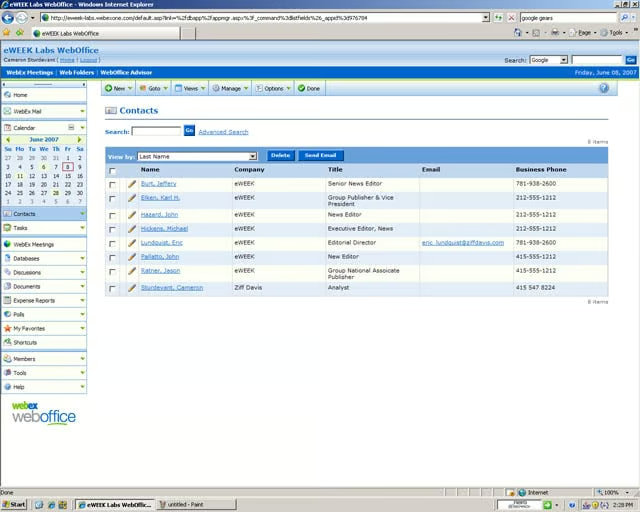
Contacts can be added by anyone and the information can be accessed by all members of the WebOffice.
WebEx WebOffice Walkthrough – Distribution List
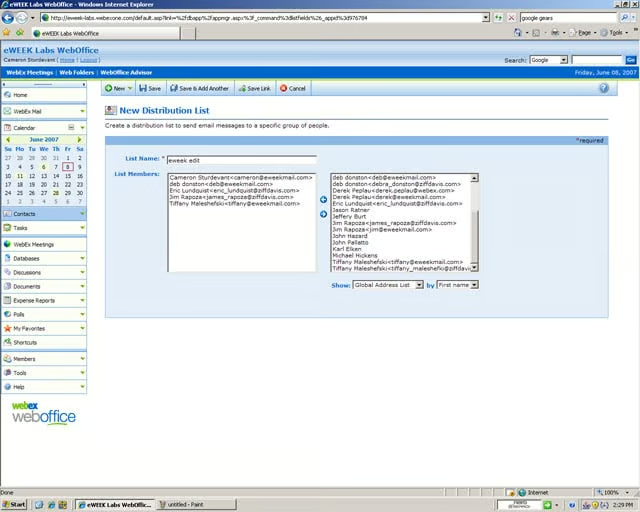
E-mail distribution lists in WebOffice are a relatively simple affair, just a list of addresses assigned to a label.
WebEx WebOffice Walkthrough – Tasks
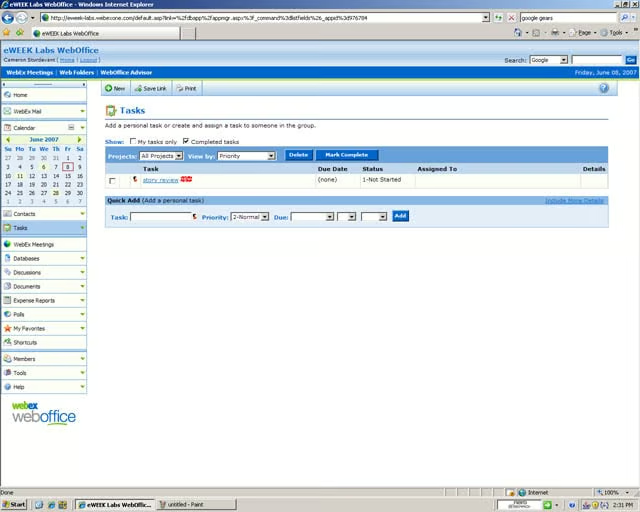
New tasks are added and assigned through this simple management screen.
WebEx WebOffice Walkthrough – New Database Item
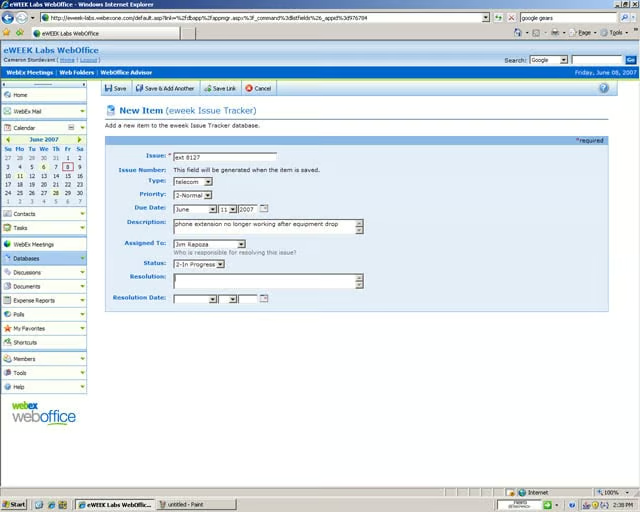
WebOffice comes with eight pre-configured databases, which offer small organizations a suitable starting point. The samples include databases of asset management, CRM, event registration, sales forecasting and time sheet-keeping. Databases can also be des
WebEx WebOffice Walkthrough – Discussion Forums
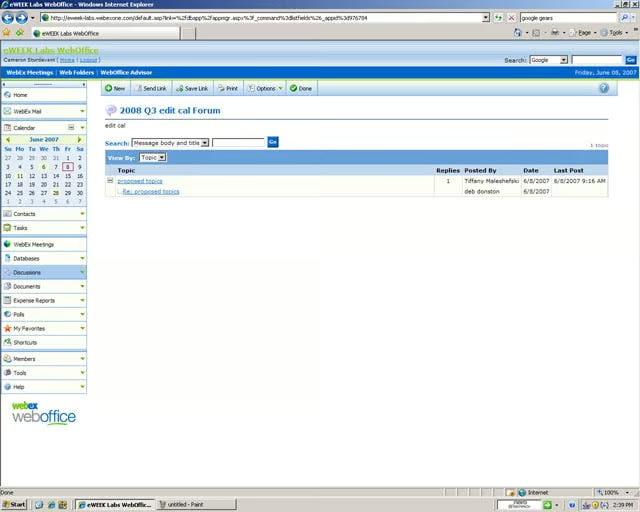
Collaborative discussions can be hosted using a simple tree structure to follow the thread.
WebEx WebOffice Walkthrough – Discussion Thread
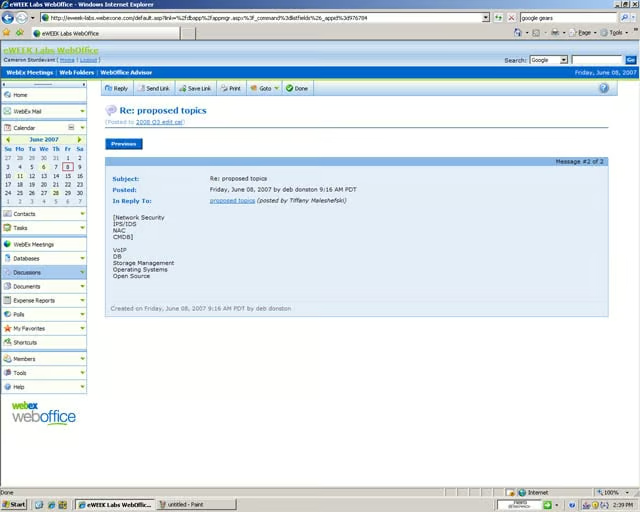
The body of a discussion is visible in this thread.
WebEx WebOffice Walkthrough – Group Documents
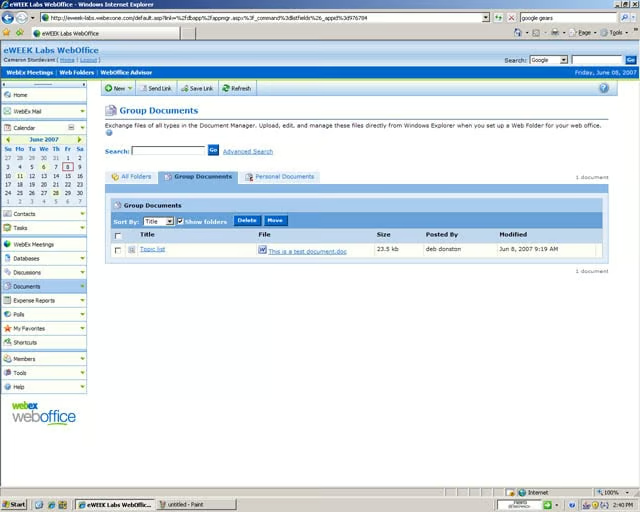
WebOffice uses shared folders to facilitate group work on documents created in other word processor clients including, as shown here, Microsoft Word.
WebEx WebOffice Walkthrough – Expense Report
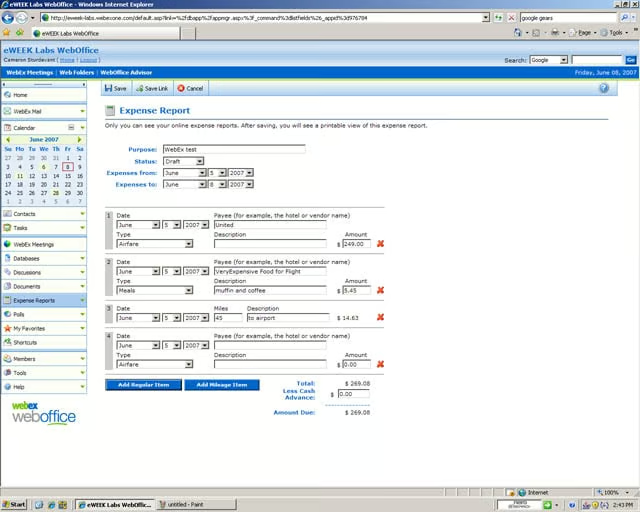
The canned expense report in WebOffice is suited only for the smallest of organizations. We found it cumbersome to use.
WebEx WebOffice Walkthrough – Polls
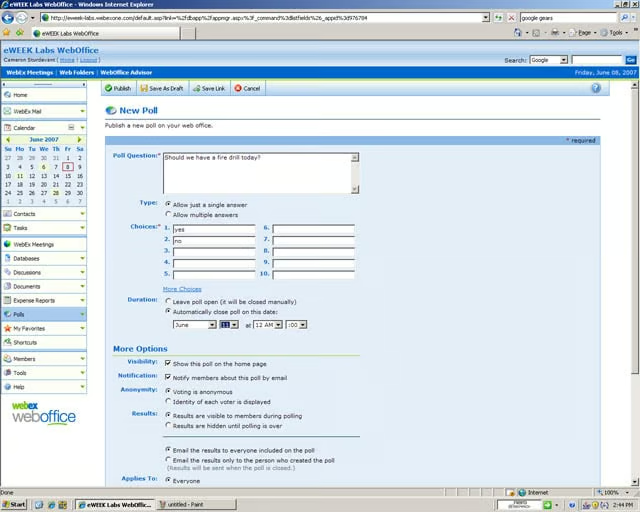
WebOffice provides polls for organizations that want to dabble in democracy from time to time.
WebEx WebOffice Walkthrough – Links
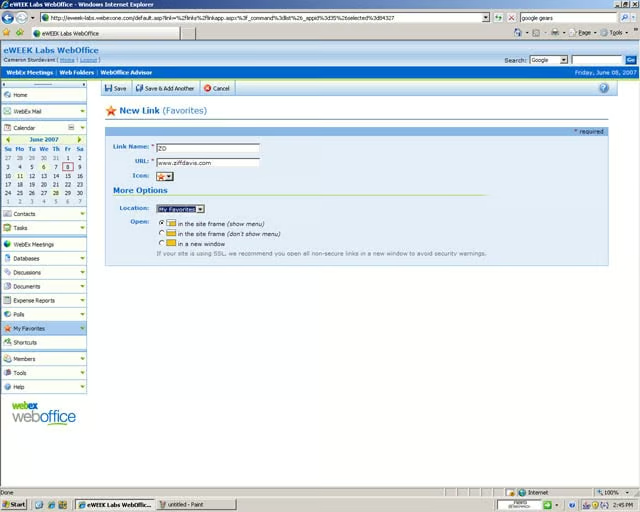
Users can add favorite links to their start page. We added eweek.com and ziffdavis.com to our links through the simple interface.
WebEx WebOffice Walkthrough – Members
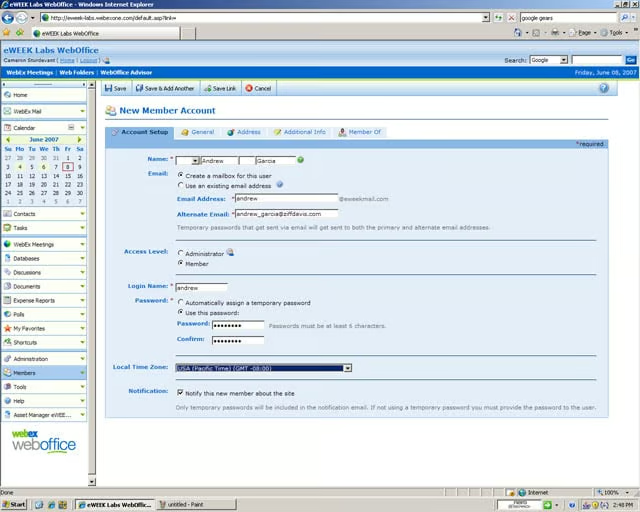
Members can be added and deleted by the site administrator.