








- 10 Mobile Security Apps to Ward Off Malware, Hackers
- Android: BitDefender Antivirus
- iOS: Lookout Security
- Android: TrustGo Antivirus & Mobile Security
- iOS: Good for Enterprise Security Service
- Android: F-Secure Mobile Security
- iOS: mSecure Password Manager
- Android: Norton Security Antivirus
- iOS: SurfEasy VPN
- Android: AVG AntiVirus Security Free
- iOS: Avira Mobile Security
10 Mobile Security Apps to Ward Off Malware, Hackers
By Don Reisinger
Android: BitDefender Antivirus
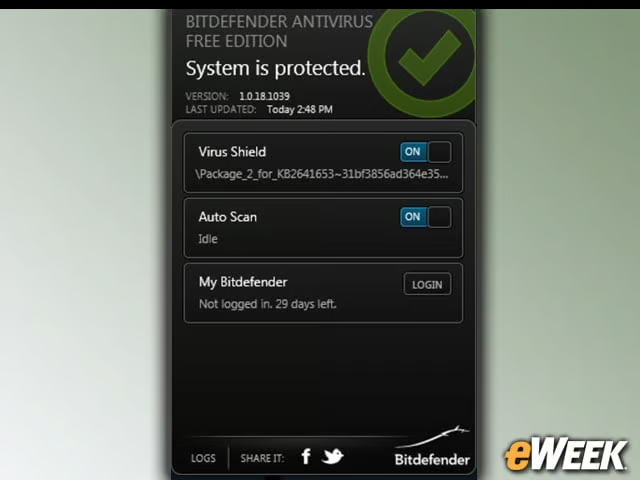
BitDefender is one of the most well-respected security solutions in the Android ecosystem. The app, which is available for free, fully scans the user’s device and looks for viruses. According to the company, an independent study found that the app was able to identify 99 percent of all Android viruses. Not bad.
iOS: Lookout Security
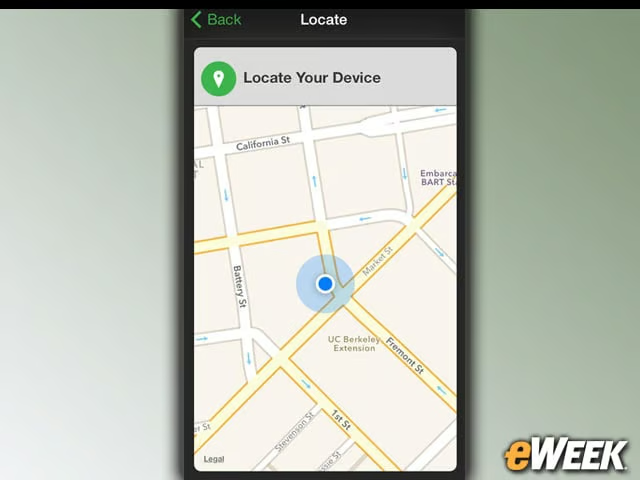
Lookout Security has been in the mobile-security game for a long time. And over that period, the company has established itself as one of the favorites for security-seekers. The company’s iOS app allows users to locate their devices, back up contacts and maximize the chances of safeguarding a handset from data loss. In other words, Lookout truly excels when users have lost their handset and need to find it quickly.
Android: TrustGo Antivirus & Mobile Security
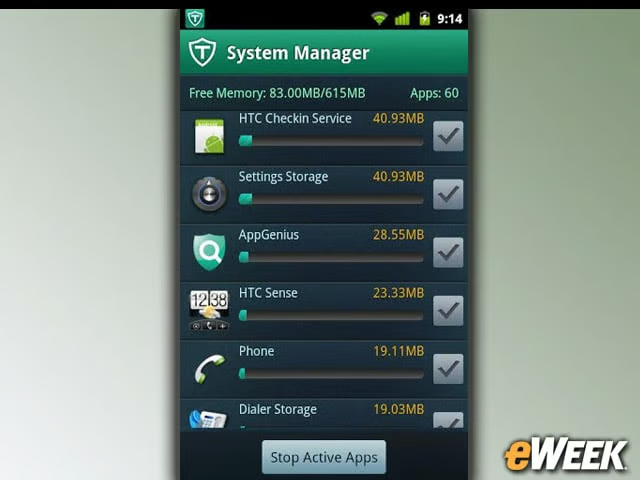
TrustGo, another free Android security app, goes beyond just viruses and looks for a host of issues, including malicious programs that can access a user’s location, tap into the camera and steal personal data. It also ensures secure Web browsing. It’s a well-rounded app that costs nothing. Why not try it out?
iOS: Good for Enterprise Security Service

Good for Enterprise requires that your company actually subscribes to the Good service. But if it does, the free application provides a more secure platform for email, calendaring and contacts than the standard apps built into iOS. Better yet, the app has full application management features, meaning the IT side can make sure employees are doing what they should with their communications tools.
Android: F-Secure Mobile Security
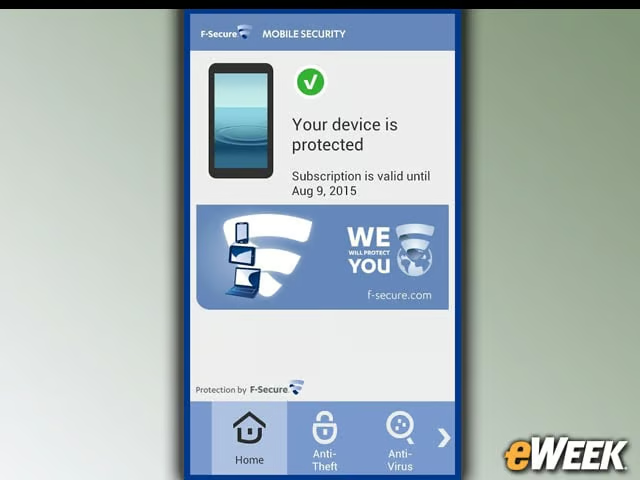
F-Secure Mobile Security, another free Android security app, is one of the most full-featured options in this roundup. The app scans for viruses, as well as maintains safe browsing by checking sites against a fraudulent page listing. The app also includes parental control features, ensures contacts haven’t been accessed and remotely wipes a device that’s been lost. Plus, it’s secured solid reviews in the Google Play store, which is always a good thing.
iOS: mSecure Password Manager
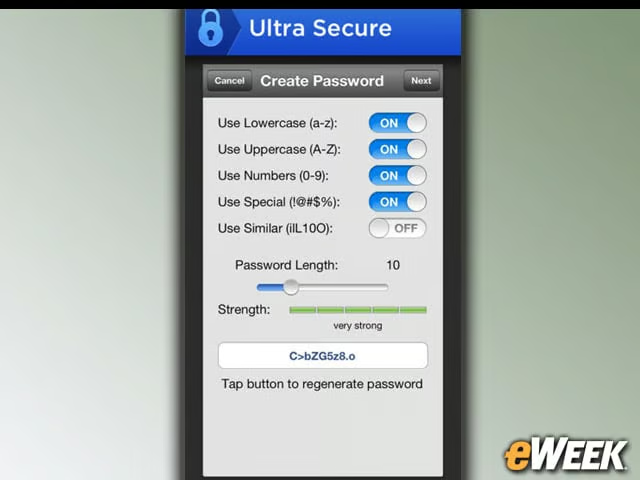
mSecure Password Manager is the only paid application in this roundup, and at $10, it might seem expensive. However, the app is designed to keep secure everything from user logins to credit card information, and it creates passwords that are nearly impossible to break. For those who are deeply concerned about security, it’s hard to find a better password-protection tool than mSecure.
Android: Norton Security Antivirus
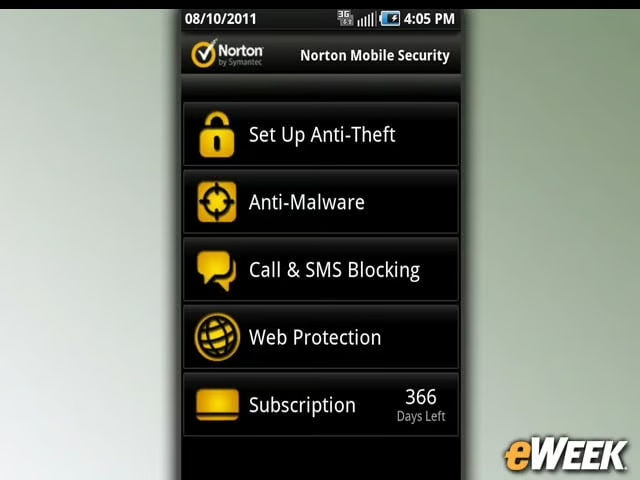
Norton has long been a fixture in the security space, so it’s perhaps no surprise that it’s trying its luck in the Google Play store with the free Norton Security antivirus app. Norton Security scans apps, finds malware running in system files and removes all of the threats it can find. The app is also designed to back up and restore a device should real issues arise. One other interesting note: It can scan SD cards for threats.
iOS: SurfEasy VPN
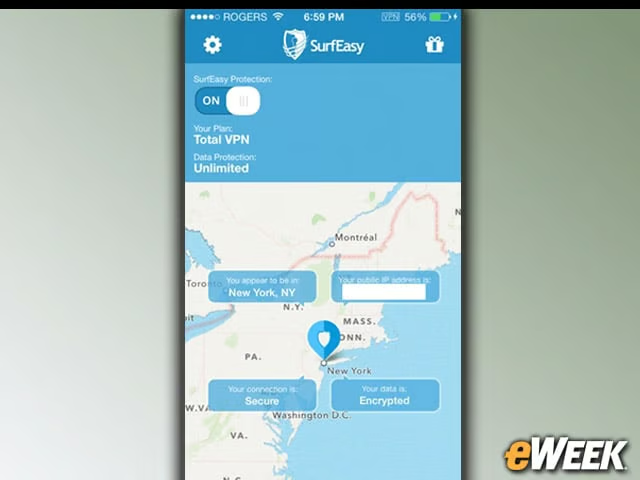
SurfEasy VPN is essentially an anonymizer that improves security when users are accessing information over the Web. The app protects against any WiFi hotspot intrusions and allows users to send communications securely through encryption. The app also provides online anonymity. It’s an awfully powerful offering, considering it’s available for free.
Android: AVG AntiVirus Security Free
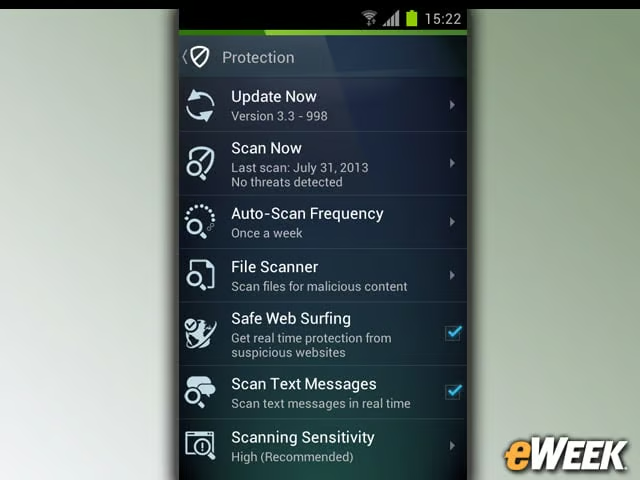
Another desktop favorite, AVG AntiVirus Security is available on Android. The free application performs all of the features one would expect from AVG, including malware detection and removal. The app also includes anti-theft features, like remote wipe, and analyzes device performance to ensure the smartphone or tablet is running at full steam. Plus, it’s a nice-looking and intuitive app.
iOS: Avira Mobile Security
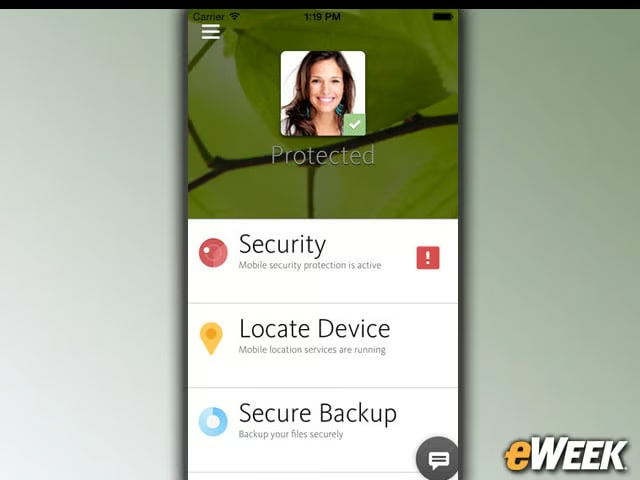
Avira Mobile Security is one of the less-popular security applications in this roundup, but that doesn’t mean it’s not useful. The app can scan programs for malware, and it includes ideas on how to improve battery life and maximize storage. One other nifty feature: It’s fully integrated with Avira’s online backup solution.