







- 10 Security Apps to Help Your Android Device Fend Off Malware
- Avast Mobile Premium Beats the Malware
- Securely Remove Files, Folders With SecureDeleter
- Secure Vault for Your Passwords
- McAfee Secure Mobile Devices, Too
- AVG Goes for Full Android Security
- Lenovo Gets Into the Security Game
- Webroot Turns Attention to Android
- Where’s My Droid App Helps Find Lost Android Device
- Zoner Scans for Viruses, Adware
- Hotspot Shield VPN Proxy for Corporate Users
10 Security Apps to Help Your Android Device Fend Off Malware
By Don Reisinger
Avast Mobile Premium Beats the Malware
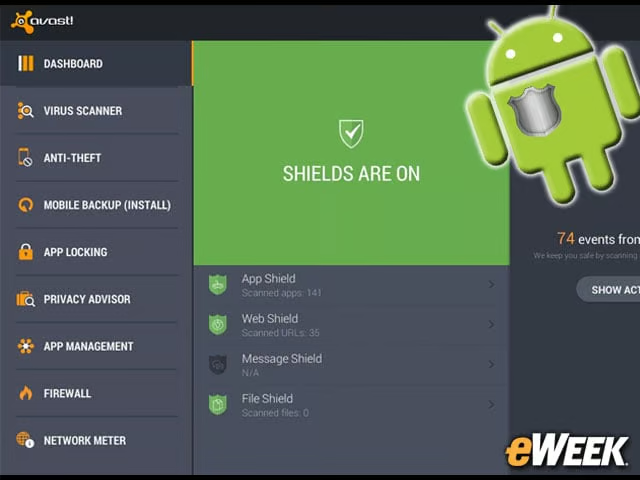
The company that found the malicious malware living inside Google Play is also a company that can beat it. In a blog post announcing its findings, Avast said its Mobile Premium platform, which includes antivirus, anti-phishing, anti-malware and anti-spyware features, is capable of removing the troubled software. The app is available in Google Play for free.
Securely Remove Files, Folders With SecureDeleter
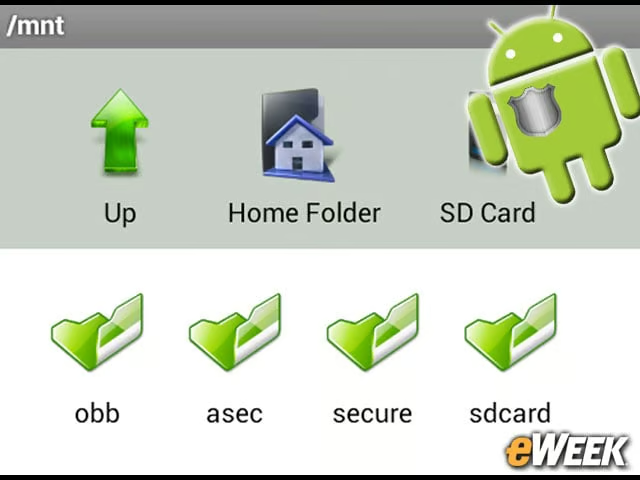
Actually removing files and folders from any mobile platform can be a pain. In far too many cases, files are still living on the device even after they’ve been “deleted,” leaving malicious hackers the opportunity to access them. With SecureDeleter, the app combs through files and folders and ensures they are properly removed from a device. Overall, it’s a simple app, but useful. It costs 99 cents.
Secure Vault for Your Passwords
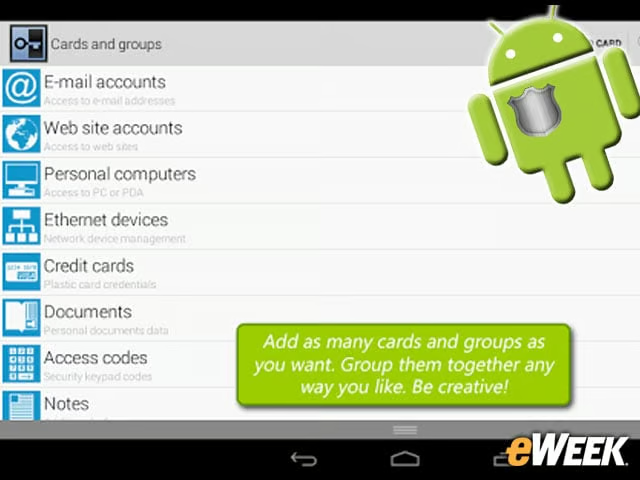
Secure Vault is a great app for managing passwords. The program allows users to input their many passwords and keep them in a secure spot that’s encrypted on an attached SD card. The app also allows users to store other private information, like credit card data. That’s not bad for an app that costs just $3.
McAfee Secure Mobile Devices, Too
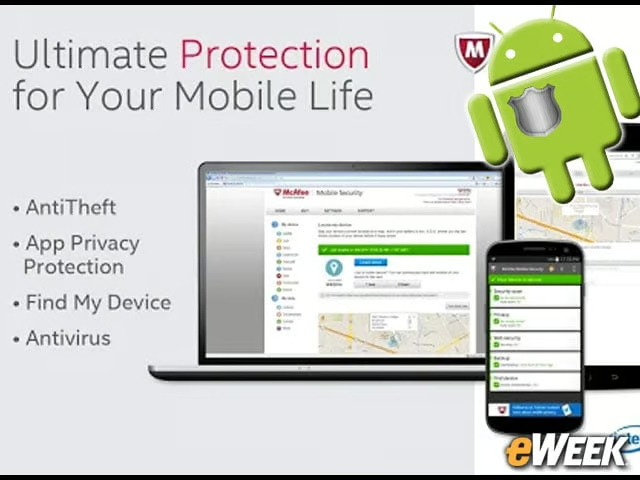
McAfee has long been a favored security company for consumers on the PC side, but it’s become a significant player in the mobile market. The company’s Security & Antivirus app, which is available for free, allows users to scan their devices to find harmful malware. In addition, the app includes features that optimize performance and execute a remote lock and wipe if a device is lost.
AVG Goes for Full Android Security
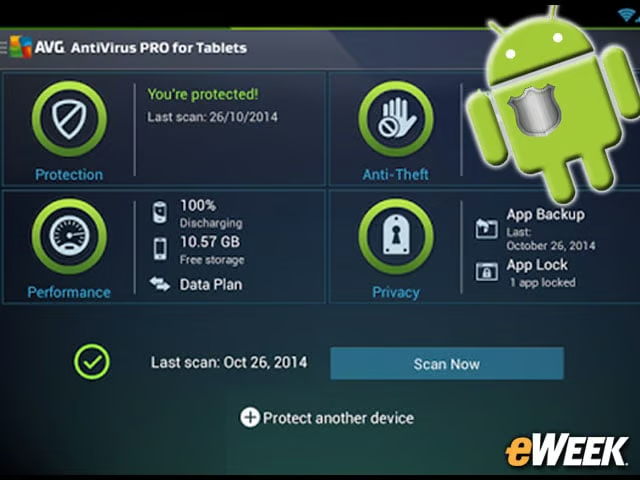
Security company AVG offers the most expensive app in this roundup, the AntiVirus Pro Android Security. The $15 app comes with a wide variety of features, including the ability to scan files, media, calls and text messages. The app also includes task-killing, monitors battery storage and offers Web browsing safety features. Think of AntiVirus Pro from AVG as a single app that combines many of the features found in other apps in this roundup.
Lenovo Gets Into the Security Game
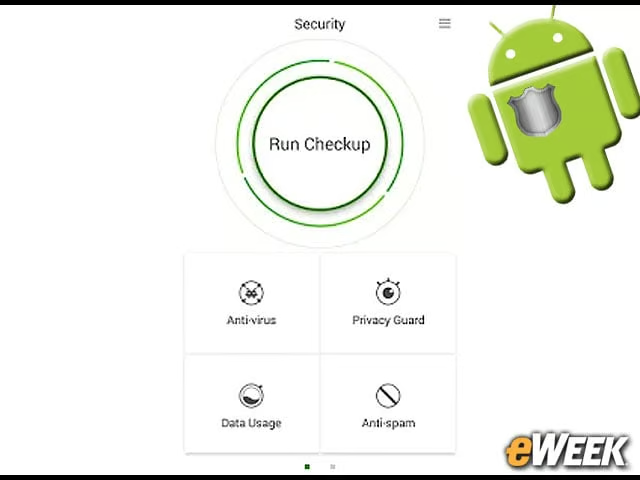
Lenovo is competing in the Android security market with an app it appropriately calls Security. The free app includes the ability to scan phones and intercept malicious outgoing communication with a Privacy Guard feature. The program also comes with a parental control feature that could prove useful for those who have kids who spend a bit too much time on mobile devices.
Webroot Turns Attention to Android
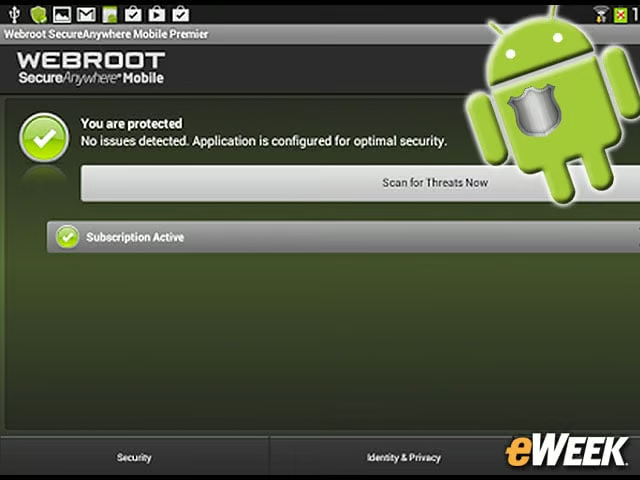
Webroot, another prominent malware solutions provider on the PC side, has an app it calls SecureAnywhere Mobile for Android Premier. The app, which costs $4.99, offers the ability to scan apps for malware and set automatic scans. The program also comes with a neat feature that lets users block unwanted calls and text messages. Overall, the app delivers relatively solid value for the price.
Where’s My Droid App Helps Find Lost Android Device
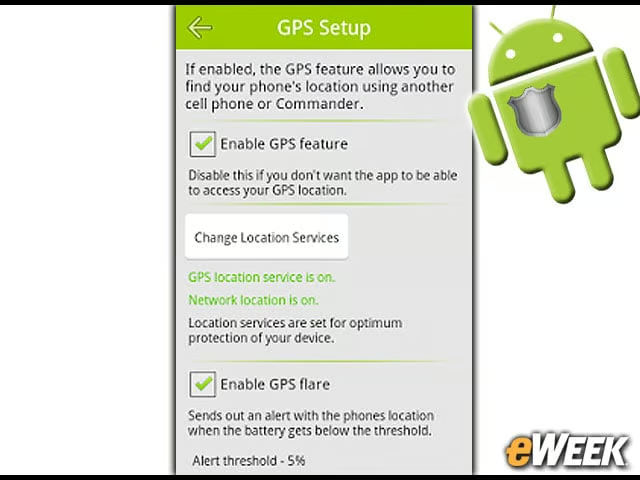
On-app security is important, but so is physical security. That’s where the Where’s My Droid by Alienman Technologies comes in. The app helps users find a lost phone and send out a location alert whenever the battery is low. In addition, the app comes with several menus that let users customize actions the phone should take when it goes missing. For instance, whenever a phone is lost and a person sends a signal to the device looking for it, the handset can be set to ring, vibrate or sound a siren until it’s found. It’s a great app for those who lose their devices and don’t want their data to fall into the wrong hands.
Zoner Scans for Viruses, Adware
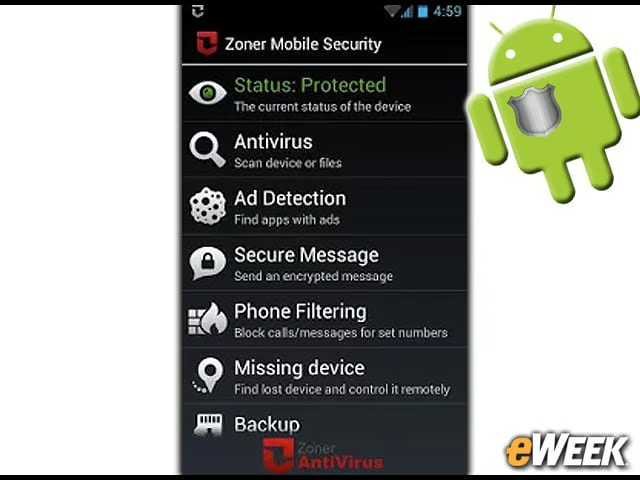
Zoner doesn’t necessarily have the name recognition as AVG or Webfoot, but the company provides a popular security app in Google Play. The $5 program includes the ability to scan for viruses and adware, as well as block unwanted calls and messages. It also has a handy backup feature to save important files in the event a device is lost.
Hotspot Shield VPN Proxy for Corporate Users
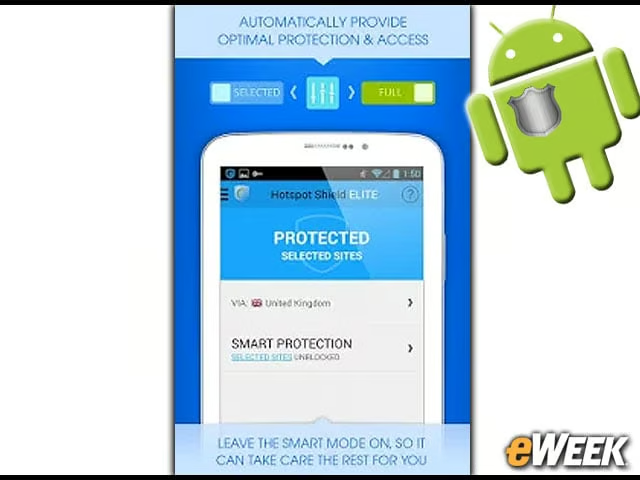
VPNs are a key security feature in the enterprise, so it’s perhaps no surprise that Hotspot Shield is a popular app among corporate users. The app is a VPN at its heart that includes full encryption support, the ability to block content and apps, and the ability to mask an IP address. The app is free and has secured more than 300 million downloads, making it one of the more popular security programs in this roundup.