








- Buy the MacBook Air Instead of the Surface Pro 3: 10 Reasons Why
- Type Cover Doesn’t Turn the Surface Pro 3 Into a Notebook
- OS X Is Superior
- Windows 8.1 Is a Mess
- Think About the Add-Ons
- Consider the Price
- Timing Is Everything
- The Notebook Experience Isn’t Good Enough
- The Mobility Gains Aren’t Great
- Apple Wins on Design
- Consumers Don’t Want It Both Ways
Buy the MacBook Air Instead of the Surface Pro 3: 10 Reasons Why
By Don Reisinger
Type Cover Doesn’t Turn the Surface Pro 3 Into a Notebook
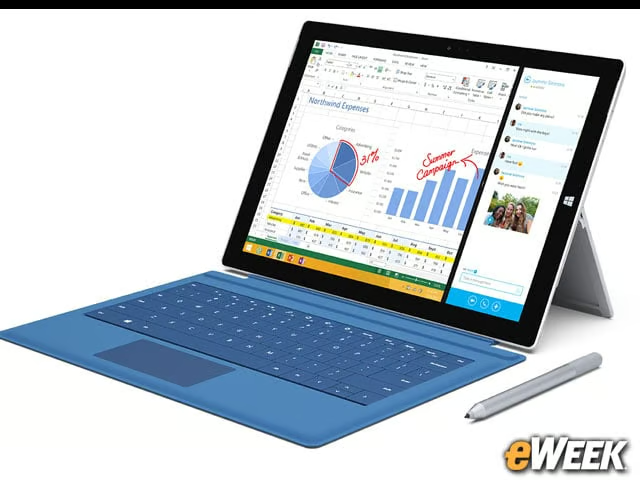
It’s too much of a stretch for Microsoft to call the Surface Pro 3 a notebook. The device, out of the box, is a tablet in its purest sense, and it only turns into a quasi-notebook when a keyboard is attached. In the vast majority of cases, users will employ the Surface Pro 3 as a tablet, no matter how badly Microsoft wants to see it used as a tablet. The MacBook Air, meanwhile, is a notebook through and through. That’s how customers see it, and that’s how customers will buy it.
OS X Is Superior
Looking at the operating systems on the MacBook Air and Surface Pro 3, it’s hard not to choose Apple’s notebook. OS X Mavericks works quite well for most computing needs and has a boatload of useful applications supporting it. More importantly, it’s secure, it works well, and there are few issues that might erupt when using it with a notebook. The operating system is simply superior to Windows 8.1 running on the Surface Pro 3.
Windows 8.1 Is a Mess
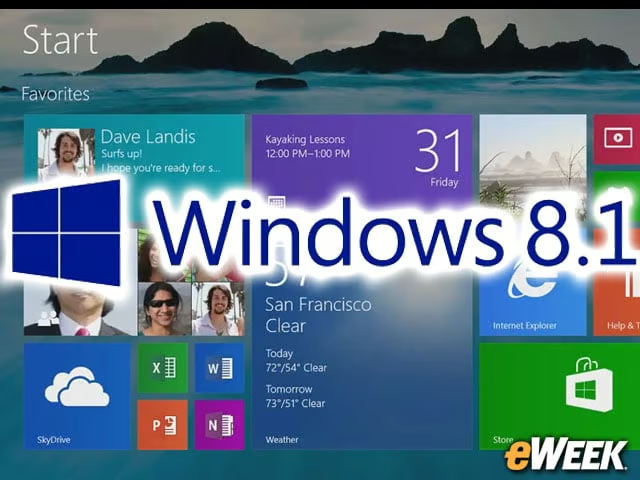
Following that, it’s important to note just how bad the Surface Pro 3’s Windows 8.1 installation is. Microsoft’s latest operating system update is certainly better than the out-of-the-box Windows 8, but its use of tiles, its steep learning curve, its odd handling of apps and other problems make it a non-starter for today’s enterprise customers and consumers. In other words, Windows 8.1 isn’t ready for any use, regardless of the device it’s on.
Think About the Add-Ons

The add-ons that go with the Surface Pro 3 are shockingly expensive. For instance, those who want a Surface Pro 3 Type Cover will need to pay $130. The additional Surface Pens that work with the device go for $50. The Docking Station that makes it closer to a notebook costs $200. Granted, accessories for Apple’s computers are expensive, too, but nothing additional is needed to get the notebook experience with the MacBook Air. That’s not true with the Surface Pro 3.
Consider the Price
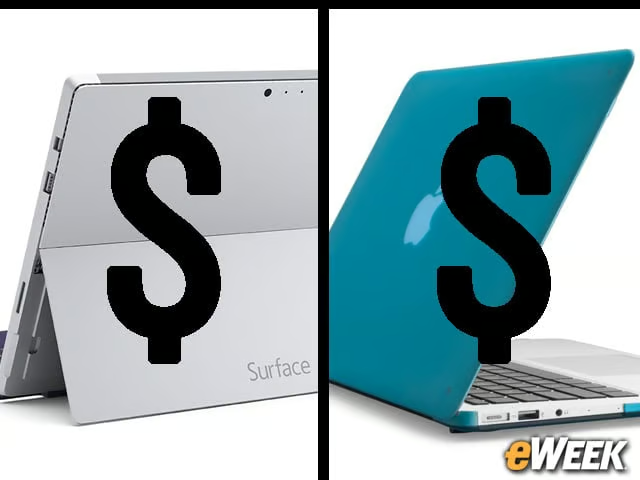
Pricing is a massive issue for Microsoft. Depending on the version customers choose, they’ll pay anywhere between $800 and nearly $2,000 for a Surface Pro 3. To pit that device against a computer that starts at $900 and only goes up to $1,200 is a huge mistake on Microsoft’s part, and something that could derail the Surface Pro 3 before it even gets off the ground.
Timing Is Everything

Microsoft has awful timing. The company unveiled the Surface Pro 3 just weeks after Apple updated the MacBook Air and dropped its starting price to $900. And in just a couple of weeks, Apple will be holding a press conference at the Worldwide Developers Conference to talk about its own future device plans, and one can bet it’ll take a few swipes at the Surface Pro 3. Microsoft should have thought about that before sandwiching its device between two developments that will make Apple look better in the eyes of consumers.
The Notebook Experience Isn’t Good Enough
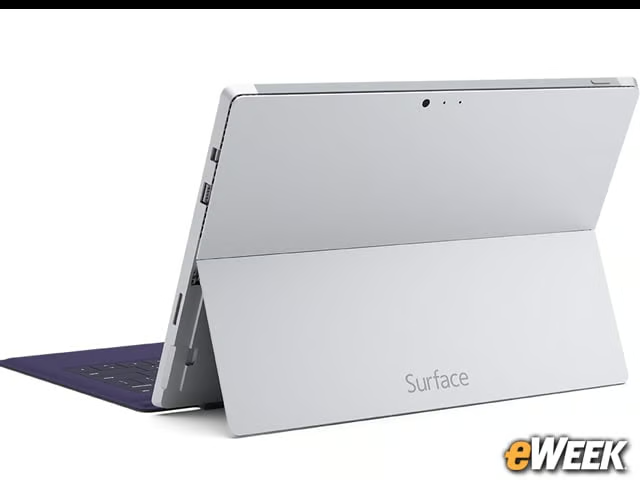
Microsoft did a fine job trying to prove to viewers of its press conference that the Surface Pro 3 would deliver a worthwhile notebook experience. However, what it proved during its display was that the Type Cover is flimsy, the Docking Station won’t work in many cases, and the screen, at 12 inches, might be too small for certain consumers and enterprise users. The Surface Pro 3 notebook experience just can’t match notebooks. And that’s a problem.
The Mobility Gains Aren’t Great
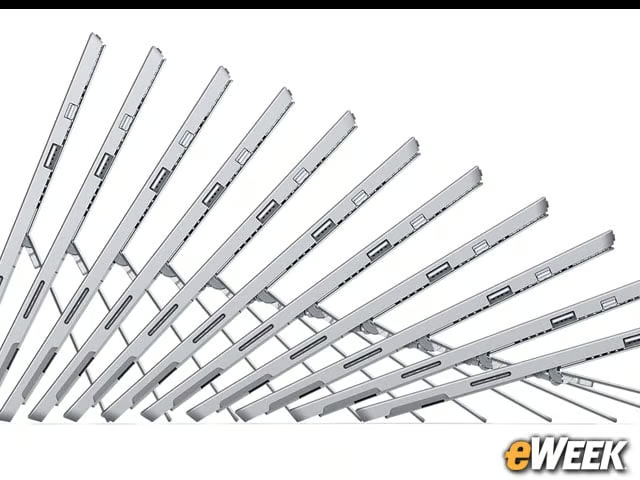
Microsoft’s main sales pitch is that customers will see gains in their mobility with the Surface Pro. And against the MacBook Air, that’s probably true. But considering the MacBook Air is only slightly heavier and still extremely thin, the gains aren’t all that great. Moreover, the gains don’t justify the additional price tag.
Apple Wins on Design
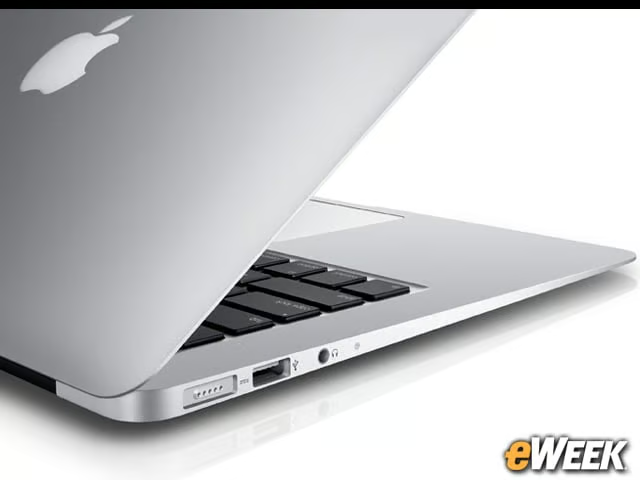
There’s no doubt about it: Microsoft has done a better job at designing the Surface Pro 3 than it did in previous models. Still, when comparing that device—especially with the Type Cover included—to the MacBook Air, Apple wins out. Apple has found a way to make a notebook sleek and almost as thin as its own iPad without sacrificing the overall computing quality and experience. There’s something to be said for that.
Consumers Don’t Want It Both Ways
Apple has the good sense to understand that consumers simply don’t want to have a tablet and notebook at the same time. Microsoft, meanwhile, thinks that it can create a seismic shift in the market and get people to ditch their two devices for one. It’s not going to happen with the Surface Pro 3 because the device is neither an outstanding tablet nor an outstanding notebook. The MacBook Air, meanwhile, is an outstanding notebook. And for customers, that makes all the difference.