







- Comparing the Surface Pro 3 to the MacBook Air, Point by Point
- Design: Tablet vs. Notebook
- Screen Considerations: 12-inch Display or Multiple Options
- Form Factor: Specs That Make for Mobility
- Where’s the Power: Comparing Intel Core Options
- Operating System Decisions: OS X or Windows 8?
- Affordability Concerns: Multiple Options on Both Fronts
- Application Availability: All You Need
- Touch Capability: Full Touch-Screen vs. Touch Gestures
- Battery Life: It’s All About All-Day Work
- Thinking Seriously About Storage and Memory
Comparing the Surface Pro 3 to the MacBook Air, Point by Point
By Don Reisinger
Design: Tablet vs. Notebook
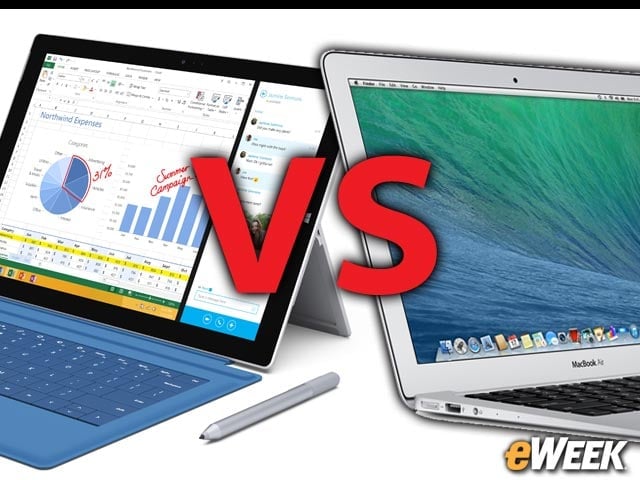
The differences between the MacBook Air and Surface Pro 3 are obvious at first glance. Apple’s device is a traditional notebook with the traditional clamshell lid. The Surface Pro, meanwhile, is a tablet in the traditional sense, but also works with a snap-on keyboard that helps it act like a notebook.
Screen Considerations: 12-inch Display or Multiple Options
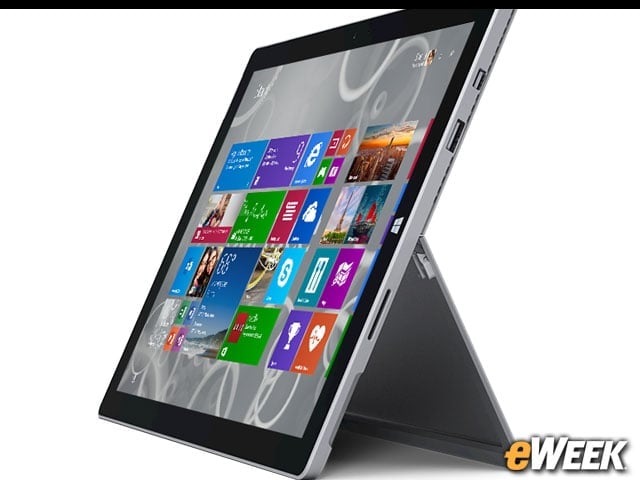
Microsoft’s Surface Pro 3 comes with a 12-inch display and a resolution of 2,160 by 1,440 pixels. Apple’s MacBook Air comes in two options: an 11.6-inch version boasting a native resolution of 1,366 by 768 pixels, and a 13-inch model that has a native resolution of 1,440 by 900.
Form Factor: Specs That Make for Mobility
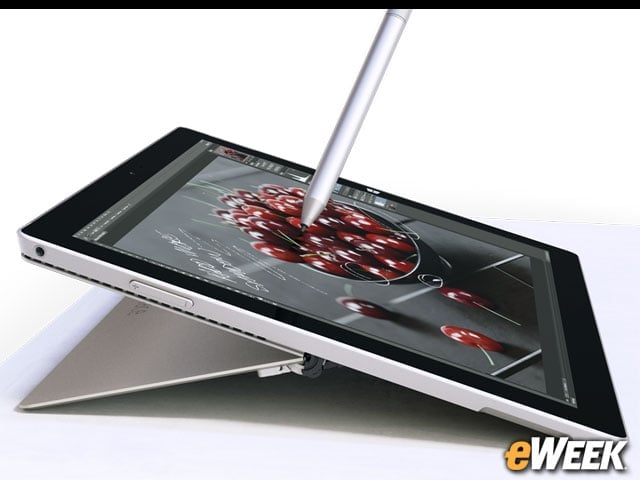
The key component in both the Surface Pro 3 and MacBook Air is mobility. For the MacBook Air, the device has a tapering height that measures from 0.68 to 0.11 inch. Depending on the screen size chosen, customers will find a width of either 11.8 inches or 12.8 inches and a depth of either 7.6 inches or 9 inches. The 11-inch model weighs 2.4 pounds while the 13-inch version comes in at 3 pounds. The Surface Pro 3 is 11.5 inches wide, 7.9 inches deep and just 0.36 inches tall. It weighs 2.4 pounds.
Where’s the Power: Comparing Intel Core Options

The Intel Core is the processor of choice in both the MacBook Air and the Surface Pro 3. On the Apple side, customers can choose between a 1.4GHz dual-core Intel Core i5 processor and a 1.7GHz dual-core Intel Core i7 option. The Surface Pro 3 comes in a range of options, including a 1.5GHz Intel Core i3, a 2.9GHz Intel Core i5 and a 3.3GHz Intel Core i7.
Operating System Decisions: OS X or Windows 8?
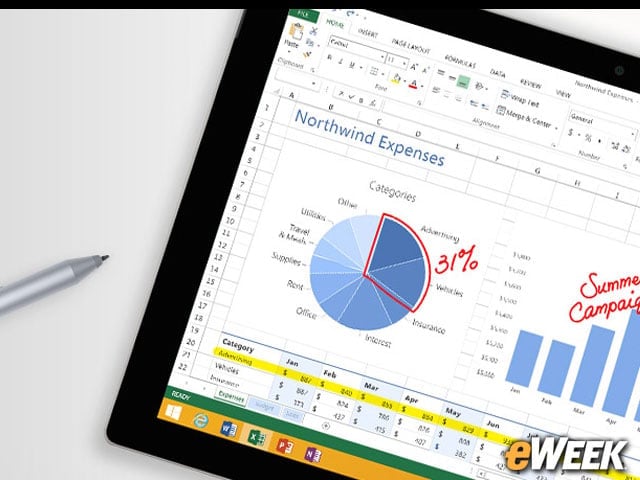
Both the MacBook Air and the Surface Pro 3 are running full versions of their respective operating systems. That means that the MacBook Air is running the latest OS X Mavericks while Microsoft has ditched mobile operating systems in favor of Windows 8.1 Pro in its option. Both operating systems can run full applications.
Affordability Concerns: Multiple Options on Both Fronts
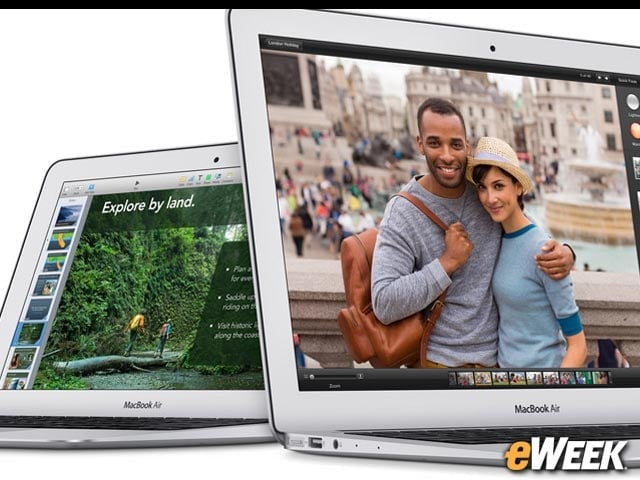
Affordability and pricing is always a major concern for consumers. That’s perhaps why both companies offer so many options. On the Surface Pro 3 front, customers can pay as little as $799 for the lowest-end model or as much as $1,949 for the highest-end version. The MacBook Air is similarly priced on the low end, at $899, but goes up to $1,199 for the standard highest-end Apple notebook.
Application Availability: All You Need
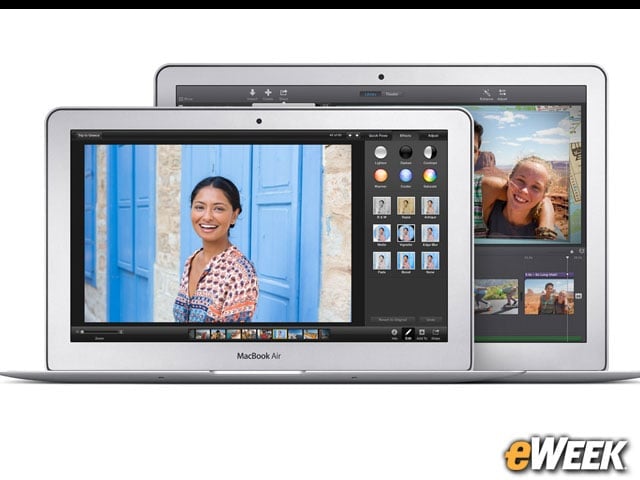
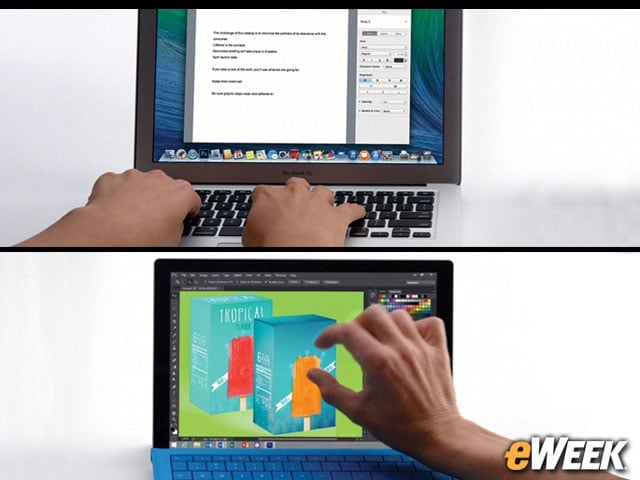
One of the nice things about the MacBook Air and the Surface Pro 3 is that they both come with the aforementioned full operating systems. That means that they are both compatible with the latest and greatest full-power software found in a desktop environment. So, whether it’s Photoshop or Office one is after, both applications will run just fine on both devices.
Touch Capability: Full Touch-Screen vs. Touch Gestures
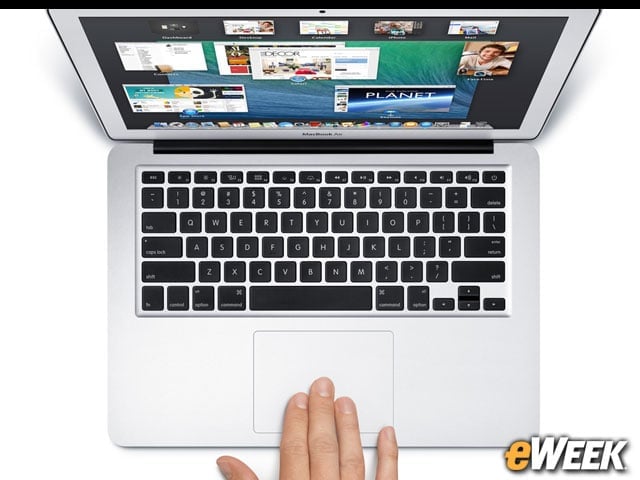
Since the Surface Pro 3 is a tablet first and foremost, the device comes with a full multi-touch screen. Apple’s MacBook Air is slightly different in that it doesn’t come with a touch-screen, but has a track-pad that can handle a wide range of touch gestures, including pinch-to-zoom and swipe. Either way, customers will find touch features in both products.
Battery Life: It’s All About All-Day Work
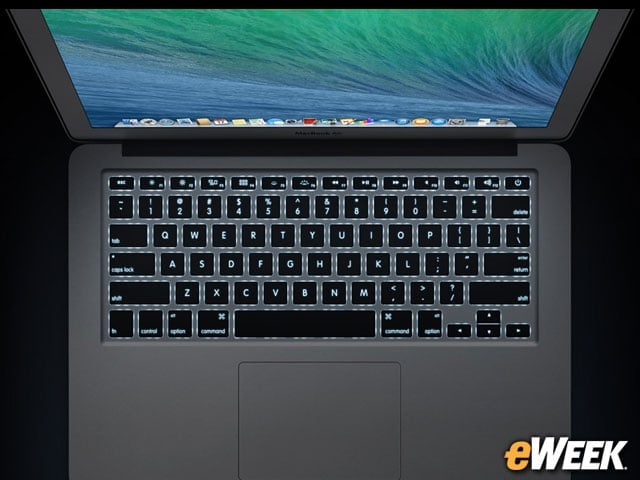
Looking at battery life for a mobile product is of utmost importance to many a customer. That’s probably why Apple and Microsoft have both done a solid job of delivering solid battery life in their products. The 11-inch MacBook Air will last up to nine hours of wireless Web time and nine hours watching video. The 13-inch model pushes those figures to 12 hours. The Surface Pro 3 comes in at nine hours of battery life when browsing the Web continuously.
Thinking Seriously About Storage and Memory
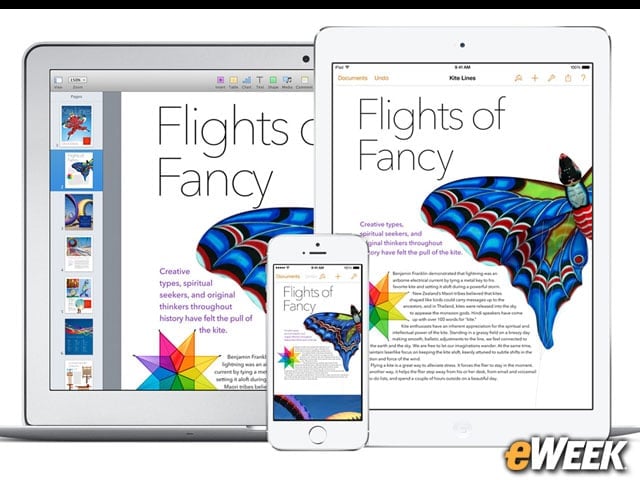
Storage and memory is yet another important consideration. Microsoft’s Surface Pro 3 comes with between 64GB and 512GB of storage and between 4GB and 8GB of RAM. The MacBook Air comes standard with 4GB of RAM but is configurable to 8GB. Its storage ranges from 128GB to 256GB.