







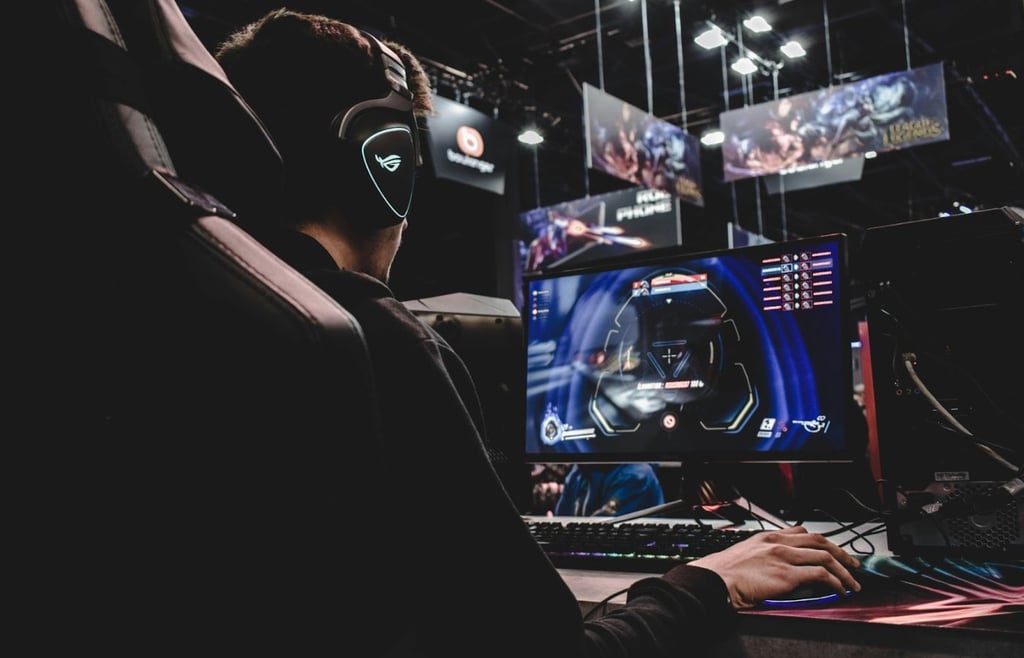
Gaming today is about more than just playing.
Many gamers create mods, share clips, experiment with game ideas, or tweak characters and movements. But doing so often means learning complex tools, buying expensive software, or spending hours on trial and error, which can be frustrating.
That’s where AI actually helps — and it’s far less complicated than it sounds.
The best AI tools for gamers don’t replace creativity or skills but allow for faster experimentation, smoother creation, and more room to enjoy the game itself.
Here’s a list of the best AI tools for gamers.
Rosebud AI: Best for rapid game prototyping
Most gamers have had this thought at some point: “I have a game idea, but where would I even start?”
Rosebud AI is designed to make that first step much easier.
Rosebud is a free, browser-based AI game maker that turns your ideas into games from text prompts. Simply describe your game concept, and its AI game engine will generate the initial code to bring your game to life. This game maker not only generates the initial code but also helps you shape mechanics, design, and assets in both 2D and 3D.
It also features an AI image generator for custom game assets, bringing visuals and gameplay together in one place. Picture this: a gamer describes a simple platformer concept, tweaks the mechanics, and shares a playable version with friends the same day.
For beginners, Rosebud is an ideal tool for getting started, as everything runs online with no downloads or coding required. For more experienced game developers, this AI tool speeds up early experimentation and prototyping with features like AI NPCs, RPG maker, interactive story maker, and more.
Plus, Rosebud offers a wide range of AI characters, from anime to Genshin Impact characters, so you can build exactly the game you’ve imagined.
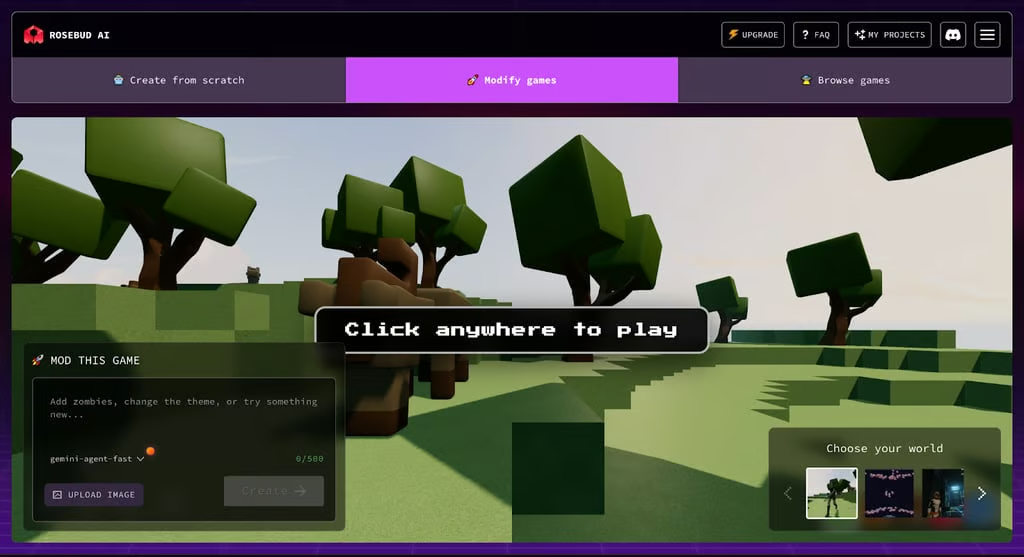
Rosebud AI lets you modify games in real time in your browser without any coding. Source: Rosebud AI
DeepMotion: Best for realistic character animation
Animating 3D characters usually means either expensive motion-capture setups or hours of tedious, manual work. DeepMotion helps you change that by turning a simple video into a 3D animation.
DeepMotion’s Animated 3D tool uses AI-powered, markerless motion capture to turn video footage into 3D animations. You can record a video on any device or use an existing clip to track full-body movement, hands, faces, or even multiple people at once. Then, DeepMotion converts the clip into animation in minutes, without suits or special cameras.
For instance, you record a short combat sequence on your phone, and DeepMotion turns it into a polished 3D animation for a game character. You can upload your own characters in common formats or create avatars using built-in character creators. The AI automatically retargets the motion to your chosen characters.
You can also use tools like motion smoothing, foot locking, hand-to-ground contact, and physics simulation to give you more control over the final result. For added precision, the Rotoscope Pose Editor will let you trace the motion of your character directly over the input video to ensure a more accurate 3D animation.
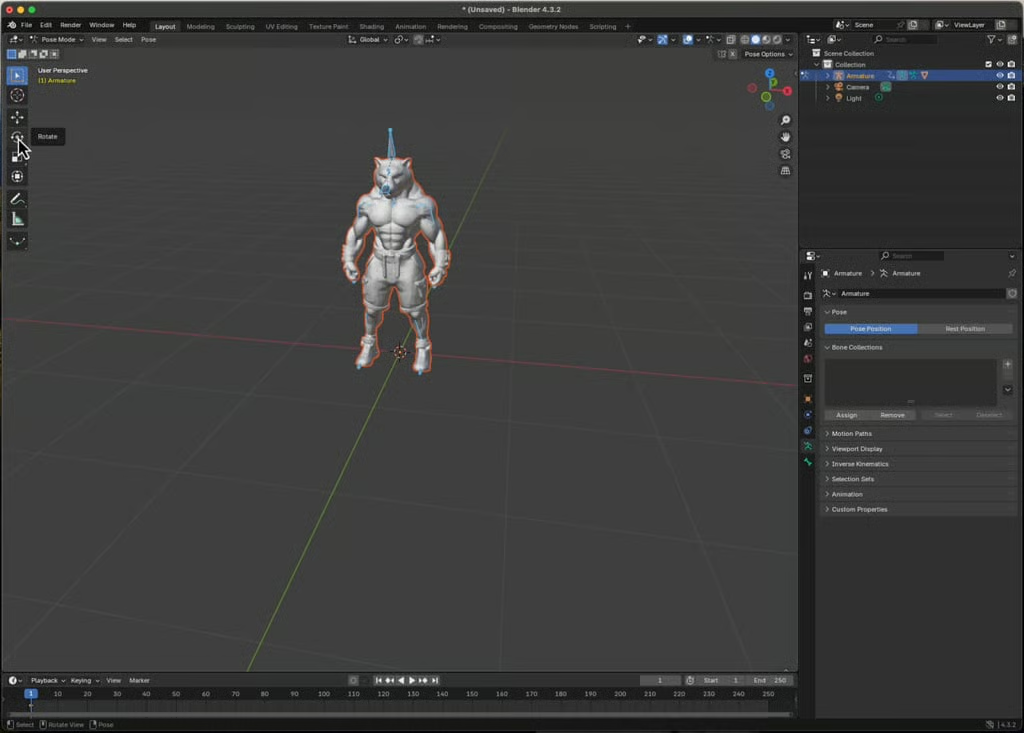
DeepMotion AI converts a 3D character’s static poses in Blender into smooth, realistic animations. Source: DeepMotion
Nexus Clips: Best for turning gameplay into instant highlights
Finding the best moments in a long gaming session can sometimes be harder than it should be.
Reviewing footage, cutting clips, and formatting videos for different social platforms often takes more time than the gameplay itself. This AI app cuts that friction with smart tools built specifically for gamers and creators.
Nexus Clips uses AI to identify highlights in your videos and turn them into short, vertical clips. It supports high-definition editing, lets you add animated subtitles, and formats your videos like TikTok and YouTube shorts. The editing process with this tool is fast and automatic, making it easy to turn long gameplay or tutorial videos into polished clips in minutes. Picture this: after recording a long gameplay session, you upload the videos to Nexus Clips, and you get several vertical clips with subtitles, all ready to post on social media.
For gamers and creators, Nexus Clips works especially well because you can edit videos directly and instantly. You can also customize subtitles, adjust clips, and share content across platforms without the need to switch between multiple editing tools.
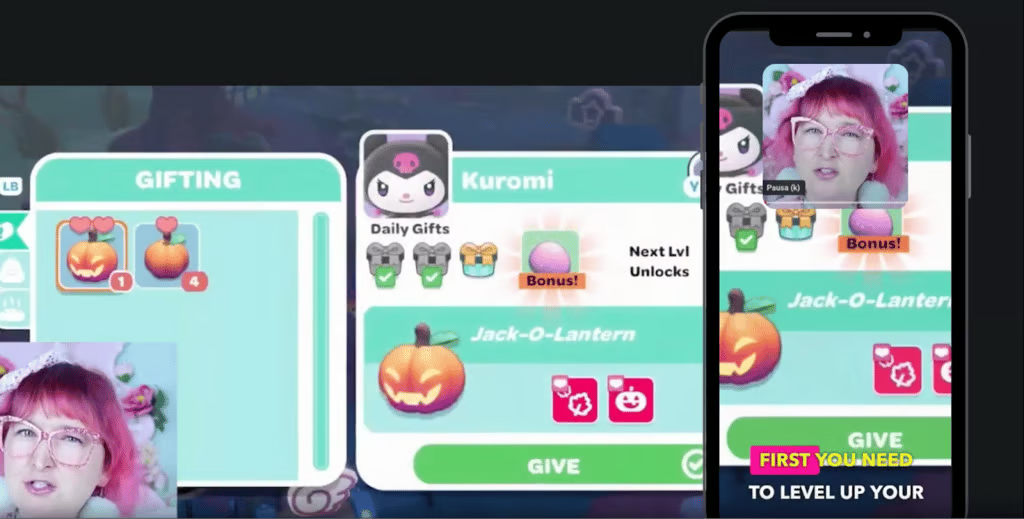
Nexus Clips automatically identifies highlights from your gameplay and formats them instantly for sharing on social media. Source: Nexus Clips
Bottom line: AI in gaming is easier than it looks
AI tools for gamers aren’t about replacing creativity or skills. These AI apps are designed to remove the friction that slows people down. Whether it’s turning an idea into a playable virtual game, creating realistic character animations from video, or pulling shareable clips from long gameplay sessions, these tools will handle the heavy lifting for you.
Additionally, most AI tools for gamers are accessible online, offer free plans, and don’t require expensive software to deliver results, making it easier for anyone to experiment, create, and share their passion for gaming.
Check out our roundup of hidden AI gems to uncover smart, unexpected tools worth a closer look.