Xandros Presto Beta Brings Linux Instant-Boot Capability to Windows-Based Systems, eWEEK Labs Finds
Xandros Presto Beta Brings Linux Instant-Boot Capability to Windows-Based Systems, eWEEK Labs Finds
Écrit par
Jim Rapoza
Jim Rapoza
Published: Mar 27, 2009
Updated: Feb 2, 2021
1 minute read
eWeek Le contenu et les recommandations de produits sont indépendants de la rédaction. Nous pouvons gagner de l'argent lorsque vous cliquez sur des liens vers nos partenaires. En savoir plus


Xandros Presto Beta Brings Linux Instant-Boot Capability to Windows-Based Systems, eWEEK Labs Finds

Xandros Presto Beta Brings Linux Instant-Boot Capability to Windows-Based Systems, eWEEK Labs Finds

by Jim Rapoza


Boot Quickly
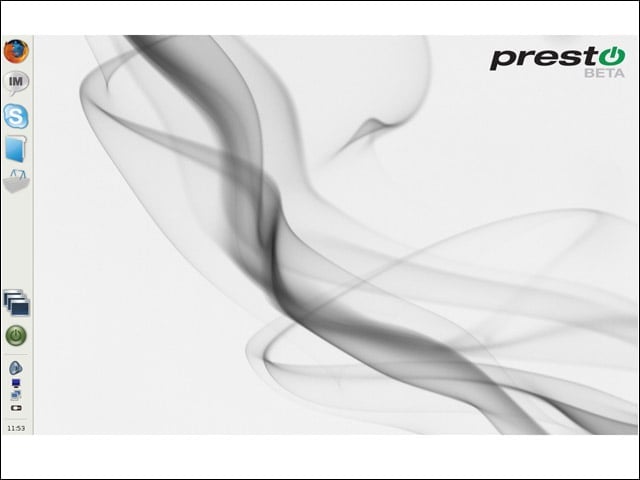
2

Xandros Presto, when installed on a Windows system, makes it possible to quickly boot into a lightweight Linux OS that provides access to most core online applications.


Firefox Browser
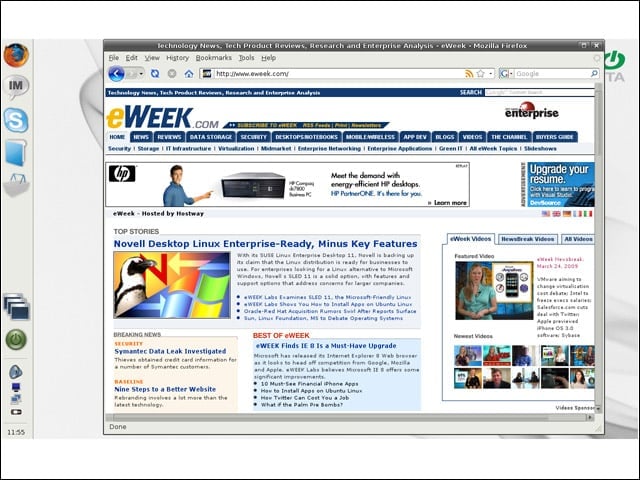
3

The included Mozilla Firefox browser in Presto lets users quickly check Web pages and access Web-based e-mail systems.


Instant Messaging
4

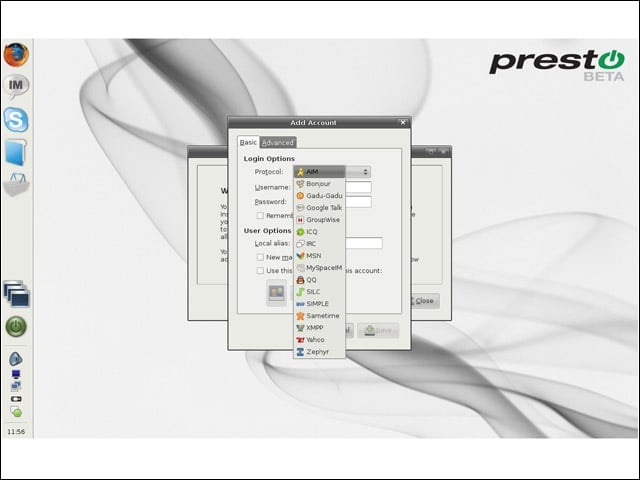
Through the open-source Pidgin application provided with Presto, users can IM across a variety of networks.


Bundled Skype
5

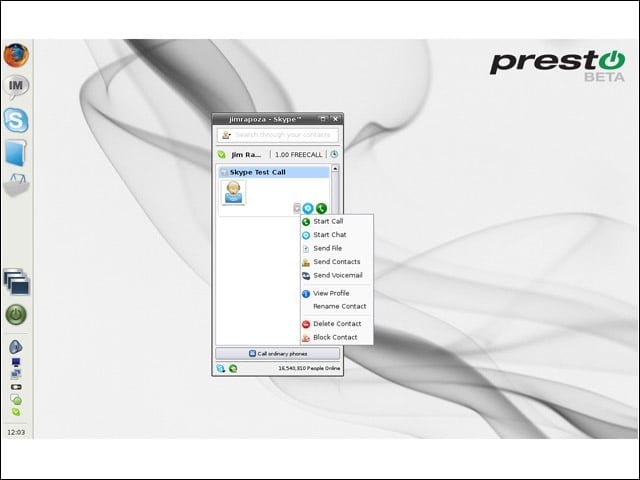
Online conversations can be carried out in Presto using the bundled Skype VOIP application.


Folder Access
6

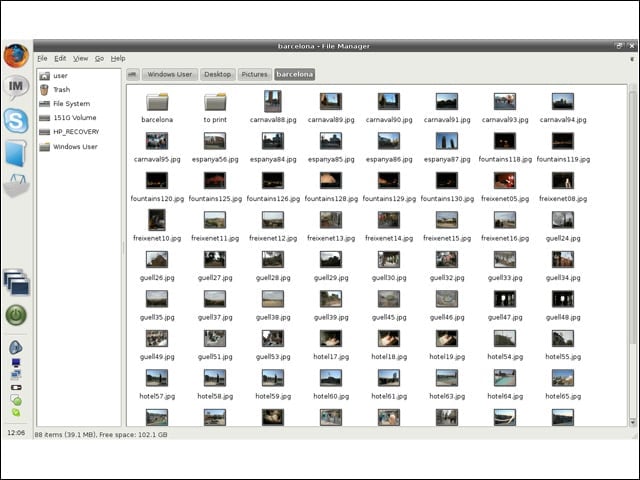
A very nice feature built into Xandros Presto is the ability to access folders and files stored on the underlying Windows system.


Advertisement

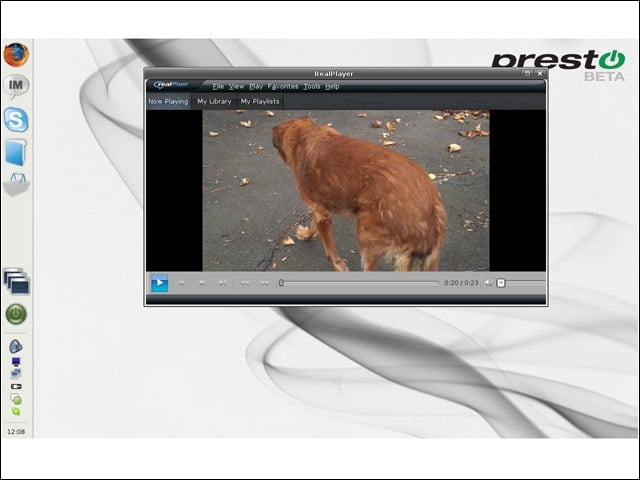
Viewing Video

7

Video and other media files can be easily viewed from within Presto.


Shopping for Applications
8

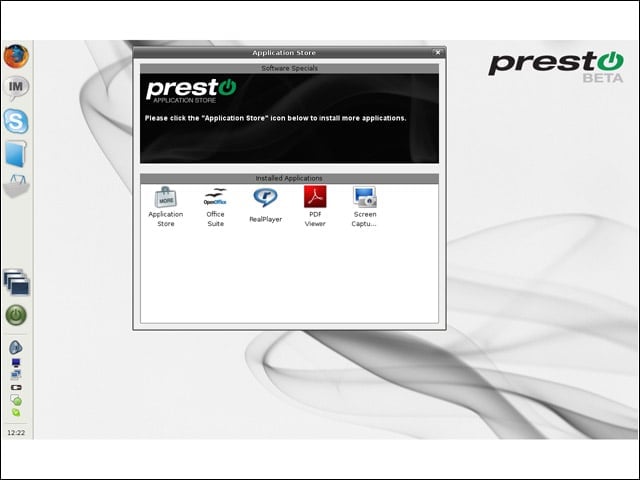
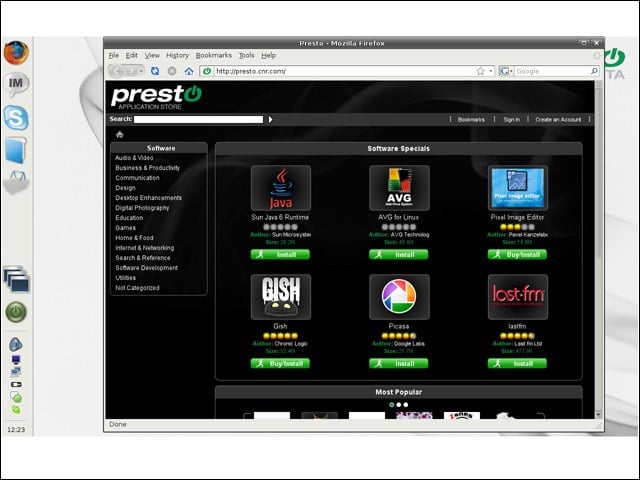
The Application Store application in Xandros Presto lets users manage installed applications and look for new applications to install.


Installing Applications
9

From the online Presto Application Store, users can find and easily install a wide variety of new applications.


Configuring Presto
10

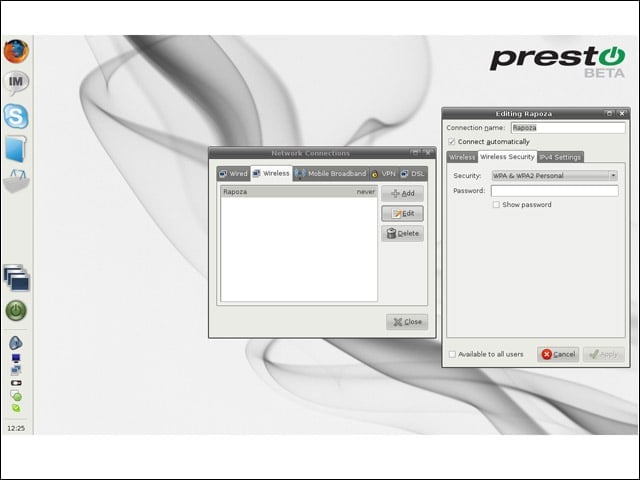
With the Network Connections tool, users can configure Presto to connect to wired and wireless networks and set up secure VPN connections.

Jim Rapoza

Jim Rapoza, Chief Technology Analyst, eWEEK.For nearly fifteen years, Jim Rapoza has evaluated products and technologies in almost every technology category for eWEEK. Mr Rapoza's current technology focus is on all categories of emerging information technology though he continues to focus on core technology areas that include: content management systems, portal applications, Web publishing tools and security. Mr. Rapoza has coordinated several evaluations at enterprise organizations, including USA Today and The Prudential, to measure the capability of products and services under real-world conditions and against real-world criteria. Jim Rapoza's award-winning weekly column, Tech Directions, delves into all areas of technologies and the challenges of managing and deploying technology today.

eWeek Logo

eWeek has the latest technology news and analysis, buying guides, and product reviews for IT professionals and technology buyers. The site's focus is on innovative solutions and covering in-depth technical content. eWeek stays on the cutting edge of technology news and IT trends through interviews and expert analysis. Gain insight from top innovators and thought leaders in the fields of IT, business, enterprise software, startups, and more.

Propriété de TechnologyAdvice. © 2026 TechnologyAdvice. Tous droits réservés

Divulgation publicitaire : Certains des produits qui apparaissent sur ce site proviennent d'entreprises dont TechnologyAdvice reçoit une compensation. Cette compensation peut influencer la façon dont les produits apparaissent sur ce site, notamment l'ordre dans lequel ils apparaissent. TechnologyAdvice n'inclut pas toutes les entreprises ou tous les types de produits disponibles sur le marché.