






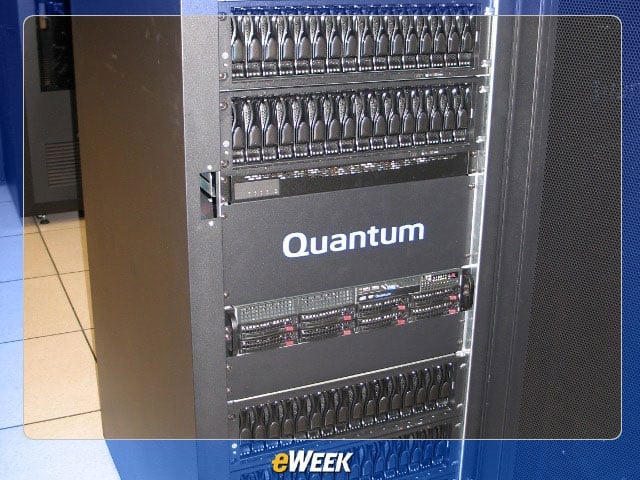

Labs Gallery: Quantum DXi7500 a Strong Enterprise Backup Performer
The base configuration of the Quantum DXi7500 is a single four-post rack.
No Title
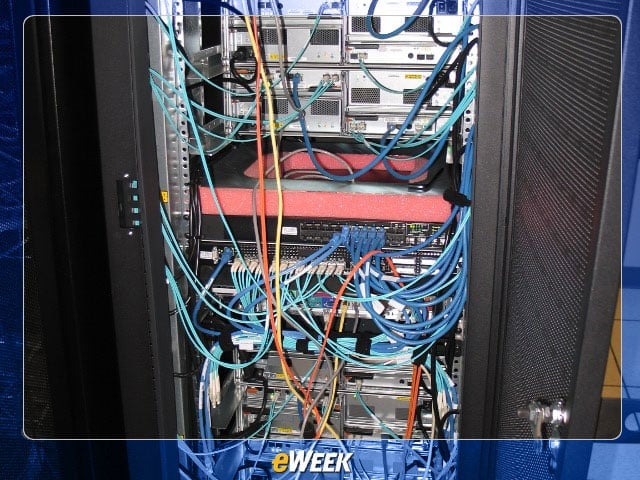
It’s not as pretty from the rear with a mass of Fibre Channel and Ethernet cables. Built-in power and cable management help keep the system neat and tidy.
No Title
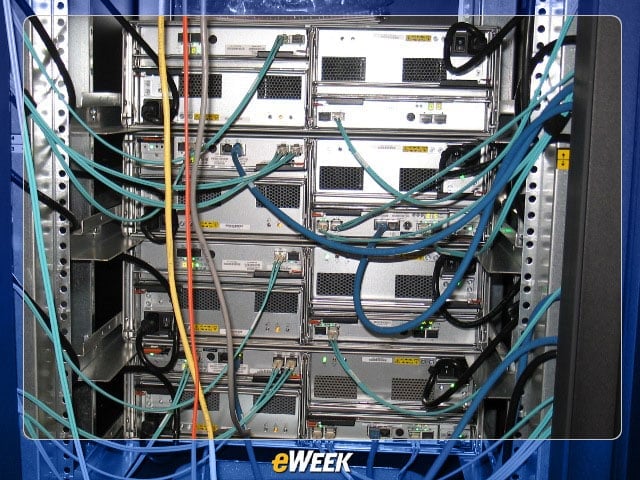
Shown here is the rear of two storage controllers, each with an attached storage array.
No Title
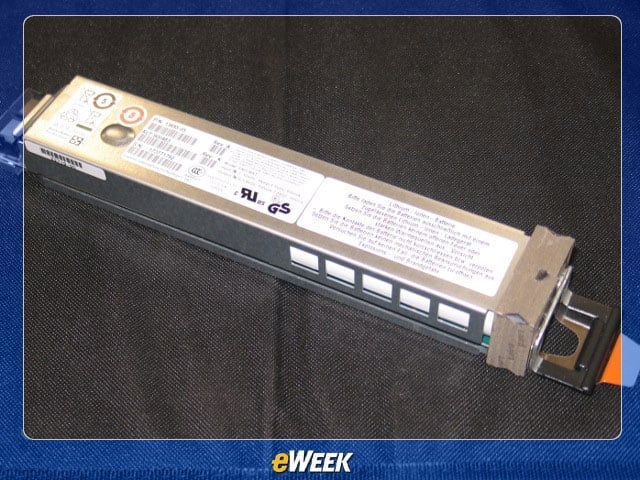
Each RAID controller has field replaceable lithium ion batteries to maintain cache integrity during a power failure.
No Title
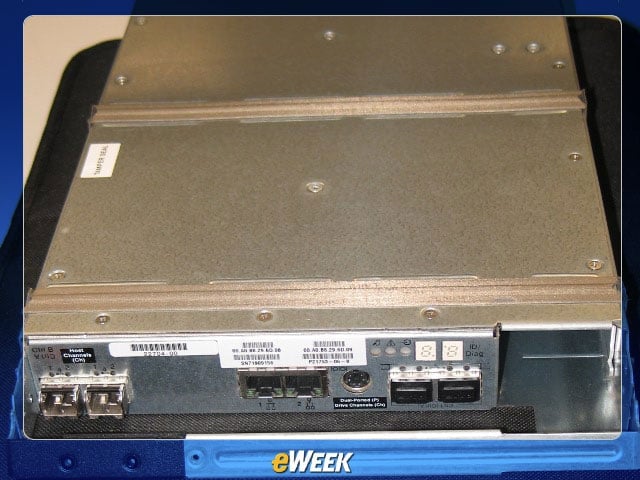
A hot-swappable SAN controller with a hot-swappable lithium ion battery removed.
No Title
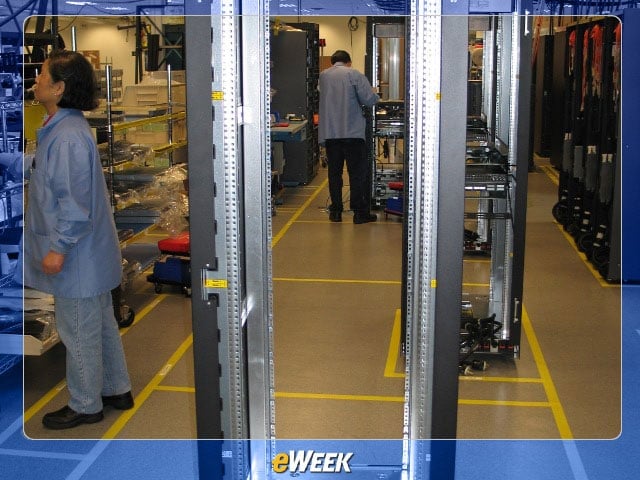
Each DXi7500 begins life as a simple four-post rack with power management.
No Title
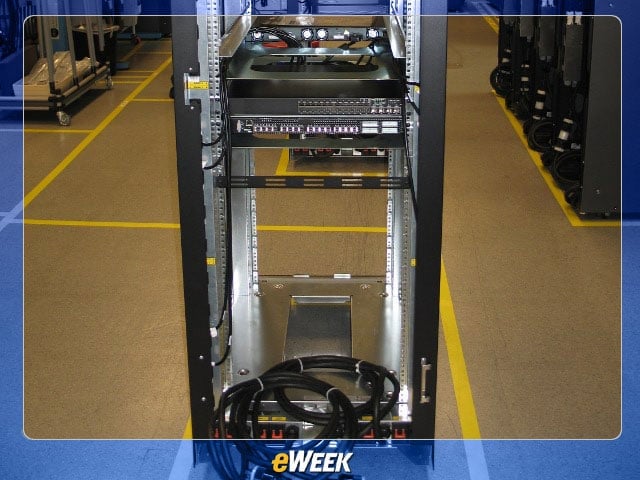
The next step is to install Fibre Channel and Ethernet switches.
No Title
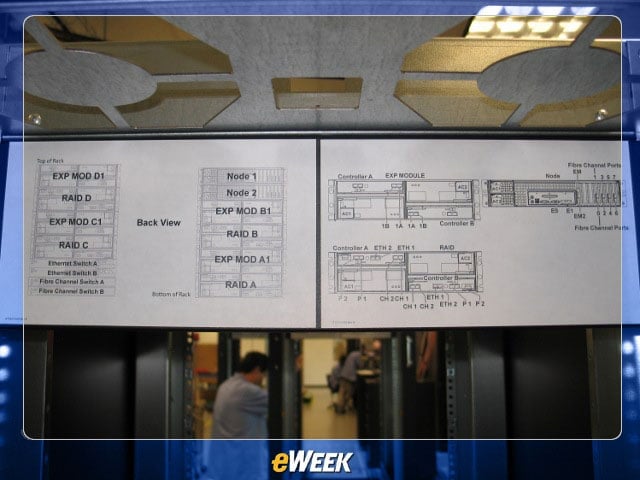
This rack diagram demonstrates that while SANs have come a long way, they are still complex installations.
No Title
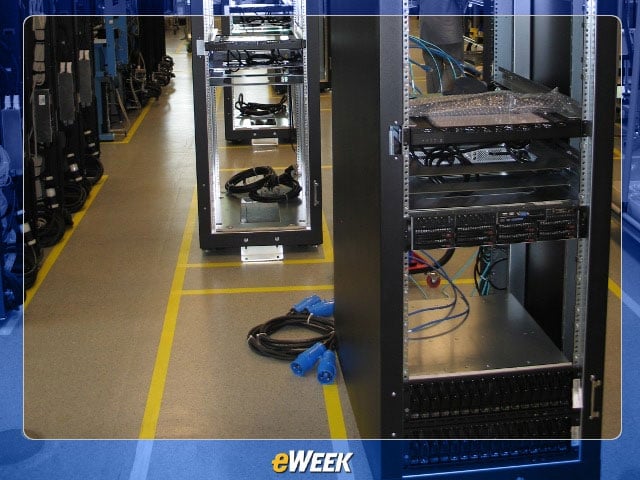
Then the storage controller, arrays and management server are racked.
No Title
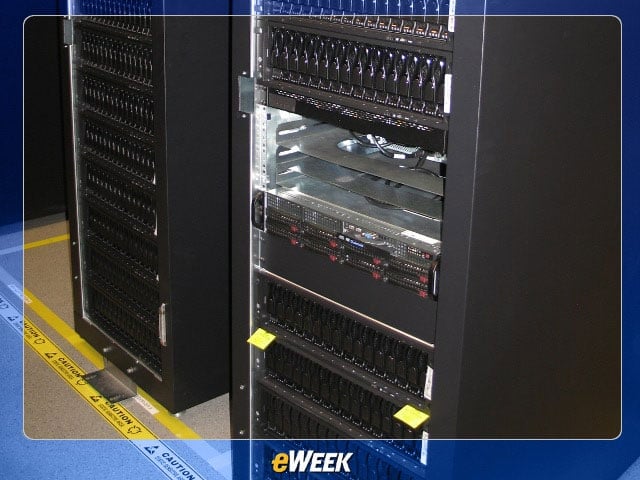
A fully populated DXi7500 contains 240TB of raw storage in two four-post racks.
No Title
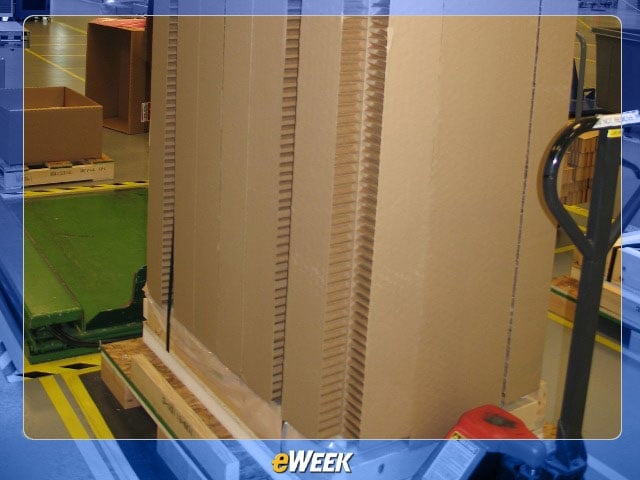
The storage system is protected by minimal packaging and shipped on its own palette.
No Title
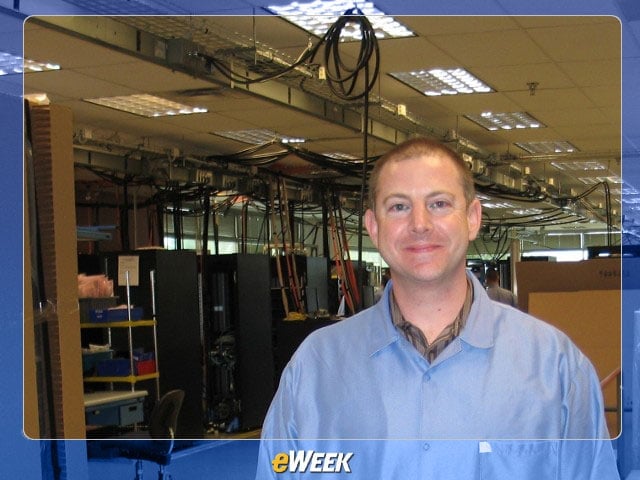
Contributing Analyst Matt Sarrel at Quantum’s Colorado Springs, Colo., assembly facility.
No Title
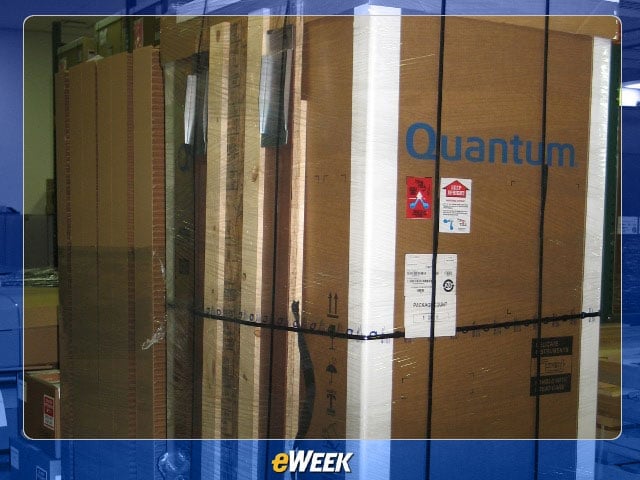
The DXi7500 ships shrink-wrapped onto its own palette with a built-in ramp (shown on the left). Drop the ramp down and roll the 800-pound unit into place.
No Title
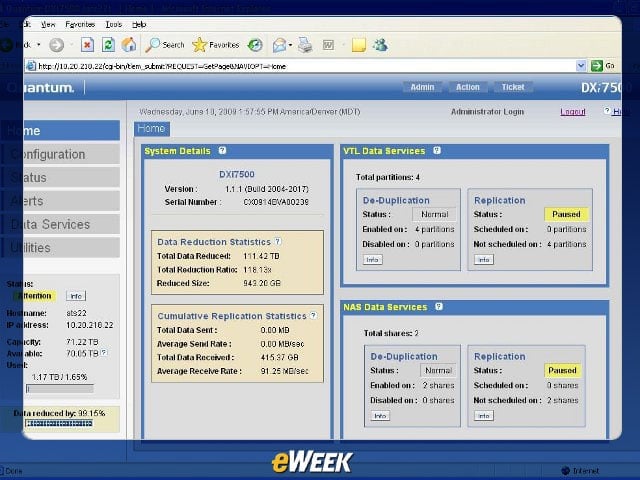
The home screen of the DXi7500 management GUI provides system, VTL and NAS status at a glance.
No Title
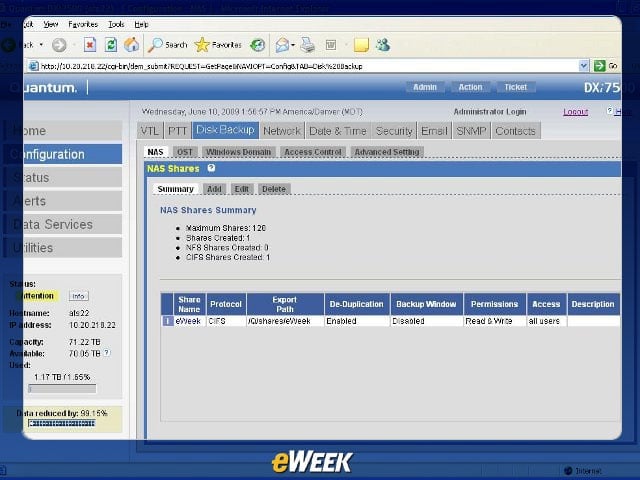
From the Configuration menu, choose Disk Backup, then NAS, and then add/edit/delete a CIFS or NFS share.
No Title
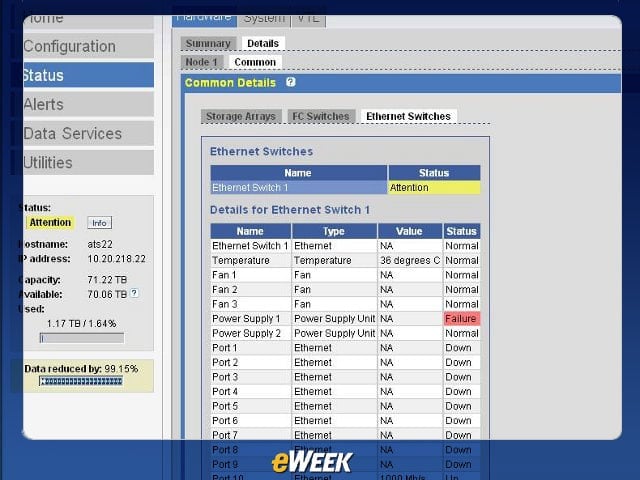
The Status menu shows detailed hardware, system and VTL status. Here, the system is fully functional yet only has one power supply plugged in.
No Title
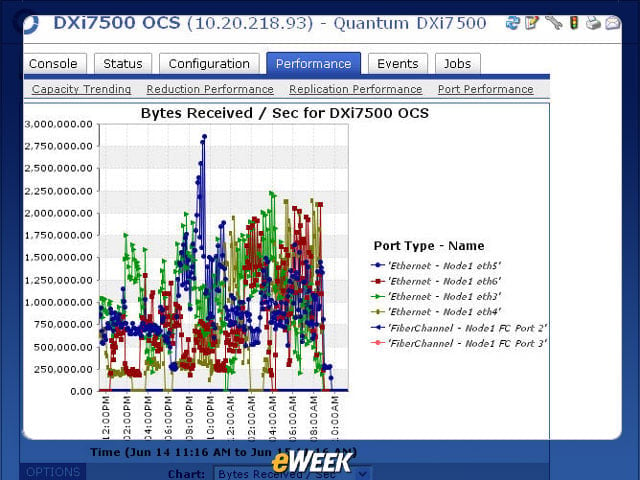
The StorageCare Vision reporting is quite detailed. Here we can compare Fibre Channel and Ethernet node throughput.
No Title
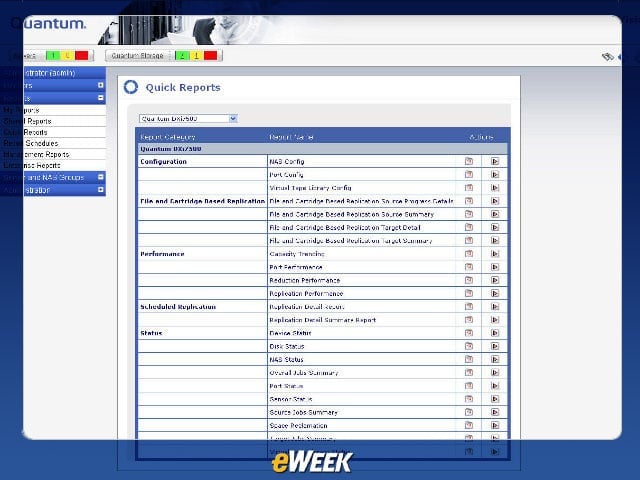
StorageCare Vision comes with about two dozen preconfigured reports covering status, configuration and performance of the system.
No Title
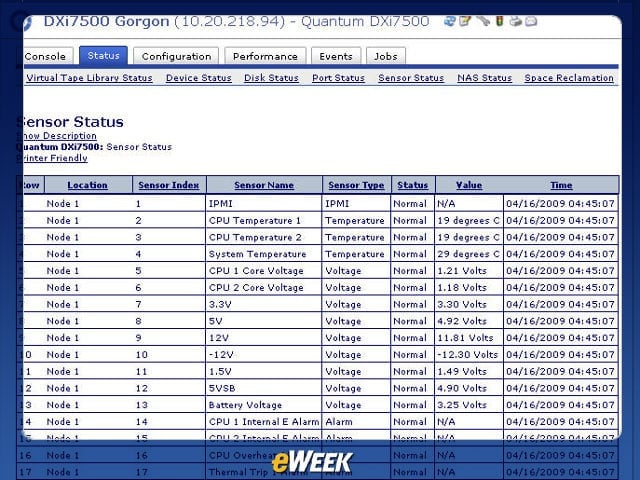
StorageCare Vision can provide detailed status on just about every physical component of the storage system.
No Title
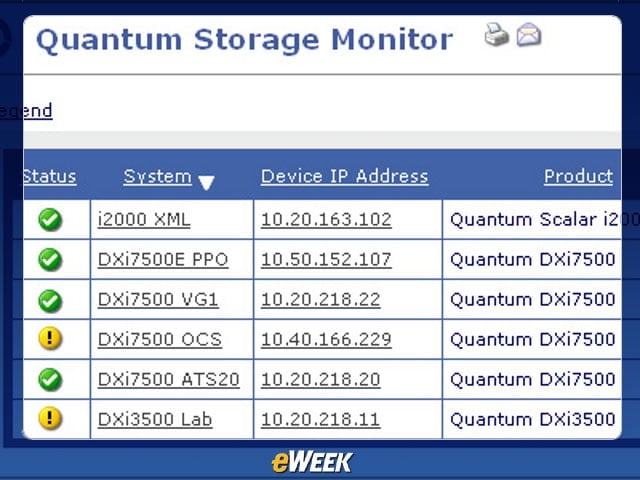
All Quantum devices can be monitored from a single location with StorageCare Vision.
No Title
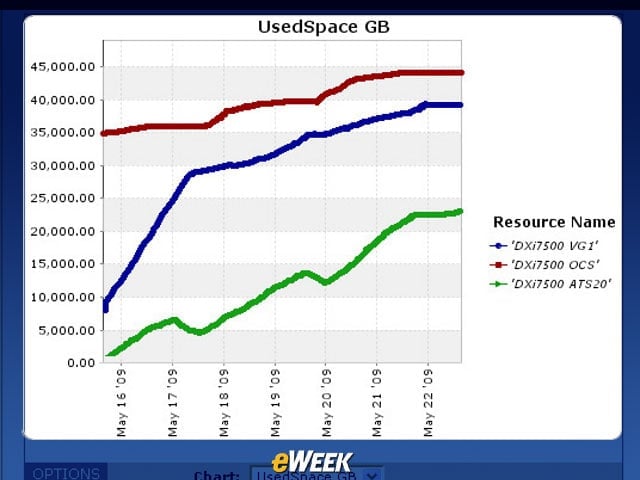
It’s easy to see trends in disk utilization from the Capacity Trending report.