




- eWEEK Labs Walk-Through: Office 2007 Beta 1 Technical Refresh
- eWEEK Labs Walk-Through: Office 2007 Beta 1 Technical Refresh – Vista
- eWEEK Labs Walk-Through: Office 2007 Beta 1 Technical Refresh – Vista interface
- eWEEK Labs Walk-Through: Office 2007 Beta 1 Technical Refresh – Word ribbon
- eWEEK Labs Walk-Through: Office 2007 Beta 1 Technical Refresh – Excel save options
- eWEEK Labs Walk-Through: Office 2007 Beta 1 Technical Refresh – Excel ribbon
- eWEEK Labs Walk-Through: Office 2007 Beta 1 Technical Refresh – Quick Access toolbar
- eWEEK Labs Walk-Through: Office 2007 Beta 1 Technical Refresh – PowerPoint ribbon
- eWEEK Labs Walk-Through: Office 2007 Beta 1 Technical Refresh – Context Tabs
eWEEK Labs Walk-Through: Office 2007 Beta 1 Technical Refresh
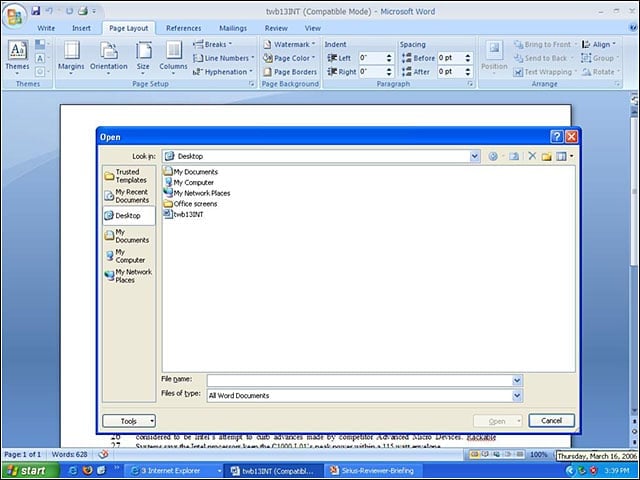
Users who install the Office 2007 Beta 1 Technical Refresh on Windows XP get this default look. The refreshed code includes an updated build of the new UI, as well as fixes for common bugs in Beta 1 that were reported by testers.
eWEEK Labs Walk-Through: Office 2007 Beta 1 Technical Refresh – Vista
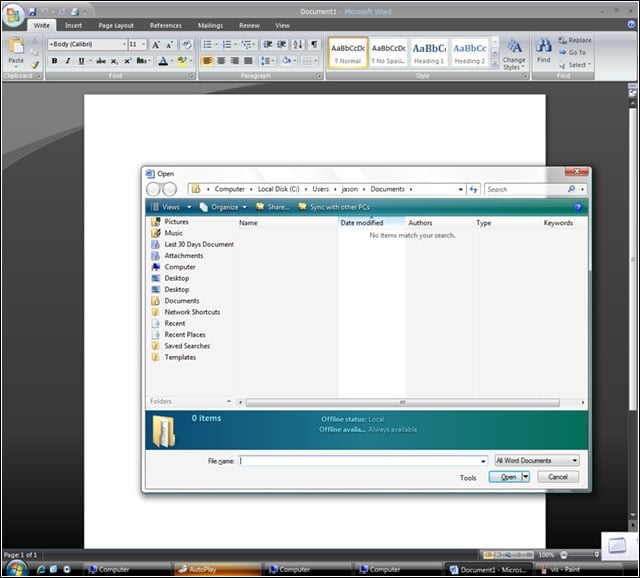
This is the first build of the 2007 Office Beta that functions on the Windows Vista February CTP. The default look in Vista is green rather than blue, but users will have a choice of skins. On Vista, Office will support Aero Glass with both skins.
eWEEK Labs Walk-Through: Office 2007 Beta 1 Technical Refresh – Vista interface
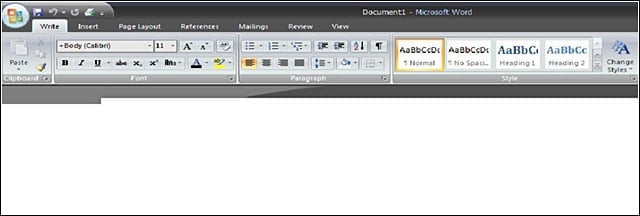
Users who run the Office 2007 Beta 1 Technical Refresh on Vista will see this ribbon by default.
eWEEK Labs Walk-Through: Office 2007 Beta 1 Technical Refresh – Word ribbon
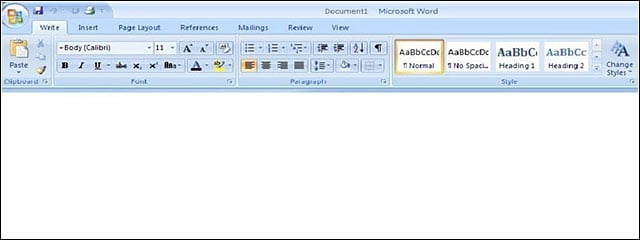
Users will notice that Write is now integrated into the Word ribbon.
eWEEK Labs Walk-Through: Office 2007 Beta 1 Technical Refresh – Excel save options
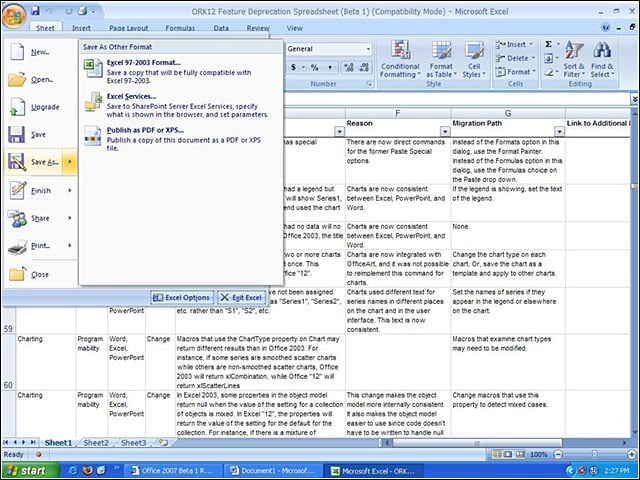
Once users click on the Office Button, theyll see a menu similar to the old File menu. When saving a document, users have a choice of document file formats.
eWEEK Labs Walk-Through: Office 2007 Beta 1 Technical Refresh – Excel ribbon
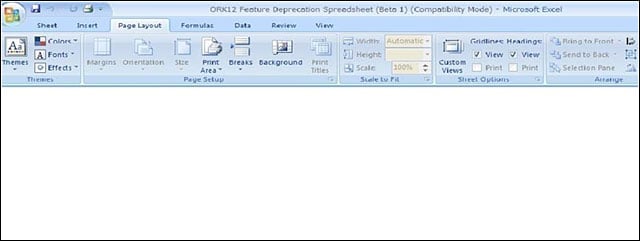
Microsoft says the new Excel UI is more intuitive and will allow users to work more efficiently. eWEEK Labs believes it may take some time for users to become accustomed to using the new ribbon.
eWEEK Labs Walk-Through: Office 2007 Beta 1 Technical Refresh – Quick Access toolbar
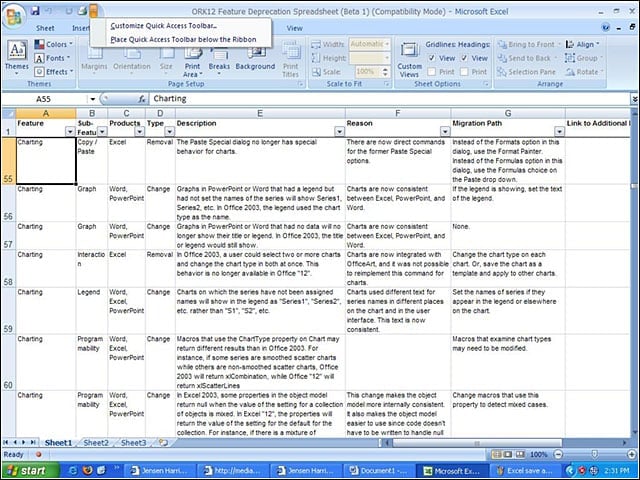
The Quick Access Toolbar is the customizable part of the UI. Users can store frequently used features in the toolbar for access, even when the ribbon is closed.
eWEEK Labs Walk-Through: Office 2007 Beta 1 Technical Refresh – PowerPoint ribbon
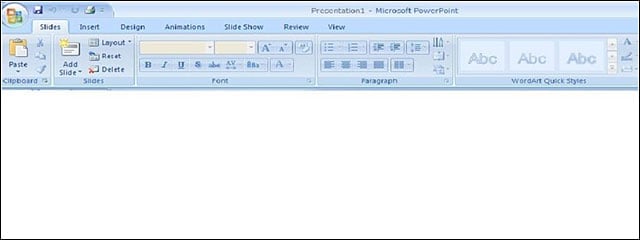
The newest addition to the PowerPoint ribbon is the Office Button in the top left-hand corner. This replaces the old File menu.
eWEEK Labs Walk-Through: Office 2007 Beta 1 Technical Refresh – Context Tabs
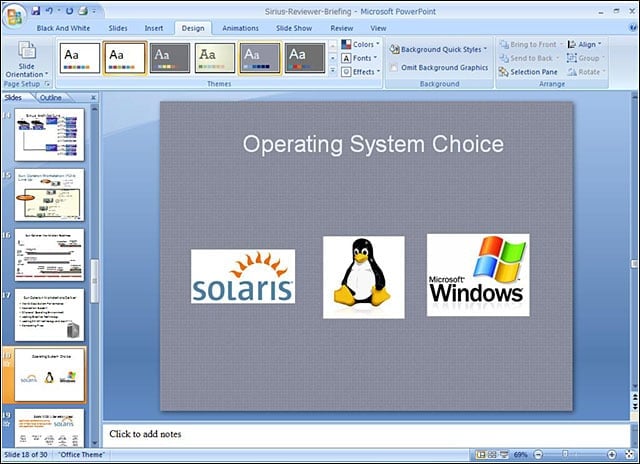
The Contextual Command Tabs will change and appear depending on what a user is working on. Here, we were able to toggle between colors to change the appearance of a slide.