




- eWEEK Labs Walk-Through: Office 2007 Beta 2 Technical Refresh
- eWEEK Labs Walk-Through: Office 2007 Beta 2 Technical Refresh – Prepare …
- eWEEK Labs Walk-Through: Office 2007 Beta 2 Technical Refresh – Vista Installing …
- eWEEK Labs Walk-Through: Office 2007 Beta 2 Technical Refresh – Vista Install
- eWEEK Labs Walk-Through: Office 2007 Beta 2 Technical Refresh – Space saver
- eWEEK Labs Walk-Through: Office 2007 Beta 2 Technical Refresh – Ribbon minimization
- eWEEK Labs Walk-Through: Office 2007 Beta 2 Technical Refresh – Sorry, no save as PDF
- eWEEK Labs Walk-Through: Office 2007 Beta 2 Technical Refresh – Word to the wise
- eWEEK Labs Walk-Through: Office 2007 Beta 2 Technical Refresh – Silver theme
- eWEEK Labs Walk-Through: Office 2007 Beta 2 Technical Refresh – Black theme
- eWEEK Labs Walk-Through: Office 2007 Beta 2 Technical Refresh – Quick Access
- eWEEK Labs Walk-Through: Office 2007 Beta 2 Technical Refresh – PowerPoint Tabs
- eWEEK Labs Walk-Through: Office 2007 Beta 2 Technical Refresh – Vista Outlook
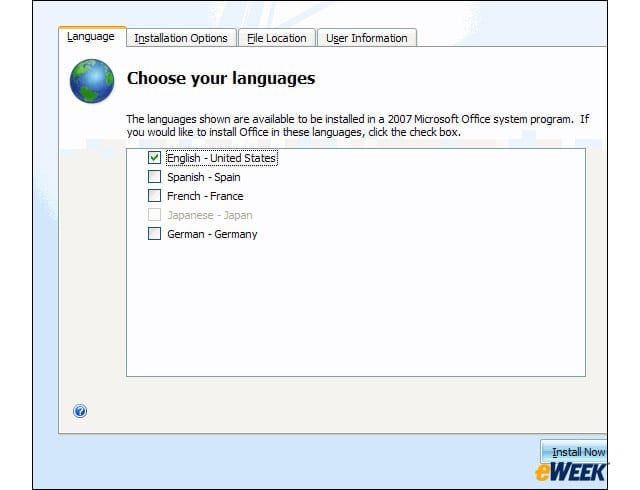
eWEEK Labs Walk-Through: Office 2007 Beta 2 Technical Refresh
Setup …
eWEEK Labs Walk-Through: Office 2007 Beta 2 Technical Refresh – Prepare …
Prepare …
eWEEK Labs Walk-Through: Office 2007 Beta 2 Technical Refresh – Vista Installing …
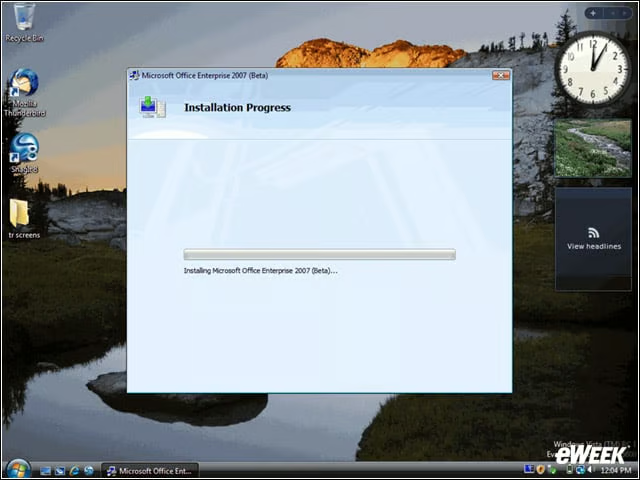
Vista Installing …
eWEEK Labs Walk-Through: Office 2007 Beta 2 Technical Refresh – Vista Install
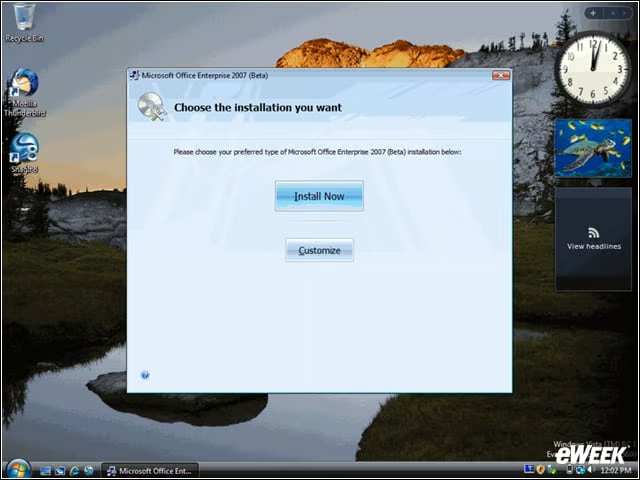
Installed! While Microsoft’s Office 2007 Beta 2 Technical Refresh will be distributed over the Web as a patch to be installed over Office 2007 Beta 2, eWEEK Labs received a completely new installation that required us to uninstall Office 2007 Beta 2 on
eWEEK Labs Walk-Through: Office 2007 Beta 2 Technical Refresh – Space saver
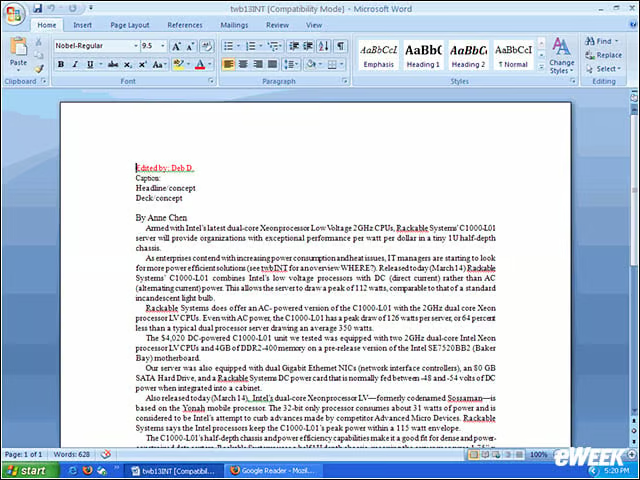
In the Technical Refresh, there is a new paragraph-spacing UI that includes an expanded line spacing menu on the Home tab and the ability to set the default amount of space between and within paragraphs.
eWEEK Labs Walk-Through: Office 2007 Beta 2 Technical Refresh – Ribbon minimization
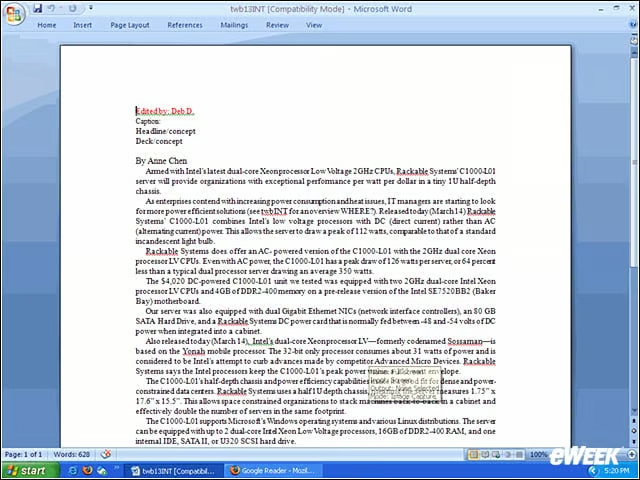
When Microsoft first announced the new features and user interface of Office 2007, one of the controversial changes was the addition of the ribbon. Users can now minimize the ribbon quickly using the mouse. For example, we were able to bring up the ri
eWEEK Labs Walk-Through: Office 2007 Beta 2 Technical Refresh – Sorry, no save as PDF
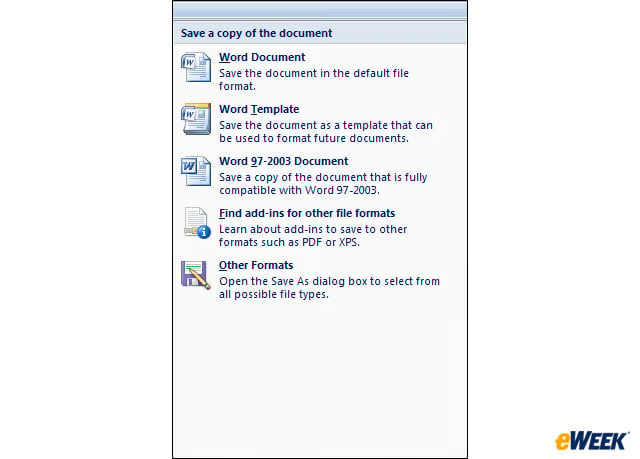
When Office 2007 Beta 2 came out, one of the things we liked most about it was the addition of PDF capabilities. After a squabble with Adobe, however, Microsoft removed the features as well as the ability to save in a new format called XPS (XML Paper S
eWEEK Labs Walk-Through: Office 2007 Beta 2 Technical Refresh – Word to the wise
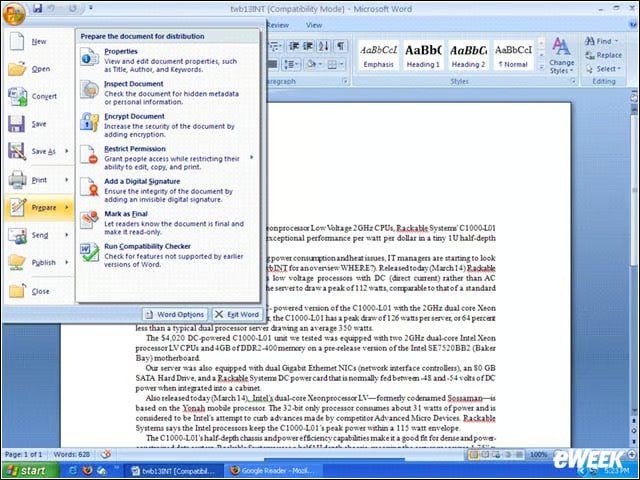
One of the reasons Microsoft decided to release a technical refresh was to incorporate user suggestions on how to make the interface more usable. One difference we noticed was a change in wording, from ‘Finish’ to ‘Prepare,’ in the Office button menu.
eWEEK Labs Walk-Through: Office 2007 Beta 2 Technical Refresh – Silver theme
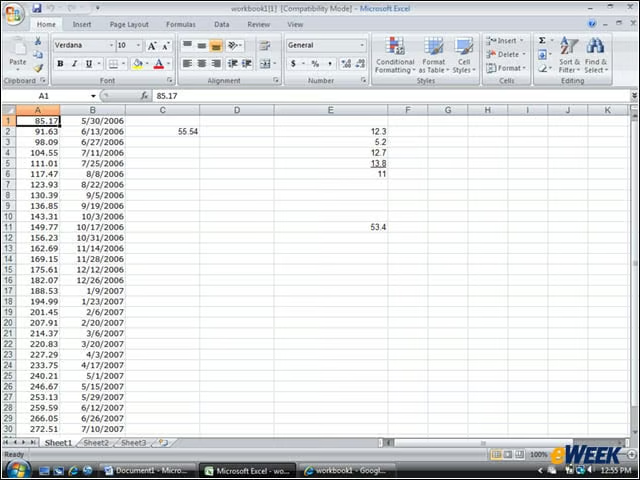
The Office 2007 Beta 2 Technical Refresh introduces a new color scheme: Silver. Here, we are running Office 2007 with the silver theme on Vista RC1.
eWEEK Labs Walk-Through: Office 2007 Beta 2 Technical Refresh – Black theme
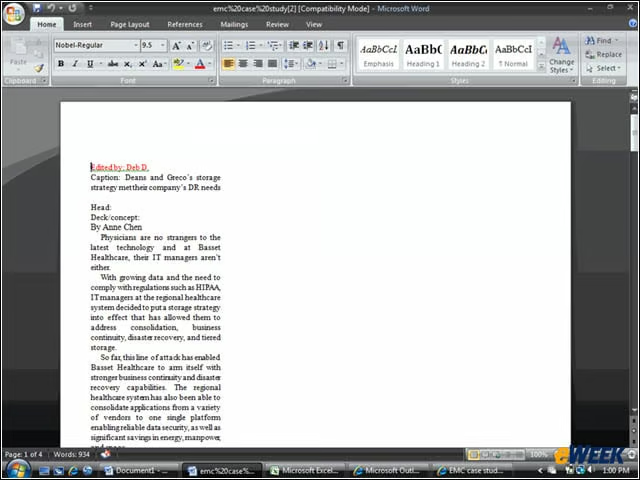
While we weren’t running Vista RC 1 with Aero Glass, the Office Black theme was still pretty sharp. Office 2007’s default color scheme, however, will be blue.
eWEEK Labs Walk-Through: Office 2007 Beta 2 Technical Refresh – Quick Access
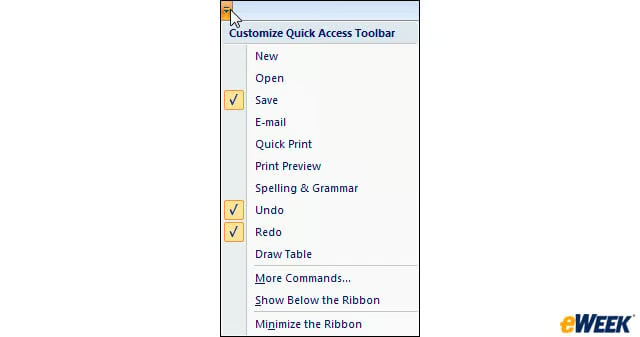
Office 2007 Beta 2 Technical Refresh includes the ability to customize the Quick Access toolbar on the fly.
eWEEK Labs Walk-Through: Office 2007 Beta 2 Technical Refresh – PowerPoint Tabs
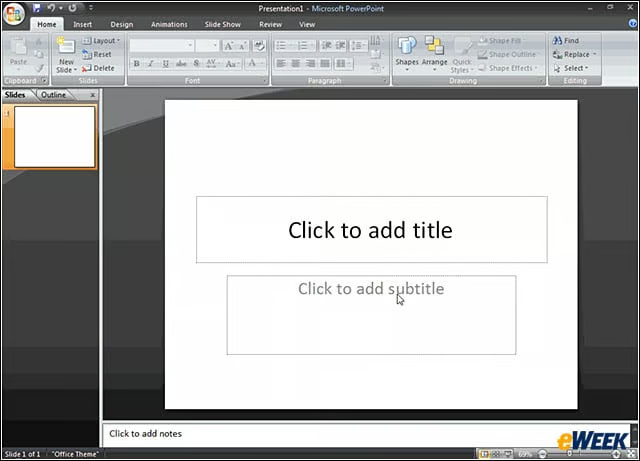
The drawing and formatting tools are now on the Home Tab of PowerPoint with the Office 2007 Beta 2 Technical Refresh.
eWEEK Labs Walk-Through: Office 2007 Beta 2 Technical Refresh – Vista Outlook
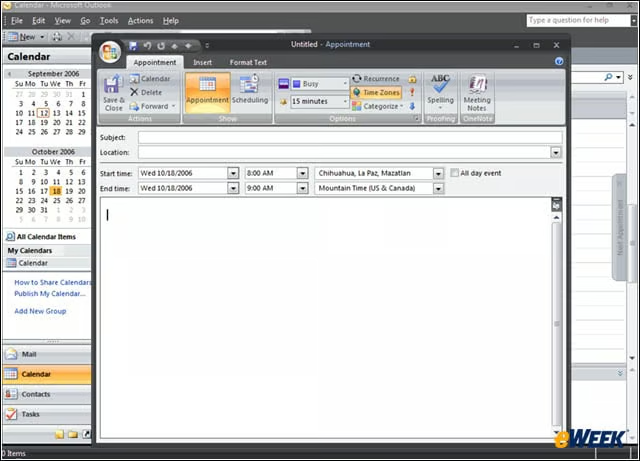
With Office 2007 Beta 2 Technical Refresh, users can now schedule appointments in the context of another time zone.