




- 10 Essential Apple iPad Productivity Apps for IT Pros
- Name: DropboxPrice:
- Name: SimplenotePrice:
- Name: PaperDesk Lite for iPadPrice:
- Name: SkyGridPrice:
- Name: EvernotePrice:
- Name: SugarSyncPrice:
- Name: LogMeIn IgnitionPrice:
- Name: Digits Calculator for iPadPrice:
- Name: GoodReader for iPadPrice:
- Name: PagesPrice:
- No Title
10 Essential Apple iPad Productivity Apps for IT Pros
by Nicholas Kolakowski
Name: Dropbox
Price:
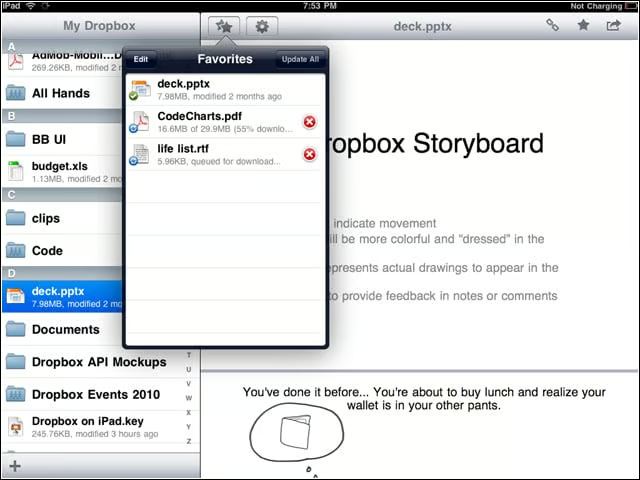
FreeThis app allows users to share files via e-mail, text message, or by copy and pasting links; files can also be exported to other iPad apps, or downloaded for offline viewing. It does require a Dropbox account.
Name: Simplenote
Price:
FreeThis app allows you to create and edit text notes, as well as add links and build extras via a developer API. Users can also categorize and search through their notes.
Name: PaperDesk Lite for iPad
Price:
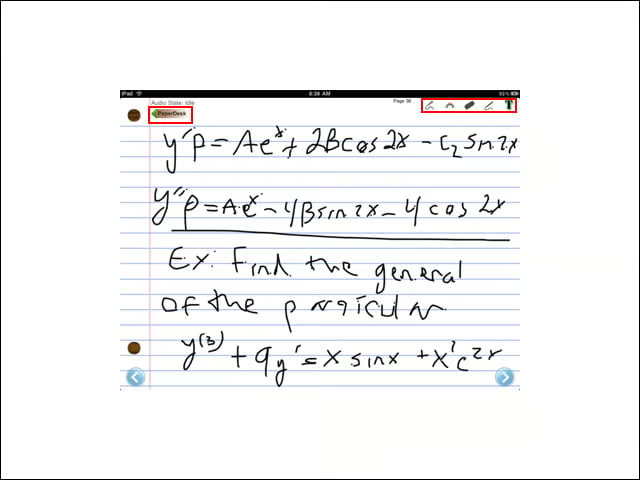
FreeA “notebook replacement” app for iPad that lets users write on virtual paper (in multiple colors), e-mail a page in .PDF format, record audio while taking notes, bookmark pages to navigate, and draw. It also features spell-check.
Name: SkyGrid
Price:
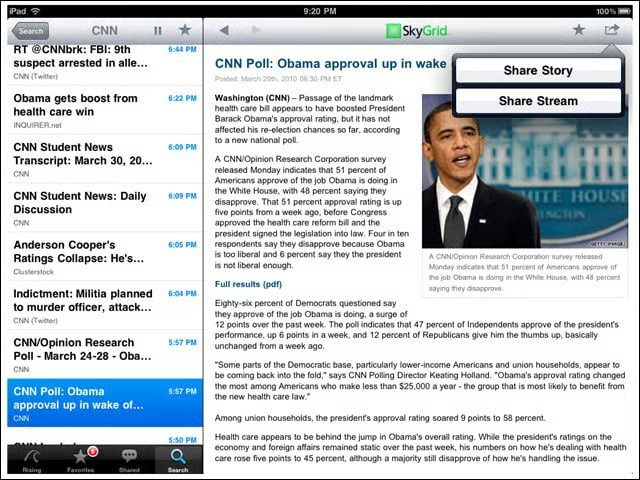
FreeSkyGrid uses a proprietary algorithm to determine the fastest-spreading topics and trends on the Internet, subdivided by category (Sci & Tech, etc.). Other features include the ability to create custom streams, receive live streaming updates and alert notifications.
Name: Evernote
Price:
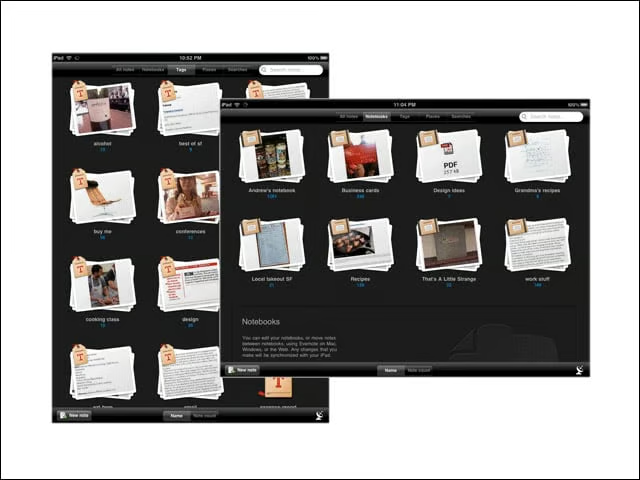
FreeEvernote facilitates the creation of text, photo and audio notes, and the auto-syncing of those notes with a Mac or PC. All notes include geo-location information for mapping and search.
Name: SugarSync
Price:

FreeAccess to cloud-based files, photos and music from a device, paired with the ability to share those files with other users. For music-philes, a key feature is the ability to stream a music library from any computer.
Name: LogMeIn Ignition
Price:
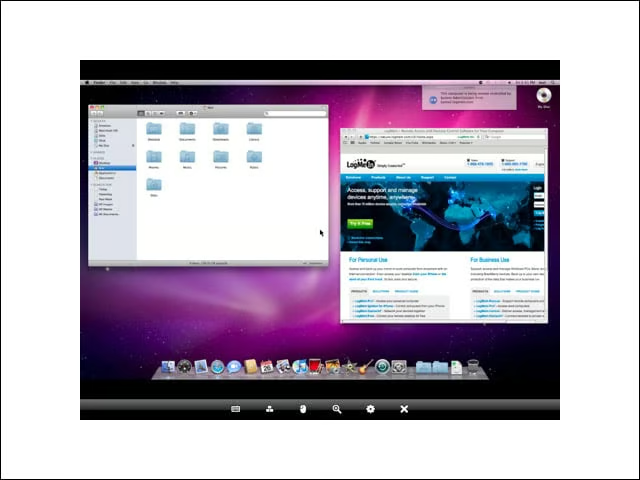
$29.99The iPad version of this app boasts one-click remote access to your other computers. This app requires a LogMeIn account.
Name: Digits Calculator for iPad
Price:
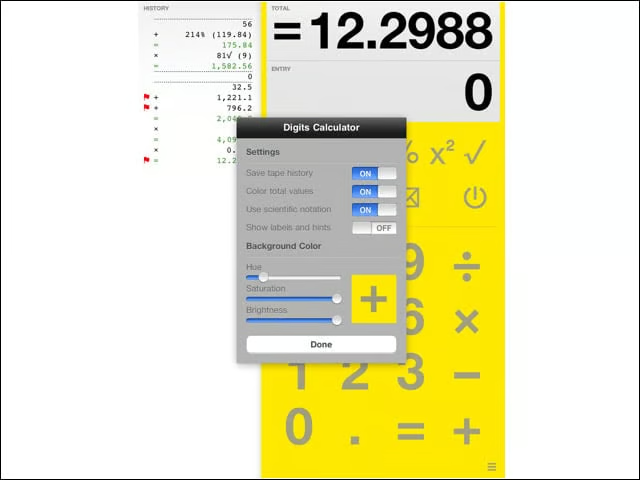
$0.99This app aims to be a calculator on steroids: Features include the ability to hold calculations in place after you leave the app, scroll back through mistakes, keep running totals, flag important digits, and personalize background colors.
Name: GoodReader for iPad
Price:
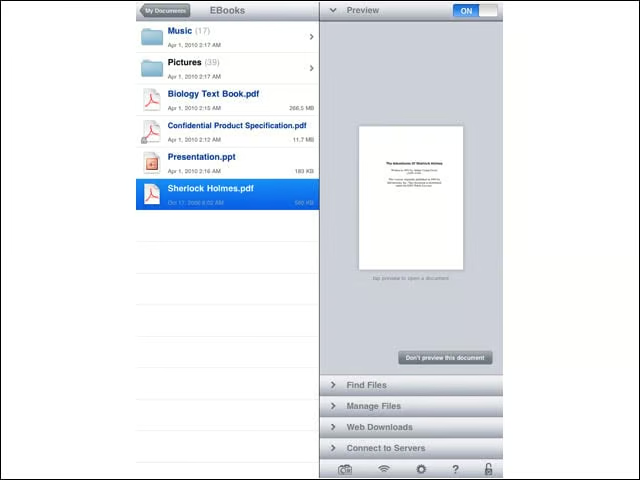
$0.99An e-document reader, this app supports .doc, .txt, .ppt, .xls and PDF formats, with the ability to display iWork -08/09, HTML and Safari Webarchives, and high-resolution images. The app fits the text for full-screen reading, with navigational controls for quick browsing.
Name: Pages
Price:
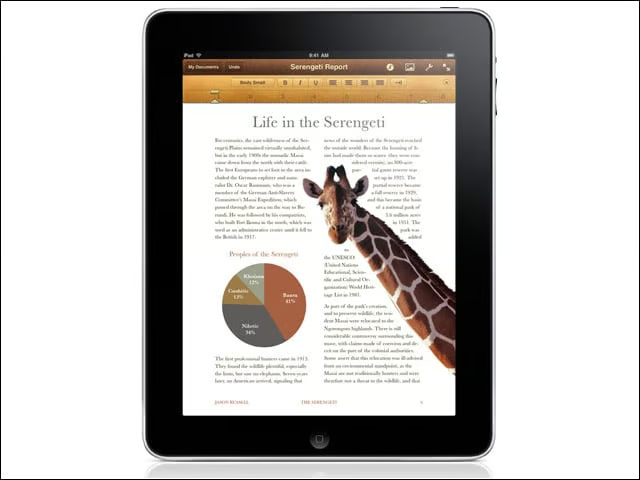
$9.99Still the most popular paid-productivity app for iPad, this modified word processor gives the user 16 predesigned templates for cards, fliers, etc. Documents can be imported from Pages 09 or Microsoft Word, and then exported to either of those two programs or PDF.
