






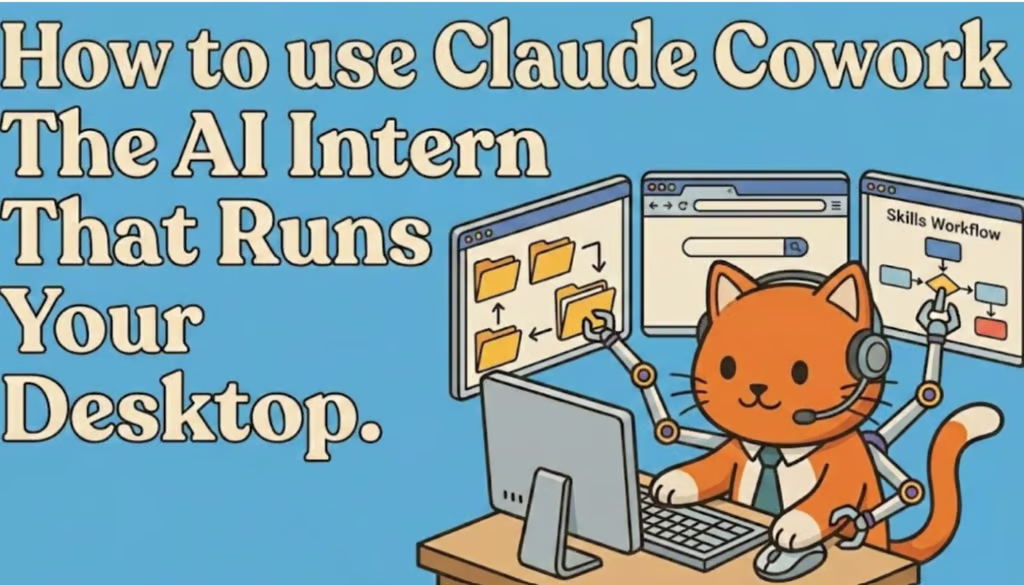


Yesterday, we mentioned Claude Cowork as one of the top agents you need to try if you haven’t yet. It’s a relatively new mode for the Claude desktop app that transforms the AI from a chatbot into an active agent capable of managing files, controlling your browser, and executing complex workflows on your computer.
- It’s not just chat: Unlike the standard web interface, Cowork lives on your desktop and acts as a “doer” rather than just a chatter. It can access local folders, rename files, and organize documents.
- It drives your browser: If you need research done, Cowork can open a browser window, search Google or X, scroll through results, and synthesize findings while you do other work.
- Parallel Processing: The real unlock is running multiple “sessions” at once. You can have one agent organizing your receipts and another researching a blog post simultaneously.
- Code Execution: It includes a data analysis sandbox (similar to ChatGPT’s) for creating graphs or formatting spreadsheets instantly.
Here is what early users are doing with it:
- The “Receipts” Hack: On Greg Isenberg’s podcast, Boris demonstrated dumping a pile of unnamed PDF receipts into a folder. Cowork opened each one, identified the vendor and date, and automatically renamed the files.
- The Newsletter Machine: Ben AI showed how to give Cowork a YouTube link, have it download the transcript, find the “hooks,” and write a full newsletter in his specific tone of voice (side note: are WE, The Neuron, cooked?!)
- Background Research: Users are asking Cowork to “find me 10 examples of X” and letting the AI surf the web in the background while they focus on writing.
WHAT TO DO: The most powerful feature in Cowork is “Skills.”
We’ve talked about this a bit recently, but think of Skills as “Projects” on steroids. A Skill is a saved workflow (like “Write a LinkedIn Post”) that includes your specific instructions and context files (like your company’s tone of voice).
Your move:
- Download the Claude Desktop App (Cowork doesn’t work in the browser).
- Don’t try to code a Skill from scratch. Instead, have Claude perform a task manually once (e.g., repurposing a video).
- Once the output is good, tell Claude, “Save this process as a Skill.”
- Now you have a reusable agent for that task forever.
The goal isn’t to have AI write for you, or even fully replace you; it’s to build a library of Skills that handle the repetitive “grunt work” so you can focus on the strategy.
We wrote a lot more about this here on the website, covering Peter Yang’s framework for the five levels of AI, Matt Shumer’s viral essay, and how to actually set up autonomous AI agent teams to do your bidding.
Editor’s note: This content originally ran in the newsletter of our sister publication, The Neuron. To read more from The Neuron, sign up for its newsletter here.